 ProMapRanker
Best App to Track Expenses and Budget in 2026

Key takeaways
- YNAB and EveryDollar suit people who want a strict plan for every dollar, while Monarch and Copilot suit people who want a full picture with less daily work.
- Rocket Money, Goodbudget, EveryDollar and Empower all offer a genuinely usable free tier, so you can start without paying.
- Bank sync is the feature most often kept behind a paywall, so check whether the free version syncs or needs manual entry before you commit.
- This is general information only, not financial advice, and prices change, so confirm the current price on the vendor site before you subscribe.
Quick comparison
| Pick | Great for | Pricing starts at | Free tier | |
|---|---|---|---|---|
 YNAB | Strict zero-based budgeting | $14.99 per month | Free trial (34 days) | Visit |
 Monarch Money | Complete household dashboard | $99.99 per year | Free trial (7 days) | Visit |
 Copilot Money | Apple users who want a polished tracker | $95 per year | Free trial (1 month) | Visit |
 Quicken Simplifi | Low-cost automatic tracking | See website | Free trial | Visit |
 EveryDollar | Simple zero-based budgeting | Free | Yes | Visit |
 Goodbudget | Digital envelope budgeting | Free | Yes | Visit |
 Rocket Money | Subscriptions and bill tracking | Free | Yes | Visit |
 Empower | Free net worth and spending views | Free | Yes | Visit |
 PocketGuard | One safe-to-spend number | $74.99 per year | Free trial (7 days) | Visit |
The best app to track expenses and budget
We compared official pricing pages, feature pages and app store listings for the apps below, and we kept only tools that are live in October 2026 and truly track spending with a budget.
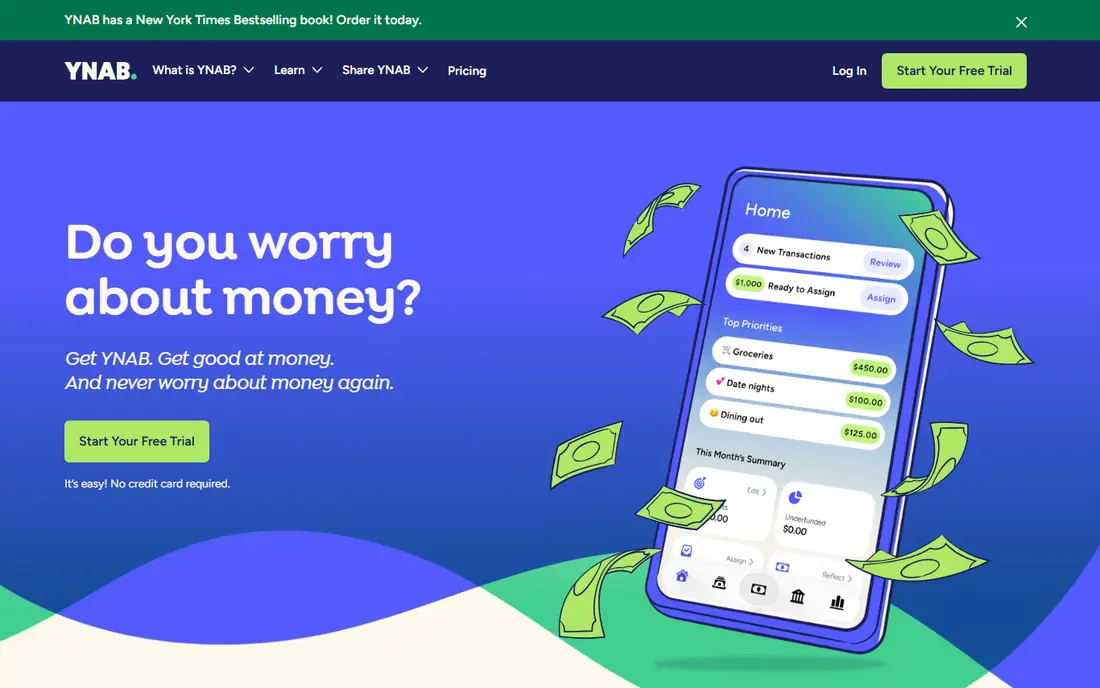
YNAB, short for You Need A Budget, asks you to give every dollar a job before you spend it. That single rule is the whole point, and it is why the app suits people whose budgets keep slipping even though they track spending. Bank sync pulls transactions in, and you then sort them into categories you set yourself. When a category runs low, you move money from another category instead of letting the overspend slide.
The trade-off is effort. YNAB works best when you check it often, especially in the first month, and the price is higher than most rivals. College students can get a free year, which softens the cost for that group. For most people, our pick for a method that changes habits is YNAB, provided you are willing to do the weekly sorting it asks for.
- Clear budgeting method
- Strong debt payoff tools
- Helpful learning resources
- No free tier
- Learning curve in the first weeks
Monarch Money is the closest thing here to a single home for your money. Budgets, accounts, investments, cash flow and net worth sit in one dashboard, and you can share selected parts with a partner without sharing everything. That control matters for couples who want one budget but separate personal accounts. Categories are flexible, so you can run a strict plan for some areas and a loose plan for others.
The catch is the trial, which lasts only seven days, so a careful test needs a focused week. Monarch also costs more than the cheapest automatic trackers. If you want one paid app that covers budgeting and the wider picture, and you do not need a teaching method like YNAB, Monarch is a strong default.
- Budget, net worth and investments in one place
- Good sharing controls for couples
- Broad bank coverage
- Short trial
- No free tier
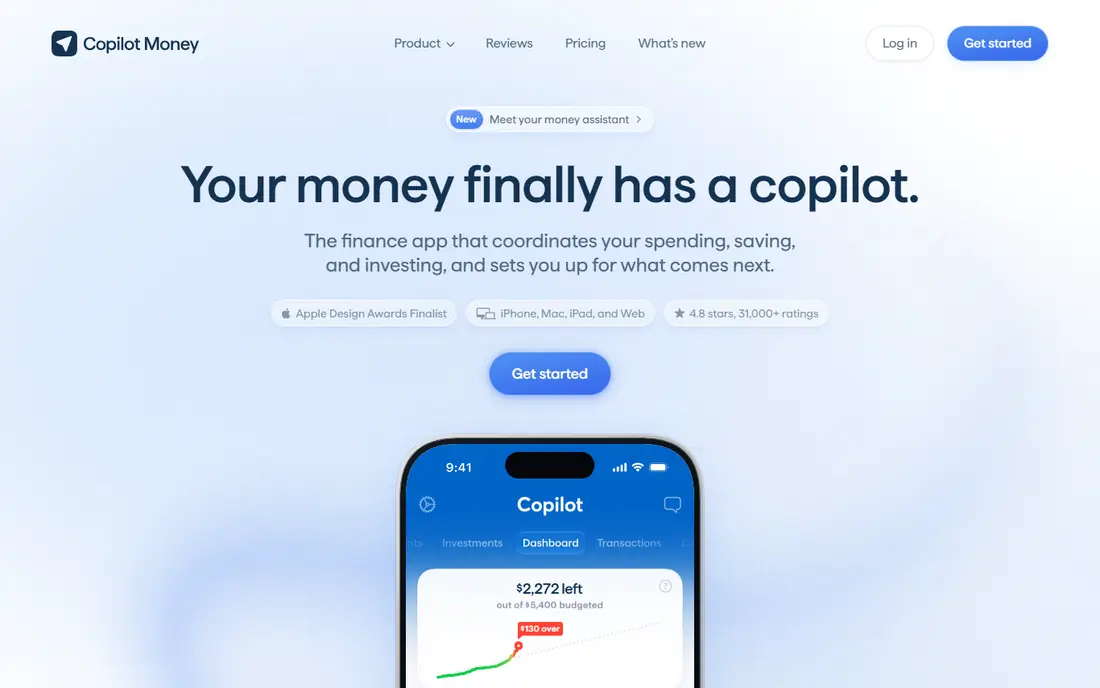
Copilot Money is built around Apple devices, with iPhone, iPad and Mac apps and a web view. Its strength is presentation: spending, budgets, cash flow and investments read clearly at a glance, and categorization does much of the sorting work for you. The app also handles recurring transactions and lets you build budgets around your own categories rather than a fixed template.
The limit is platform focus. Android users should look elsewhere, since Copilot is not built for them. There is also no free tier beyond the one-month trial. If you live in the Apple world and want tracking that feels calm rather than cluttered, Copilot earns its place here.
- Clean design
- Smart categorization
- Investment and net worth views
- Apple-focused
- No free tier
Simplifi, from Quicken, takes a different angle from strict budgeting. It builds a spending plan from your income, bills and savings goals, then shows what is left to spend. That forward view helps people who mainly want to know whether the month is on track, rather than assigning every dollar in advance. Bill watchlists flag upcoming payments, which cuts down on missed due dates.
Simplifi is often the cheapest capable automatic tracker when a first-year promotion applies, but the regular price is higher, so check the checkout total. It also offers less hand-holding than YNAB for people who need a method to change habits. For a low-friction tracker with a plan view, it is good value.
- Spending plan with forward-looking view
- Watchlists for bills
- Broad account sync
- Price varies by promotion
- Less of a teaching method than YNAB
EveryDollar follows the zero-based idea in its simplest form. You list income, list planned spending by category, and adjust until the planned total matches income. The free version needs manual entry, which sounds like a drawback, yet many users find that typing each expense keeps them closer to the budget. The layout stays plain, with no investment views to distract from the month at hand.
Premium adds bank sync and extra features at $79.99 per year, based on vendor and comparison listings. If you want the Ramsey-style method without paying, the free manual version is enough to test it. The honest catch is scale: large households with many accounts will outgrow manual entry faster than a single person will.
- Very simple setup
- Clear zero-based layout
- Free manual version
- Bank sync needs Premium
- Fewer analysis tools than Monarch
Goodbudget turns the old cash envelope system into phone envelopes. You fill envelopes for groceries, rent, transport and fun, then record spending against them. When an envelope is empty, the decision is visible at once, which is the point of the method. It works without linking bank accounts, so privacy-minded users can keep full control of their data.
The free plan covers 20 envelopes, one account and two devices, which suits many single users and couples. Plus costs $80 per year and lifts those limits, with bank sync for US banks. Goodbudget is less useful if you want automatic investment or net worth tracking, since that is not its job. For envelope budgeting done well, it remains the clearest option.
- True envelope method
- Works without bank links
- Good for couples
- Free plan caps envelopes
- Bank sync needs Plus in the US
Rocket Money starts with a practical question: what are you already paying for? It surfaces subscriptions and recurring charges, then lets you track spending and set budgets around them. The free tier covers basic tracking and subscription detection, which makes it a useful first app for people who have never reviewed their recurring costs. Premium, priced on a pay-what-you-want range from about $7 to $14 per month, adds more features and bill negotiation help.
Budgeting here is simpler than in YNAB or Monarch, with fewer categories and less planning depth. That is fine if your main goal is to cut waste rather than run a strict monthly plan. Start free, cancel what you do not need, and only upgrade if the extra tools save you more than they cost.
- Finds subscriptions
- Free spending tracking
- Bill negotiation help on Premium
- Premium price varies
- Budgeting is more basic than YNAB
Empower, formerly Personal Capital, offers a free personal dashboard that links accounts and shows spending, cash flow and net worth together. It is the best free starting point if you care more about the overall picture than about planning each category. Investment views, including allocation and fees, go further than most free trackers, which is why many users keep Empower alongside a separate budgeting app.
The limit is budgeting itself. Empower tracks spending well, but it does not teach a method or enforce a plan the way YNAB does. It also sits inside a wealth management business, so expect offers for advisory services. Use it as a free dashboard, judge the budgeting part on its own merits, and pair it with Goodbudget or EveryDollar if you need stricter planning.
- Free dashboard
- Strong investment and net worth views
- No paid tier for core tracking
- Not a full budgeting method
- Retirement tools assume investment focus
PocketGuard answers one question well: after bills, goals and savings, how much can you spend right now? That In My Pocket number sits at the top of the app, and everything else supports it. Linked accounts feed the calculation, and you can set limits by category if you want more detail. For people who find full budgets tiring, a single trustworthy number is often easier to follow day to day.
The drawback is price and depth. PocketGuard costs $74.99 per year or $12.99 per month, with only a seven-day trial, and it does not offer the household dashboard or teaching method of its pricier rivals. If a simple answer beats a detailed plan for you, PocketGuard is worth the trial. If you want deep planning, YNAB or Monarch fits better.
- Clear In My Pocket figure
- Bill and subscription views
- Simple setup
- No lasting free tier
- Fewer planning tools than Monarch
How we picked these
We compared official pricing pages, feature descriptions and app store listings, and we left out tools that have closed. Mint, for example, shut down in 2024, so it does not appear here even though older guides still list it. We kept only apps that are live in October 2026, that track expenses and support a budget, and that serve US consumers. Prices shown are the ones vendors and current comparison pages list, and we wrote See website where a price varies by promotion or plan.
What to check before you pay
Start with the free tier, not the paid plan. Link one main account, run the app for two full weeks, and see whether categories match how you actually spend. A tracker that needs constant fixing will not survive a busy month, no matter how good its charts look.
Next, decide how much automation you want. Manual entry builds awareness but takes time, while bank sync saves time but needs you to trust the connection and review the sorting. Check which accounts sync, whether the free tier includes sync, and how easy it is to disconnect an account. Also check the renewal price, not just the first-year price, and set a reminder before any trial ends.
Finally, match the method to your habits. A strict zero-based plan helps if overspending is the problem. A spending plan helps if you mainly want to stay on track. A safe-to-spend number helps if detail puts you off. The best app is the one you still open in month three, so a short trial with real transactions beats a long feature list.
Frequently asked questions
What is the best app to budget and track expenses?
There is no single winner for every household. YNAB suits strict planners, Monarch suits households that want one dashboard, and Rocket Money or Goodbudget suit people who want to start free. Pick based on whether you need a method, a dashboard or a simple spending answer.
Is there a free app to track expenses and budget?
Yes. EveryDollar, Goodbudget, Rocket Money and Empower all offer free tiers that cover real tracking, with limits on sync, envelopes or features. Start with one of those before paying, and only upgrade when a paid feature solves a problem you actually hit.
Do these apps need my bank login?
Most automatic trackers link accounts through a secure connection service, while Goodbudget and the free version of EveryDollar work with manual entry. If you prefer not to link accounts, choose a manual app and accept the extra typing. You can disconnect linked accounts from the app settings at any time.
How much should a budgeting app cost?
Free tiers cover basic tracking, while capable paid apps in this list run from about $75 to $110 per year. A first-year promotion can lower that cost, but the renewal price is the one that matters. Judge the price against money saved on subscriptions and overspending, not against the feature list alone.
Can couples share one budget app?
Yes, with limits that vary by app. Monarch lets you share selected parts of a dashboard, Goodbudget supports shared envelopes across devices, and most other apps support one household login. Check sharing controls before subscribing if one partner wants some accounts kept private.
Is this financial advice?
No. This guide gives general information about budgeting tools and how they work. It is not financial advice, and it does not replace advice from a qualified professional about debt, investing or tax. If money worries are serious, speak to a nonprofit credit counselor or a licensed adviser.
Sources
See where you really rank - block by block
ProMapRanker scans Google Maps across a grid of your service area. Simple monthly plans from $19, white-label on every plan.
Start freeKeep reading
 who has best internet service
Who Has the Best Internet Service in 2026
Who has best internet service for US homes? We compare fiber, cable, fixed wireless and satellite providers on speed, price, availability and terms today.
Read → which survey tool has the best analytics
Which Survey Tool Has the Best Analytics in 2026
Find which survey tool has the best analytics in 2026, comparing Qualtrics, SurveyMonkey, Typeform, Alchemer, and more on reports, text, and stats today.
Read → which streaming service has the best movies
Which Streaming Service Has the Best Movies in 2026
Answering which streaming service has the best movies, with Netflix, Max, Criterion and more compared on libraries, prices and free options in this guide.
Read →