 ProMapRanker
Best App to Scan Receipts and Get Money Back in 2026

Key takeaways
- Fetch Rewards and Receipt Hog pay on almost any receipt, so they suit people who do not want to plan around brand offers.
- Ibotta and Checkout 51 usually pay more per trip, but only when you activate the right offers before you shop.
- Stacking two or three apps on the same receipt is the main way to turn small payouts into a useful monthly total.
- Cash-out rules matter as much as earning rates, because a high balance threshold can keep your money locked up for months.
- Read the receipt rules before you rely on an app, since age limits, store limits, and weekly caps change what you can actually claim.
Quick comparison
| Pick | Great for | Pricing starts at | Free tier | |
|---|---|---|---|---|
 Ibotta | Planned grocery trips | Free | Yes | Visit |
 Fetch Rewards | Any receipt, no planning | Free | Yes | Visit |
 Receipt Hog | Simple passive scanning | Free | Yes | Visit |
 CoinOut | Scanning the same receipt again | Free | Yes | Visit |
 Checkout 51 | Weekly grocery offers | Free | Yes | Visit |
 Upside | Gas, groceries, and dining | Free | Yes | Visit |
 Swagbucks | Receipts plus other earning tasks | Free | Yes | Visit |
 National Consumer Panel | Panel members who scan regularly | Free | Yes | Visit |
The best app to scan receipts and get money back
Receipt apps pay small amounts for shopping you already do, and the best choice depends on how much planning you are willing to do before a shop. We compared official features, payout methods, and cash-out rules, and we kept only apps that are still active in October 2026.
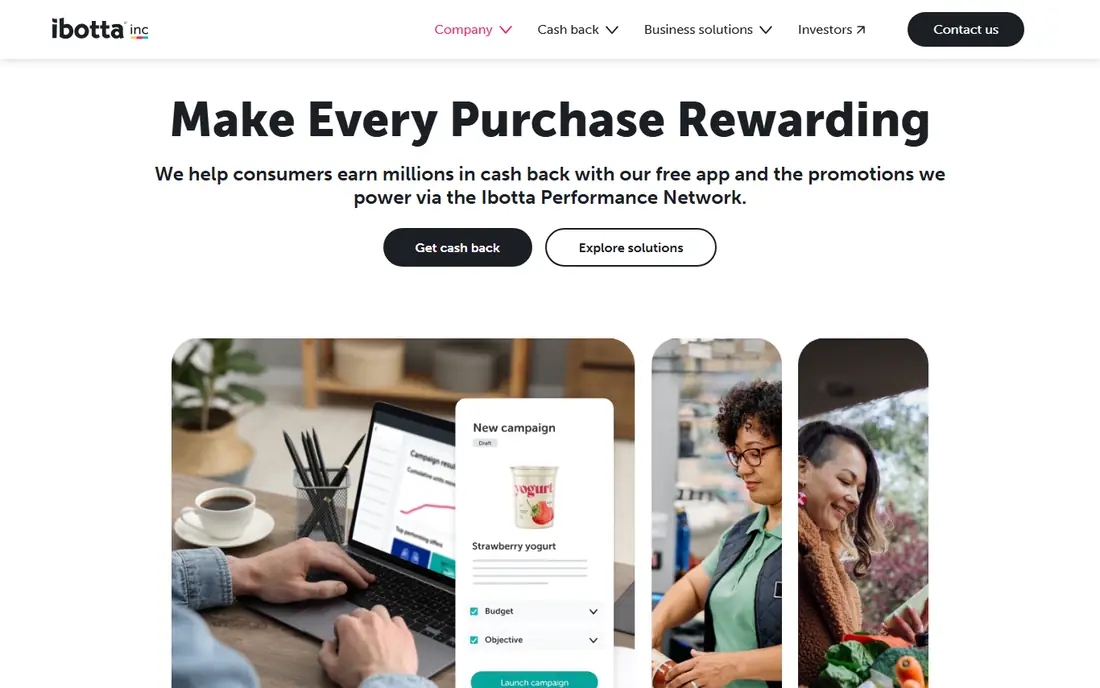
Ibotta is our pick for shoppers who check offers before they leave home. You browse the offers in the app, add the ones that match your list, shop as normal, and then scan the receipt or link a loyalty account where that option is offered. Brand rebates are often worth more than the base points paid by passive scanning apps, which is why Ibotta suits a planned weekly shop better than a quick corner-store visit.
The catch is the work involved. If you forget to activate an offer, that purchase usually does not count, and receipts have time limits. The $20 minimum for many cash-out options also means casual users may wait several weeks before they see money. Still, for a household that buys the same brands each week, the extra step is often worth it, and the mix of grocery, pharmacy, and online offers gives the app more range than a grocery-only tool.
- Higher payouts on named brand offers
- Cash via PayPal, bank transfer, or gift cards
- In-store and online offers in one place
- Offers must be activated before purchase
- $20 cash-out minimum can take a while to reach
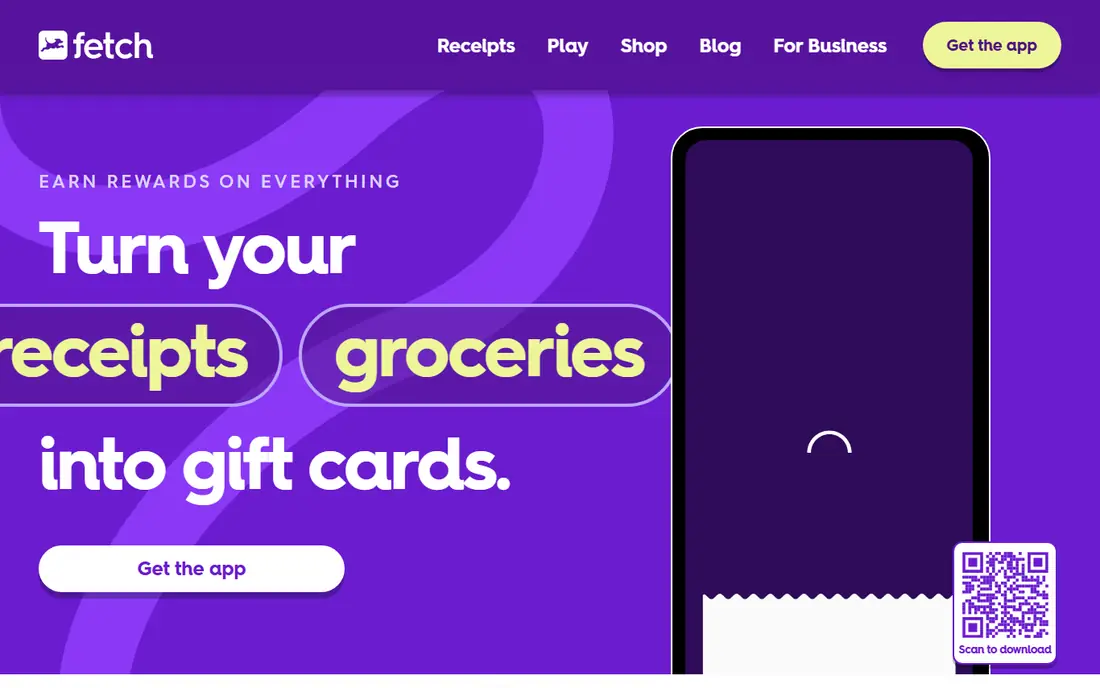
Fetch Rewards is the easiest app on this list to use every day. You take a photo of any receipt, from a supermarket, a petrol station, a restaurant, or a pharmacy, and you earn points. Partner brand offers can add bonus points, but the core habit needs no planning at all, which makes it a good first app for people who have never used a receipt tool before.
The trade-off is value per receipt. Base points alone add up slowly, so Fetch works best as a background habit rather than a main way to save money. You should also check the receipt age limit and the weekly receipt cap in the app before you count on scanning a backlog. Used steadily, though, Fetch turns a drawer full of paper into gift cards for stores you already use.
- Accepts receipts from almost any store
- No offer activation needed for base points
- Low gift card redemption threshold
- Payouts are gift cards and prepaid options, not direct cash in most cases
- Base points per receipt are small
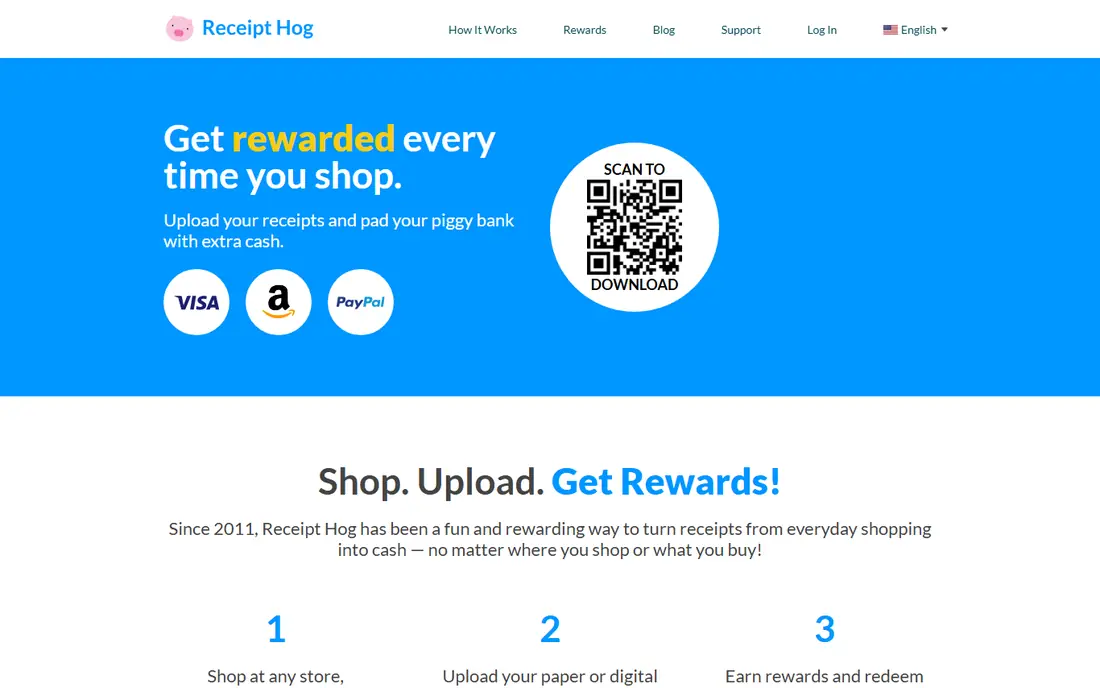
Receipt Hog follows the same simple idea as Fetch, with coins instead of points. You scan a receipt, earn coins based on the spend shown, and redeem once you reach the threshold for PayPal, Amazon, or a Visa gift card. The app also offers surveys and a bonus spin feature, which can add a little extra, though surveys take more time than scanning.
Receipt Hog is a good second app because it accepts many of the same receipts you already scan elsewhere. That stacking is the point, since no single passive app pays much on its own. Keep receipts clear and scan them promptly, because faded print and old receipts are the most common reasons for a rejected scan.
- Accepts a wide range of receipts
- Coins convert to PayPal or gift cards
- Surveys and bonus features add extra earning routes
- Coins per receipt are small
- Some receipts are rejected if they are unclear or out of date
CoinOut is best viewed as a third layer on top of Fetch and Receipt Hog, not as a standalone earner. You scan the same receipt you have already used elsewhere, and you earn a small amount each time. On its own that amount is tiny, but over a month of regular shopping it can add a few dollars that would otherwise be lost.
The app is also useful for people who want flexible redemption, with gift card options at lower balances than PayPal in some cases. Check the current thresholds in the app before you set a goal, because they differ by payout type. CoinOut will not change your budget, but it costs almost no extra time once scanning is already part of your routine.
- Accepts many receipt types
- Low cash-out options for some gift cards
- Extra offers and linked-account rewards
- Earnings per receipt are very small
- PayPal cash-out needs a higher balance
Checkout 51 works like a digital coupon book for groceries. Each week brings a fresh list of offers, you buy the matching items, upload the receipt, and the cash back builds toward the $20 payout threshold. The list is easy to read, and the weekly refresh gives regular shoppers a reason to check back before the main shop.
The main drawback is the threshold combined with the weekly cycle. If you only buy a few listed items each week, reaching $20 can take a while, and some offers expire before you need that product again. Checkout 51 pairs well with Ibotta for planned shoppers, since the two lists do not always overlap, and together they can cover more of a weekly basket.
- Clear weekly offer list
- Cash via PayPal, Venmo, or check in the United States
- No need to clip paper coupons
- $20 cash-out minimum
- Offers refresh weekly, so a missed week is a missed chance
Upside is different from the receipt-only apps because much of its value comes from claiming an offer before you fill up or eat out, then paying as normal. At participating gas stations and restaurants, the cash back is tracked without a paper receipt, which removes the scanning step that puts some people off. Grocery offers work in a similar way, though the range varies by area.
Location matters more here than with the other apps on this list. If you live near several participating stations and restaurants, Upside can beat a receipt app on a single tank of fuel. If your area has few partners, the app will feel thin. Check the map in the app for your regular routes before you judge it, and note the fee rule for very small cash-outs.
- Cash back on gas, groceries, and dining in one app
- Cash out to PayPal, bank, or gift cards
- No receipt needed at many partner locations
- Offers depend on nearby participating businesses
- A small fee can apply to small cash-outs under $10
Swagbucks is a wider earning platform, and receipt scanning is one task among many. You can scan grocery receipts for points, then add shopping cash back, surveys, or other offers in the same account. That mix suits people who already use Swagbucks for other tasks and want receipts to top up the same balance.
Receipts alone will not make Swagbucks a top pick, because the dedicated receipt apps are simpler for that one job. The strength here is consolidation. One balance, several ways to earn, and a low gift card threshold make it easy to reach a first reward. If you dislike surveys and only want receipt scanning, pick Fetch or Receipt Hog instead.
- Receipt scanning sits alongside surveys, shopping offers, and other tasks
- Gift card cash-out starts low
- PayPal option available
- Receipt earning is only one small part of the platform
- PayPal cash-out needs a higher balance than gift cards
National Consumer Panel, run by NielsenIQ, asks members to scan their household purchases so researchers can study shopping habits. In return, members earn points toward gift cards and entries into prize draws. The panel angle is different from the other apps here, because you are joining a research panel, not just claiming rebates.
That difference cuts both ways. Panel members who scan consistently can earn steady rewards over time, but joining depends on panel openings in your area, and payouts are less immediate than Ibotta or Upside. It suits patient, regular scanners who are comfortable sharing purchase data for research. If you want fast cash back, the other apps on this list will serve you better.
- Long-running consumer panel
- Points for scanned purchases
- Rewards include gift cards and prize draws
- Membership is by application and panel need
- Earning is slower and less direct than cash-back apps
How we picked these
We compared official app store listings, vendor feature pages, and payout information, and we left out apps that have closed or that no longer pay on scanned receipts. Each app here accepts receipts or purchase proof, pays in cash, gift cards, or points with a clear redemption route, and was still active in October 2026. We gave more weight to apps that accept a wide range of receipts, state their cash-out rules clearly, and offer a realistic path to a first payout for an ordinary shopper.
What to check before you scan
Start with the receipt rules, not the headline payout. Check how old a receipt can be, how many receipts you can scan each week, and whether a store or purchase type is excluded. A clear photo matters too, so scan in good light, keep the full receipt in frame, and keep the paper until the points or cash appear in your account.
Next, decide how many apps you will actually use. Two or three stacked apps work well for most people, because each scan takes under a minute once you know the routine. Five apps sound better on paper, but they add friction, and missed scans wipe out the gain. Pick one planned-offer app and one or two passive apps, then add a location-based app like Upside only if its partners cover your regular routes.
Finally, think about privacy. Receipt apps see what you buy, where you shop, and how often. Read the privacy policy for any app you install, check what data is shared with brands, and skip any app that asks for more access than it needs to verify a receipt. The money is small, so the data trade should be one you are comfortable making.
Frequently asked questions
What is the best app to scan receipts and get money back for beginners?
Fetch Rewards is the simplest starting point, because it pays base points on almost any receipt with no offer to activate first. Add Receipt Hog as a second scan on the same receipts once the habit feels easy, and only add Ibotta when you are ready to check offers before shopping.
Can I scan the same receipt in more than one app?
Yes, in most cases you can, because these apps are separate services and each verifies the receipt on its own. That is why stacking works, but always check each app's terms, since a small number of offers or panels may ask for exclusive proof for a specific purchase.
How much money can I realistically make from receipt apps?
Most households earn a few dollars a month from passive scanning alone, and planned shoppers who match brand offers can earn more in a good week. Treat receipt apps as a small rebate on spending you would do anyway, not as income, and do not buy extra items just to chase a rebate.
Do receipt apps pay cash or only gift cards?
It depends on the app. Ibotta, Upside, Checkout 51, and Receipt Hog offer cash routes such as PayPal or bank transfer, while Fetch Rewards leans toward gift cards and prepaid options. Check the cash-out page in each app before you start, so your first payout matches what you actually want.
Why was my receipt rejected?
Common reasons are a blurry or cropped photo, a receipt that is past the age limit, a duplicate scan in the same app, or a purchase type the app does not cover. Rescan in good light with the full receipt visible, and keep the paper until the credit appears, so you can try again if needed.
Are receipt scanning apps safe to use?
The established apps on this list are legitimate services run by known companies, but they do collect purchase data. Use a strong, unique password, turn on any available account protection, and read the privacy policy so you know what is shared and how to delete your account if you stop using the app.
Sources
See where you really rank - block by block
ProMapRanker scans Google Maps across a grid of your service area. Simple monthly plans from $19, white-label on every plan.
Start freeKeep reading
 best chat tool for website
Best Chat Tool for Website in 2026
Best chat tool for website owners compared, with live chat, AI agents, free plans, and pricing for small stores, SaaS teams, and support teams of all sizes.
Read → best birdwatching app
Best Birdwatching App in 2026
Best birdwatching app picks for 2026: nine free and paid apps for bird ID by sight and sound, checklists, hotspots, and finding birds near you for all birders.
Read → best bird identification app
Best Bird Identification Apps in 2026
Find the best bird identification app for photos, songs and calls. We compare 9 bird apps, including Merlin, BirdNET and Audubon, to help you choose today.
Read →