 ProMapRanker
Best App to Make Resume Free in 2026

Key takeaways
- FlowCV and Resume.com are the most genuinely free options, with free PDF downloads without a paywall at export.
- Google Docs and OpenResume suit applicants who need a simple, clean resume that applicant tracking systems can read.
- Canva and Adobe Express suit creative roles, but busy designs can confuse older applicant tracking systems.
- Always test the PDF export before you spend an hour on a design, since some builders charge to download your own resume.
Quick comparison
| Pick | Great for | Pricing starts at | Free tier | |
|---|---|---|---|---|
 FlowCV | Genuinely free builder | Free | Yes | Visit |
 Canva | Creative resume design | Free | Yes | Visit |
 Resume.com | Simple free builder | Free | Yes | Visit |
 Google Docs | Clean ATS-friendly resumes | Free | Yes | Visit |
 Adobe Express | Free designed templates | Free | Yes | Visit |
 Teal | Job search and resume tracking | Free | Yes | Visit |
 Novoresume | One-page resumes | Free | Yes | Visit |
 Kickresume | Guided resume writing | Free | Yes | Visit |
 OpenResume | Open-source builder | Free | Yes | Visit |
The best apps to make a resume for free
We compared official feature pages, pricing pages and app store listings for resume builders with a genuinely free tier in October 2026. We kept tools that let you build and download a resume without paying first, and we favored tools with free PDF export. Tools that lock PDF downloads behind a paywall were left out, even if they are popular.
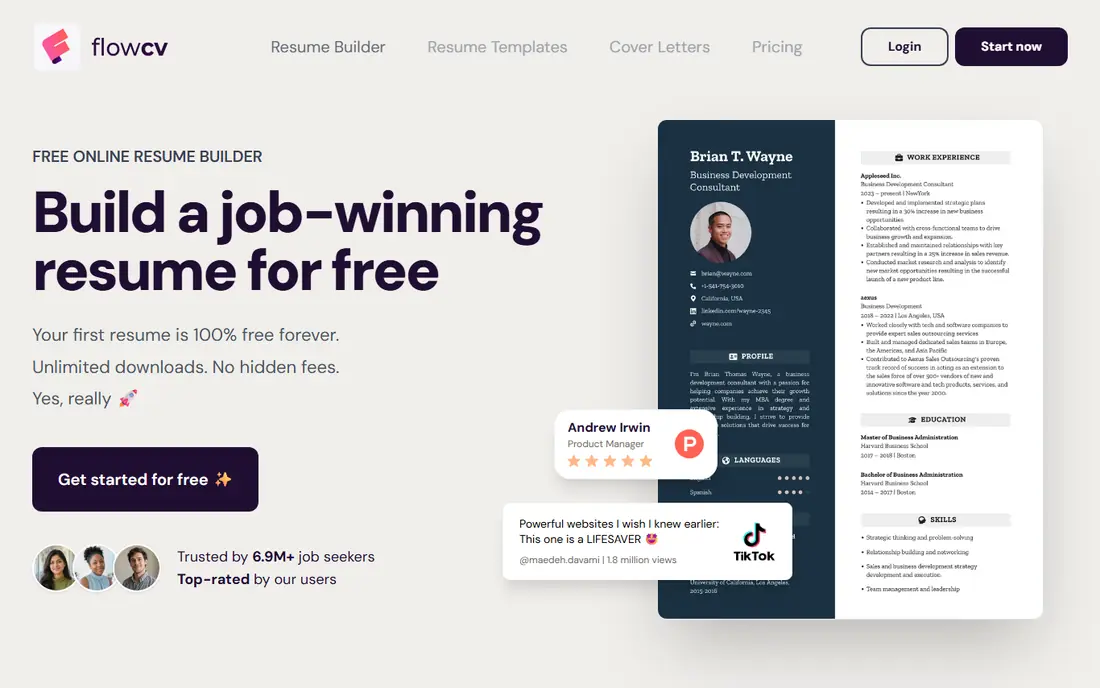
FlowCV is our top pick for most job seekers because its free tier does what many rivals only promise. You can build a resume, choose a clean template, and download a watermark-free PDF without hitting a paywall at export. That honesty matters, since a resume builder is useless if you cannot take your document with you.
The free tier limits you to one resume project at a time, and AI writing help sits behind a paid plan. For a single targeted resume, those limits are minor. If you need many versions for different roles, save each PDF before you start the next version, or pair FlowCV with Google Docs for extra copies.
- Free watermark-free PDF downloads
- Clean modern templates
- Simple editor
- One resume project at a time on the free tier
- No AI writing help on the free tier
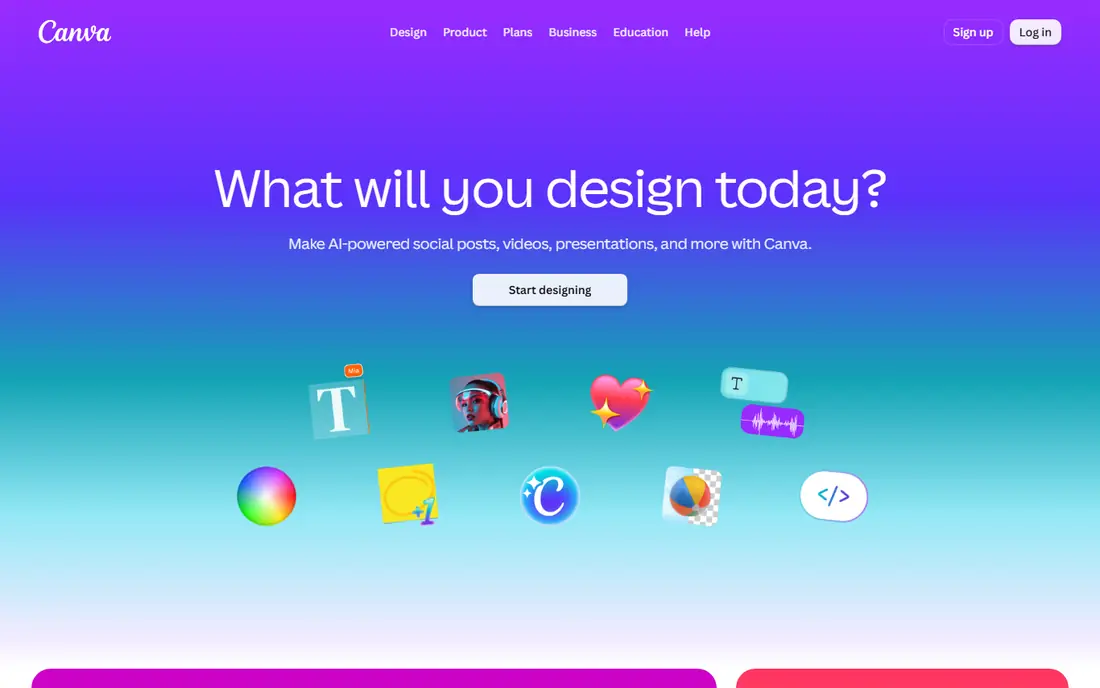
Canva suits creative roles where design is part of the application. Its free tier includes many templates, drag-and-drop editing and free PDF downloads, so you can produce a visually distinct resume quickly. Collaboration tools also help if a friend or mentor reviews your draft.
The risk is applicant tracking. Multi-column layouts, graphics and text boxes can confuse older parsing systems, which may misread your work history. If you apply through an online portal, choose a simple single-column Canva template, test the PDF text selection, and keep a plain version ready for tracking systems.
- Hundreds of free templates
- Drag-and-drop editing
- Free PDF download
- Busy designs can confuse applicant tracking systems
- Some templates and elements are paid
Resume.com, linked to Indeed builder tools, is a plain and honest free option. You fill in guided sections, pick a simple template, and download a PDF or DOCX file without paying. That simplicity suits first-time job seekers and anyone who needs a clean resume today, not a design project.
Template choice is limited, and there is no AI optimization to tailor wording to a job description. That is acceptable for most applications, since clear wording and a clean layout matter more than fancy design. Use Resume.com when you want speed and certainty over style.
- Fully free builder
- PDF and DOCX downloads
- Guided sections for beginners
- Template choice is limited
- No AI optimization or advanced design tools
Google Docs is the safest choice for applicant tracking systems. Its templates use standard fonts, single-column layouts and standard section headings that parsers read well. You can edit from any device, share a link for feedback, and download a PDF or DOCX file for free.
Design is basic, and there is no guided writing help or resume scoring built in. That is a fair trade for reliability. Start with a Google Docs template if you apply through portals, then use a design tool only for roles where a visual resume is expected and accepted.
- Free with a Google account
- Simple templates
- Strong applicant tracking compatibility
- Design options are basic
- No guided resume writing or scoring
Adobe Express gives free access to professionally designed resume templates with drag-and-drop editing. That makes it a good middle ground between Canva design freedom and a plain document builder. You can produce a polished resume quickly, with consistent fonts and spacing.
As with Canva, design-heavy templates can confuse applicant tracking systems. Choose a simple template for portal applications, and save a plain version for tracking systems. Check which templates and elements are free before you invest time in a design that later requires payment to download.
- Free professionally designed templates
- Easy drag-and-drop editing
- Free downloads
- Some templates and features require a paid plan
- Design-heavy resumes can hurt tracking
Teal goes beyond a single resume by helping you manage a whole job search. Its free plan includes resume creation, a job application tracker and feedback on your resume, which helps you see which version went to which role. That organization matters when you apply to many jobs at once.
Free AI credits are limited, so you cannot rely on Teal to rewrite every resume for every posting. Use the free tier for tracking and basic feedback, and write tailored bullets yourself using keywords from each job description. That manual tailoring often beats a generic AI rewrite anyway.
- Free resume creation
- Job application tracker
- Feedback and keyword checks
- Free AI credits are limited
- Full features require a paid plan
Novoresume is built around the one-page resume, with a live preview and content tips that help you stay concise. Its editor guides you through sections, shows when you cross a page, and helps you prioritize the experience that matters most. That focus suits students, recent graduates and early-career applicants.
The free PDF may carry a watermark, and a second page requires a paid plan. If a watermark is a problem for a formal application, use FlowCV, Resume.com or Google Docs for the final PDF instead. Use Novoresume to draft and tighten a one-page version, then export the final copy elsewhere if needed.
- Focused one-page format
- Live preview
- Content tips built into the editor
- Free PDF may carry a watermark
- Second page and full features require a paid plan
Kickresume helps users who struggle with what to write, not just how to format it. Its guided sections, examples and limited AI help give you starting phrases for work experience, skills and summaries. Clean templates keep the result readable, which suits most professional roles.
Free templates are limited, and full access requires a paid plan. Students with a school email may get extra access, so check current student terms on the vendor site. For most users, the free templates are enough for a clean resume, especially if you pair Kickresume drafting with a free PDF export elsewhere.
- Guided writing with examples
- Clean templates
- Limited AI help on the free tier
- Free templates are limited
- Premium features and full template access are paid
OpenResume is an open-source resume builder that lets you create a clean resume without an account for basic use. Its output is simple and tracking-friendly, which suits technical and professional roles where clarity matters more than design. You can build, preview and download without a subscription prompt.
Template variety is limited, and there is no guided writing or AI assistance. That makes OpenResume best for users who already know what to write and just need a clean format. Pair it with a writing guide or a mentor review if you need help with wording.
- Free open-source builder
- No account needed for basic use
- Clean ATS-friendly output
- Template variety is limited
- No guided writing or AI help
How we picked these
We compared official feature pages, pricing pages and app store listings for resume builders with a genuinely free tier in October 2026. We kept tools that let you build and download a resume without paying first, and we favored free PDF export. We left out builders that lock PDF downloads behind a paywall, and trial-only tools, even where their editors are strong.
How to build a resume that actually gets read
Start with a plain, single-column layout for portal applications. Use standard fonts, standard headings such as Work Experience, Education and Skills, and avoid tables, text boxes and photos that parsers may misread. Save as PDF or DOCX as the job posting requests, and test that text can be selected in the PDF.
Tailor bullets to each role, not just the template. Use keywords from the job description in your skills and bullet points, and start bullets with action words followed by a result where possible. Keep most resumes to one page early in your career, and two pages only when your experience genuinely needs the space.
Test the export before you apply. Build a short test resume, download it, open it on a phone and a computer, and check for watermarks, cut-off text and broken layout. That five-minute check saves the frustration of spending an hour on a resume you cannot download or that looks broken to a recruiter.
Frequently asked questions
What is the best app to make a resume free?
FlowCV is a strong overall choice for free watermark-free PDF downloads, while Resume.com and Google Docs are strong for simple, clean resumes. Canva suits creative roles, and Teal suits users managing many applications. Pick based on whether you need design, tracking or tracking-system safety most.
Are free resume builders really free?
Some are, and some are not. FlowCV, Resume.com, Google Docs and OpenResume let you download without paying. Other builders let you build for free but charge to download a PDF, or add a watermark to free downloads. Always test the download step before you spend time on a full resume.
Will a Canva resume pass an applicant tracking system?
It depends on the template. Simple single-column Canva templates can parse well, while multi-column, graphic-heavy templates can confuse older systems. For portal applications, use a simple template and keep a plain Google Docs version ready as a backup.
How long should my resume be?
One page is usually enough for students and early-career applicants, while mid-career applicants may need two pages. Every line should earn its place. Cut older or less relevant roles first, and focus on recent experience that matches the job you want.
Should I use AI to write my resume?
AI can help you draft bullets and improve phrasing, but always review and personalize the result. Recruiters can spot generic AI wording, and AI can invent details if you are not careful. Use AI as a drafting aid, check every fact, and keep your own voice and real achievements front and center.
Sources
See where you really rank - block by block
ProMapRanker scans Google Maps across a grid of your service area. Simple monthly plans from $19, white-label on every plan.
Start freeKeep reading
 who has best internet service
Who Has the Best Internet Service in 2026
Who has best internet service for US homes? We compare fiber, cable, fixed wireless and satellite providers on speed, price, availability and terms today.
Read → which survey tool has the best analytics
Which Survey Tool Has the Best Analytics in 2026
Find which survey tool has the best analytics in 2026, comparing Qualtrics, SurveyMonkey, Typeform, Alchemer, and more on reports, text, and stats today.
Read → which streaming service has the best movies
Which Streaming Service Has the Best Movies in 2026
Answering which streaming service has the best movies, with Netflix, Max, Criterion and more compared on libraries, prices and free options in this guide.
Read →