 ProMapRanker
Best App to Learn Chess in 2026

Key takeaways
- Chess.com offers the widest lesson and video library, while Lichess offers the best fully free training, with no ads or paywall.
- Chessable suits players who want to memorize openings and tactics through spaced repetition, rather than just playing games.
- ChessKid is the safest structured pick for children, with lessons, puzzles and a protected environment.
- A coach-style app like Dr. Wolf helps beginners most, since it explains moves during real games instead of only after them.
Quick comparison
| Pick | Great for | Pricing starts at | Free tier | |
|---|---|---|---|---|
 Chess.com | Widest lessons and community | See website | Yes | Visit |
 Lichess | Fully free training | Free | Yes | Visit |
 Chessable | Spaced repetition courses | See website | Yes | Visit |
 ChessKid | Children learning chess | See website | Yes | Visit |
 Magnus Trainer | Learning from Magnus Carlsen games | $8 per month | Yes | Visit |
 Learn Chess with Dr. Wolf | Coach feedback during games | See website | Yes | Visit |
 Chess Tempo | Rated tactics and endgames | See website | Yes | Visit |
 Old School Chess | Guided coaching for adults | See website | Yes | Visit |
The best app to learn chess
We compared app store listings, lesson models and pricing for chess learning apps, focusing on beginners and improvers rather than only on playing strength. Learning chess needs lessons, puzzles, game review and practice against suitable opponents, and different apps emphasize different parts of that mix. Here are eight apps that cover those needs.
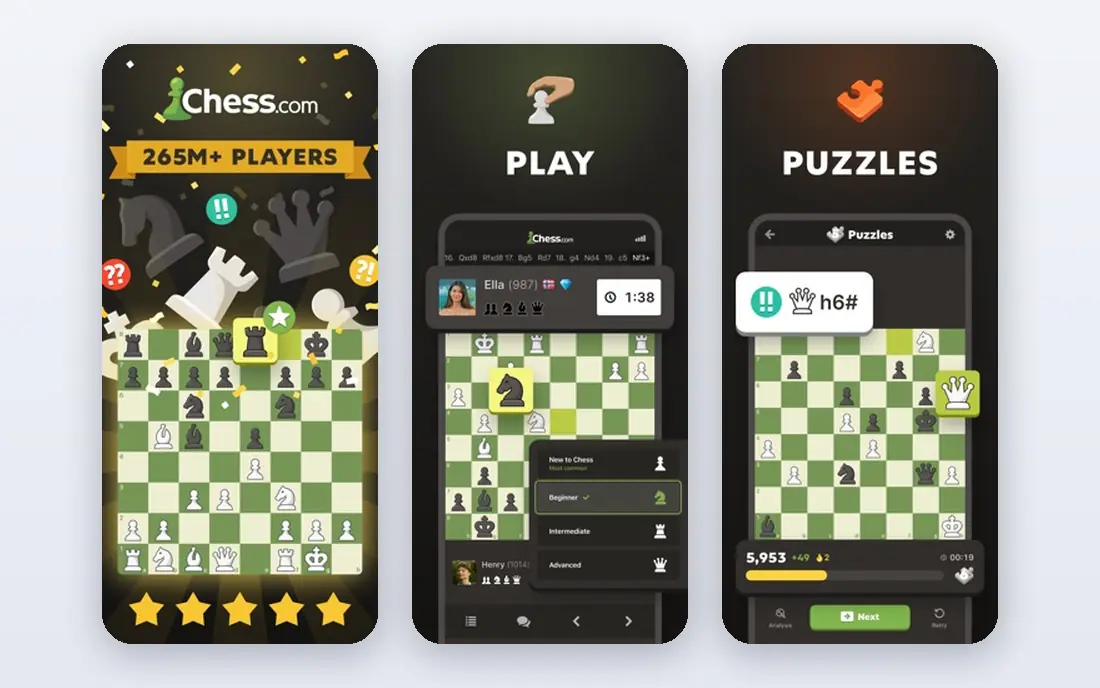
Chess.com is the default pick for most new players because it combines learning and playing in one place. Lessons cover openings, tactics, strategy and endgames, videos add coach explanations, and puzzles and game review turn your own games into study material. The large player pool also means beginners find opponents near their level at any hour.
The free tier is useful but limited. Unlimited puzzles, deep game analysis and personalized lesson paths need a paid membership, with tiers starting around $5 per month in published comparisons. Players who want everything free should pair Chess.com with Lichess, or start on Lichess and move to Chess.com for its structured courses.
- Large lesson and video library
- Puzzles, game review and live play in one app
- Huge player pool at every level
- Best lessons and unlimited analysis sit behind paid tiers
- Free tier limits puzzles and reviews
- Accounts are required
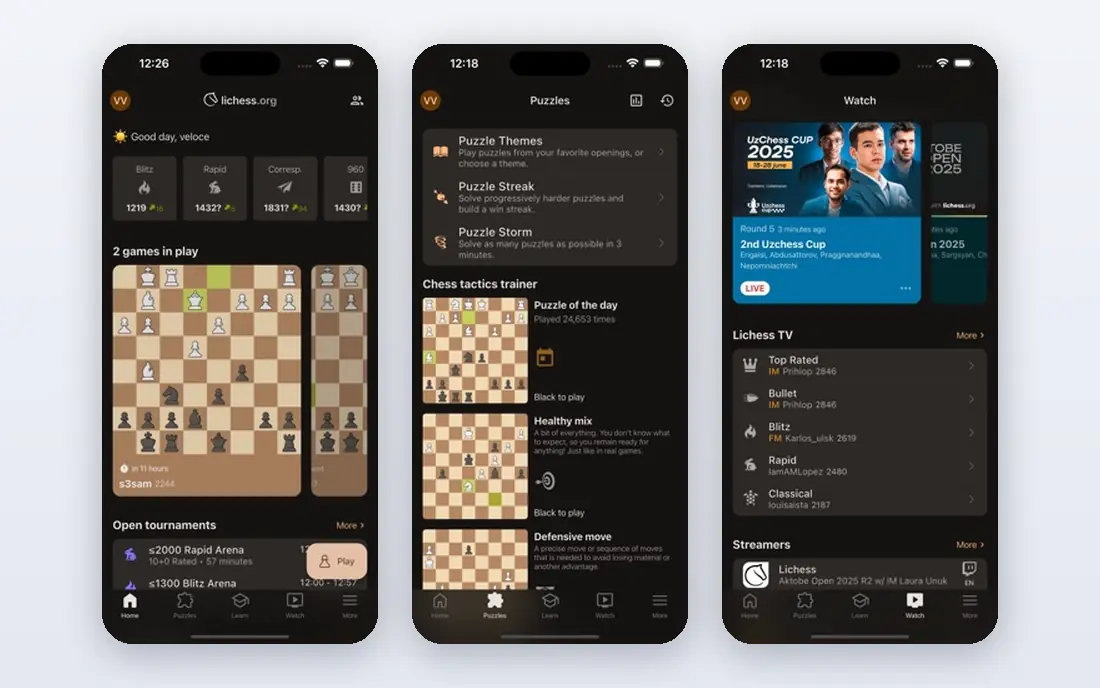
Lichess is the best free chess app, full stop. Every feature, including unlimited puzzles, full game analysis, opening explorer, endgame tablebase and study creation, is free, with no ads and no subscription. It is funded by donations and its code is open source, which appeals to users who want a tool without a paywall shaping what they can learn.
The trade-off is guidance. Lichess offers puzzles, practice and community studies, but it has fewer structured video courses and guided lesson paths than Chess.com. Absolute beginners may need a coach-style app alongside it for the first weeks. For budget-conscious learners, Lichess covers more training value than any paid rival's free tier.
- Completely free with no ads
- Unlimited puzzles and Stockfish analysis
- Open source and community studies
- Fewer curated video lessons than Chess.com
- Interface feels plainer
- Less guided structure for absolute beginners
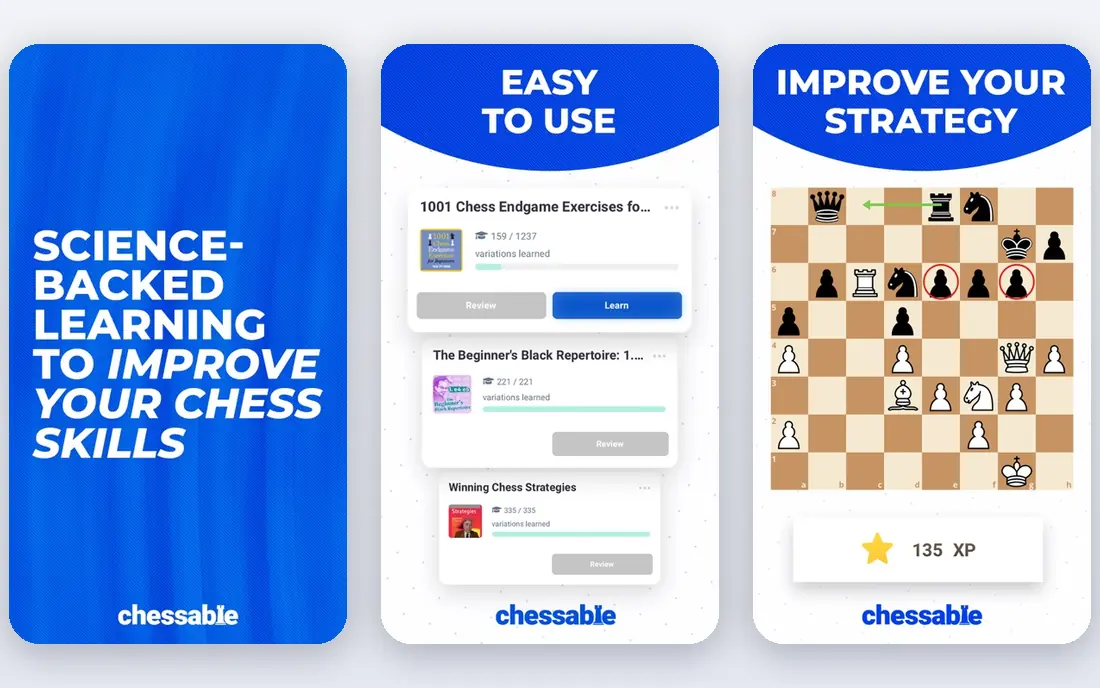
Chessable is built around a simple idea: you learn a move sequence, then the app retests it at increasing intervals until you remember it. That spaced repetition method suits openings, tactical patterns and endgame technique, where memorization matters. Courses range from beginner fundamentals to advanced opening repertoires, with free courses available to test the format.
It is not a full playing platform in the way Chess.com and Lichess are. Players who only want casual games will find it thin, and premium courses are priced individually rather than by subscription. Use Chessable as a study companion to a playing app, especially when an opening or tactic pattern keeps costing you games.
- Spaced repetition locks in openings and tactics
- Structured courses from coaches
- Free courses to start
- Full courses can cost more than a subscription
- Less live play than Chess.com or Lichess
- Best for study, not casual games
ChessKid, from the Chess.com team, is designed for children learning chess safely. Lessons use characters, videos and puzzles that hold a child's attention, and the environment is moderated with parent controls, so children cannot freely chat with strangers. Progress tracking helps parents and teachers see what a child has learned.
A free account covers basic lessons and play, while Gold membership, listed around $49 per year in comparisons, gives access to unlimited puzzles and videos. Adults learning chess will find the tone too young, but for children it is the clearest structured pick. Parents should still supervise screen time and check which social features are enabled.
- Kid-friendly lessons, videos and puzzles
- Safe, moderated environment
- Parent controls and progress tracking
- Gold membership needed for unlimited puzzles and videos
- Aimed at children, so adults may find it simple
- Some features need a Chess.com family link
Magnus Trainer teaches chess through the games of Magnus Carlsen, breaking down positions from his career into lessons on tactics, strategy and endgames. The gamified structure, with levels and lives, keeps practice engaging, and playing against Magnus at different ages, from child prodigy to world champion, is a memorable way to test progress. Membership costs around $8 per month or $75 per year in published guides.
The free version only samples the content, with full access to more than 250 premium lessons behind membership. Advanced players may also find some lessons too simple. For beginners and intermediate players who want structured lessons with a clear story, Magnus Trainer is motivating and well made.
- Lessons built around real Magnus Carlsen games
- Gamified progression through tactics and strategy
- Play against Magnus at different ages
- Membership needed for all premium lessons
- Content can feel simple for advanced players
- Ads on the free tier
Learn Chess with Dr. Wolf, also from Chess.com, puts a coach inside your games. Dr. Wolf explains why a move is good or bad as you play, offers hints, and turns your mistakes into puzzles to revisit later. That during-game feedback helps beginners far more than post-game analysis alone, since the explanation arrives when the position is still in front of you.
The app is free to start, with coaching subscriptions around $5 to $7 per month or about $40 per year in app store and guide reports. Without a subscription, coaching and lesson access are limited. Some users also report progress not syncing well across devices. For a true beginner who wants a patient coach, it is one of the best first apps to try.
- Coach explains moves while you play
- Lessons build from basics upward
- Mistakes become personalized puzzles
- Full coaching needs a subscription
- Progress sync across devices has drawn complaints
- Advanced players may outgrow it
Chess Tempo is the specialist pick for tactics. Its puzzle database is carefully rated, so problems match your level rather than jumping from trivial to impossible, and its endgame training is also strong. Players around beginner to intermediate level who lose games to missed tactics often gain the most from daily Chess Tempo practice.
It is less polished and less lesson-led than Chess.com or Magnus Trainer, with a dated interface and thinner video content. Treat it as a supplement: play and learn on Chess.com or Lichess, then use Chess Tempo for focused tactical drills. Used that way, it is one of the most effective training tools on this list.
- Carefully rated puzzle database
- Tactics, endgame and opening training
- Detailed performance tracking
- Interface feels dated
- Less video and lesson content than rivals
- Best as a training supplement, not a first app
Old School Chess takes a coaching-first approach aimed at adult learners, including adults returning to chess after years away. A guide explains concepts when they arise in your games, rather than handing you a library to browse alone. That structure helps learners who feel overwhelmed by the sheer volume of content on larger platforms.
It offers less live play and a smaller library than Chess.com or Lichess, so most users will still need a playing app alongside it. Free access lets you test the coaching style before paying. For adults who want a guide rather than a catalog, Old School Chess is a thoughtful alternative.
- Coach-guided learning for returning adults
- Concepts explained when relevant
- Encouraging, structured approach
- Smaller content library than Chess.com
- Less live play
- Pricing and features vary by platform
How we picked these
We compared app store listings, lesson models and pricing, favoring apps with current updates, a clear learning method and a distinct audience. We included playing platforms, spaced repetition, coach-style apps and a children's app, so readers can match an app to age and learning style. Where subscription prices varied by store or region, we listed See website or the commonly cited figure and noted the free tier.
What to check before you choose
Match the app to how you learn
Video learners suit Chess.com, self-directed learners suit Lichess, memorizers suit Chessable, and learners who need feedback suit Dr. Wolf. Downloading five apps at once usually leads to none being used well. Pick one main app for playing and one for study, and use them daily for a month before judging.
Practice tactics and review your games
Lessons alone rarely improve results. Solve a few puzzles daily, play slower games rather than blitz when learning, and review losses to find repeated mistakes. Apps that turn your mistakes into puzzles, like Dr. Wolf, or rate your tactics, like Chess Tempo, make that review habit easier to keep.
Keep it fun and regular
Short daily sessions beat occasional long sessions, especially for children. Set a realistic routine, such as one lesson and ten puzzles a day, and play opponents near your level. If an app feels like homework, switch to a more gamified option like Magnus Trainer or ChessKid rather than stopping altogether.
Frequently asked questions
What is the best chess learning app for beginners?
Chess.com is the best all-round beginner app for lessons, puzzles and play, while Learn Chess with Dr. Wolf is best for coach feedback during games. Lichess is the best free alternative. Beginners should start with one of these and add Chessable or Chess Tempo for study later.
What is the best app to learn chess for free?
Lichess is the best fully free app, with unlimited puzzles, analysis and studies at no cost and no ads. Chess.com and Chessable also offer useful free tiers, but their best features need payment. For a zero budget, Lichess plus free Chessable courses covers most needs.
What is the best chess app for learning as a child?
ChessKid is the best pick for children, with kid-friendly lessons, puzzles and a moderated environment with parent controls. Gold membership gives access to unlimited content. Parents should check social settings and set time limits, even in a safe app.
What is the best chess app for beginners who want to improve fast?
Combine a playing app with daily tactics: Chess.com or Lichess for games and review, plus Chess Tempo or Chessable for tactics and openings. Reviewing your own losses matters as much as lessons. Avoid blitz-only play while learning, since fast games hide mistakes.
Is Chess.com or Lichess better for learning chess?
Chess.com offers more structured lessons, videos and guided paths, while Lichess offers more free training tools with no paywall. Many players use both: Chess.com for courses and Lichess for free analysis and puzzles. Your budget and need for guidance should decide the main app.
Do chess learning apps work for adults?
Yes, especially coach-style apps like Dr. Wolf and Old School Chess, which explain concepts during play and suit adult schedules. Short daily practice, slower games and game review help adults improve steadily. A human coach or club can still add value once basics are solid.
Sources
- https://www.chess.com
- https://lichess.org
- https://www.chessable.com
- https://www.chesskid.com
- https://www.playmagnus.com
- https://www.learnchesswithdrwolf.com
- https://chesstempo.com
- https://oldschoolchess.com
- https://www.chessnboards.com/blogs/tips-tricks/the-best-chess-apps-of-2026-your-complete-guide
- https://chessplay.io/blog/best-chess-coaching-apps-for-beginners-to-intermediate-players
See where you really rank - block by block
ProMapRanker scans Google Maps across a grid of your service area. Simple monthly plans from $19, white-label on every plan.
Start freeKeep reading
 top custom software development company
Top Custom Software Development Company in 2026
Looking for a top custom software development company? We compare 9 firms for web, mobile, and enterprise software, covering strengths and fit for 2026.
Read → tableau alternatives
Tableau Alternatives in 2026
Compare the best Tableau alternatives for 2026, from Power BI to Metabase, with prices, hosting options, and picks for small teams and enterprises today.
Read → microsoft teams alternatives
Best Microsoft Teams Alternatives in 2026
Looking for microsoft teams alternatives? We compare 9 chat and video tools for 2026, covering free plans, pricing, meetings, and integrations for teams.
Read →