 ProMapRanker
Best App to Block Spam Calls in 2026

Key takeaways
- Hiya is our pick for most people who want solid blocking without handing over their contacts, while Truecaller suits readers who want the widest caller ID coverage.
- No app blocks every spam call, since scammers rotate numbers, so pair an app with your phone and carrier tools.
- Paid plans add screening, transcripts, and text filtering, but free tiers from Hiya, Truecaller, and Mr. Number already cut a large share of nuisance calls.
- Check permissions before you install: caller ID apps can ask for contacts, call logs, and messages, and you should grant only what the features you use need.
Quick comparison
| Pick | Great for | Pricing starts at | Free tier | |
|---|---|---|---|---|
 Hiya | Blocking without contact upload | $3.99 per month | Yes | Visit |
 Truecaller | Widest caller ID coverage | See website | Yes | Visit |
 RoboKiller | Fighting robocalls hard | $4.99 per month | Free trial | Visit |
 Nomorobo | Simple blocking on phone and landline | $2.99 per month | Free trial | Visit |
 YouMail | Voicemail and spam call handling | See website | Yes | Visit |
 Call Control | Custom block lists | See website | Yes | Visit |
 Mr. Number | Free basic blocking | Free | Yes | Visit |
 Should I Answer | Community blocking without an account push | Free | Yes | Visit |
The best apps to block spam calls
We compared the apps below on blocking, caller ID, text filtering, permissions, and price, with a focus on what actually reduces interruptions.
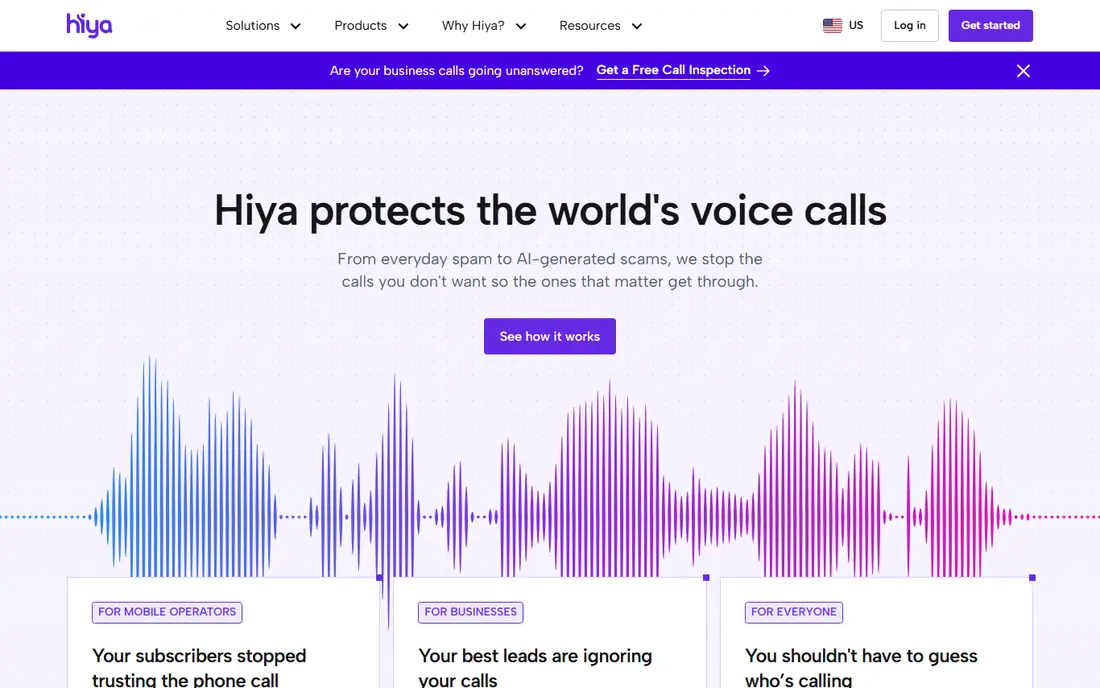
Hiya is our pick for most people because its free tier does real work. It flags and blocks spam and fraud calls using number reputation, and it does so without requiring access to your contacts. That privacy stance matters, since many caller ID apps build their database from user contact lists. On Android, Hiya can act as the default phone app, so blocking happens at the moment a call arrives rather than after a missed call.
Premium adds call screening, which asks unknown callers for a name and reason before your phone rings, plus more frequent spam updates and a larger offline caller database. Those extras help if unknown calls still get through on the free tier. Check the exact premium price and features in your app store before paying, since Hiya packaging has varied between iPhone and Android.
- Strong free tier
- Spam and fraud blocking
- No contact access required for core blocking
- Best screening features are paid
- Premium packaging varies by platform
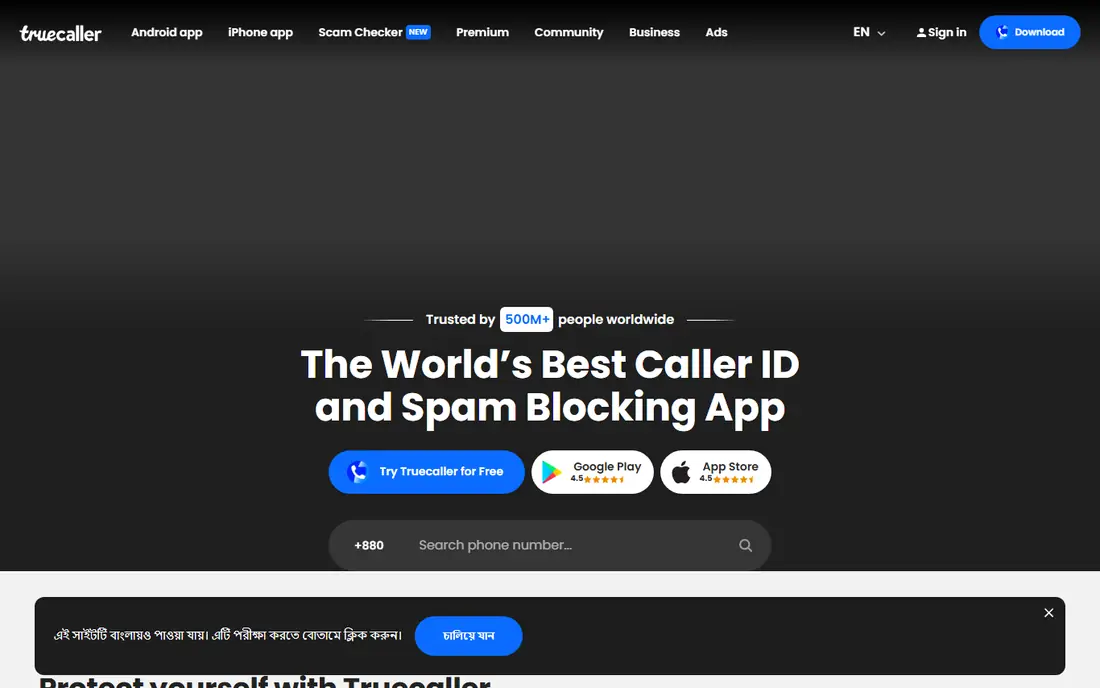
Truecaller is the best-known caller ID app in the world, and that scale is its main strength. When an unknown number calls, Truecaller is more likely than most rivals to show a name, a category, or a spam label, including for numbers from other countries. It also sorts spam texts, which helps when the same scam moves from calls to messages. For readers who get calls from many countries, that coverage is hard to match.
The trade is privacy and ads. The free version shows ads, and the app asks for contacts and other permissions that privacy-minded readers may not want to grant. Read the permission prompts carefully and turn off extras you do not use. Premium removes ads and adds features such as call recording on Android, but prices vary by store and country, so confirm the price shown at checkout.
- Large crowdsourced caller database
- Spam labels for calls and texts
- Works well for international numbers
- Free tier shows ads
- Asks for broad permissions
- Premium prices vary by country and store
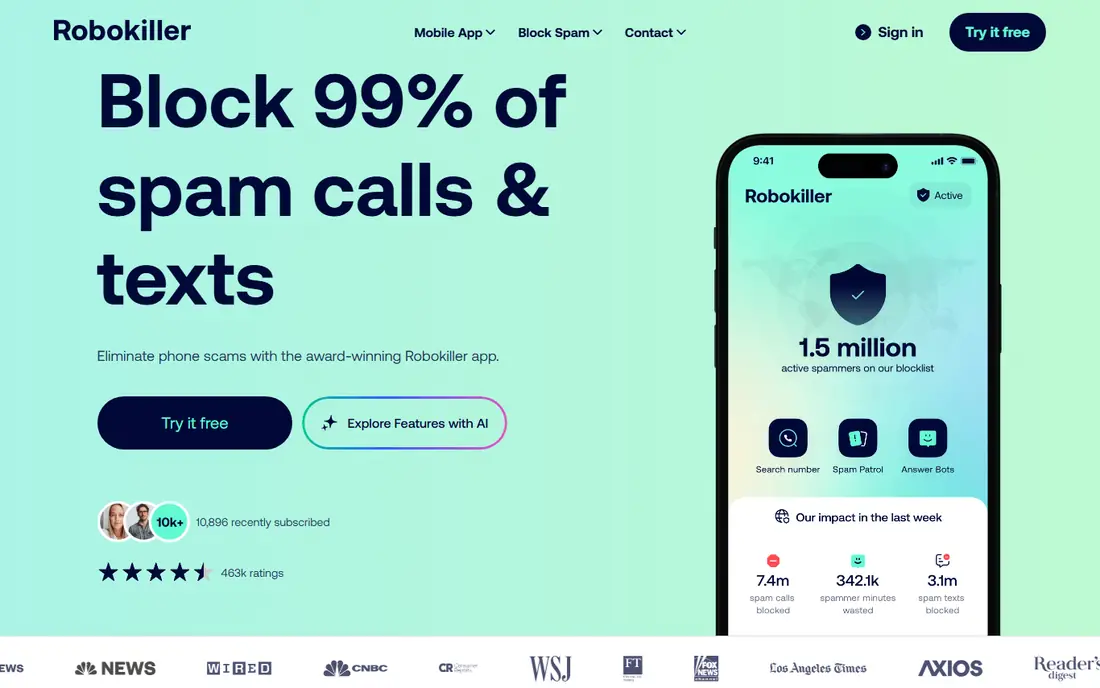
RoboKiller takes the most aggressive approach in this list. It uses audio fingerprinting to recognise the recorded message itself, not just the number, so it can keep blocking when scammers change numbers. When a spam call slips through, an Answer Bot can pick up and play a recorded conversation that keeps the caller busy. That feature is satisfying to read about, and it also ties up scammer lines.
RoboKiller also screens calls in real time and filters spam texts, which makes it a full package rather than a single trick. The downside is price and setup: there is a free trial, but continued use needs a subscription, and aggressive screening can occasionally catch a wanted call. If robocalls dominate your phone, the trial is worth running for a week before you judge it.
- Audio fingerprinting catches rotated numbers
- Answer Bots waste scammers time
- Text filtering included
- No permanent free tier
- Some users report legitimate calls getting screened
Nomorobo suits readers who want protection without tweaking settings all day. It checks incoming calls against a list of known robocallers and silences the bad ones before your phone rings. The mobile Basic plan covers call blocking and identification, while higher tiers add real-time screening, voicemail transcription, and neighbour-spoof blocking for numbers that mimic your area code.
Nomorobo also stands out for landline users. Its old free landline protection ended on 1 January 2026, but a paid landline subscription returned later, priced at $39.99 per year for one line in recent listings. That matters for households helping older relatives, since a home phone has no app store to install a blocker from. Check carrier support for the higher mobile tiers before paying, since some features vary by carrier.
- Simple setup
- Long track record against robocalls
- Separate landline option
- Top features sit in higher tiers
- Landline service is now a separate paid subscription
YouMail is a good pick if voicemail is part of the problem. It replaces your carrier voicemail with visual voicemail, transcripts, and spam handling, so you can read a message without listening to a long recording. Spam callers can be blocked or sent to a greeting that tells them the number is out of service, which can reduce repeat calls from the same source. Custom greetings for contacts are a nice touch for small businesses.
The free tier covers the basics, but the fuller feature set sits in paid plans, so check the current pricing page before you rely on a paid feature. Setup also takes a few more steps than installing a simple blocker, since voicemail routing has to change. If you rarely check voicemail, a simpler blocker may suit you better.
- Visual voicemail with transcripts
- Spam call and voicemail blocking
- Custom greetings
- Best features need paid plans
- Setup can take more steps than a simple blocker
Call Control appeals to readers who like control. You can block by category, build your own lists, and use community reports to catch new spam numbers early. Scheduling options help at night or during work hours, when even a single spam ring is a nuisance. It is a practical middle ground between a fully automatic blocker and manual blocking in your phone settings.
The app is less polished than the leaders, and feature details vary between iPhone and Android, so check the store listing for your phone. It also works best when you spend a few minutes setting rules up front. If you want a set-and-forget app, Hiya or Nomorobo may fit better.
- Community block lists
- Custom rules
- Do-not-disturb scheduling options
- Interface is less polished than Hiya or Truecaller
- Some features vary by platform
Mr. Number is the simplest free option here. It blocks calls from numbers linked to known scams, telemarketers, and numbers on your own block list, without asking you to pay for the basics. That makes it a good first step for anyone who has never used a blocker and wants to test whether an app helps before spending money. Setup is short, and the app stays out of the way once running.
The limits are equally clear. You do not get the screening, transcripts, or text filtering of paid rivals, and caller ID coverage is narrower than Truecaller. If Mr. Number cuts most of your spam, you may never need to pay. If aggressive robocalls still get through, move up to RoboKiller or Hiya Premium rather than adding a second free blocker.
- Free core blocking
- Blocks known scam and telemarketing numbers
- Simple setup
- Fewer screening and transcript features than paid rivals
- Smaller feature set overall
Should I Answer is a community-driven blocker that rates numbers from user reports and lets you block by rating. It suits readers who prefer a lighter app without a subscription push. An offline database option helps when you want blocking to work without constant data use, and the rating view makes it easy to see why a number was flagged before you decide to block it.
Coverage can vary by country, since community databases grow where users report most. The design is also plainer than Hiya or Truecaller. Still, for a free, no-pressure blocker, it is a solid choice, especially as a second layer alongside your carrier tools.
- Community database
- Offline database option
- No heavy account setup for basic use
- Less polished than big rivals
- Coverage can vary by country
How we picked these
We compared official product pages, app store listings, and current pricing pages for apps that block spam calls and robocalls on iPhone and Android in October 2026. We favoured apps with a real blocking function, not just caller ID, and we noted where a feature needs a paid plan or a specific carrier. We did not claim a measured block rate for any app, since real-world results vary by number, carrier, and region. Prices that varied widely by store are listed as See website.
How to get the most from a spam blocker
Layer the free tools first
Turn on your phone built-in spam filter and your carrier spam tools before you pay for anything. Many readers find that combination already cuts a large share of calls. Add an app only for the calls that still get through, and give it a week before you judge it.
Check permissions and the allow list
Review contacts, call log, and message permissions after install, and keep only what you need. Add doctors, schools, banks, and delivery services to an allow list where the app supports one, so screening does not catch a call you need. If a legitimate caller is blocked, check the app block log before you blame the caller.
Treat every unknown caller with care
No blocker makes an unknown caller safe. Hang up on pressure tactics, never read back a code sent by text, and call a bank or agency back on the number printed on your card or statement. Report spam numbers in the app, since reports help the next person who gets the same call.
Frequently asked questions
What is the best app to stop spam calls for free?
Hiya, Truecaller, and Mr. Number all offer useful free tiers. Hiya is the best free pick for blocking without contact upload, Truecaller is best for caller ID coverage, and Mr. Number is best for simple free blocking. Try one free tier for a week before paying.
What is the best robocall blocker app?
RoboKiller is the most aggressive robocall blocker in this list, thanks to audio fingerprinting and Answer Bots. Nomorobo is simpler and also strong on robocalls, including a landline option. If you want the strongest robocall focus, start with a RoboKiller trial.
What are the best apps to block spam calls on iPhone?
Hiya, Truecaller, RoboKiller, and Nomorobo all work on iPhone, though iPhone call blocking works through system extensions rather than a full replacement dialer. Check the App Store listing for screening and transcript features, since some work only in the United States and Canada.
What is the best spam blocker app for Android?
Hiya and Truecaller are strong on Android, where Hiya can act as the default phone app on some devices. RoboKiller and Nomorobo also work well on Android. Android users get more dialer control, so test how blocking behaves with your phone model.
Can a spam blocking app block texts too?
Some can. RoboKiller, Truecaller, and Nomorobo include spam text filtering on at least some plans, while simpler blockers focus on calls only. Check text filtering in the plan details, since it often needs message permissions and may vary by platform.
Will a blocker stop all spam calls?
No. Scammers rotate numbers and use spoofed local numbers, so a new number can ring once before it is flagged. A good blocker cuts most nuisance calls and makes the rest easier to spot, but it does not replace careful habits such as not answering unknown numbers and not sharing codes.
Sources
See where you really rank - block by block
ProMapRanker scans Google Maps across a grid of your service area. Simple monthly plans from $19, white-label on every plan.
Start freeKeep reading
 best chat tool for website
Best Chat Tool for Website in 2026
Best chat tool for website owners compared, with live chat, AI agents, free plans, and pricing for small stores, SaaS teams, and support teams of all sizes.
Read → best birdwatching app
Best Birdwatching App in 2026
Best birdwatching app picks for 2026: nine free and paid apps for bird ID by sight and sound, checklists, hotspots, and finding birds near you for all birders.
Read → best bird identification app
Best Bird Identification Apps in 2026
Find the best bird identification app for photos, songs and calls. We compare 9 bird apps, including Merlin, BirdNET and Audubon, to help you choose today.
Read →