 ProMapRanker
Best App for Tracking Expenses and Receipts in 2026


Teams with cards and reports · Pricing starts at: $5 per user per month
Key takeaways
- Expensify and Zoho Expense are the strongest all-round picks for teams that need receipt scanning plus reports.
- Shoeboxed and Dext suit users whose main pain is a pile of paper receipts that need clean digital records.
- Keeper is the best fit for freelancers who want expense tracking tied to tax deductions.
- Ramp suits US companies that want cards plus expenses in one free tier, subject to card approval.
Quick comparison
| Pick | Great for | Pricing starts at | Free tier | |
|---|---|---|---|---|
| Expensify | Teams with cards and reports | $5 per user per month | Yes | Visit |
 Zoho Expense | Budget teams and Zoho users | Free | Yes | Visit |
 Ramp | Cards plus expenses free | Free | Yes | Visit |
 Shoeboxed | Paper receipt digitizing | $97 per year | Free trial | Visit |
 Dext | Accountant friendly receipt capture | See website | Free trial | Visit |
 Keeper | Freelancer tax deductions | $20 per month | Free trial | Visit |
 Wave | Free simple tracking | Free | Yes | Visit |
 FreshBooks | Freelancer invoicing plus expenses | See website | Free trial | Visit |
 Everlance | Mileage plus expenses | Free | Yes | Visit |
The best apps for tracking expenses and receipts
The best expense tracking app is the one you actually use on the day you spend. That means fast receipt capture, sensible categories, and an export your accountant can read. The apps below cover personal spending, freelancer tax work, and team expenses, and we compared them on scanning, reports, price, and accounting sync.
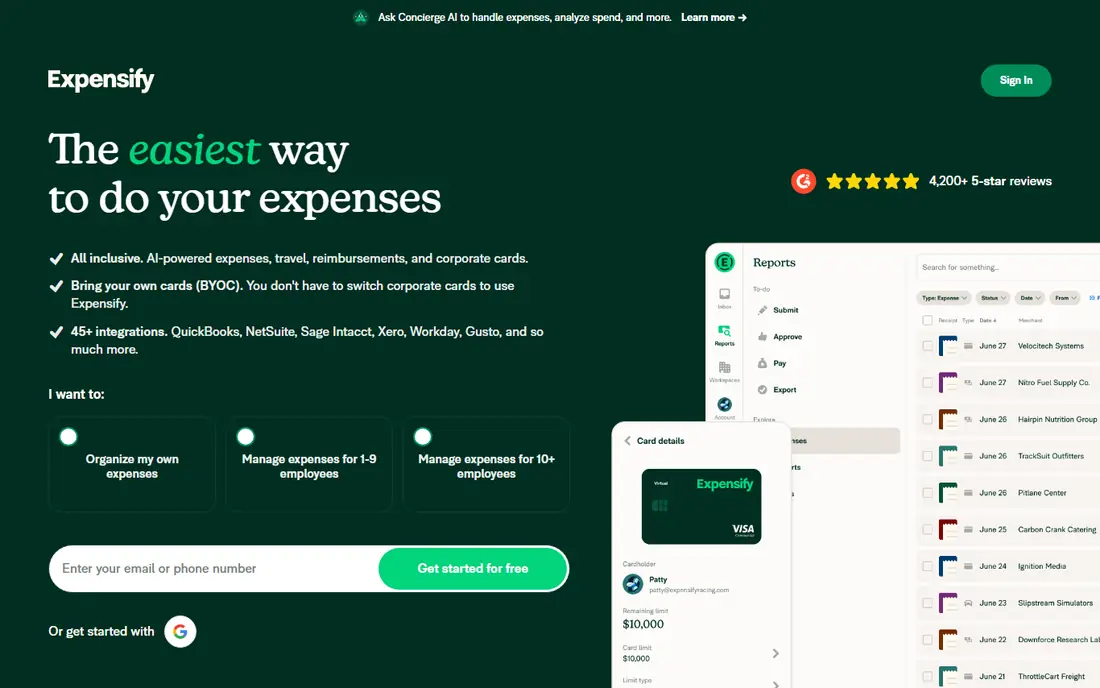
Expensify is the team standard for receipt and expense tracking. You photograph a receipt, SmartScan reads vendor, amount, and date, and the expense lands in a report ready for approval. Corporate card transactions match to receipts, which cuts the manual chase that slows month end for many small teams.
The free tier suits individuals, while the Collect plan starts around 5 dollars per unique member per month in recent comparisons. Pricing and feature limits shift, so confirm the current plan before you roll it out to a team. For a team that already uses cards and needs approvals, Expensify remains the smoothest daily workflow here.
- Fast receipt scanning with SmartScan
- Corporate card matching
- Reimbursement in as little as one day on some plans
- Pricing tiers change often, so check current plan terms
- Best features need a team plan
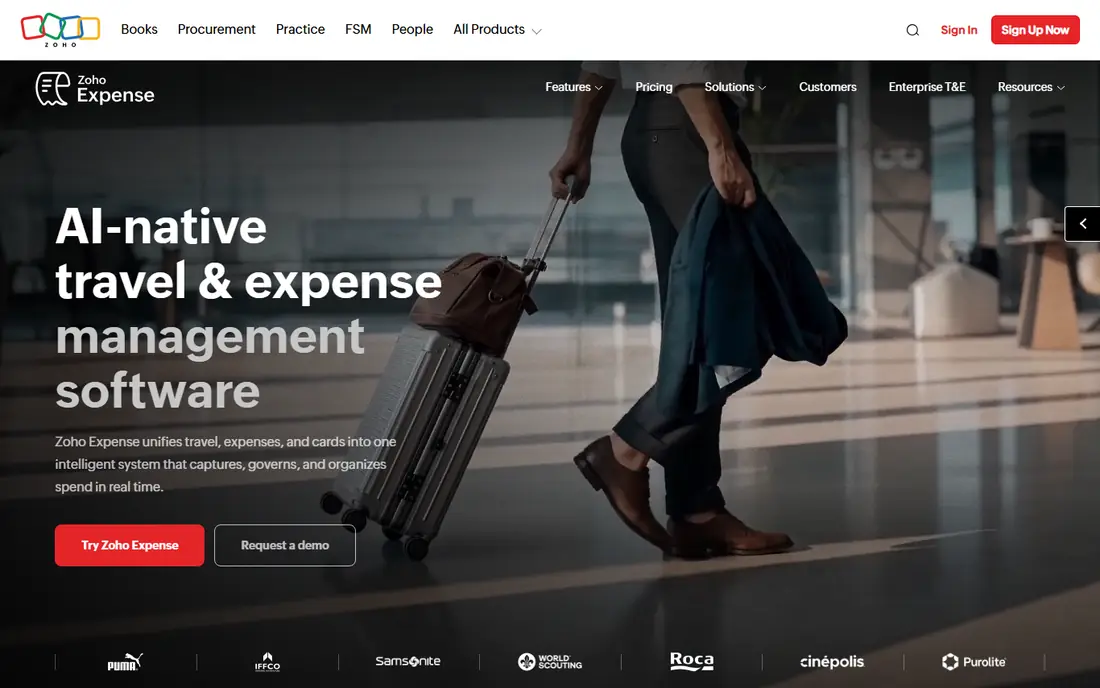
Zoho Expense is our budget pick for teams. The free version covers basic expense tracking, and paid plans add card feeds, mileage, policies, and approvals at prices below most rivals. For a Zoho based business, syncing expenses into Zoho Books without middleware is a clear win.
Receipt capture works well for normal receipts, though high volume accounting firms may prefer Dext for bulk processing. If your team is small, your receipts are standard, and cost matters, Zoho Expense gives you a complete workflow without a large monthly bill. Check the current per user price for your billing cycle before you commit.
- Free version for basic tracking
- Mileage, policies, and approvals
- Syncs with Zoho Books and other Zoho apps
- Paid limits vary by billing choice
- Receipt scanning depth is less than Dext for high volume
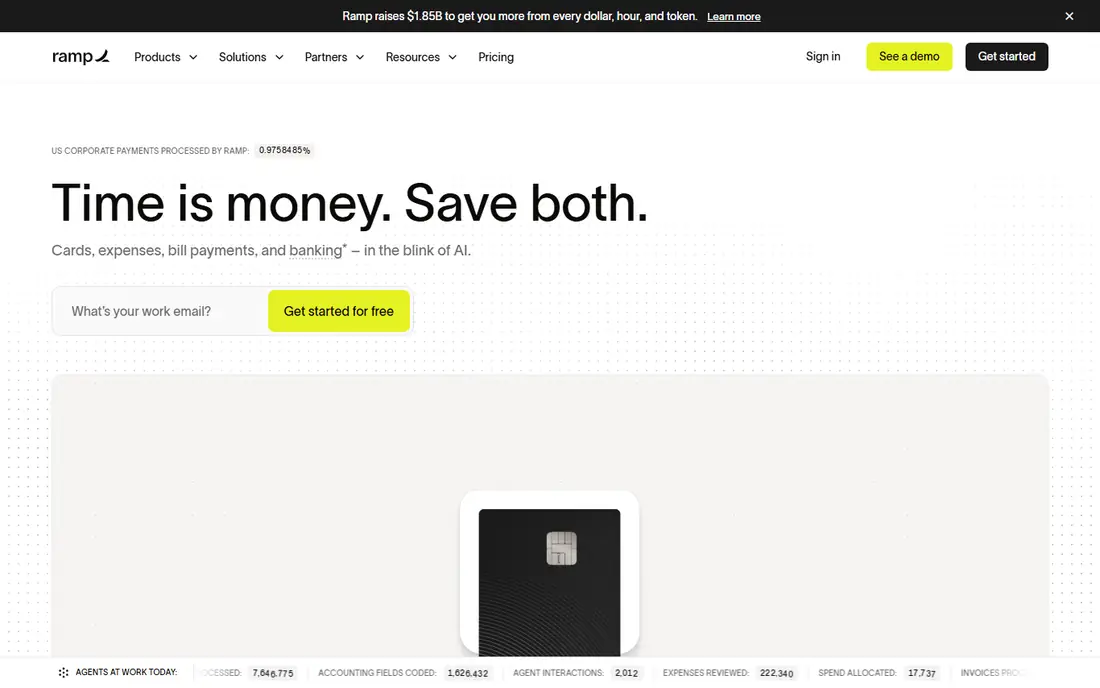
Ramp suits US corporations and LLCs that want spend control without a per user fee to start. Its free tier includes unlimited corporate cards, expense management, bill pay, and travel booking, with receipts matched automatically and policies enforced at spend time. That breadth at zero cost is unusual in this list.
The catch is qualification. Ramp underwrites cards on business bank balance and cash flow, so very early companies with thin balances may be declined. Deeper ERP integrations and multi-entity tools sit on Ramp Plus, priced per user plus a platform fee. If you qualify and your accounting needs are mainstream, Ramp is hard to beat for team expenses.
- Free tier includes cards, expenses, bill pay, and travel
- Automatic receipt matching
- Cashback on card spend
- Card approval depends on business bank balance
- Advanced ERP integrations need a paid tier
Shoeboxed solves a specific problem: a drawer full of paper receipts. You can scan receipts in the app or mail them in, and Shoeboxed digitizes them into searchable records with vendor, amount, and category. That archive is valuable at tax time, when a faded thermal receipt is often unreadable.
Starting price around 97 dollars per year in recent comparisons makes Shoeboxed a bulk tool rather than a casual one-off. It is less of a team approval system than Expensify or Zoho Expense. Pick it when paper is your main pain, and pair it with accounting software for reports and reconciliation.
- Mail-in service for paper receipts
- Mobile scanning with data extraction
- Good for tax season archives
- Yearly pricing suits bulk users better
- Less suited as a full team approval system
Dext, formerly Receipt Bank, is built for accountants, bookkeepers, and freelancers who send clean data to accounting software. It captures receipts, invoices, and bank statements, extracts line data, auto categorizes items, and publishes them to tools such as Xero and QuickBooks. That pipeline saves manual entry on every receipt.
Pricing varies by plan and by whether you buy as a business or as an accountant with clients, so use See website and get a quote for your volume. Setup also takes care: mapping your chart of accounts correctly at the start prevents rework later. For high receipt volume, Dext is the most efficient capture tool here.
- Strong data extraction from receipts and invoices
- Auto categorization
- Direct publishing to accounting software
- Pricing is per client for accountants, which can confuse small buyers
- Setup needs chart of accounts mapping
Keeper is the freelancer pick for the best receipt and expense tracking app with tax in mind. It scans receipts, tracks business expenses, flags likely deductions, and can file taxes in the app on annual plans. Monthly pricing around 20 dollars, with an annual plan that includes filing, makes it a tax tool as much as an expense tool.
The focus is US self-employment tax, so non-US users will get less value from the deduction logic. If you only need to track spending without tax help, a free tool such as Wave will cost less. If you are a US freelancer who dreads tax season, Keeper often finds deductions that cover its price.
- Tracks tax deductible expenses for freelancers
- Receipt scanning plus tax filing in one app
- Plain deduction reports
- US focused tax features
- Monthly price is high for users who only need simple tracking
Wave suits a solo freelancer or tiny business that wants free expense tracking inside accounting software. You can capture receipts, categorize expenses, invoice clients, and see basic reports without a monthly fee. That simplicity is the point: you open Wave, log the receipt, and move on.
Team workflows are the limit. Wave lacks the approval chains, card controls, and policy tools of Expensify, Zoho Expense, or Ramp. It is also US and Canada focused for some banking features, so check availability for your country. For a one-person business, Wave is the best free starting point here.
- Free accounting and receipt capture for small businesses
- Simple interface
- Invoicing included
- Fewer team approval features
- Receipt tools are simpler than Expensify or Dext
FreshBooks fits freelancers who invoice clients and want expenses in the same app. You photograph a receipt, attach it to a client or project, and see profit per project without exporting to another tool. Time tracking and invoicing in the same account make it a good home base for service businesses.
Dedicated expense depth is thinner than Expensify or Dext, especially for teams with approvals and cards. Pricing also varies by plan, so check the current entry price and trial terms. Pick FreshBooks when invoicing is your main job and expenses are a supporting task, not the other way around.
- Expenses sit beside invoicing and time tracking
- Receipt capture in the mobile app
- Clean client reports
- Expense depth is less than dedicated trackers
- Pricing rises with client count on some plans
Everlance is the pick for anyone whose expenses are mostly miles plus receipts. It tracks trips automatically, logs mileage for tax or reimbursement, and lets you add receipts beside each trip. For delivery drivers, sales reps, and field workers, that pairing saves the manual mileage log that many people abandon by February.
Expense reporting is simpler than Expensify, and premium mileage features need a paid plan. If your main cost is travel by car, Everlance is the best app to track spending on the road. If your main cost is team card spending, pick Expensify or Ramp instead.
- Automatic mileage tracking plus receipt capture
- Good for drivers and field workers
- IRS friendly mileage reports
- Mileage focus means expense reports are simpler
- Premium features need a subscription
How we picked these
We compared official feature and pricing pages, plus recent expense tracker comparisons, for apps that capture receipts and track spending in October 2026. We kept personal, freelancer, and team tools, because the keyword covers all three, and we favored apps with receipt scanning, not manual entry alone. We did not claim hands-on testing we did not do, and where pricing varied we wrote See website rather than guessing.
How to set up expense tracking that lasts
Capture receipts the same day. Thermal paper fades, and a receipt photographed a month later is often unreadable. Use one app for all receipts, set categories once, and check them weekly for ten minutes rather than monthly for two hours. That weekly habit is what separates users who love an app from users who abandon it by March.
Check the export before you pay. Your accountant needs a CSV or a direct sync to your accounting software, with vendor, date, amount, category, and receipt image attached. Test that export during a trial with ten real receipts. Also confirm data privacy: receipts contain vendor, location, and payment details, so use an app with clear privacy terms and two-factor login.
Personal versus business tracking
Personal spending apps focus on budgets and bank sync, while business apps focus on reports, approvals, and tax categories. If you mix both in one app, use separate categories or separate accounts, or tax time will be painful. Freelancers should keep business receipts in a dedicated app such as Keeper, Wave, or FreshBooks, even if a personal budget app also tracks the same card.
Frequently asked questions
What is the best app to track spending for personal use?
Wave is a solid free starting point for simple personal and small business tracking, while Expensify suits users who want stronger receipt scanning. For pure personal budgets, a bank synced budget app may fit better than a receipt tracker. Pick based on whether receipts or bank totals are your main record.
What is the best expense tracking app for a small team?
Expensify is our pick for most small teams, because receipt scanning, card matching, and approvals work in one flow. Zoho Expense is cheaper and fits Zoho users, while Ramp suits US companies that qualify for its free card tier. Trial all three with ten real receipts before you choose.
What is the best receipt and expense tracking app for freelancers?
Keeper is best for US freelancers who want deductions and tax filing in one app. FreshBooks suits freelancers who invoice clients, and Wave suits freelancers who want free tracking. The right pick depends on whether tax, invoicing, or cost matters most to you.
Do I need to keep paper receipts after scanning?
In many cases a clear digital copy is enough for records, but rules vary by country and by tax authority. Keep paper for large or disputed purchases until you confirm your local rules, and store digital copies with backups. When in doubt, ask your accountant before you shred originals.
How do receipt scanning apps read a receipt?
Most use optical character recognition to read vendor, date, amount, and tax from a photo, then let you correct errors. Accuracy is high for printed receipts and lower for faded, crumpled, or handwritten ones. Always check the extracted total against the photo before you submit a report.
Is expense tracking software tax advice?
No. These apps help you record and categorize spending, but they do not give tax advice for your situation. This is not financial or tax advice; check deduction rules with a qualified professional for your country and business type. Keeper and similar tools can flag likely deductions, but final tax decisions belong to you and your adviser.
Sources
See where you really rank - block by block
ProMapRanker scans Google Maps across a grid of your service area. Simple monthly plans from $19, white-label on every plan.
Start freeKeep reading
 top custom software development company
Top Custom Software Development Company in 2026
Looking for a top custom software development company? We compare 9 firms for web, mobile, and enterprise software, covering strengths and fit for 2026.
Read → tableau alternatives
Tableau Alternatives in 2026
Compare the best Tableau alternatives for 2026, from Power BI to Metabase, with prices, hosting options, and picks for small teams and enterprises today.
Read → microsoft teams alternatives
Best Microsoft Teams Alternatives in 2026
Looking for microsoft teams alternatives? We compare 9 chat and video tools for 2026, covering free plans, pricing, meetings, and integrations for teams.
Read →