 ProMapRanker
Best App for Team Communication in 2026

Key takeaways
- Slack is the safest default for most companies, while Microsoft Teams wins for teams already paying for Microsoft 365.
- Google Chat and Zoho Cliq suit teams inside Google Workspace and Zoho, since chat, files, and calendars already live there.
- Mattermost, Rocket.Chat, and Zulip give teams self-hosted or threaded options when data control or calm async discussion matters most.
- Discord and Twist serve opposite cultures, with Discord best for informal, always-on groups and Twist best for quiet, threaded work.
Quick comparison
| Pick | Great for | Pricing starts at | Free tier | |
|---|---|---|---|---|
 Slack | All-round team chat | Free | Yes | Visit |
 Microsoft Teams | Microsoft 365 shops | See website | Yes | Visit |
 Google Chat | Google Workspace teams | See website | Free trial | Visit |
 Discord | Informal communities and gaming teams | Free | Yes | Visit |
 Mattermost | Self-hosted open source chat | Free | Yes | Visit |
 Rocket.Chat | Secure team chat with broad integrations | Free | Yes | Visit |
 Zulip | Threaded async conversations | Free | Yes | Visit |
 Twist | Calm async communication | See website | Yes | Visit |
 Zoho Cliq | Zoho-based teams | Free | Yes | Visit |
The best app for team communication
Team communication apps should keep decisions searchable, files close at hand, and urgent messages separate from routine updates. The nine tools below cover chat-first, suite-first, and self-hosted approaches, so you can match the tool to your team culture rather than forcing the culture to fit the tool.
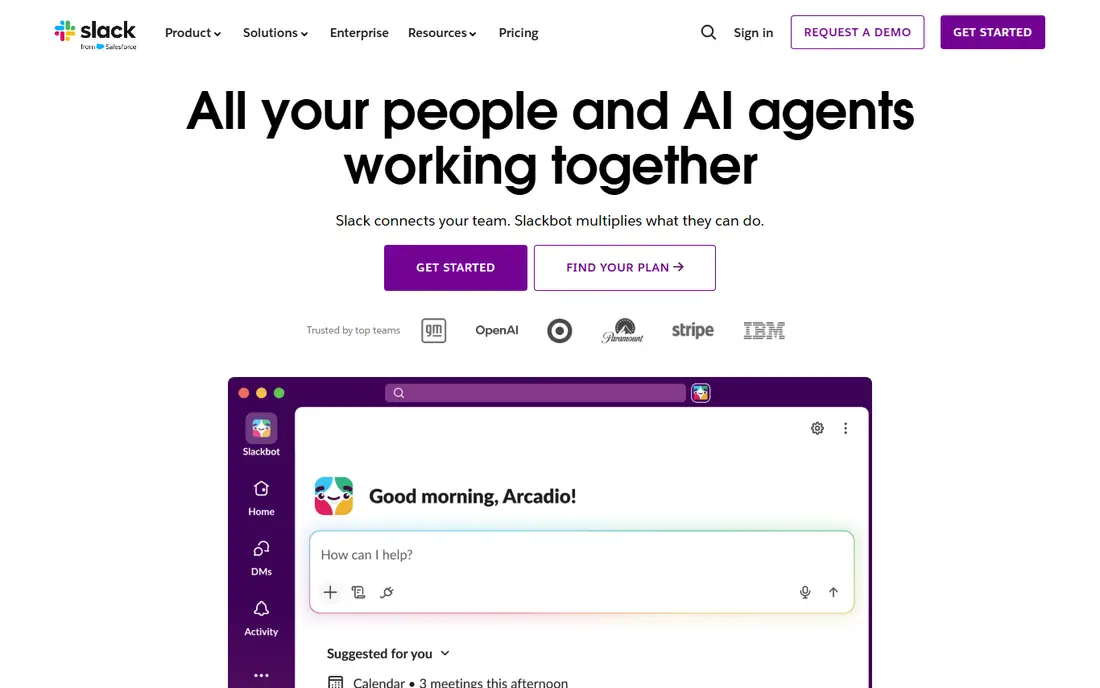
Slack remains the default team chat for a simple reason. Channels organize work by team or topic, threads keep side discussions from taking over a channel, and search makes past decisions findable. Integrations cover project tools, code hosts, calendars, and support desks, so alerts and files land where the team already works.
The free plan is a good start, but its message history limit matters for teams that rely on old decisions. Paid plans remove that limit and add admin controls, guest access, and compliance features. For most companies that do not live inside Microsoft or Google suites, Slack is the lowest-risk pick, since new hires likely already know it.
- Channels, threads, and search that most teams already know
- Huge integration library
- Huddles for quick voice chats
- Free plan limits message history
- Costs rise with seats on paid plans
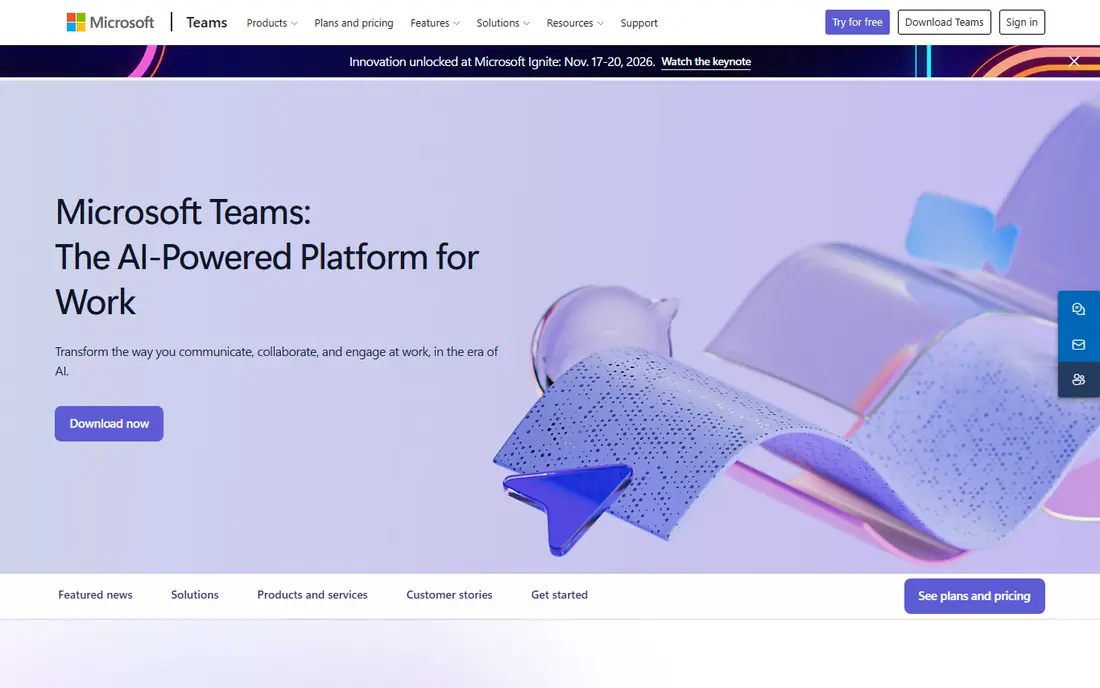
Microsoft Teams makes the most sense when your company already runs on Microsoft 365. Chat sits beside meetings, shared files, and Office documents, so a team can discuss a document, edit it together, and meet about it without leaving the suite. IT teams also gain familiar admin, security, and compliance controls.
Teams can feel busy for smaller groups. Channels, tabs, apps, and meetings compete for attention, and notification settings need tuning to avoid overload. If you already pay for Microsoft 365, Teams often costs little extra and removes the need for a separate chat tool. If you do not, Slack or a simpler tool may fit better.
- Chat, meetings, and file collaboration in one Microsoft app
- Deep Office, SharePoint, and OneDrive integration
- Included in many Microsoft 365 plans
- Interface can feel crowded
- Best value depends on already paying for Microsoft 365
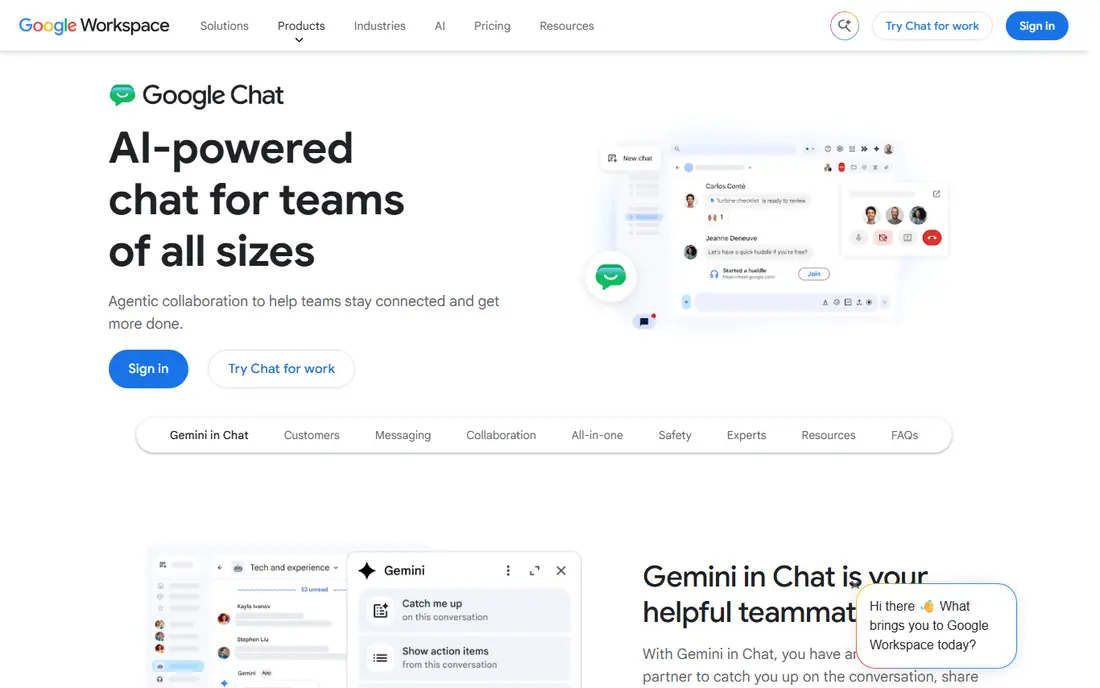
Google Chat suits teams that already live in Gmail, Drive, and Docs. Direct messages and Spaces keep team discussion close to the files being discussed, and Google search helps find past messages and documents together. The interface stays simple, which helps teams that want chat without a large learning curve.
The trade is depth. Google Chat offers fewer integrations and admin features than Slack or Teams, and some advanced workflow features require third-party tools. For Google Workspace teams that want a tidy, included chat option, it works well. For teams that need heavy automation or a large app directory, Slack remains stronger.
- Clean chat inside Google Workspace
- Spaces for team topics
- Strong search across Gmail, Drive, and Chat
- Fewer features than Slack or Teams
- Value tied to a Google Workspace plan
Discord started with gaming communities, and that informal, always-on culture still defines it. Servers hold text channels, voice channels, and stage events, while roles control who can post or join a channel. For creator teams, gaming groups, and open communities, Discord feels natural and costs nothing to start.
Business teams should weigh the limits. Discord lacks the admin, retention, and compliance controls that Slack, Teams, or Mattermost offer, and the social feel can blur work and casual chat. For community-led teams where informality is a feature, Discord is excellent. For regulated or larger corporate teams, a business chat tool is safer.
- Free voice, video, and text for communities
- Servers, channels, and roles are easy to set up
- Strong for always-on groups
- Not built for business compliance and admin controls
- Work discussion can mix with social chat
Mattermost gives teams control over where chat data lives. You can host it yourself, set retention and access rules, and connect it to GitHub, GitLab, Jira, and other engineering tools. For government, healthcare, defense, and other teams with strict data rules, that control can be the deciding factor.
Self-hosting is also the cost. Someone must install, update, back up, and secure the server, and that work never fully ends. Cloud options reduce that burden, but the core appeal remains control. Teams that need data sovereignty and have IT support will value Mattermost highly. Teams that want zero maintenance should pick a cloud tool instead.
- Open source and self-hostable for data control
- Channels, threads, and integrations for engineering teams
- Unlimited message history on your own server
- Self-hosting needs IT time and maintenance
- Setup takes longer than cloud chat
Rocket.Chat offers a flexible middle path between open source control and cloud convenience. Teams can self-host or use a hosted plan, connect many third-party tools, and run channels, direct messages, threads, and video calls in one place. Omnichannel features also help support teams handle chat from several sources in one queue.
New users may find the interface busier than Slack at first, and larger deployments need admin attention to permissions and scaling. For teams that want open source roots, broad integrations, and a choice of hosting, Rocket.Chat is a strong alternative to Mattermost, with a slightly broader feature set for mixed business use.
- Open source core with self-hosting or cloud options
- Broad integrations including WhatsApp and Telegram bridges
- Channels, threads, and video options
- Admin setup takes care for larger deployments
- Interface feels busier than Slack for new users
Zulip solves the busiest channel problem by design. Each channel holds topics, and each topic holds one conversation, so a team can follow five discussions in one channel without them tangling. That structure suits distributed teams, open source projects, and support groups where many threads run at once.
The habit shift is real. Teams used to a single scrolling stream must learn to name topics and reply inside them, and early weeks can feel slower. Once the habit lands, Zulip channels stay calmer and more searchable than flat chat. For async teams that value clear threads over constant presence, Zulip is a distinctive and valuable pick.
- Every message sits in a topic inside a channel, so busy channels stay readable
- Open source server option
- Strong search and mute controls
- Topic habit takes training for teams used to one long stream
- Free cloud plan limits search history
Twist is built for teams that want less interruption. Conversations live in threads, not in a live stream, so team members can catch up on their own schedule instead of watching chat all day. Channels organize work by team or project, and the interface stays quiet and focused.
That calm design is not for every team. Groups that need instant back-and-forth, live incident response, or deep integrations may find Twist too quiet or too limited. For remote teams across time zones, and for teams tired of notification overload, Twist offers a deliberate, healthier pace that still keeps decisions organized and searchable.
- Thread-first design reduces always-on pressure
- Channels and threads keep decisions organized
- Simple, focused interface
- Smaller integration ecosystem than Slack
- Real-time chat fans may miss instant messaging feel
Zoho Cliq fits teams already using Zoho for CRM, projects, or HR. Chat, channels, calls, and file sharing sit beside those apps, so a team can move from a project task to a chat thread without switching vendors. The free edition covers small teams, and paid editions add admin controls and larger limits.
Standalone buyers should compare carefully. The integration list outside Zoho is smaller than Slack, and teams with no Zoho footprint may gain little from choosing Cliq. For Zoho shops, though, the combined billing, single login, and shared data make Cliq a practical, low-friction choice.
- Channels, audio and video calls, and file sharing in one app
- Integrates with Zoho Projects, People, and other Zoho apps
- Free edition for small teams
- Smaller third-party ecosystem than Slack
- Best value inside Zoho, not as a standalone pick
How we picked these
We compared official feature pages, pricing pages, and app listings for team communication tools live in October 2026, and we favored tools with real team chat, searchable history, and current availability. We marked suite pricing as See website where chat comes bundled with a larger plan, and we described free plans in general terms where limits differ by plan. We did not claim hands-on testing, and we judged each tool by its public documentation.
How to choose a team communication app
Match the tool to where your files and meetings already live. Microsoft shops gain most from Teams, Google shops gain most from Google Chat, Zoho shops gain most from Cliq, and everyone else can start with Slack. If data control matters more than convenience, shortlist Mattermost or Rocket.Chat and budget IT time for hosting.
Set norms before you invite everyone
Decide which channels exist, what belongs in threads, how urgent messages are marked, and when silence is acceptable. Async tools like Twist and Zulip need thread habits, while chat-first tools like Slack and Discord need channel discipline to avoid noise. Write those norms down, share them on day one, and review them after the first month.
Test search, guests, and mobile use
Search past decisions, invite a guest or contractor, and use the mobile app for a week before buying. Those three tests reveal the real daily experience faster than a feature list. Also check admin controls, retention settings, and export options, since those answers matter when a team member leaves or a dispute needs a record.
Frequently asked questions
What is the best app for team communication?
Slack is the best default for most companies, Microsoft Teams is best for Microsoft 365 shops, and Google Chat is best for Google Workspace teams. The right answer depends on your existing suite, team size, and need for admin controls.
What are the best messaging apps for business?
Slack, Microsoft Teams, Google Chat, and Zoho Cliq lead for business messaging, with Mattermost and Rocket.Chat leading for self-hosted needs. Discord suits communities rather than corporate teams, since it lacks business compliance features.
What are the top software tools for team communication?
Top tools include Slack for chat, Teams for meetings plus chat, Zulip and Twist for threaded async work, and Mattermost for self-hosted chat. Choose by culture: chat-first, suite-first, async-first, or self-hosted.
What is the best team communication platform for remote teams?
Twist and Zulip suit remote teams across time zones because threads let people catch up without being online at once. Slack and Teams also work remotely, provided teams set quiet hours and thread habits to prevent notification overload.
What is the best group chat software for small teams?
Slack free, Google Chat inside Workspace, and Zoho Cliq free all suit small teams, with Discord as a free option for informal groups. Start free, test search and mobile use, and pay only when history limits or admin needs require it.
What are the best team communication apps with video calls?
Microsoft Teams, Slack with huddles and calls, Discord, and Rocket.Chat all include voice and video options alongside chat. For large scheduled meetings, Teams and Slack integrations with dedicated meeting tools may still suit enterprise needs better than chat-only calls.
Sources
See where you really rank - block by block
ProMapRanker scans Google Maps across a grid of your service area. Simple monthly plans from $19, white-label on every plan.
Start freeKeep reading
 best tour operator software
Best Tour Operator Software in 2026
Compare the best tour operator software for bookings, channel management, waivers and payments, with pricing models for day tours and multi-day trips.
Read → best time clock app for small business
Best Time Clock App for Small Business in 2026
We compare the best time clock app for small business options, with free plans, GPS clock ins, scheduling and payroll links for hourly teams and payroll help.
Read → best test automation tools
Best Test Automation Tools in 2026
Compare the best test automation tools, from Playwright and Selenium to Cypress, Katalon and BrowserStack, with prices, languages and best uses explained.
Read →