 ProMapRanker
Best App for Routine in 2026

Key takeaways
- Routinery is the closest match for step-by-step routines with timers and spoken prompts.
- Structured gives the clearest visual timeline for a full day at a glance.
- Habitica works best if game-style rewards keep you going, while Streaks suits Apple users who want a simple list.
- Todoist and TickTick are better when routines sit inside a larger task system.
- Most apps here have a usable free plan, so test the daily flow before paying.
Quick comparison
| Pick | Great for | Pricing starts at | Free tier | |
|---|---|---|---|---|
 Routinery | Timed step-by-step routines | Free | Yes | Visit |
 Structured | Visual daily timeline | Free | Yes | Visit |
 Habitica | Game-style habit motivation | Free | Yes | Visit |
 Todoist | Routines inside task lists | Free | Yes | Visit |
 TickTick | Tasks, habits, and timers in one | Free | Yes | Visit |
 Fabulous | Guided habit coaching | Free | Yes | Visit |
 Streaks | Simple Apple habit streaks | $5.99 one-time | No | Visit |
 Loop Habit Tracker | Free Android habit tracking | Free | Yes | Visit |
 Productive | Simple routine building | Free | Yes | Visit |
The best routine apps
A routine app should make the next step obvious, not add another list to manage. The apps below take different paths to that goal: some time each step, some show the day as a timeline, and some turn habits into a game. We compared official feature pages, pricing pages, and app store listings to check what each app actually does in October 2026.
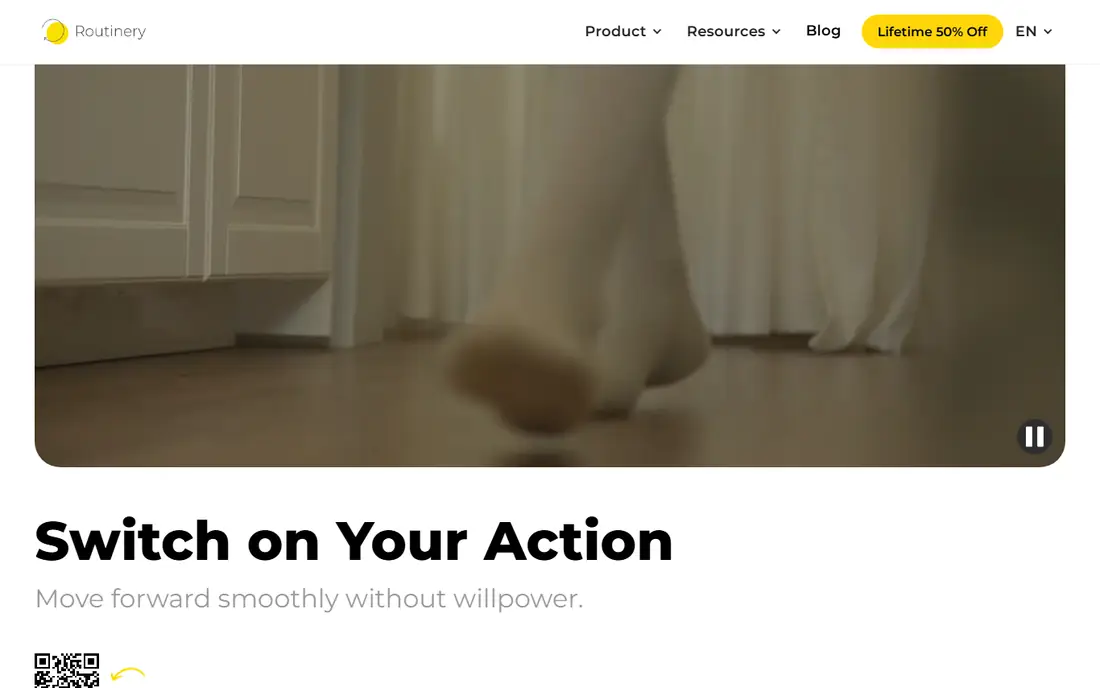
Routinery is built for mornings, bedtimes, and other routines that run in order. You list the steps, set a time for each, and the app walks you through them one at a time, with voice prompts and a timer for each step. That structure helps when the hard part is starting the next task, not remembering the list itself.
The free plan covers two routines with ads, and the paid plan costs $5.00 per month or $36.00 per year based on app store listings. The main limit is platform reach: there is no web version, so you plan and run routines on a phone, tablet, or watch. If your day runs on repeated sequences, this is the most focused routine tool on the list.
- Timers for each routine step
- Voice guidance
- Streak tracking with rest mode
- No web version
- Free plan covers only two routines
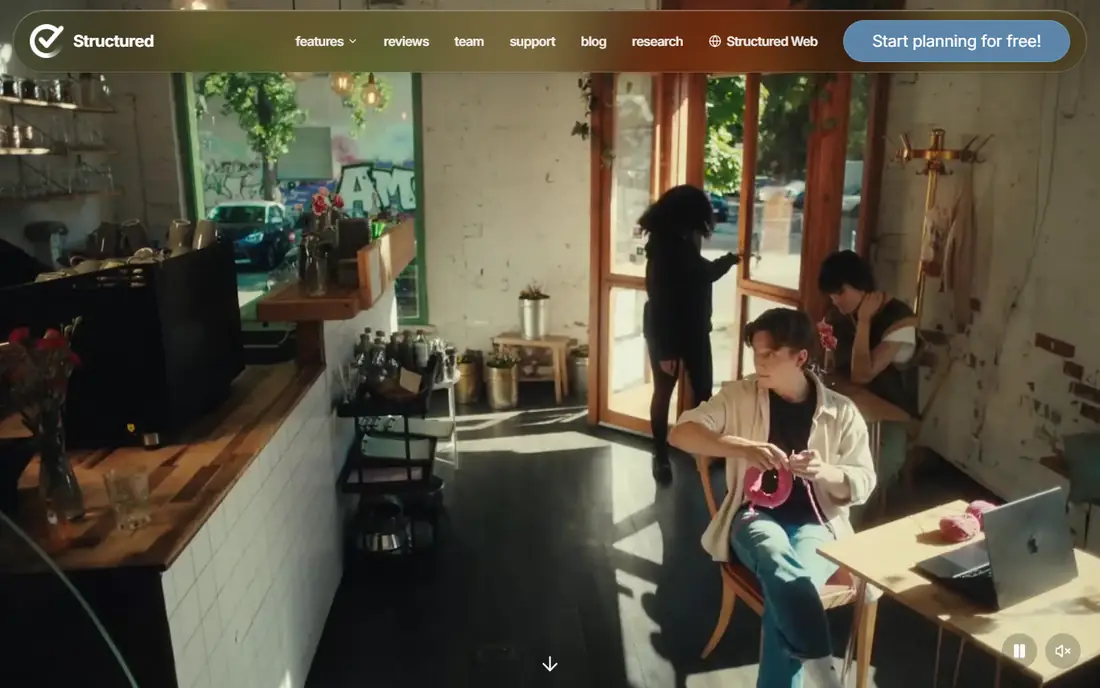
Structured turns a to-do list into a day you can see. Tasks and events sit on a timeline in order, so you can tell at a glance what comes next and where the gaps are. It syncs with calendars and reminders, and widgets keep the current task visible without opening the app. That visual layout helps people who lose track of time between tasks.
The free version covers the timeline planner, inbox, sync, subtasks, and widgets. Pro pricing varies by store listing, with yearly and lifetime options reported, so check the price in your store before upgrading. On days that fall apart, a strict timeline can feel unforgiving, but you can drag tasks to new times and carry unfinished items forward.
- Clear timeline view of the whole day
- Calendar and reminder sync
- Widgets
- Paid pricing varies by store
- Timeline style can feel rigid on messy days
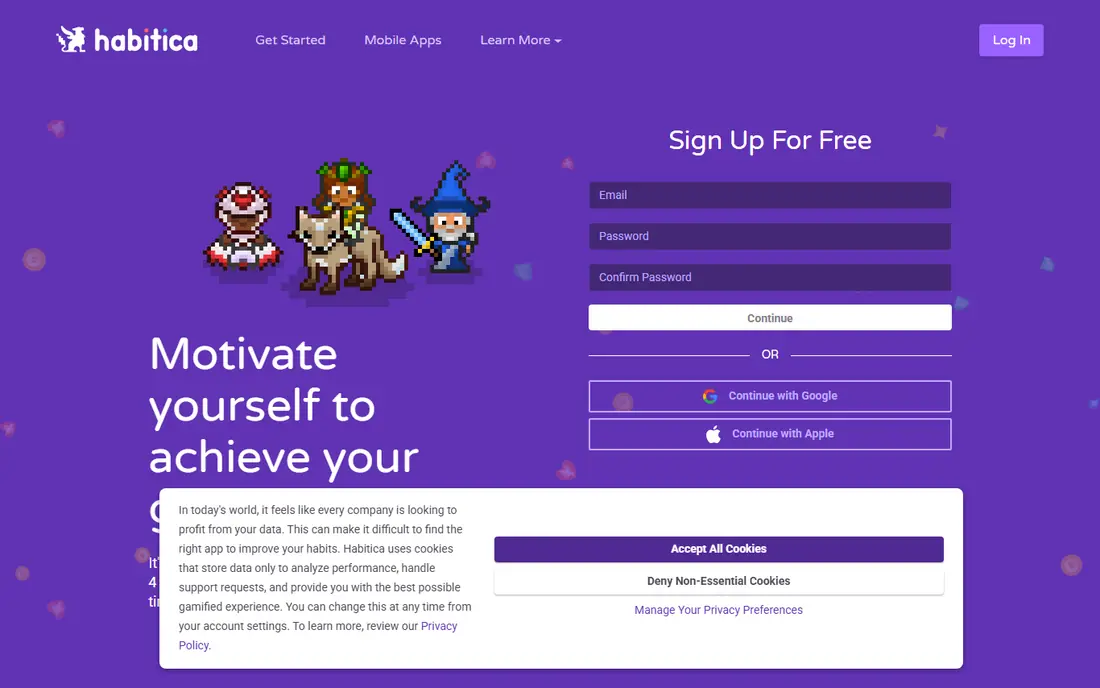
Habitica turns daily routines into a role-playing game. Dailies repeat on a schedule, habits can be tapped any time, and a separate to-do list holds one-off tasks. Completing items earns gold and experience for an avatar, and parties let small groups take on quests together. For people who enjoy games, that loop makes routine tasks feel less dull.
The core app is free, with an optional subscription at $4.99 per month or $47.99 per year. The game layer is also the risk: if you miss dailies, your character loses health, and that penalty puts some people off. If you like gentle tracking without stakes, Streaks or Loop may feel calmer. If rewards motivate you, Habitica is hard to beat.
- Dailies, habits, and to-dos in one place
- Avatar, quests, and parties
- Web and mobile apps
- Game layer can distract
- Some players dislike losing progress after a missed day
Todoist is a full task manager that handles routines through recurring tasks. Type a task such as a weekday morning routine, set it to repeat, and it returns on schedule inside the right project. Natural language dates make setup fast, and the app runs on phones, computers, watches, and the web, so a routine is never stuck on one device.
The free plan covers basic tasks and reminders, while Pro costs $6.99 per month or $59.99 per year based on recent listings. Todoist does not time each routine step the way Routinery does, so it suits people who need a reliable repeating list more than a guided sequence. If your routines live beside work projects, keeping them in one app avoids juggling tools.
- Recurring tasks and projects
- Natural language dates
- Runs on almost every device
- Free plan limits projects
- Routine timing needs manual setup
TickTick combines tasks, habits, a calendar, and a Pomodoro timer in one app. Routines can live as habits with their own schedules, while one-off work stays in task lists, and the timer helps you work through a routine in focused blocks. That all-in-one design appeals to people who dislike switching between a planner, a habit tracker, and a timer.
The free plan covers basic tasks and a limited number of habits, while Premium costs $4.99 per month or $49.99 per year. The breadth is also the drawback: the app has many views and settings, so the first week can feel busy. Once you settle on two or three views, it becomes a strong daily routine app for people who want tasks and habits together.
- Habits beside tasks
- Built-in Pomodoro timer
- Calendar view
- Free plan limits habits
- Interface can feel busy at first
Fabulous takes a coaching approach to routines. Instead of handing you a blank list, it guides you through journeys for habits such as morning routines, focus, and sleep, adding one small step at a time. Short lessons explain why each habit matters, and the app tracks streaks as you build the sequence. That guidance helps beginners who are not sure where to start.
A limited free version is available, with a paid plan that costs around $49.99 per year based on recent listings, so confirm the current price before subscribing. The coaching tone can feel slow if you already know your routine and just want a timer. For people starting from scratch, though, the step-by-step guidance is a real strength.
- Guided journeys for morning and evening routines
- Coaching content
- Habit tracking
- Coaching style is not for everyone
- Full access needs a subscription
Streaks is the simplest app on this list, and that is the point. You pick up to 24 tasks, set how often each repeats, and tap each one done as the day goes on. The circle for each task fills as you complete it, and widgets and Apple Watch support keep the list close at hand. There are no quests, coaching lessons, or timers to learn.
It costs $5.99 as a one-time purchase, with no free plan and no subscription. The clear limit is platform: Streaks runs on Apple devices only, so Android and Windows users should look elsewhere. If you use Apple devices and want a routine list that stays out of the way, the one-time price is easy to justify.
- Clean design
- Up to 24 tasks
- Strong Apple Watch and widget support
- Apple only
- No free plan
- Paid up front
Loop Habit Tracker is a free, open source habit tracker for Android. You can track any habit on any schedule, such as three times a week, and the app shows a habit score, streaks, and charts that reveal whether a routine is holding or slipping. There are no ads, no account requirement for basic use, and no paywall blocking core tracking.
The trade-offs are platform and style. Loop runs on Android only, and it does not guide you through timed routine steps the way Routinery does. The design is plain compared with Structured or Fabulous. If you want free, private, long-term habit tracking on Android, Loop is the strongest no-cost option here.
- Free and open source
- Habit scores and streak charts
- No ads
- Android only
- No timed routine mode
- Plainer design
Productive focuses on building a routine without extra complexity. You add habits, set schedules and reminders, and watch streaks and stats grow as you complete them. The setup takes minutes, and the daily view keeps the focus on what is due today rather than a large project system. That makes it a good middle ground between a plain streak app and a full task manager.
The free version covers basic habits, while a paid subscription adds more features, with prices that vary by store listing, so check the current plan in the app. Productive does not offer timed steps, coaching journeys, or deep project tools, so power users may outgrow it. For a straightforward daily routine app, it is easy to start and easy to stick with.
- Easy routine setup
- Streaks and stats
- Reminders
- Some features need a subscription
- Less depth than Todoist or TickTick
How we picked these
We compared official feature pages, pricing pages, and app store listings for apps that support repeating daily routines, not just one-off tasks. We kept apps that are live in October 2026, that handle recurring habits or timed steps, and that cover a range of styles, from guided routines to simple streaks. We left out single-purpose timers, calendar-only apps, and tools that require a business account, and we used See website or store-based pricing where a vendor price could not be confirmed.
How to choose a routine app that you will keep using
Start by naming the problem. If you know what to do but struggle to move from step to step, a timed app such as Routinery is the best fit. If you lose track of time, a visual timeline such as Structured makes the day visible. If motivation is the issue, a game layer such as Habitica or a streak view such as Streaks or Loop may carry you further than a plain list.
Then check the practical limits. Count how many routines and habits the free plan allows, and make sure the app runs on the devices you use most. A routine that lives only on a phone you leave in another room will fail, while widgets, watch support, and calendar sync can keep it in view. Try the free plan for a full week with a real routine, such as a morning sequence, before paying.
Finally, keep the routine small at first. Two or three steps done daily beat a ten-step plan abandoned by Friday. Add steps only after the first version holds for two weeks. If an app makes editing easy, use that: move, shorten, or drop steps that never happen, and keep the routine shaped around your actual day rather than an ideal one.
Frequently asked questions
What is the best app for daily routine?
Routinery is the best match for timed step-by-step routines, while Structured is best for seeing the whole day on a timeline. Todoist and TickTick suit people whose routines sit inside larger task lists. The best daily routine app is the one whose daily view you check without being forced to.
What is the best routine app?
The answer depends on style. Habitica suits game lovers, Streaks suits Apple users who want simplicity, and Loop suits Android users who want a free tracker. Fabulous suits beginners who want coaching. Test two finalists for a week and keep the one that makes the next step obvious.
What is the best app for routines?
An app that supports repeats, reminders, and streaks covers most routine needs. Routinery adds timers and voice prompts, Structured adds a timeline, and TickTick adds tasks and a timer in one place. Pick based on whether you need timing, visibility, or motivation most.
Are routine apps free?
Many are free to start, including Routinery, Structured, Habitica, Todoist, TickTick, Fabulous, Loop, and Productive, with paid plans for extra features. Streaks is the exception here, with a one-time purchase and no free plan. Check habit and routine limits on the free plan before you commit.
Can a routine app replace a paper planner?
It can if you like reminders, streaks, and syncing across devices. Paper still suits people who want a screen-free morning or a fully flexible layout. Some people use both: an app for timed steps and reminders, and paper for notes and reflection.
Sources
See where you really rank - block by block
ProMapRanker scans Google Maps across a grid of your service area. Simple monthly plans from $19, white-label on every plan.
Start freeKeep reading
 best chat tool for website
Best Chat Tool for Website in 2026
Best chat tool for website owners compared, with live chat, AI agents, free plans, and pricing for small stores, SaaS teams, and support teams of all sizes.
Read → best birdwatching app
Best Birdwatching App in 2026
Best birdwatching app picks for 2026: nine free and paid apps for bird ID by sight and sound, checklists, hotspots, and finding birds near you for all birders.
Read → best bird identification app
Best Bird Identification Apps in 2026
Find the best bird identification app for photos, songs and calls. We compare 9 bird apps, including Merlin, BirdNET and Audubon, to help you choose today.
Read →