 ProMapRanker
Best App for Managing Finances in 2026


Complete household dashboard · Pricing starts at: $99.99 per year
Key takeaways
- Monarch Money is the strongest all-round dashboard for households that want budgeting, net worth and investments in one place.
- YNAB suits hands-on budgeters who want a method, while Simplifi suits shoppers who want a capable app at a lower price.
- Rocket Money, Goodbudget and EveryDollar offer genuinely free starting points, with paid tiers for bank sync and extras.
- This article gives general information only and is not financial advice. Mint is not listed, since it shut down in 2024.
Quick comparison
| Pick | Great for | Pricing starts at | Free tier | |
|---|---|---|---|---|
| Monarch Money | Complete household dashboard | $99.99 per year | Free trial | Visit |
 YNAB | Hands-on zero-based budgeting | $109 per year | Free trial | Visit |
 Quicken Simplifi | Affordable all-rounder | See website | Free trial | Visit |
 Copilot Money | Apple-focused design | $95 per year | Free trial | Visit |
 Rocket Money | Subscription tracking | Free | Yes | Visit |
 EveryDollar | Simple zero-based budgeting | Free | Yes | Visit |
 Goodbudget | Envelope budgeting | Free | Yes | Visit |
 PocketGuard | Safe-to-spend number | $74.99 per year | Yes | Visit |
 Empower Personal Dashboard | Free net worth tracking | Free | Yes | Visit |
The best app for managing finances
Managing finances here means seeing accounts in one place, planning spending, tracking bills and watching net worth over time. These apps differ in method and price, so the best pick depends on how much hands-on budgeting you want. This article gives general information only and is not financial advice.
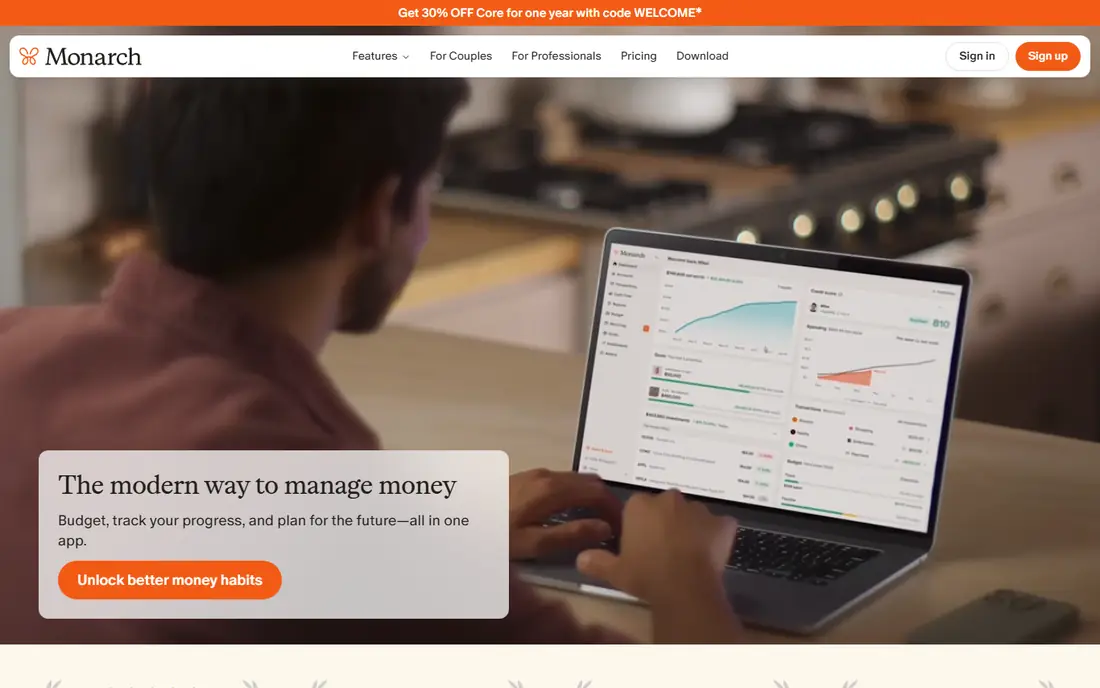
Monarch Money is our pick for most households that want a complete money view without a strict budgeting method. It links bank, card and investment accounts, shows spending, cash flow and net worth, and lets partners share access with separate logins. Goals, custom categories and reports make it useful for both daily spending checks and longer planning.
The cost is the main decision, since there is no free tier beyond a trial, so use the trial to link your main accounts and see if the dashboard becomes a weekly habit. If you only need a simple budget, a free app may be enough, but for a household dashboard, Monarch is the most complete pick here.
- Budgeting, net worth and investments in one dashboard
- Shared household access
- Clear goals and reports
- No permanent free tier
- Annual price is mid-range
- Some users may find it more detailed than needed
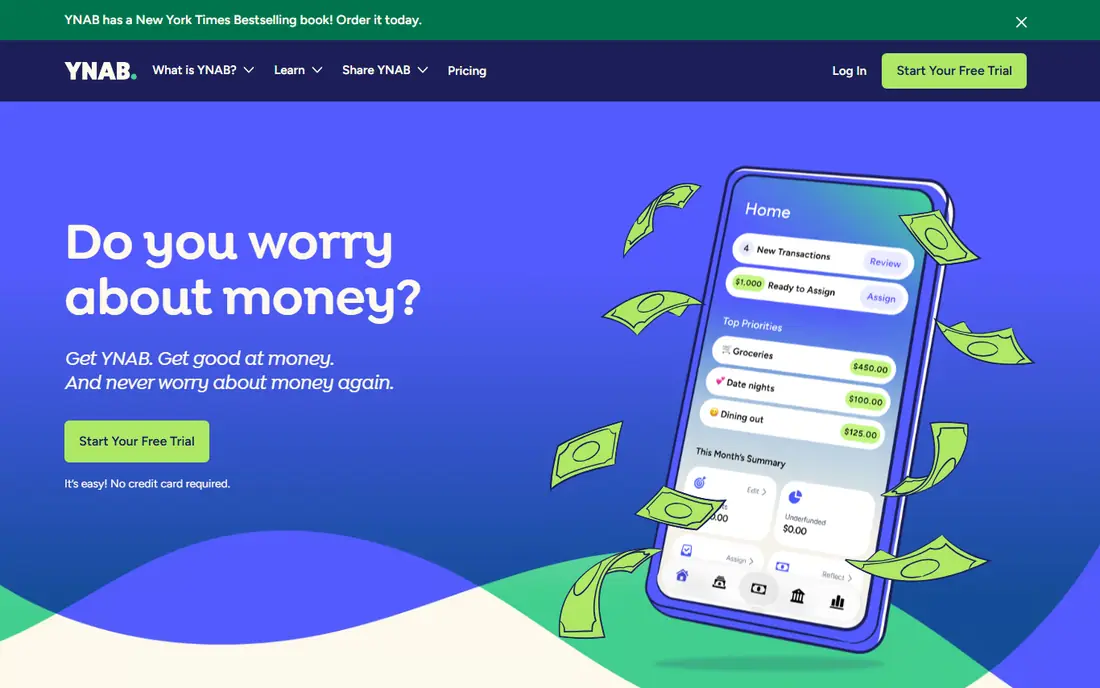
YNAB, short for You Need A Budget, is built around giving every dollar a job, which suits people who want to change spending habits rather than just watch transactions. You assign money you actually have to categories, adjust as the month goes on, and build a buffer over time. The method, guides and community support are a big part of the value, not just the app itself.
That method needs regular attention, and the price is high if you will not open the app weekly. Try the trial with a real month of spending, and judge it by whether your categories start to guide decisions, not by how pretty the dashboard looks. For committed budgeters, YNAB remains the strongest method-led pick.
- Clear zero-based budgeting method
- Strong educational material
- Bank sync and manual entry options
- Highest price in this list for budgeting alone
- Method needs regular attention
- No permanent free tier
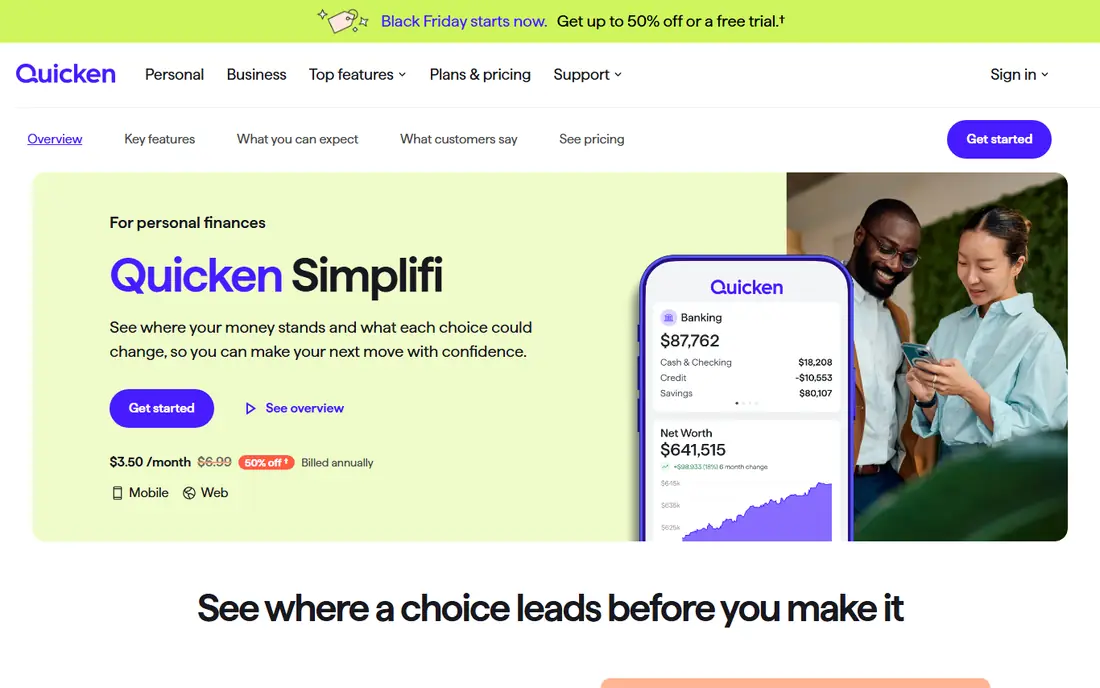
Quicken Simplifi is the value all-rounder in this list, offering a spending plan, cash-flow forecasting, bill tracking and investment views at a lower price than Monarch or YNAB. It suits users who want a capable dashboard without paying for the most polished design or the strictest method. Watchlists for spending categories help catch a creeping bill or habit early.
Design is plainer than its pricier rivals, and some account connections can be less smooth, so test your main banks during the trial. For a straightforward, affordable money app that covers budgeting and forecasting, Simplifi is a practical choice.
- Spending plan, cash-flow forecast and watchlists
- Bank and investment links
- Lower price than rivals
- Interface is plainer than Monarch or Copilot
- Some features vary by account
- No permanent free tier
Copilot Money is the design-led pick, with a clean interface, smart categorisation and clear views of spending, budgets and investments. Apple users who value a polished app will notice the difference quickly, and the web version covers desktop use. Cash-flow and recurring transaction views help spot subscriptions and patterns without extra tools.
Android users should skip it, since there is no Android app, and the price needs a trial to justify. If you are on iPhone or Mac and want the most pleasant daily money app, Copilot is a strong pick, but Monarch covers more household sharing for a similar price.
- Polished Apple design
- Smart transaction categorisation
- Investment and net worth views
- No Android app
- Apple and web only
- No permanent free tier
Rocket Money is best known for finding subscriptions, and its free tier gives a useful starting point for spending and bill tracking. Link accounts, see recurring charges in one place, cancel unwanted subscriptions where supported, and use the premium tier for more budgeting and negotiation features. That subscription focus makes it a good first app for people who suspect they pay for services they no longer use.
Budgeting depth is lighter than YNAB or Monarch, and premium pricing is set by the user within a published range, so read the current terms before upgrading. Start free, cancel what you do not need, and only pay if the extra features become part of your routine.
- Free subscription and spending views
- Bill negotiation and cancellation help
- Premium is pay-what-you-choose in a range
- Premium price range can confuse
- Negotiation results vary
- Full budgeting is lighter than YNAB
EveryDollar offers a simple zero-based budget, where you plan each dollar before the month starts, in a layout that beginners find easy to follow. The free version uses manual entry, which suits users who prefer to type spending in and stay aware of each transaction, while Premium adds bank sync and extra features. Its method comes from the Ramsey approach to debt and budgeting.
Bank sync is the main Premium draw, and the Premium price is high compared with Simplifi for what you get, so manual users get the best value. If you want a simple budget and do not mind manual entry, the free version is a solid start, and it pairs well with a free net worth app.
- Simple zero-based budget layout
- Free manual version
- Clear method for beginners
- Bank sync needs Premium
- Premium price is high for the feature set
- Investment tracking is limited
Goodbudget turns the old envelope method into an app, with digital envelopes for groceries, rent, transport and other categories, shared across a household. The free tier covers 20 envelopes and a limited history, which is enough for many couples or small households to test the method. Sharing envelopes helps partners see the same plan without separate spreadsheets.
Bank sync is a paid Plus feature and, for sync, is US only, so many free users enter transactions manually. That manual step is actually part of the method for some users, since it forces attention to spending, but it will not suit everyone. For envelope budgeting without a large subscription, Goodbudget is the clearest pick.
- Digital envelope system
- Shared household budgets
- Free tier with 20 envelopes
- Bank sync needs Plus and is US only
- Manual entry on free tier
- Design is simpler than rivals
PocketGuard answers one question well: after bills, goals and savings, how much is safe to spend today. That single figure suits users who find full budgets overwhelming and just want a daily guardrail. Bill tracking and spending categories support that figure, and the Plus tier adds more accounts and features.
The free tier limits linked accounts, so test it with your main accounts first, and check whether Plus is worth it for your setup. If you want detailed category budgets, YNAB or Monarch will serve you better, but for a simple daily number, PocketGuard is easy to live with.
- Clear safe-to-spend figure after bills and goals
- Bill tracking
- Simple daily view
- Free tier limits accounts
- Plus price adds up
- Budgeting depth is lighter than Monarch
Empower Personal Dashboard, formerly Personal Capital, offers free net worth tracking, investment views and retirement planning tools, which makes it a strong free companion to a budgeting app. Link accounts, see assets and debts in one place, and use the planning tools to model retirement scenarios in broad terms. For investors, the portfolio view is a real strength.
Budgeting is basic compared with Monarch or YNAB, and you may see offers for managed wealth services, since that is part of the business model. Use Empower for the free dashboard and planning view, and pair it with a budgeting app if daily spending control is your main goal. This article gives general information only and is not financial advice.
- Free net worth and investment dashboard
- Retirement planning tools
- Account aggregation
- Budgeting is basic
- Wealth management offers may appear
- Design favours investors over budgeters
How we picked these
We compared official feature pages, pricing pages and app store listings, and we favoured apps that are still available in the US, link bank accounts or support manual entry, and cover budgeting, tracking or net worth in a clear way. We excluded Mint, since it shut down in 2024, and we did not list any app that is no longer available. Where a price could not be verified from the vendor, we wrote See website rather than guessing.
How to choose and set up safely
Start with your method, not the app store ranking. If you want hands-on control, trial YNAB or EveryDollar, if you want a household dashboard, trial Monarch, and if you want a free start, try Rocket Money, Goodbudget or Empower first. Link only the accounts you need, check that transactions categorise sensibly, and give any app two to four weeks before judging it, since the first month always needs cleanup.
Protect your data as you set up. Use a strong, unique password and two-factor authentication, check what account access you grant, and review linked accounts regularly. A finance app should help you see spending and plan ahead, but it cannot replace professional advice for tax, debt or investment decisions, and no app can guarantee a financial outcome.
Frequently asked questions
What is the best app for managing finances?
Monarch Money is our pick for most households, YNAB is our pick for hands-on budgeters, and Quicken Simplifi is our pick for value. The best app for managing finances depends on whether you want a dashboard, a method or a free start.
What are the best apps for managing finances for free?
Rocket Money, Goodbudget, EveryDollar and Empower Personal Dashboard all offer useful free tiers. Free tiers may limit bank sync or account numbers, so check those limits against your accounts before relying on them.
Is Mint still available?
No. Mint shut down in 2024 and is not listed here. Monarch Money, Quicken Simplifi and Copilot Money are common alternatives for former Mint users, with different prices and methods.
Do finance apps need my bank login?
Most syncing apps use a third-party aggregator to link accounts, rather than storing your bank password directly in the app, but access levels vary. Read the security and privacy pages, use two-factor authentication, and unlink accounts you no longer need.
Is a finance app financial advice?
No. These apps give general information, tools and views of your accounts, not personal financial advice. For debt, tax or investment decisions, consider a qualified professional, and treat any app suggestion as a starting point for your own research.
Sources
See where you really rank - block by block
ProMapRanker scans Google Maps across a grid of your service area. Simple monthly plans from $19, white-label on every plan.
Start freeKeep reading
 who has best internet service
Who Has the Best Internet Service in 2026
Who has best internet service for US homes? We compare fiber, cable, fixed wireless and satellite providers on speed, price, availability and terms today.
Read → which survey tool has the best analytics
Which Survey Tool Has the Best Analytics in 2026
Find which survey tool has the best analytics in 2026, comparing Qualtrics, SurveyMonkey, Typeform, Alchemer, and more on reports, text, and stats today.
Read → which streaming service has the best movies
Which Streaming Service Has the Best Movies in 2026
Answering which streaming service has the best movies, with Netflix, Max, Criterion and more compared on libraries, prices and free options in this guide.
Read →