 ProMapRanker
Best App for Driving Directions in 2026

Key takeaways
- Google Maps is the best all-round choice for most drivers, with search, traffic, and offline maps in one free app.
- Waze is the best choice for daily commuting, thanks to community reports on traffic, hazards, and road conditions.
- Apple Maps is the best built-in choice for iPhone users, with CarPlay integration and offline maps.
- Keep an offline app such as HERE WeGo or Organic Maps as a backup for areas with poor mobile coverage.
Quick comparison
| Pick | Great for | Pricing starts at | Free tier | |
|---|---|---|---|---|
 Google Maps | Best overall driving directions | Free | Yes | Visit |
 Waze | Commuting and live traffic alerts | Free | Yes | Visit |
 Apple Maps | iPhone and CarPlay driving | Free | Yes | Visit |
 MapQuest | Simple web and app directions | Free | Yes | Visit |
 HERE WeGo | Offline road trip maps | Free | Yes | Visit |
 Sygic | Offline navigation with premium features | See website | Free trial | Visit |
 TomTom AmiGO | Road alerts and speed camera warnings | Free | Yes | Visit |
 Organic Maps | Privacy-focused offline maps | Free | Yes | Visit |
 OsmAnd | Detailed offline maps and routing | Free | Yes | Visit |
The best app for driving directions
We compared driving apps on route quality, live traffic, offline maps, voice guidance, CarPlay and Android Auto support, and ease of use. All of the free apps here give turn-by-turn driving directions, so the choice comes down to traffic data, offline coverage, privacy, and how well the app fits your phone and car setup.
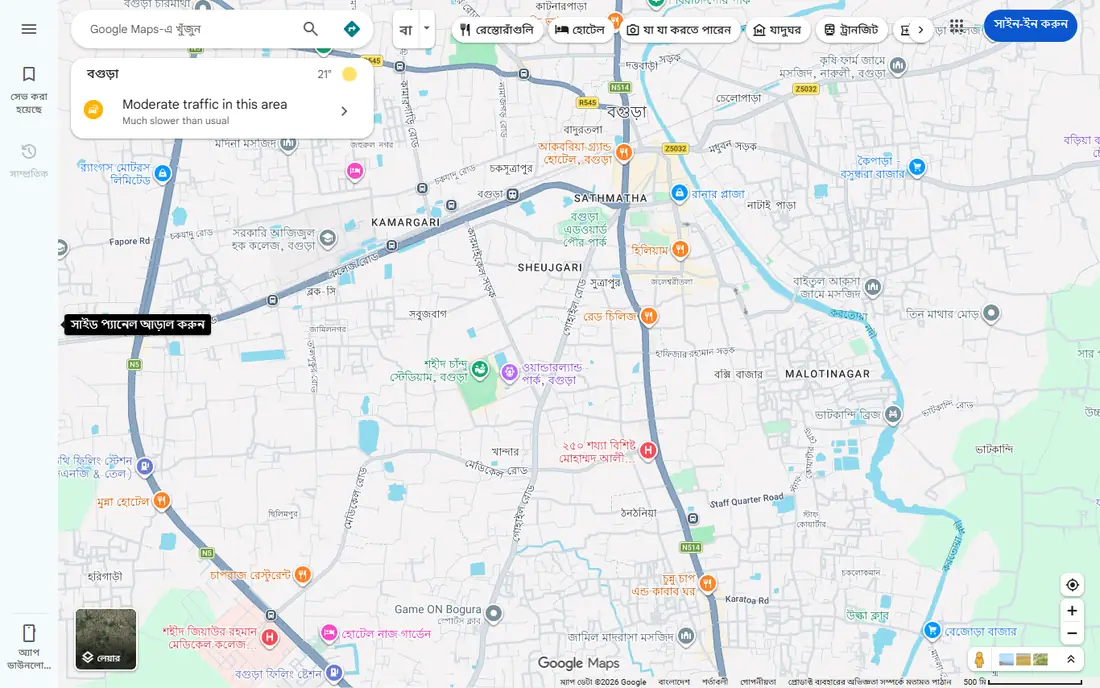
Google Maps is the best overall app for driving directions for most people, because it combines route guidance with the strongest place search. You can find a business, check hours and reviews, see live traffic, and get a route in one app, without switching tools. Voice guidance, lane guidance on many routes, and rerouting around traffic are all part of the free app.
Offline maps are a real strength for road trips: download an area over Wi-Fi before you travel, and you can still navigate if coverage drops, though live traffic will not update offline. The main drawback is data use and screen clutter compared with a driving-only app. If you want one app that handles planning, searching, and driving, Google Maps is the default pick.
- Broad place search and business info
- Live traffic and rerouting
- Offline maps for saved areas
- Works with CarPlay and Android Auto
- Uses more mobile data than Waze on some routes
- Business and place features can distract from pure driving
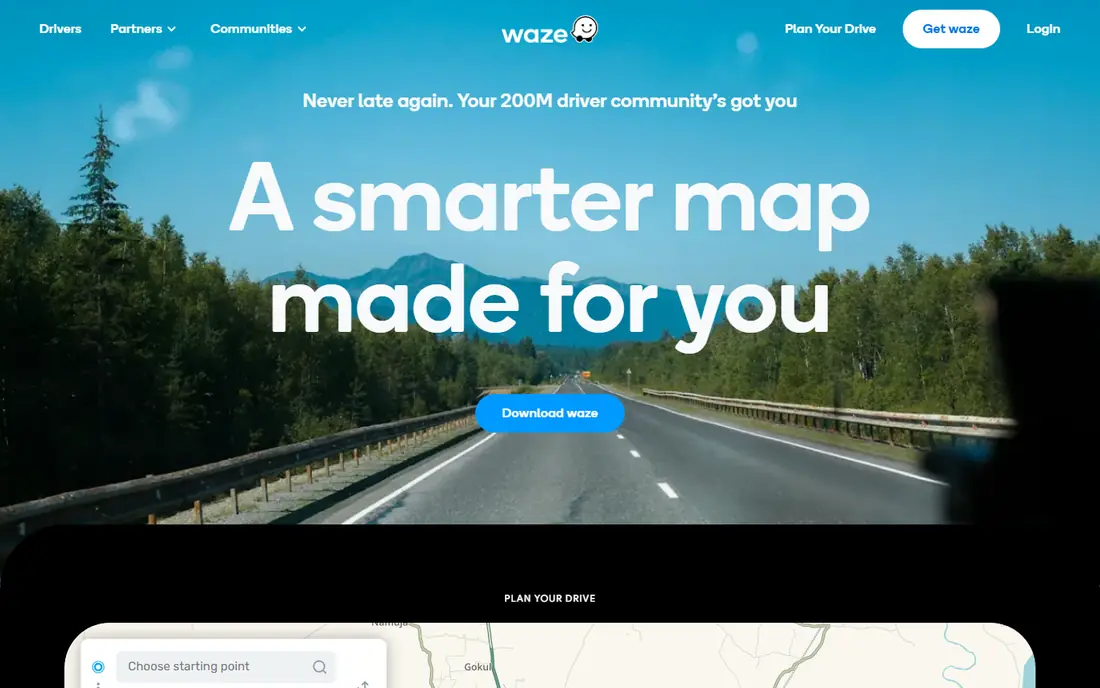
Waze is the best app for a daily commute, because its driver community reports accidents, hazards, road closures, and traffic in real time. When traffic builds on your route, Waze can reroute quickly, often before a traffic-only system reacts. That community layer is why many drivers keep Waze beside a main maps app and switch to it for rush hour.
The limits are clear. Waze needs a live connection for full function, since it has no full offline map mode, and it is weaker for walking, cycling, and transit than Google Maps or Apple Maps. The interface can also feel busy, with many alerts on screen. For pure driving in traffic, though, Waze remains hard to beat, and it is free.
- Community reports on traffic, hazards, and police
- Fast rerouting when traffic builds
- Free on iOS and Android
- No full offline maps
- Needs a live connection
- Interface can feel busy
- Limited walking, cycling, and transit options
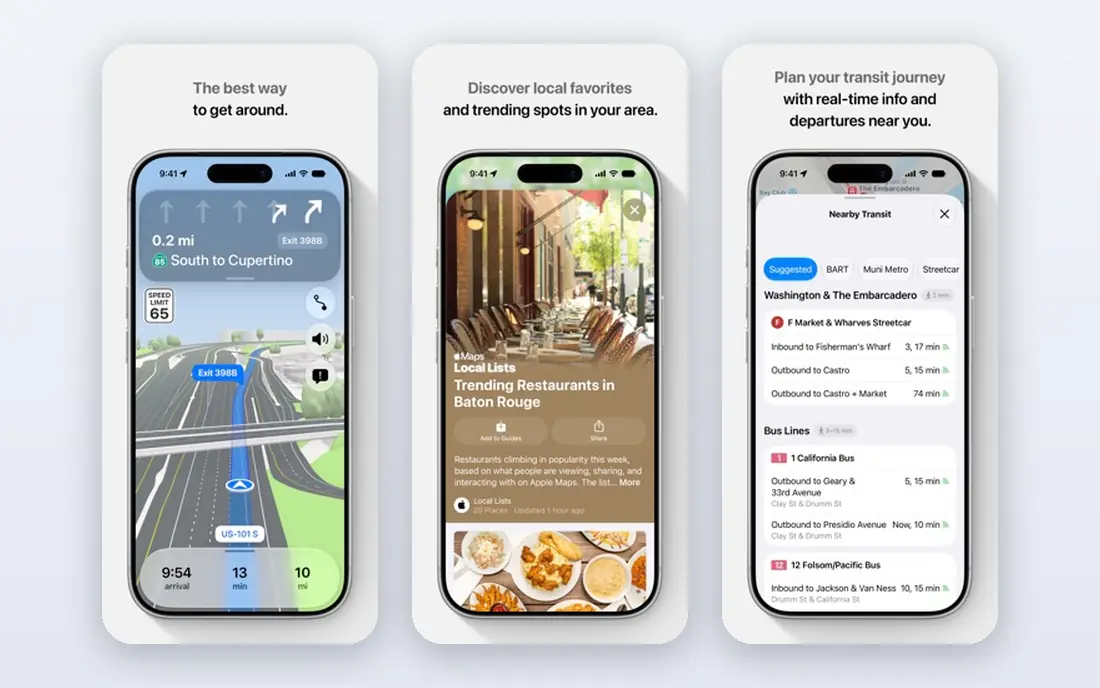
Apple Maps is the best built-in choice for iPhone users. It is preloaded, works closely with Siri and CarPlay, and does not require a separate account. Offline maps cover dead zones and rural driving, and Apple states that it does not sell location data, which suits drivers who care about privacy. Voice guidance and lane guidance are clear, and the interface stays clean during a drive.
The trade-offs are platform and community data. Apple Maps runs only on Apple devices, so Android drivers need another app, and it lacks the crowdsourced hazard and police reporting that makes Waze special for commuters. Place coverage can also be thinner than Google Maps in some areas. For an iPhone driver who wants a clean, private, built-in navigator, Apple Maps is an excellent default.
- Preloaded on iPhone
- Strong CarPlay and Siri integration
- Offline maps
- No account needed and no sale of location data
- IPhone only
- No community hazard reporting like Waze
- Place data can be thinner in some areas
MapQuest is a long-standing directions service that still offers a simple, free way to get driving directions on the web and in its app. It suits drivers who want a straightforward route without a large set of extra features, and it works well for quick planning on a computer before a trip. The route display is clear, and the service is free.
The drawback is depth. Live traffic, place search, and business information are thinner than in Google Maps, and the app does not match Waze for community traffic alerts. MapQuest is best as a simple planning tool or a backup, rather than as a sole daily navigator for a commuter who needs live traffic. If simplicity is your priority, it does the core job well.
- Long-standing directions service
- Simple route planning on web and app
- Free to use
- Traffic and place features are thinner than Google Maps
- App experience is simpler than leading rivals
HERE WeGo is a strong offline choice for road trips, especially international trips where mobile data is costly or coverage is patchy. You can download whole regions or countries for offline driving, then navigate without a live connection. That makes it a reliable backup app to keep beside Google Maps or Apple Maps, even if you do not use it every day.
Live traffic is limited by region, and place search is thinner than Google Maps, so it is less useful for finding a specific business in a busy city. CarPlay and Android Auto support also varies by platform and version, so check your setup before a trip. For offline driving, though, HERE WeGo remains one of the most practical free options.
- Full offline maps for driving
- Free core navigation
- Useful for international road trips
- Live traffic is limited by region
- CarPlay and Android Auto support varies by version
- Place search is thinner than Google
Sygic is a paid-leaning navigation app with a polished driving interface and strong offline maps. It suits drivers who want a dedicated navigator feel, with speed limit warnings, camera alerts on paid features, and a clear driving display, rather than a general maps app with many extra layers. Offline maps are central, so it works well on road trips and in low-coverage areas.
Some features, including full traffic and premium alerts, sit behind paid plans, so check the current pricing and trial terms before you commit. Place search and business data are also thinner than Google Maps. If you want a dedicated offline navigator and are willing to pay for premium features, Sygic is a solid choice. If you want everything free, start with Google Maps or HERE WeGo.
- Offline maps with a polished driving interface
- Speed limit and camera warnings on paid features
- Head-up display options
- Some traffic and premium features are paid
- Free trial limits need checking
- Less place depth than Google Maps
TomTom AmiGO is a free driving app from TomTom, built around navigation, traffic, and road alerts. It gives turn-by-turn directions with speed camera warnings and hazard alerts, using TomTom traffic data. That focus suits drivers who want a clean driving app with good alerts, without paying for a full premium navigator.
The limits are offline use and breadth. AmiGO does not offer full offline maps in the way HERE WeGo does, and place search and trip planning are simpler than Google Maps. It also has less community reporting than Waze. As a free companion for commuting and road alerts, AmiGO is worth trying, especially if you already trust TomTom traffic data.
- Free driving navigation
- Speed camera and road alerts
- TomTom traffic data behind routes
- No full offline maps
- Fewer place and planning features than Google Maps
- Community features are limited
Organic Maps is a free, open source maps app built for privacy and offline use. It uses OpenStreetMap data, works offline after you download an area, and does not require an account or show ads. That makes it a good backup for rural driving, hiking, and international travel, and a good main app for drivers who want to limit location tracking.
The trade-off is live data. Organic Maps has no live traffic, so it cannot reroute around a jam in the way Waze or Google Maps can, and place data can be thinner in some areas. CarPlay and Android Auto support is also limited. Use Organic Maps as a private offline backup, and pair it with a traffic app for commuting.
- Free and open source
- Offline maps with no account needed
- Privacy-focused with no tracking or ads in the app
- No live traffic
- Routing and place data can be thinner in some areas
- CarPlay and Android Auto support is limited
OsmAnd is a detailed offline maps app that suits drivers who want control over maps, routing, and outdoor data. It offers driving, cycling, and walking routes from OpenStreetMap data, with offline maps for whole regions, and extra layers such as contours for outdoor trips. That depth makes it popular with travellers, cyclists, and drivers heading off the main road network.
The interface can feel complex at first, and there is no live traffic, so it will not reroute around congestion like Waze. Some features also sit in a paid version, though core offline navigation is free. If you want a detailed offline map with many options, OsmAnd is a strong choice. If you want the simplest daily commute app, start with Google Maps or Waze instead.
- Detailed offline maps from OpenStreetMap
- Driving, cycling, and walking routing
- Contour and terrain options for outdoor use
- Interface can feel complex for new users
- No live traffic
- Some features need a paid version
How we picked these
We compared official app pages, app store listings, and recent navigation comparisons checked in October 2026. We kept apps that are live, that offer turn-by-turn driving directions, and that cover a distinct need: best overall, commuting, iPhone use, offline driving, privacy, or road alerts. We included free apps first, since most drivers do not need to pay for directions, and one paid-leaning option for drivers who want premium offline features.
How to choose the right driving app
Start with your phone and your main trip type. iPhone drivers can start with Apple Maps and add Waze for commuting. Android drivers can start with Google Maps and add Waze for traffic. Road trippers should add an offline app such as HERE WeGo or Organic Maps and download maps over Wi-Fi before leaving.
Test voice guidance and car integration before a long trip, since a clear voice prompt and a working CarPlay or Android Auto connection matter more than a long feature list. Download offline maps for your route, check that your phone mount keeps the screen visible, and keep mobile data in mind if you use a data-heavy app abroad. In most cases, two apps cover everything: one for daily traffic and one for offline backup.
Frequently asked questions
What is the best app for driving directions?
Google Maps is the best overall app for most drivers, with search, traffic, offline maps, and car integration in one free app. Waze is better for commuting thanks to community traffic alerts, and Apple Maps is best for iPhone users who want a built-in, private navigator.
What is the best free GPS app?
Google Maps, Waze, and Apple Maps are all free and cover the core driving needs well. HERE WeGo, TomTom AmiGO, Organic Maps, and OsmAnd are also free for core navigation, with offline or alert strengths that make them good backups or specialist picks.
What is the best app for traffic?
Waze is the best app for live traffic on a commute, because driver reports on accidents, hazards, and congestion feed fast rerouting. Google Maps also offers live traffic and rerouting, with stronger place search, so many drivers use both: Waze for the commute and Google Maps for planning.
Which driving app works offline?
HERE WeGo, Organic Maps, OsmAnd, and Google Maps all support offline maps if you download areas in advance. Sygic also centres on offline navigation, with some premium features paid. Remember that offline maps do not include live traffic, so download before you lose coverage.
What is the best app for directions on a road trip?
Google Maps for planning and place search, plus HERE WeGo or Organic Maps for offline backup, is a strong road trip setup. Download maps over Wi-Fi, check fuel and rest stops in advance where the app supports it, and keep a traffic app ready for busy sections near cities.
Sources
See where you really rank - block by block
ProMapRanker scans Google Maps across a grid of your service area. Simple monthly plans from $19, white-label on every plan.
Start freeKeep reading
 best chat tool for website
Best Chat Tool for Website in 2026
Best chat tool for website owners compared, with live chat, AI agents, free plans, and pricing for small stores, SaaS teams, and support teams of all sizes.
Read → best birdwatching app
Best Birdwatching App in 2026
Best birdwatching app picks for 2026: nine free and paid apps for bird ID by sight and sound, checklists, hotspots, and finding birds near you for all birders.
Read → best bird identification app
Best Bird Identification Apps in 2026
Find the best bird identification app for photos, songs and calls. We compare 9 bird apps, including Merlin, BirdNET and Audubon, to help you choose today.
Read →