 ProMapRanker
Best App for Counting Calories in 2026

Key takeaways
- MyFitnessPal has the broadest food database, while Cronometer gives deeper detail on vitamins and minerals.
- Lose It and FatSecret are the easiest low cost starting points for simple daily calorie tracking.
- MacroFactor suits people who want targets that adjust with their logged weight and intake over time.
- Carb Manager is the clearest choice for low carb and keto eating, and YAZIO pairs calorie tracking with fasting tools.
- This article is general information only and is not medical advice. Talk with a clinician before changing your diet for a medical condition.
Quick comparison
| Pick | Great for | Pricing starts at | Free tier | |
|---|---|---|---|---|
 MyFitnessPal | Largest food database | $19.99 per month | Yes | Visit |
 Lose It | Simple weight loss tracking | See website | Yes | Visit |
 Cronometer | Micronutrient detail | $10.99 per month | Yes | Visit |
 YAZIO | Recipes and fasting | See website | Yes | Visit |
 Lifesum | Guided diet plans | See website | Yes | Visit |
 MyNetDiary | Verified foods without ads | See website | Yes | Visit |
 FatSecret | Free tracking on a budget | See website | Yes | Visit |
 Carb Manager | Low carb and keto tracking | See website | Yes | Visit |
 MacroFactor | Adaptive macro coaching | $11.99 per month | Free trial | Visit |
The best app for counting calories
We compared food databases, free features, paid prices, and how each app handles daily targets. The best choice depends on how much detail you want and how much logging friction you will tolerate.
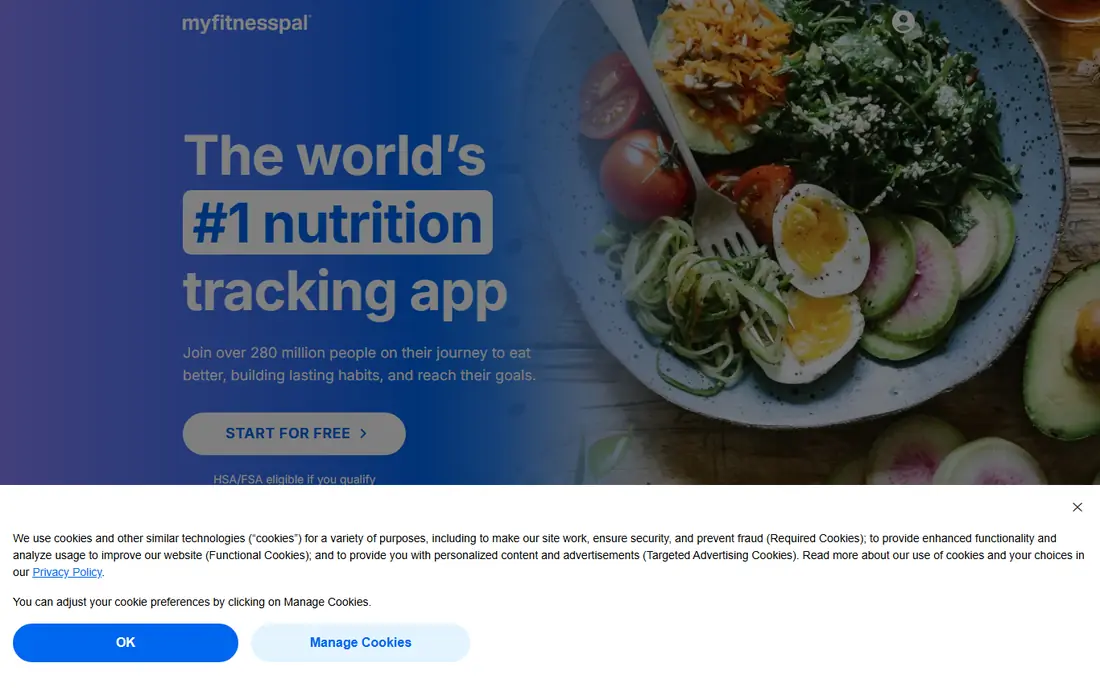
MyFitnessPal fits people who eat a wide mix of packaged foods, restaurant meals, and home cooking. Its database makes it easier to find a close match without typing a full recipe, and the daily view keeps calories, protein, carbs, and fat in one place. Connections to fitness trackers and other health apps also help people who want food and activity in the same daily picture.
The catch is that the free version is more limited than it once was. Barcode scanning, voice logging, and meal scanning require Premium in current listings, so free users should expect more manual search. If you already have years of history here, that history can be a real reason to stay. New users who mainly want free barcode scanning should compare FatSecret and MyNetDiary first.
- Very large food database
- Broad device and app connections
- Simple daily calorie and macro totals
- Barcode scanning and some advanced tools sit behind Premium
- Free version includes ads
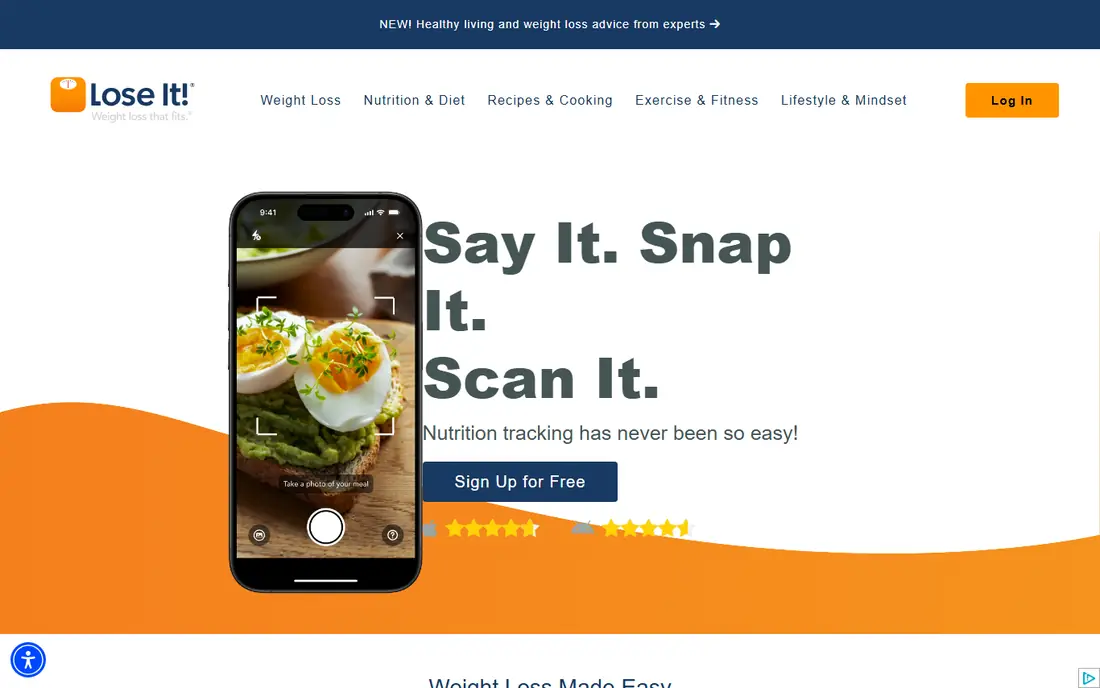
Lose It suits people who want a plain daily calorie budget without a long setup. You set a goal, log meals, and see what remains for the day. The interface keeps the focus on the number that matters most for weight loss, rather than asking you to study dozens of nutrient charts.
The trade off is that the most convenient logging tools are paid features. Free users can still track calories and weight, but barcode, photo, and voice logging are part of Premium. That makes Lose It a good test drive: use the free version for a week, and pay only if faster logging would keep you consistent.
- Clear daily budget view
- Photo and barcode tools in Premium
- Weight and goal tracking built in
- Some logging shortcuts require Premium
- Paid prices vary by plan and storefront
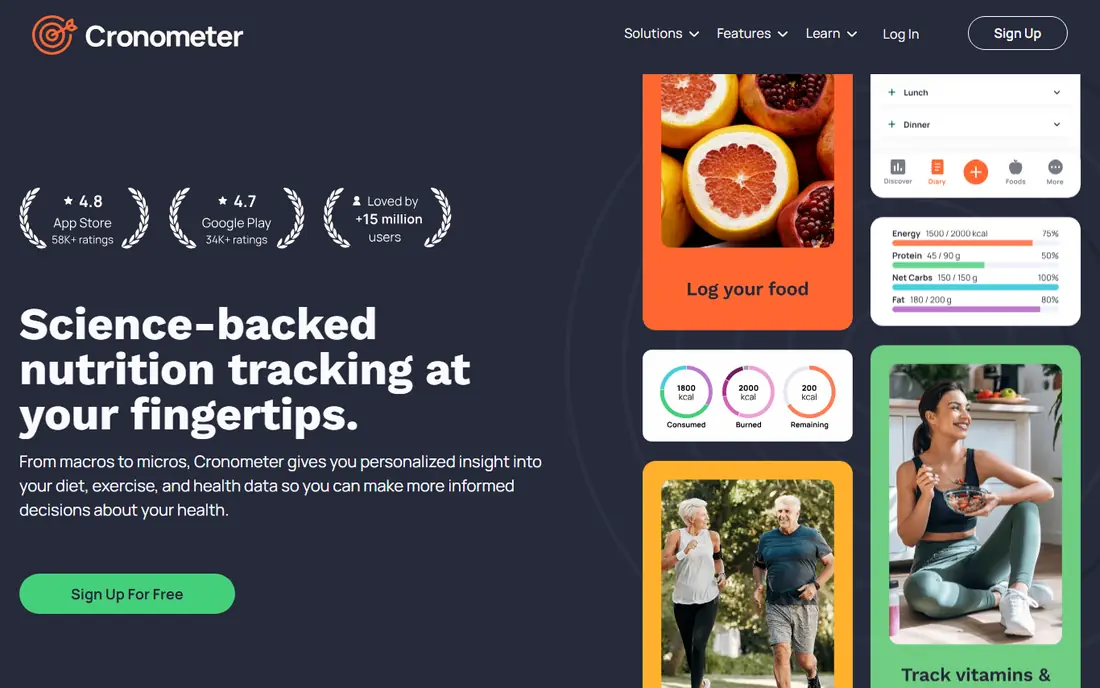
Cronometer is the pick for people who care about more than calories. It tracks a wide set of nutrients, so you can check iron, calcium, potassium, and other values alongside your daily total. That detail helps people who follow a restricted diet, cook most meals at home, or want to spot gaps before they become habits.
The same depth is also its main drawback. A simple lunch can open a long nutrient panel, and new users may feel they need to learn the app before they can log quickly. If your goal is only a calorie number, a simpler app will feel lighter. If nutrient quality matters to you, Cronometer gives the clearest picture in this list.
- Detailed vitamin and mineral tracking
- Verified food sources
- Barcode scanning in the free version
- Depth can feel busy for simple calorie goals
- Gold price varies by billing period
YAZIO fits people who want food ideas as well as a tracker. Its recipes and plans help answer the next question after logging, which is what to eat tomorrow. The fasting timer also suits people who already follow a time restricted eating pattern and want that timer beside their calorie count.
Free users get basic calorie tracking and manual entry, but should expect limits. Barcode scanning and photo tools are Pro features, and many planning tools sit behind the paid plan. YAZIO works best when you value its recipes and fasting features enough to accept those limits or pay for Pro.
- Recipe library and meal plans
- Intermittent fasting timer
- Clean daily calorie view
- Barcode scanning and some planning tools require Pro
- No full web app for desktop logging
Lifesum suits people who want guidance rather than a blank diary. You pick an eating style, such as Mediterranean or keto, and the app shapes plans and suggestions around it. That structure can help people who know they want to eat better but do not want to design every meal from scratch.
The limit is that the free tier is mainly a preview of the paid product. Diet plans, detailed recipes, and advanced tracking are Premium features, so free users should test the basic logging first. If the plan style clicks with you, Premium is where most of the value sits. If you only want free calorie counting, FatSecret or Cronometer give more without paying.
- Diet plans for common eating styles
- Meal ideas and life score
- Barcode scanning in the free version
- Many plans and recipes require Premium
- Free tier feels limited for long term use
MyNetDiary fits people who want accurate entries without ad interruptions. Its verified food list helps reduce duplicate or wrong entries, and the free version covers barcode scanning, macros, and a wide nutrient set. That combination makes it a strong free first choice for careful trackers.
The app looks less polished than Lifesum or YAZIO, and some users may miss their visual style. Premium adds coaching and advanced planning, but the free tier already covers the core job well. If you log every day and value clean entries over a glossy interface, MyNetDiary deserves a trial.
- Verified food entries
- No ads in the free version
- Detailed nutrient tracking
- Paid coaching and advanced planning require Premium
- Design feels plain beside newer apps
FatSecret is the pick for people who want to pay nothing and still log properly. Barcode scanning, full macros, a recipe builder, and a web dashboard are available without a subscription. That makes it easy to recommend to someone who is unsure whether calorie tracking will stick.
The trade off is presentation. The app and site look older than newer rivals, and some users will prefer a cleaner daily view. Premium exists, but most casual trackers will not need it. If cost is the main barrier, start here and upgrade only if you want a different interface.
- Free barcode scanning and macro tracking
- Recipe builder
- Community and web dashboard
- Design feels dated
- Premium adds little for users who only need basic tracking
Carb Manager fits people who follow keto or a low carb plan and need net carbs shown clearly. Standard calorie apps can bury that number, while Carb Manager puts it beside total carbs and daily targets. Recipes, meal plans, and fasting tools are built around the same eating style, so the whole app points in one direction.
For general calorie tracking, that focus can feel narrow. People who eat a balanced diet with bread, rice, and pasta may prefer a general tracker with a larger recipe range. For low carb eaters, though, the tailored views save daily mental math and reduce logging errors.
- Net carb tracking built in
- Keto recipes and meal plans
- Fasting and glucose logging options
- Less useful for general calorie tracking outside low carb eating
- Many premium recipes are paid
MacroFactor suits people who train regularly and want calorie and macro targets that change with their progress. Instead of a fixed number, it uses your logged food and weight trend to adjust targets over time. That approach helps lifters and active users who find static targets stop fitting after a few weeks.
The catch is commitment. There is no lasting free tier, only a trial, so you should be ready to pay if you continue. It also needs steady, complete logging to adapt well, and patchy logs will give weaker guidance. If you log most days and want coaching logic rather than a simple diary, MacroFactor is the strongest fit here.
- Targets adjust from logged intake and weight
- Clear macro focus
- No permanent free tier confusion
- No free plan beyond the trial
- Needs consistent logging to adapt well
How we picked these
We compared official feature pages, pricing pages, and app store listings for each app, and checked which features sit in free tiers and which require a paid plan. We favored apps that still work in October 2026, cover common eating styles, and give a clear daily calorie total without hiding the core job behind a paywall. Where paid prices varied by storefront or plan, we left the price as See website rather than guessing.
What to check before you pick a calorie app
Start with the free tier, not the paid plan. Log three normal days and see whether searching, barcode scanning, and editing portions feel quick enough to repeat. A tracker you stop using after a week helps no one, even if its nutrient charts look impressive.
Next, check how the app handles your eating style. Low carb eaters need net carbs in plain view, vegetarians need easy plant based entries, and people who eat out often need a large restaurant database. Also check device connections if you use a watch or scale, and check whether your data can be exported. A short trial across two apps will tell you more than any feature list.
Frequently asked questions
What is the best app for counting calories?
MyFitnessPal is the safest general pick because of its large database, while Cronometer is better for nutrient detail and FatSecret is better for a fully free start. Your eating style and tolerance for daily logging matter more than any single feature list.
What is the best app to track calories for free?
FatSecret and MyNetDiary give the most useful free tracking, including barcode scanning, without requiring a subscription for basic logging. Cronometer also gives strong free nutrient tracking, while MyFitnessPal and Lose It keep some convenient tools behind paid plans.
What is the best calorie calculator app for weight loss?
Lose It and MyFitnessPal both give a clear daily calorie budget tied to a weight goal, which suits weight loss tracking. MacroFactor goes further by adjusting targets from your logged trend, but it requires a paid plan after the trial.
What is the best food tracker app for keto or low carb eating?
Carb Manager is the clearest choice because net carbs, keto recipes, and fasting tools are built into its core design. General trackers can log the same foods, but they do not surface net carbs as plainly.
Do calorie apps give exact calorie counts?
No. Packaged labels, restaurant portions, and home cooking all vary, so logged totals are estimates even in the best database. Use the same app and the same portion habits each day, so trends stay comparable over time.
Is calorie counting safe for everyone?
No. Calorie tracking can be unhelpful for people with a history of disordered eating, and it is not a substitute for medical advice. This article is general information only. If you have a medical condition, are pregnant, or take medication that affects weight, talk with a clinician first.
Sources
See where you really rank - block by block
ProMapRanker scans Google Maps across a grid of your service area. Simple monthly plans from $19, white-label on every plan.
Start freeKeep reading
 vimeo alternatives
Best Vimeo Alternatives in 2026
Looking for Vimeo alternatives? We compare 9 video hosting platforms for reach, branded embeds, marketing, sales, live events, and pricing for your team.
Read → sendgrid alternatives
SendGrid Alternatives in 2026
Compare SendGrid alternatives for transactional email, from Resend and Postmark to Mailgun, Amazon SES, Brevo, Mailjet and other email APIs for developers.
Read → midjourney alternatives
Best Midjourney Alternatives in 2026
Looking for Midjourney alternatives? We compare 9 AI image tools for art, photos, text in images, game assets, and commercial use for projects in 2026.
Read →