 ProMapRanker
Best App Development Software Free in 2026

Key takeaways
- Code frameworks like Flutter, React Native, Android Studio and Xcode are fully free to build and test with, and publishing costs come from the app stores, not the tools.
- No-code builders such as Adalo, Glide and FlutterFlow let you build for free, but publishing, private projects and larger data limits usually need a paid plan.
- MIT App Inventor is the simplest free route to a real Android app, while Expo is the fastest free route into React Native.
- Only tools with a genuinely free tier appear here, and trial-only tools were left out.
Quick comparison
| Pick | Great for | Pricing starts at | Free tier | |
|---|---|---|---|---|
 Flutter | Cross-platform apps from one codebase | Free | Yes | Visit |
 React Native | JavaScript developers building mobile apps | Free | Yes | Visit |
 Android Studio | Native Android development | Free | Yes | Visit |
 Xcode | Native iPhone and iPad development | Free | Yes | Visit |
 Expo | Fast React Native prototyping | Free | Yes | Visit |
 MIT App Inventor | Beginners building Android apps | Free | Yes | Visit |
 FlutterFlow | Visual building with Flutter code | Free | Yes | Visit |
 Adalo | Beginners with a clear free plan | Free | Yes | Visit |
 Glide | Apps built from spreadsheets | Free | Yes | Visit |
The best free app development software
We compared official documentation and pricing pages, and we kept only tools you can use without paying to build and test. Store fees for publishing are separate, and we note them where they matter.
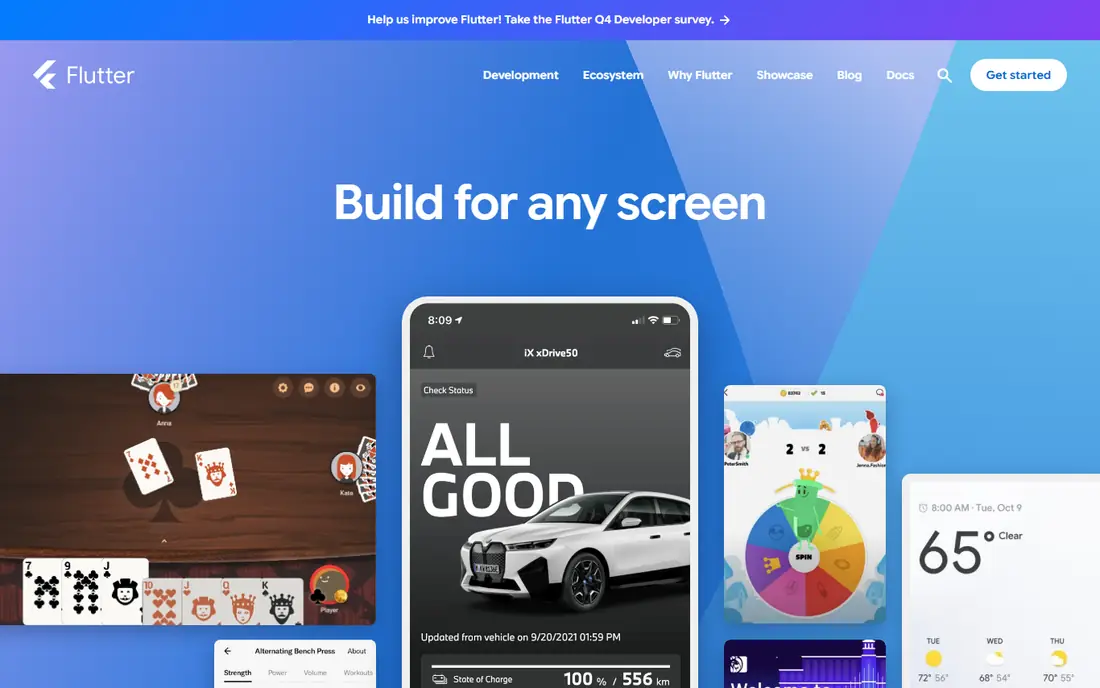
Flutter, from Google, lets you build for iOS, Android, web and desktop from a single codebase written in Dart. Its widget system gives you close control over how screens look, which is why many polished apps use it. Hot reload shows code changes at once, so testing a layout tweak takes seconds rather than a full rebuild.
The cost is learning Dart if you come from another language, though the language is small and readable. Flutter is fully open source and free, with no paid tier for the framework itself. If you want one codebase and a polished interface, and you are willing to code, Flutter is our first pick for most new mobile projects.
- One codebase for iOS and Android
- Fast hot reload
- Large widget library
- Dart language to learn
- App size can be larger than native
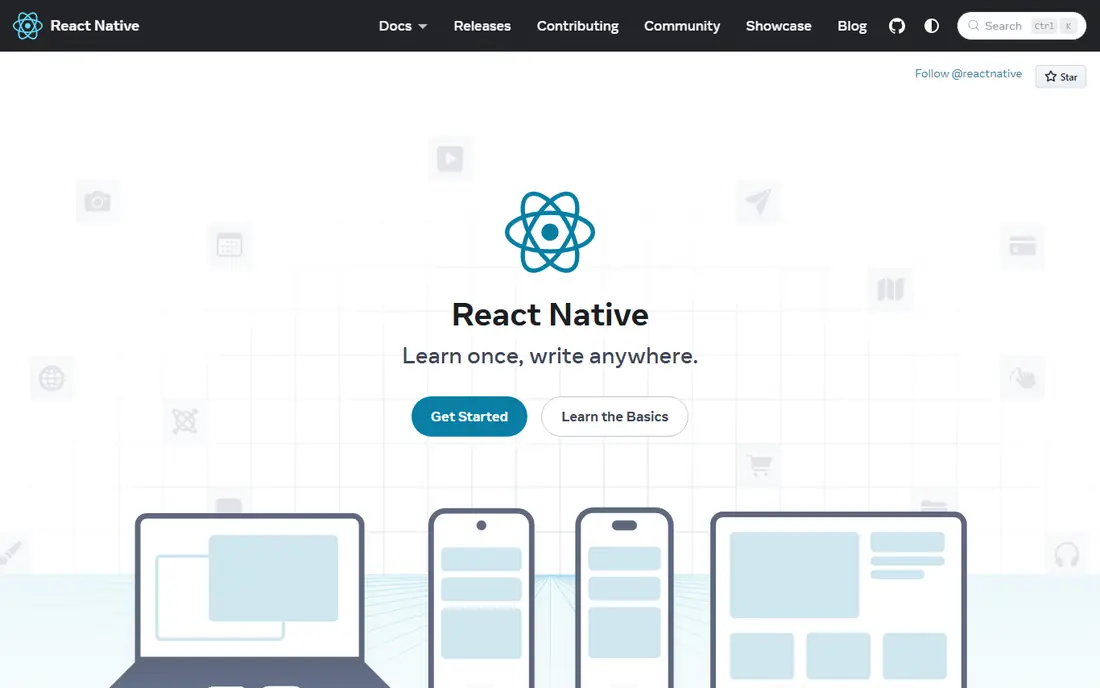
React Native, from Meta, lets JavaScript and React developers build mobile apps with skills they already have. You write components once and run them on iOS and Android, drawing on a very large set of libraries for navigation, storage, maps and payments. Hiring and help are easier to find than for smaller frameworks, simply because the community is so large.
The trade-off is that some features still need native code, and complex animations or heavy processing need careful work. That is normal for cross-platform tools, not a flaw unique to React Native. If you already know JavaScript, this is the lowest-friction free route to a real mobile app.
- Uses JavaScript and React skills
- Huge library ecosystem
- Free and open source
- Native modules sometimes needed
- Performance tuning takes care
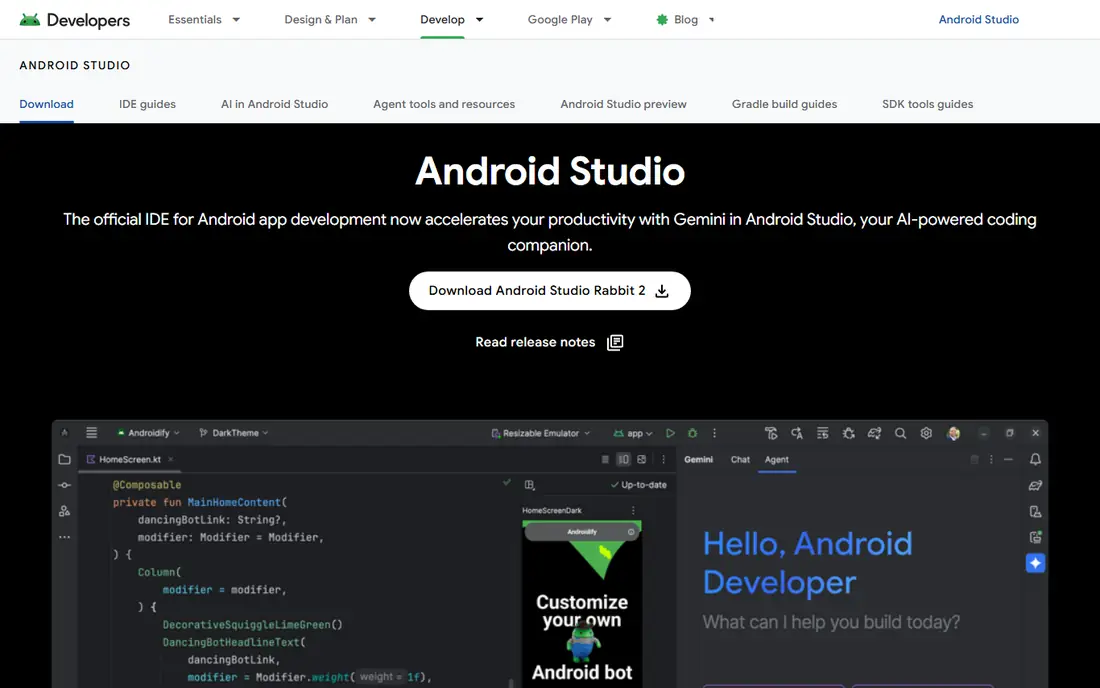
Android Studio is Google's official integrated development environment for Android, and it is free. It includes an emulator, layout tools, profiling and direct support for Kotlin, the preferred Android language. If you want full access to Android features, the latest platform tools and the most control, this is the tool to learn.
The catch is system weight. Android Studio runs best on a computer with plenty of memory, and it can feel slow on older machines. It also builds Android apps only, so iPhone support needs a second tool. For Android-first work, nothing else in this list matches its depth for free.
- Official Android tooling
- Strong emulator
- Full Kotlin and Java support
- Heavy on modest computers
- Android only
Xcode is Apple's free development environment for iPhone, iPad, Mac, Watch and TV apps. It supports Swift and SwiftUI, includes simulators, and gives full access to Apple frameworks. You can build and test on your own iPhone with a free Apple account, which makes learning iOS development genuinely free at the start.
The limits are platform and publishing. Xcode runs only on a Mac, and publishing to the App Store needs the Apple Developer Program at $99 per year. Google Play, by contrast, charges a one-time $25 fee. If you own a Mac and want native Apple apps, Xcode is the only serious free choice.
- Official Apple tooling
- Swift and SwiftUI support
- Free on Mac
- Mac only
- App Store publishing costs $99 per year
Expo wraps React Native in a friendlier workflow. You can start a project in minutes, test it on your phone with the Expo Go app, and build store-ready packages through its cloud build service. For prototypes, hackathons and small apps, that speed is hard to beat, and the core tools are free.
Larger apps sometimes need native modules that the managed workflow does not include, which means moving to a custom development build. That path is still free, just more involved. If you want React Native without the setup pain, start with Expo and only move on when a specific feature forces the issue.
- Very fast setup
- Easy device testing
- Managed build service
- Some native features need a custom build
- Larger projects may outgrow managed workflow
MIT App Inventor, from the Massachusetts Institute of Technology, lets you build Android apps by snapping blocks together instead of writing code. Students and hobbyists can make a working app with buttons, sensors, storage and web calls in an afternoon. There is no project cap on the free service, and you can export an Android package file for your own device.
The limits are clear. It builds Android apps only, and the interface style is functional rather than polished. It is not the tool for a commercial app store launch, but it is the best free way to learn how apps work and to ship a simple personal tool. Teachers and first-time builders should start here.
- Block-based, no code needed
- Free with no limits on projects
- Exports Android packages
- Android only
- Limited polish for commercial apps
FlutterFlow is a visual builder that produces real Flutter code underneath. You drag screens together, connect data from Firebase or an API, and preview the result as you go. That mix appeals to developers who like visual speed but want code ownership at the end. The free plan lets you build and test with up to two projects, which is enough to learn the tool and prototype an idea.
The catch is export. Downloading code and generating app store builds sit on paid plans, starting at $39 per month based on vendor listings. If you only need a prototype, free is enough. If you plan to publish from FlutterFlow, budget for at least the Standard plan.
- Visual builder backed by real Flutter code
- Firebase support
- Code export on paid plans
- Code and app store export need paid plans
- Learning curve for complex logic
Adalo is a no-code builder for native iOS and Android apps plus web apps. Its free plan is unusually clear: unlimited test apps with 500 database records per app and no time limit. That transparency helps beginners, since you know exactly where the free tier ends. Building screens, adding a database and testing on your phone all work without a card.
Publishing to app stores needs a paid plan, and very large or data-heavy apps can hit performance limits. Adalo suits simple apps such as booking tools, directories and event apps. If your idea fits that shape, it is one of the kindest free starts in this list.
- Clear free limits
- Unlimited test apps
- Simple database included
- Native publishing needs a paid plan
- Performance limits on large apps
Glide turns a spreadsheet into a working app. Point it at Google Sheets or another data source, pick a layout, and you have a directory, tracker or portal that staff or customers can use at once. That makes it a strong free choice for internal business tools, school apps and small client portals, where speed matters more than store presence.
The free tier limits rows and editors, and free apps publish as web apps rather than native store apps. If you need a native App Store or Play Store listing, Adalo or FlutterFlow fits better. If you need a working tool for a team this week, Glide is often the fastest route from data to app.
- Turns sheets into working apps fast
- Good for internal tools
- No code needed
- Web apps rather than native store apps on free tier
- Row and editor limits
How we picked these
We checked official documentation and pricing pages, and we required a free tier that lets you build and test without paying. Trial-only tools were left out, even when their trials are generous, because a trial is not a free plan. We also mixed code frameworks with no-code builders, since readers searching for free app development software include both developers and non-developers.
How to choose a free starting point
First, decide whether you want to code. If you do, pick by platform: Android Studio for Android only, Xcode for Apple only, Flutter or React Native for both. If you know JavaScript, React Native with Expo is the shortest path. If you want one codebase and fine visual control, Flutter is the stronger pick.
If you do not want to code, pick by output. MIT App Inventor suits learning and personal Android apps. Adalo suits simple native apps you may later publish. Glide suits data-driven web apps for a team. FlutterFlow suits teams that want visual building with code underneath. In every case, test the free tier with a small real project before you commit to a paid plan, and check what publishing will cost separately.
Watch for hidden costs beyond the builder. App store developer accounts, a custom domain, a database and push notification services can each add fees. A free builder does not make the whole project free, but it does let you prove the idea before spending.
Frequently asked questions
What are the best free app development platforms?
Flutter and React Native lead for coded cross-platform apps, Android Studio leads for native Android, Xcode leads for native Apple apps, and Adalo, Glide and FlutterFlow lead for no-code building. The right pick depends on whether you code, which platforms you need, and whether you need a store listing or a web app.
Can I build an app completely free?
You can build and test an app for free with every tool here. Publishing costs are separate: Apple charges $99 per year for its developer program, while Google Play charges a one-time $25 fee. Some no-code builders also charge for store publishing, so check that step before you promise a launch date.
Is Flutter or React Native better for beginners?
Flutter suits beginners who want one language and a consistent interface system, while React Native suits beginners who already know JavaScript. Both are free and well documented. Try a small project in each for a weekend if you have no prior preference, since the feel of the workflow matters more than online rankings.
Do free no-code builders limit my app?
Yes, in specific ways. Free tiers usually limit database records, projects, editors or publishing. Adalo caps free records, Glide caps rows, and FlutterFlow caps free projects. Read those limits against your expected users and data before you build, so a limit does not surprise you late in the project.
Can I publish a free app to the App Store?
Yes, but the store fee still applies, and some builders need a paid plan for store builds. Xcode itself is free, so a coded app built in Xcode only needs the $99 yearly developer fee. A no-code app may need both the builder plan and the store fee, so add both numbers to your budget.
What is the easiest free tool for a first app?
MIT App Inventor is the easiest route to a working Android app with no code at all. For a cross-platform idea, Adalo or Glide is easier than a code framework. Pick the tool that matches your device and your goal, and keep the first version small.
Sources
See where you really rank - block by block
ProMapRanker scans Google Maps across a grid of your service area. Simple monthly plans from $19, white-label on every plan.
Start freeKeep reading
 who has best internet service
Who Has the Best Internet Service in 2026
Who has best internet service for US homes? We compare fiber, cable, fixed wireless and satellite providers on speed, price, availability and terms today.
Read → which survey tool has the best analytics
Which Survey Tool Has the Best Analytics in 2026
Find which survey tool has the best analytics in 2026, comparing Qualtrics, SurveyMonkey, Typeform, Alchemer, and more on reports, text, and stats today.
Read → which streaming service has the best movies
Which Streaming Service Has the Best Movies in 2026
Answering which streaming service has the best movies, with Netflix, Max, Criterion and more compared on libraries, prices and free options in this guide.
Read →