 ProMapRanker
Best App Design Software in 2026

Key takeaways
- Figma is our pick for most teams, because browser access, live collaboration and handoff sit in one place.
- Sketch still suits Mac-only teams that want a native editor and a simpler bill.
- Penpot and Lunacy are the strongest low-cost routes, with Penpot also offering self-hosting.
- Adobe XD is left out here: Adobe lists it in maintenance mode, with no standalone purchase, so it is a poor new buy in 2026.
Quick comparison
| Pick | Great for | Pricing starts at | Free tier | |
|---|---|---|---|---|
 Figma | Team app and web design | $16 per month | Yes | Visit |
 Sketch | Mac-only interface design | $12 per month | No | Visit |
 Penpot | Open source team design | Free | Yes | Visit |
 Framer | Design that becomes a live website | $10 per month | Yes | Visit |
 Lunacy | Free desktop design on any system | Free | Yes | Visit |
 Axure RP | Complex interactive prototypes | $29 per month | Free trial | Visit |
 Balsamiq | Fast low-fidelity wireframes | $9 per month | Free trial | Visit |
 UXPin | Design systems at larger firms | $19 per month | Free trial | Visit |
The best app design software
We compared official feature pages, pricing pages, app store listings, privacy policies and public reviews. The list covers full interface design, prototyping, wireframing and design systems, because app design work rarely stops at a single screen.
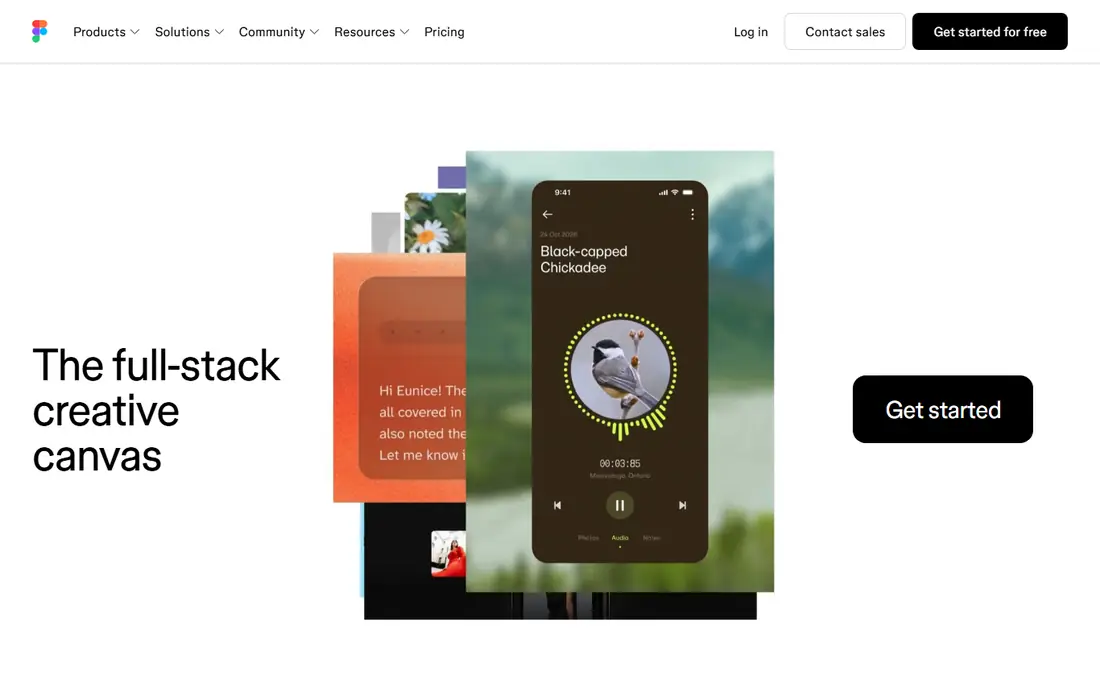
Figma is the default choice for most product teams in 2026, and the reason is practical rather than fashionable. Designers, product managers and developers can open the same file in a browser, comment in context, and hand off specs without exporting a pile of images. Components, variables and design libraries help a team keep screens consistent as an app grows.
The catch is the seat model. Full, Dev and Collab seats cost different amounts, so a team that gives everyone a Full seat will overpay. Plan the seat mix before purchase, use free viewer seats for stakeholders, and test performance on your largest real file, not a small demo.
- Real-time collaboration in the browser
- Large plugin and community library
- Strong developer handoff
- Seat pricing needs care on larger teams
- Heavy files can feel slow on older machines
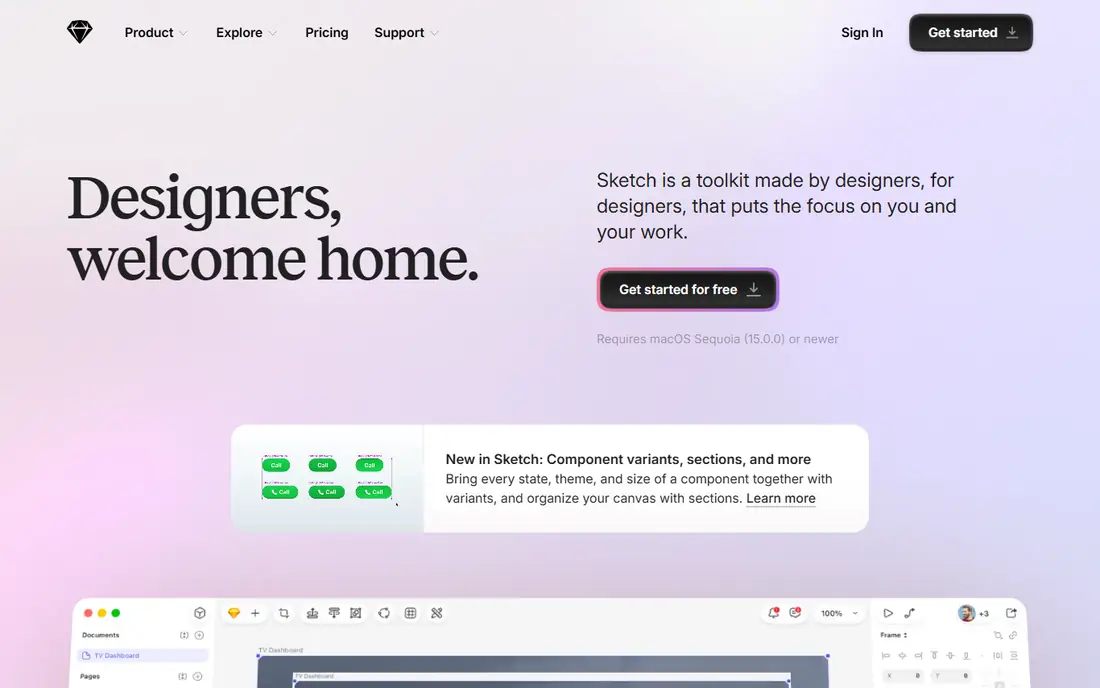
Sketch remains a solid pick for a team that works only on Macs and wants a focused vector editor. Its native app feels quick, its symbol and library system is mature, and stakeholders can view files in a browser without a paid seat. For solo Mac designers and small studios, the $12 per editor price is also easy to budget.
The limit is platform. A Windows or Linux teammate cannot edit in Sketch, and live multi-user editing is not as central as it is in Figma. If clients or developers work outside the Mac world, that friction will show up every week.
- Fast native Mac editor
- Shared libraries and symbols
- Free web viewing for stakeholders
- No Windows or Linux editor
- Collaboration is less live than Figma
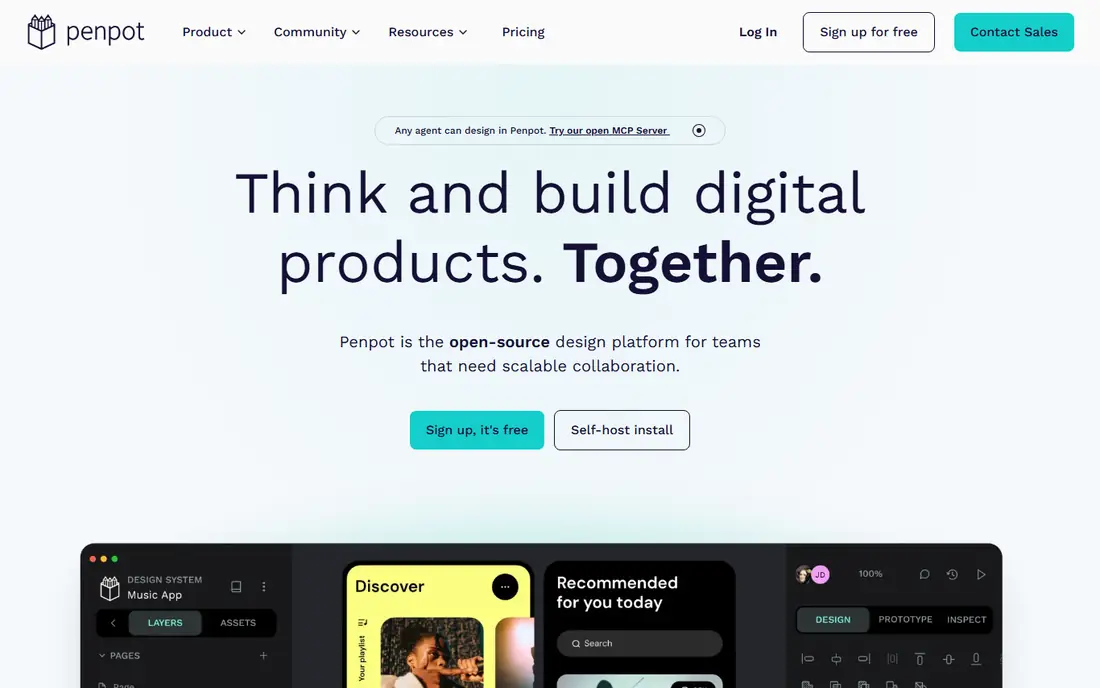
Penpot is the strongest open source option for teams that want design without a large subscription bill. The hosted Professional tier is free for smaller teams, and larger teams can pay $7 per editor per month for Unlimited, with a monthly cap. Self-hosting gives firms control over where files live, which matters for some privacy and procurement rules.
The trade-off is ecosystem depth. Penpot has fewer plugins and community files than Figma, and some workflows need more manual work. Teams that prize openness and cost control will accept that; teams that live inside a large plugin set may not.
- Free hosted tier and self-hosting
- Open file format
- Works in any browser
- Plugin library is smaller than Figma
- Some advanced features are less polished
Framer suits designers who want to ship a marketing site or web app front end without handing every screen to a developer. Its canvas supports animation, interactions and responsive layouts, and a design can be published directly as a live site. That shortens the path from mockup to something a client can open on a phone.
The pricing needs a close read, because site plans and editor seats are separate. A team with several sites can see costs climb, and Framer is less central for native iOS or Android handoff than Figma or Sketch. Use it where publishing is the goal, not as a general replacement for all app design.
- Designs publish as real websites
- Strong animation and interaction tools
- Free tier for testing
- Bills per site and per editor
- Less suited to native mobile app handoff
Lunacy, from Icons8, gives solo designers a free desktop editor that runs on Windows, Mac and Linux. It handles vector design, prototyping and Sketch file import, and it bundles icons and illustrations that help a small project look finished fast. For a designer on Windows or Linux who cannot use Sketch, that alone is valuable.
The limit is cloud scope. The free tier caps cloud documents, and the Pro tier costs $11.99 per user per month billed yearly, so a team that shares many files should check those limits first. Lunacy is best as a personal or small-team tool, not as a large design-system platform.
- Free desktop apps for Windows, Mac and Linux
- Reads Sketch files
- Built-in graphics and icons
- Free cloud documents are capped
- Smaller community than Figma
Axure RP is the tool to pick when a prototype must behave like a real app, with conditional logic, dynamic panels and data-driven screens. Product teams use it to test complex flows, such as multi-step forms and admin dashboards, before any code is written. The generated specs also help developers see states that a static mockup would miss.
The downside is speed and style. Axure takes longer to learn, and its visual output can look less polished than a Figma file unless a designer puts in extra work. Use it for logic-heavy prototypes, and keep a visual tool for final interface polish.
- Conditional logic and dynamic content
- Detailed specs for developers
- Strong for enterprise apps
- Steeper learning curve
- Visual design feels less modern than Figma
Balsamiq is built for the earliest stage of app design, when the question is structure, not colour or type. Its hand-drawn style stops reviewers from arguing about polish before the flow is right, and non-designers can build a wireframe in minutes. That speed makes it a good companion tool even for teams that finish designs elsewhere.
The limit is clear: Balsamiq is not a final interface tool. Teams will still need Figma, Sketch or Penpot for high-fidelity screens, components and developer handoff. Buy it for wireframing speed, not as a single design tool.
- Very fast for early wireframes
- Sketch style keeps feedback on structure
- Easy for non-designers
- Not for polished final screens
- No native app design system depth
UXPin suits larger product teams that need design and code to stay in step. Its components can be tied to real code, and its documentation features help a design system survive staff changes. Interactive prototypes with conditional logic also let teams test flows that go beyond simple screen links.
The catch is complexity and cost. UXPin takes time to set up well, and a small team may find Figma faster for everyday screens. It earns its place when a firm has a real design system to maintain, with many products sharing the same parts.
- Code-backed components
- Design system documentation
- Interactive prototypes with logic
- Higher learning curve
- Entry price rises with team size
How we picked these
We compared official feature pages, pricing pages, app store listings, privacy policies and public reviews, and we kept only tools that exist and work in October 2026 and truly fit app and interface design. We left Adobe XD out because Adobe describes it as in maintenance mode and no longer sells it standalone, which makes it a poor recommendation for a new buyer. Where pricing varies by seat type, we used the most common editor or Full seat figure.
How to choose the right tool for UI and UX design
Start with who must edit, not who must view. If editors use different operating systems, a browser tool such as Figma or Penpot removes a whole class of problems. If only Mac editors are involved, Sketch can be simpler and cheaper, and Lunacy covers free desktop work on other systems.
Next, check handoff and publishing. A team that hands screens to developers needs specs, code export and component libraries. A team that publishes marketing sites may value Framer more. Finally, test with a real project file, including your component library, before you buy seats for a whole team, since performance and plugin gaps only show up at real scale.
Frequently asked questions
What is the best app design software for beginners?
Figma is the easiest strong start, because its free plan, browser access and community files lower the barrier. Penpot is a good free alternative if you want open source tools, and Balsamiq is best for learning wireframe structure first.
What are the best tools for UI UX design on a team?
Figma leads for team UI and UX work, with Sketch as the Mac-only alternative and UXPin for large design systems. Penpot suits teams that need self-hosting or a lower bill, while Framer suits teams that publish web designs directly.
Is Figma free?
Figma has a free Starter plan with limits on design files and version history, and free viewer seats for stakeholders. Paid Professional seats start at $16 per Full seat per month billed yearly, with cheaper Dev and Collab seats.
Can I design apps without coding?
Yes. Figma, Sketch, Penpot, Lunacy and Balsamiq all let you design screens and prototypes without code. Framer goes further by publishing web designs as live sites, though native mobile apps still need developers to build the final product.
Should I still learn Adobe XD?
Only if a current employer requires it. Adobe lists XD in maintenance mode and does not sell it standalone, so new learners get more value from Figma, Sketch or Penpot, which are actively developed and widely used in hiring.
Sources
See where you really rank - block by block
ProMapRanker scans Google Maps across a grid of your service area. Simple monthly plans from $19, white-label on every plan.
Start freeKeep reading
 who has best internet service
Who Has the Best Internet Service in 2026
Who has best internet service for US homes? We compare fiber, cable, fixed wireless and satellite providers on speed, price, availability and terms today.
Read → which survey tool has the best analytics
Which Survey Tool Has the Best Analytics in 2026
Find which survey tool has the best analytics in 2026, comparing Qualtrics, SurveyMonkey, Typeform, Alchemer, and more on reports, text, and stats today.
Read → which streaming service has the best movies
Which Streaming Service Has the Best Movies in 2026
Answering which streaming service has the best movies, with Netflix, Max, Criterion and more compared on libraries, prices and free options in this guide.
Read →