 ProMapRanker
Best Animation Software for Beginners in 2026

Key takeaways
- Blender, OpenToonz, Pencil2D, Synfig Studio, and Krita are free, so a beginner can learn real animation skills before spending anything.
- Adobe Animate and Toon Boom Harmony are the paid 2D standards, and both offer a free trial for testing the workflow first.
- Moho Debut gives rigged character animation for a one-time payment, which suits learners who dislike subscriptions.
- Animaker and Powtoon skip hand drawing and use templates, which suits short explainer videos rather than original cartoons.
- Start with the style you enjoy most, since 2D drawing, 3D modeling, and template video work each need different practice.
Quick comparison
| Pick | Great for | Pricing starts at | Free tier | |
|---|---|---|---|---|
 Blender | Free 3D and 2D animation | Free | Yes | Visit |
 Pencil2D | Simple frame-by-frame drawing | Free | Yes | Visit |
 Krita | Drawing and frame animation | Free | Yes | Visit |
 OpenToonz | Studio-style 2D animation | Free | Yes | Visit |
 Synfig Studio | Vector animation without redrawing every frame | Free | Yes | Visit |
 Adobe Animate | Vector animation for web and video | $22.99 per month | Free trial | Visit |
 Toon Boom Harmony | Professional 2D cartoon production | $30 per month | Free trial | Visit |
 Moho Debut | Rigged character animation | $59.99 one-time | Free trial | Visit |
 Animaker | Template-based animated videos | Free | Yes | Visit |
The best animation software for beginners
These nine tools cover hand-drawn 2D work, 3D animation, rigged characters, and template video. We compared official feature pages, pricing pages, and public documentation, and we left out tools that are discontinued or aimed only at large studios.
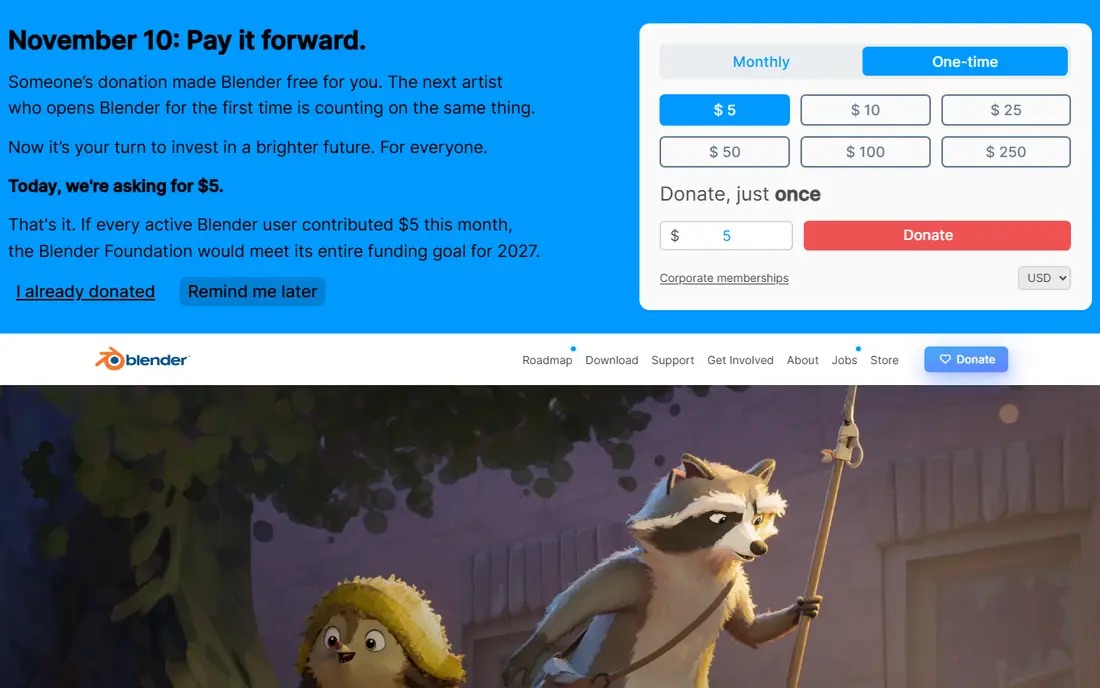
Blender is our pick for most beginners who want a tool they will not outgrow. It handles 3D modeling, rigging, animation, and rendering, and its Grease Pencil tools also support 2D animation inside a 3D space. That range means one download can carry a learner from a first bouncing ball exercise to a finished short film.
The catch is time. Blender asks a new user to learn its layout, shortcuts, and project structure before animation feels quick. Free tutorials help a lot, and the price makes that learning period painless. A beginner with patience gets professional-grade capability for nothing.
- Full 3D and 2D toolset at no cost
- Large tutorial library
- Active community support
- Steep learning curve
- Interface can feel crowded at first
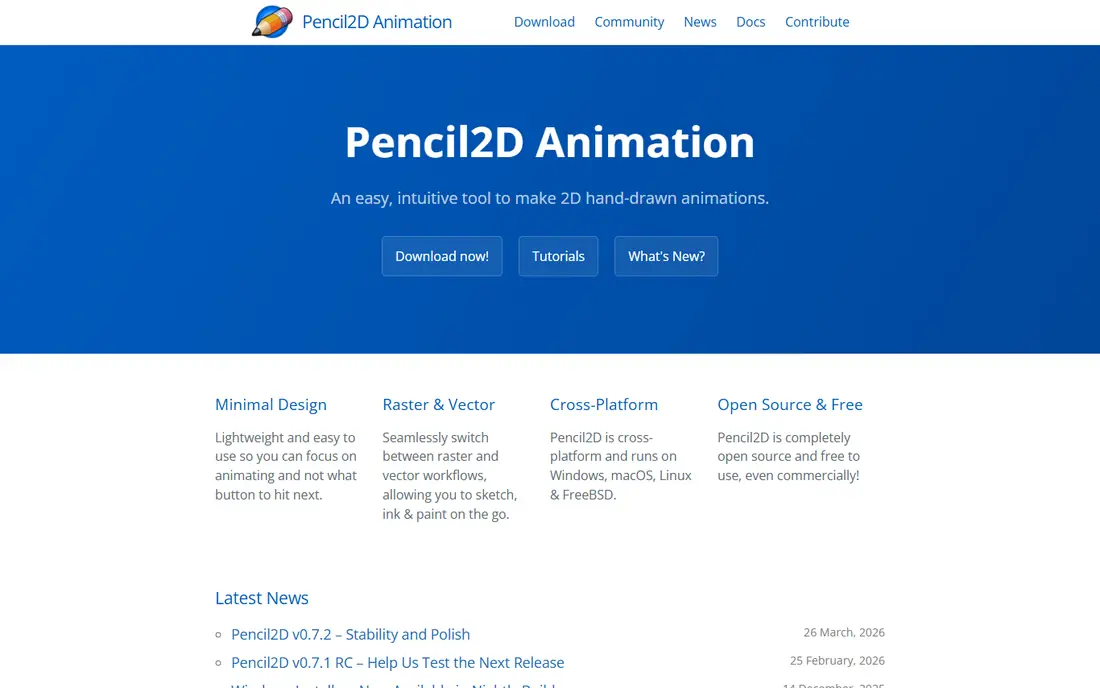
Pencil2D is the closest thing on this list to flipping a paper sketchbook. A new animator draws one frame, moves to the next, and uses onion skinning to see the previous drawing faintly behind the current one. That direct method teaches timing and spacing faster than any menu-heavy program.
Its limits show up on bigger projects. Sound support is basic, and there is little in the way of camera moves or effects. For a first month of practice, though, that simplicity is a strength. Pencil2D keeps attention on drawing and motion, not on settings.
- Very simple interface
- True hand-drawn frame workflow
- Light on older computers
- Limited effects and sound tools
- Not built for long or complex projects
Krita starts as a digital painting program, and its animation tools grow naturally out of that strength. Artists who already like to draw will feel at home with its brushes, layers, and color tools, and the timeline lets those drawings move frame by frame. It is a natural bridge from still illustration to motion.
Animation in Krita works best for shorter pieces and hand-drawn styles. It does not offer the rigging or camera systems of a dedicated cartoon studio app. For beginners who draw first and animate second, that trade is easy to accept, and the free price removes any risk.
- Strong brushes for drawing
- Built-in animation timeline
- Good for illustration-led work
- Animation tools are lighter than dedicated animation apps
- Can feel slow on weak hardware
OpenToonz is open-source software based on tools used in professional animation production. It supports hand-drawn frames, cutout animation, effects, and compositing, which gives a serious learner a genuine studio-style workflow without a subscription. Its scanning features also help artists who start on paper.
The trade is polish. Menus and panels look older than modern commercial apps, and good tutorials take some searching. Beginners who want a free path toward professional 2D work will find the effort worthwhile. Casual learners may prefer Pencil2D or Krita first.
- Professional 2D toolset at no cost
- Scanning and effects tools
- Used in real productions
- Interface feels dated
- Setup and learning take real effort
Synfig Studio suits beginners who like clean vector shapes but do not want to redraw every frame. A user draws a character once, sets key poses, and Synfig fills in the motion between them. That tweening approach makes smooth movement possible with far fewer drawings than frame-by-frame work.
The program rewards patience. Its layout takes time to learn, and help material is thinner than for the biggest names here. For a learner focused on vector cartoons, logos in motion, or simple explainer characters, Synfig is a strong free starting point.
- Automatic tweening between keyframes
- Vector shapes stay crisp
- No cost
- Interface is less friendly than paid rivals
- Fewer tutorials than Blender
Adobe Animate is a long-standing choice for vector cartoons, web animation, and interactive content. Its timeline, symbols, and brush tools feel familiar to anyone who has used other Adobe apps, and artwork can move between Photoshop, Illustrator, and Animate with little friction. Export options cover video and web formats.
The main drawback is price. A monthly subscription is a real commitment for a hobby learner, so the free trial matters. Try a short project end to end before paying, and check whether the student or full Creative Cloud pricing changes the value for you.
- Clean vector workflow
- Works with Photoshop and Illustrator files
- Wide export options
- Subscription cost adds up
- Less suited to full 3D work
Toon Boom Harmony is the 2D software behind many television cartoons, and its Essentials tier gives beginners a way into that pipeline. Drawing, rigging, camera moves, and compositing sit in one program, which matters when a project grows past a few short clips. Skills learned here transfer directly to studio work.
That power comes with a learning curve and a monthly bill. Beginners should use the trial to test rigging and camera work, not just drawing. If the goal is a casual cartoon or a school project, a free tool may be enough. If the goal is a career in 2D animation, Harmony is a sound investment.
- Industry-standard 2D pipeline
- Strong rigging and drawing tools
- Good for TV-style work
- Higher cost and learning curve
- More tool than most hobby projects need
Moho Debut takes a different route to character animation. Instead of redrawing a character in every pose, a user builds a bone rig once and then poses it like a puppet. That method makes walk cycles, talking heads, and repeated gestures much faster, which is encouraging for a beginner.
Drawing inside Moho is serviceable rather than delightful, so many users sketch characters elsewhere and import them. The Debut tier also leaves out some Pro features. Even with those limits, a single payment for rigged animation is good value for learners who want to finish character-driven shorts.
- One-time price with no subscription
- Bone rigging speeds up character work
- Good tutorials
- Drawing tools are weaker than Krita or Harmony
- Debut tier has feature limits
Animaker is for beginners who need a finished video, not animation training. Ready-made characters, props, and scene templates let a user build an explainer, a school presentation, or a social clip in an afternoon. The browser-based editor means there is nothing to install and little to learn.
Originality is the trade. Template characters will look familiar to viewers who have seen other Animaker videos, and the free plan has export limits. For marketing clips, lessons, and quick pitches, that speed is worth it. For original cartoon work, choose a drawing-based tool from earlier in this list.
- Ready-made characters and scenes
- Quick results
- Browser-based with no install
- Characters can look generic
- Free plan has limits and watermarks on some exports
How we picked these
We compared official pricing pages, feature lists, and app store listings, and we favored tools that are still actively available in October 2026. A tool made this list only if a beginner could realistically start with it, either because it is free, because it offers a trial, or because its paid tier matches a clear learning path. We also balanced styles, so hand-drawn, vector, rigged, 3D, and template approaches are all represented.
What to check before you choose
Start by naming the kind of animation you want to make. Hand-drawn cartoons suit Pencil2D, Krita, or OpenToonz. Clean vector work suits Synfig or Adobe Animate. Rigged characters suit Moho. Full 3D suits Blender. Template explainers suit Animaker. Picking by output first saves weeks of learning the wrong tool.
Free first, then pay with purpose
Spend a month with a free tool before buying a subscription. That month shows whether you enjoy drawing frames, posing rigs, or building 3D scenes, and it builds the basic timing skills every paid tool still needs. When you do pay, pay for a specific gap, such as better rigging, studio export, or a template library, not just for a bigger brand name.
Hardware and time matter
Check system needs before installing a 3D tool, since Blender benefits from a reasonably modern computer, while Pencil2D and Synfig run well on modest machines. Also be honest about practice time. A tool with a steep learning curve rewards daily short sessions, while a template tool suits a single weekend project. Both paths are valid, but they suit different goals.
Frequently asked questions
What is the best free animation software for beginners?
Blender is the most capable free option overall, while Pencil2D is the simplest for hand-drawn practice. Krita suits artists who already draw, and OpenToonz suits learners aiming at studio-style 2D work. Try two free tools for a week each and keep the one whose workflow feels natural.
Is Blender too hard for a beginner?
Blender is harder to learn than Pencil2D or Animaker, but it is not too hard for a motivated beginner. Short guided tutorials and small projects, such as a bouncing ball or a simple walk cycle, build skill steadily. The free price means there is no cost to learning at your own pace.
What is the best animation app for beginners who cannot draw well?
Animaker and similar template tools work well, since they supply characters and scenes. Moho also helps, because rigging lets a user pose a character instead of redrawing it. Focus on timing, storytelling, and sound, which matter as much as drawing skill in a finished clip.
Should a beginner buy Toon Boom Harmony or Adobe Animate first?
Use both free trials on the same short project before deciding. Harmony suits TV-style cartoon production and rigging, while Animate suits vector work for web and video. The right pick depends on the kind of output you want, not on which brand looks more professional.
How long does it take to learn animation software?
A beginner can finish a simple clip in the first week with Pencil2D or Animaker. Comfortable skill with Blender, Harmony, or OpenToonz usually takes several months of regular practice. Short, finished projects teach faster than long, unfinished ones.
Sources
See where you really rank - block by block
ProMapRanker scans Google Maps across a grid of your service area. Simple monthly plans from $19, white-label on every plan.
Start freeKeep reading
 twitch alternatives
Twitch Alternatives in 2026
Explore the best Twitch alternatives in 2026 for live streaming, with free platforms, monetisation options, audiences, chat tools, and tips for new streamers.
Read → firebase alternatives
Best Firebase Alternatives in 2026
Looking for Firebase alternatives? We compare 9 backend platforms for auth, databases, realtime, storage, functions, self-hosting, and pricing for your app.
Read → companies with best work life balance
Companies With Best Work Life Balance in 2026
See companies with best work life balance in 2026, ranked by employee ratings, with flexible work options, benefits, and what to check before applying.
Read →