 ProMapRanker
Best Anatomy App in 2026: 9 Apps Compared


Deep 3D study and courses · Pricing starts at: See website
Key takeaways
- Complete Anatomy and Visible Body Suite give the deepest 3D models for medical study.
- Human Anatomy Atlas is a good one time purchase for a core 3D reference on mobile.
- Kenhub and TeachMeAnatomy pair anatomy content with structured learning and quizzes.
- BioDigital Human and Anatomy Learning 3D are strong free starting points before paying.
- The best 3D anatomy app depends on whether you need exam prep, clinical reference, or patient teaching.
Quick comparison
| Pick | Great for | Pricing starts at | Free tier | |
|---|---|---|---|---|
| Complete Anatomy | Deep 3D study and courses | See website | Free trial | Visit |
 Visible Body Suite | All in one 3D reference | $34.99 per year | No | Visit |
 Human Anatomy Atlas | One time mobile atlas | See website | No | Visit |
 Kenhub | Structured anatomy learning | See website | Yes | Visit |
 BioDigital Human | Free interactive 3D exploration | See website | Yes | Visit |
 3D Organon | Detailed VR ready anatomy | See website | No | Visit |
 Essential Anatomy 5 | Clean 3D musculoskeletal study | See website | No | Visit |
 TeachMeAnatomy | Concise notes and quizzes | See website | Yes | Visit |
 Anatomy Learning 3D | Free 3D system by system study | See website | Yes | Visit |
The best anatomy app
We compared 3D model quality, quiz tools, course content, and price for students, clinicians, and curious learners. The best app balances visual clarity with study tools, since a pretty model alone does not prepare you for an exam.
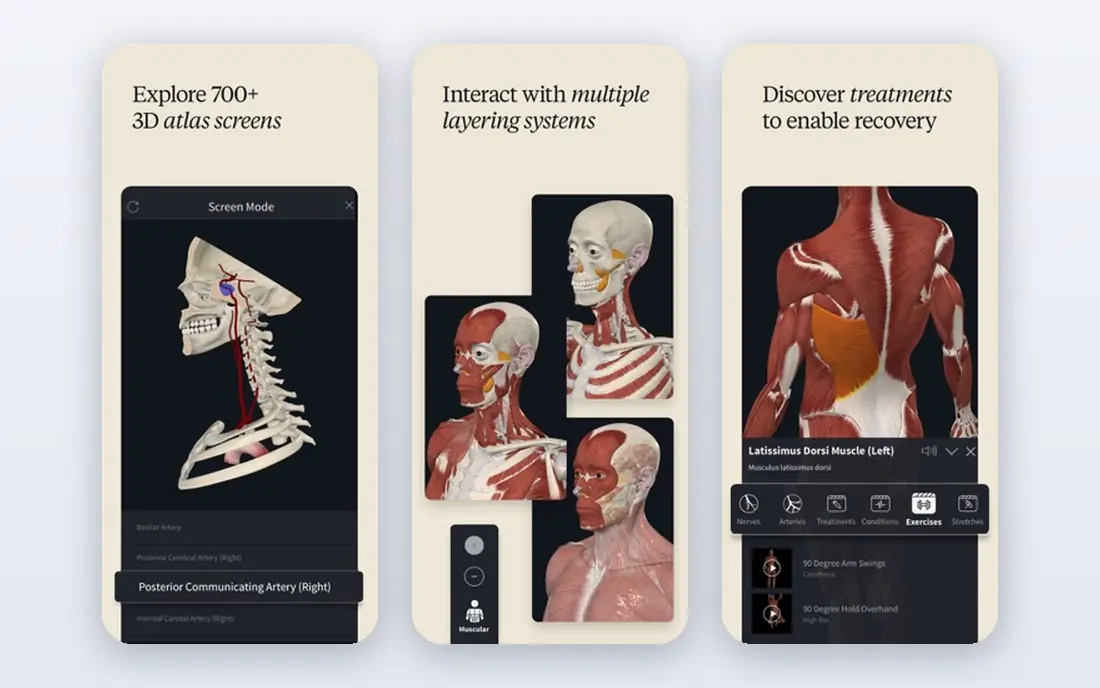
Complete Anatomy fits medical and health students who want one study platform for several years. The 3D models cover gross anatomy in detail, and tools for cutting, dissecting, and tracing muscle motion help turn flat textbook images into spatial understanding. Lectures, screens, and quizzes keep study inside the same app.
The catch is price and scope. A subscription over a full degree is a real cost, and casual learners may not need radiology views or microscopic models. For serious anatomy study, though, Complete Anatomy gives the most complete package in this list, and the trial lets you test the model quality first.
- Detailed male and female 3D models
- Dissection and muscle motion tools
- Lectures and quizzes
- Subscription cost adds up over a degree
- Depth can overwhelm casual learners
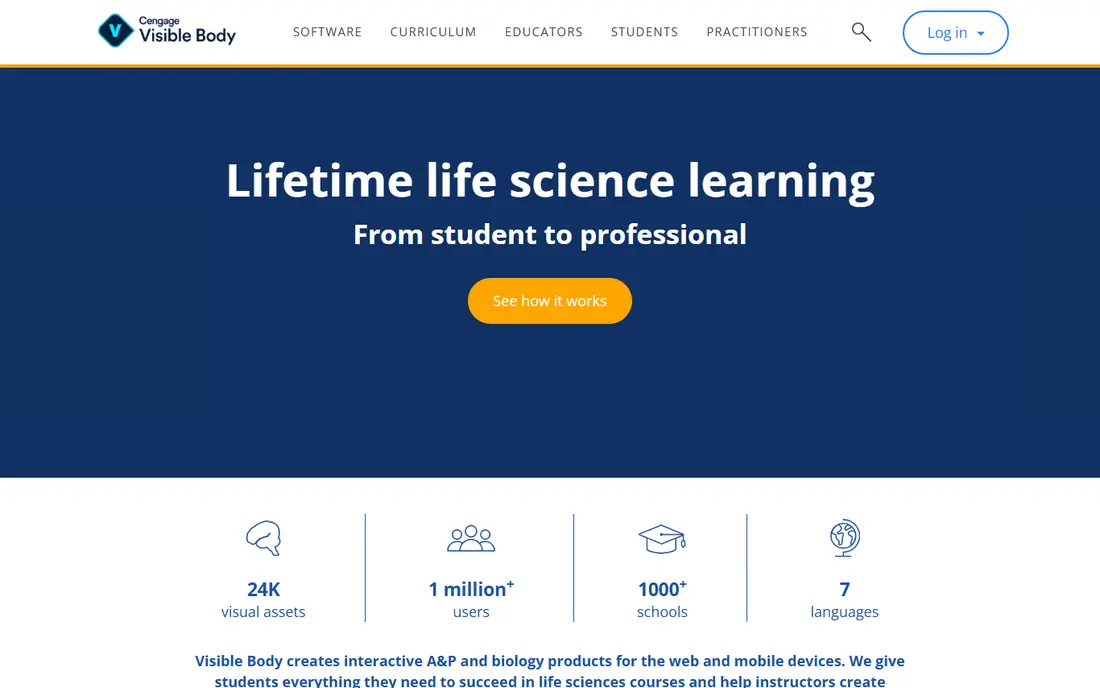
Visible Body Suite fits students and clinicians who want a reliable 3D reference on a phone and a laptop. The models cover all body systems, with muscle actions, attachments, and blood supply shown in motion. Diagnostic images and cross sections help link textbook anatomy to clinical images.
The limit is that the suite price is annual, so users should check whether their school already provides access before paying personally. Some teaching tools sit in separate course plans. As a personal reference, the suite is clear, well organised, and easy to use on the move.
- Full male and female 3D models
- Microanatomy and diagnostic images
- Web and mobile access
- Annual subscription for full access
- Course tools may need a separate plan
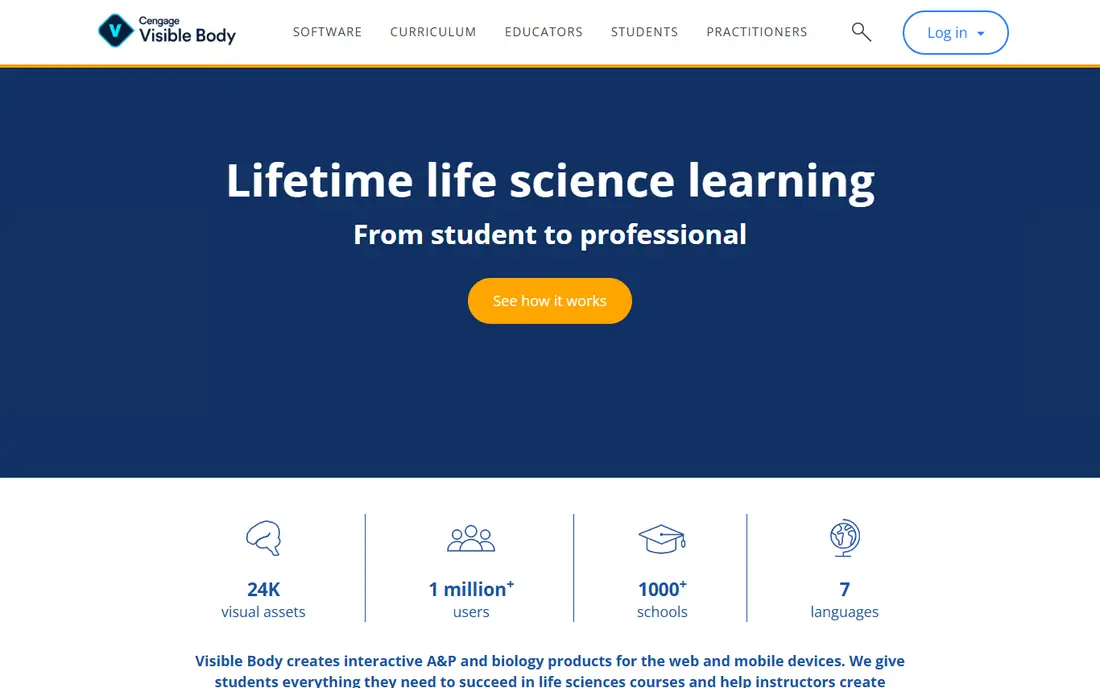
Human Anatomy Atlas fits learners who prefer to pay once rather than subscribe. You get core gross anatomy models, microanatomy views, and study tools such as dissection quizzes and custom presentations. That makes it a good pocket reference for revision and patient teaching.
The trade off is that extra content, such as physiology animations and dental material, is sold separately. It also does not replace a full course platform with guided lectures. If you want a solid atlas you own outright, Atlas is the simplest choice from Visible Body.
- One time purchase model
- Full male and female models
- Dissection quizzes and presentations
- Some physiology and dental content costs extra
- Mobile focused rather than a full course platform
Kenhub fits students who learn best from a clear path, not just a model to rotate. Articles explain each region and system, videos walk through structures, and quizzes test recall. That structure helps first year students who feel lost in a large atlas.
The limit is that Kenhub is a learning platform first and a 3D atlas second. Students who want deep interactive dissection may still want Complete Anatomy or Visible Body beside it. Used as the main study guide, Kenhub gives strong exam focused structure.
- Structured articles, videos, and quizzes
- Clear system by system teaching
- Web and app access
- Full premium access is paid
- 3D models are less central than in Complete Anatomy
BioDigital Human fits curious learners and students who want to explore anatomy in a browser without installing a large app. You can rotate, hide layers, and follow guided tours through systems and conditions. The free tier makes it easy to test whether 3D study suits you.
Paid tiers add deeper content and tools, so serious students should check what the free tier covers for their course. Mobile use is possible through the browser, but the experience is strongest on a larger screen. As a free starting point, BioDigital Human is hard to beat.
- Interactive 3D human in a browser
- Free tier for exploration
- Quizzes and guided tours
- Paid tiers for full features
- Web first experience rather than a native mobile atlas
3D Organon fits students and educators who want detailed models with VR options. The anatomy covers systems in depth, and the VR view can help spatial learners who struggle with flat images. Desktop use also suits classroom projection and group study.
The catch is cost and setup. Pricing varies by platform and licence, and VR use needs suitable hardware. It also does not replace written notes and quizzes for exam prep. For visual and spatial study, 3D Organon is a strong specialist choice.
- Highly detailed 3D anatomy
- VR and desktop options
- Anatomy and medical imaging views
- Price and hardware needs vary
- Less focused on written exam notes
Essential Anatomy 5 fits students who mainly need muscles, bones, and joints in clear 3D. You can isolate a structure, hide layers, and study attachments without wading through unrelated systems. That focus helps physiotherapy, sports, and first year anatomy students.
Its limit is breadth. Full body systems and clinical content are thinner than in Complete Anatomy or Visible Body Suite. If your course covers all systems in depth, you may need a broader app beside it. For musculoskeletal study, Essential Anatomy 5 is clean and focused.
- Clear 3D models with isolation tools
- Strong for muscles and bones
- Simple navigation
- Narrower scope than full suite apps
- Paid app with extra content options
TeachMeAnatomy fits students who want clear written explanations beside their 3D app. Notes cover regions and systems in plain language, with diagrams and quizzes to check recall. The free content covers a lot of core material, which helps students on a budget.
The limit is visual depth. TeachMeAnatomy does not replace a 3D atlas for spatial study, so pair it with BioDigital Human or Human Anatomy Atlas for model work. As a revision companion, its concise style is a real strength before exams.
- Concise written notes
- Diagrams and quizzes
- Free content for core topics
- Less 3D depth than atlas apps
- Premium features are paid
Anatomy Learning 3D fits beginners who want a free 3D atlas on a phone. You can view systems one by one, tap structures to see names, and build basic spatial knowledge before investing in a paid app. That low barrier makes it a good first download.
Model detail and clinical content are lower than premium rivals, and the app includes paid upgrades. It is a starting point, not a final exam tool for medical school. For school students, fitness learners, and curious users, it gives a useful free introduction.
- Free 3D atlas with system views
- Tap a structure for its name
- Useful for early learners
- Model detail is lower than premium atlases
- Ads and paid upgrades in the app
How we picked these
We compared official product pages, pricing notes, and current feature lists for each anatomy app. We favored apps that still work in October 2026, cover human anatomy accurately, and serve a distinct study need. Where pricing varied by platform, student status, or licence type, we used See website rather than a single figure.
How to study anatomy with an app
Pair a 3D atlas with a notes and quiz source. Rotate a model, hide layers, and name structures out loud before checking labels, since active recall builds memory faster than passive viewing. Use quizzes daily in short sessions, and return to hard regions across several days rather than cramming once.
Also check whether your school provides a licence. Many universities and colleges already pay for Complete Anatomy, Visible Body, or Kenhub, so personal payment may be unnecessary. If you pay yourself, start with free tiers and trials, and choose the app that matches your course syllabus, not just the app with the most models.
Frequently asked questions
What is the best anatomy app for medical students?
Complete Anatomy and Visible Body Suite are the strongest full study choices for medical students, with deep 3D models and quiz tools. Kenhub is a good companion for structured notes, and TeachMeAnatomy helps with concise revision.
What is the best 3D anatomy app?
Complete Anatomy gives the deepest interactive 3D experience in this list, while Visible Body Suite gives a clear all in one 3D reference. BioDigital Human is the best free 3D starting point in a browser.
What is the best app to learn anatomy for free?
BioDigital Human and Anatomy Learning 3D give useful free 3D study, and TeachMeAnatomy gives free concise notes and quizzes. Paid apps add depth, but a free combination can cover early learning well.
Is Complete Anatomy worth it?
For medical and health students who will use anatomy daily for years, the depth and study tools can justify the subscription, especially with a student plan. Casual learners should start with free options first.
Can anatomy apps replace textbooks and dissection?
No. Apps support textbooks, lectures, and practical work, but they do not replace supervised dissection, clinical teaching, or course materials. Use apps as a study aid inside a proper course.
Sources
See where you really rank - block by block
ProMapRanker scans Google Maps across a grid of your service area. Simple monthly plans from $19, white-label on every plan.
Start freeKeep reading
 vimeo alternatives
Best Vimeo Alternatives in 2026
Looking for Vimeo alternatives? We compare 9 video hosting platforms for reach, branded embeds, marketing, sales, live events, and pricing for your team.
Read → sendgrid alternatives
SendGrid Alternatives in 2026
Compare SendGrid alternatives for transactional email, from Resend and Postmark to Mailgun, Amazon SES, Brevo, Mailjet and other email APIs for developers.
Read → midjourney alternatives
Best Midjourney Alternatives in 2026
Looking for Midjourney alternatives? We compare 9 AI image tools for art, photos, text in images, game assets, and commercial use for projects in 2026.
Read →