 ProMapRanker
Best AI Writing Tools for Education in 2026

Key takeaways
- Grammarly is our pick for most students because it checks grammar, clarity, and tone wherever you write.
- MagicSchool AI and Brisk Teaching are built for teachers, with lesson, feedback, and differentiation tools inside normal classroom apps.
- QuillBot, Jenni AI, and Paperpal help more with paraphrasing, drafting, and academic editing, but they still need careful human review.
- Always check your school academic-integrity policy before using AI writing help, and review AI output for errors before you submit it.
Quick comparison
| Pick | Great for | Pricing starts at | Free tier | |
|---|---|---|---|---|
 Grammarly | Everyday grammar and clarity | Free | Yes | Visit |
 QuillBot | Paraphrasing and summarizing | Free | Yes | Visit |
 MagicSchool AI | Teacher planning and feedback | Free | Yes | Visit |
 Brisk Teaching | Feedback inside Google Docs | Free | Yes | Visit |
 Jenni AI | Academic drafting with citations | Free | Yes | Visit |
 Paperpal | Academic editing and journal prep | Free | Yes | Visit |
 Hemingway Editor | Clear, readable prose | Free | Yes | Visit |
 Wordtune | Sentence rewrites and tone | Free | Yes | Visit |
The best ai writing tools for education
These tools support learning rather than replacing it when used well. Some check writing you already drafted, some help teachers give feedback faster, and some help students shape an academic draft. We compared classroom fit, citation and editing help, free limits, and privacy posture, using vendor pages and recent education comparisons. Disclaimer: check your school academic-integrity policy before use, since rules differ by school and course. AI output needs human review for facts, citations, and original thinking.
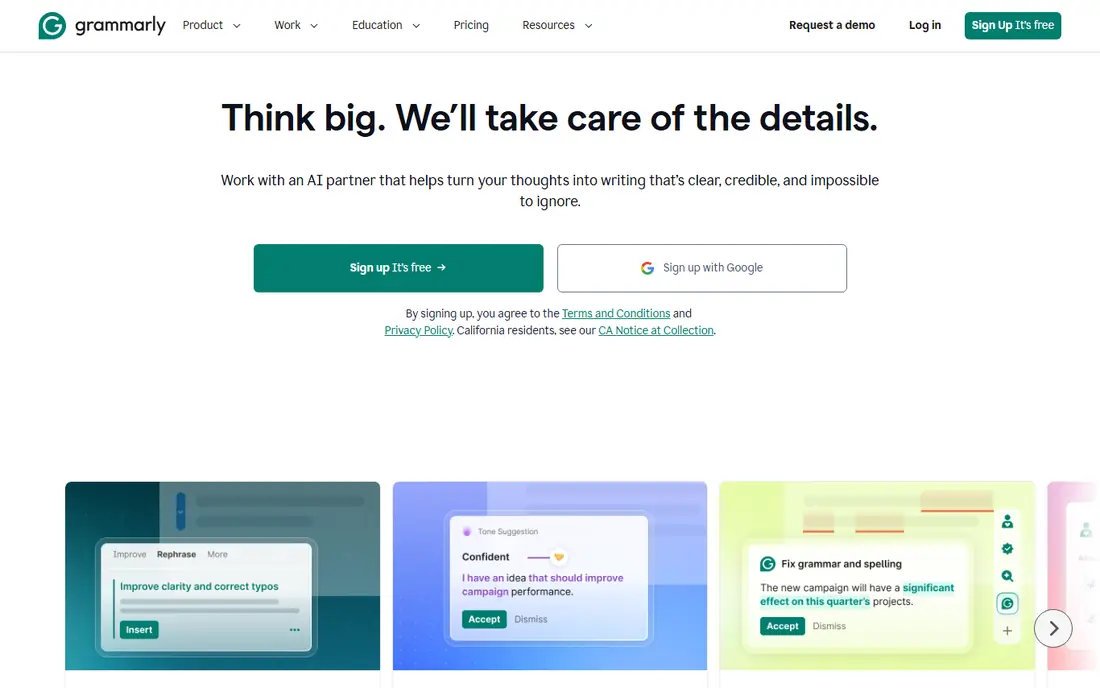
Grammarly is the most practical starting point for students because it meets you where you already write. It flags spelling, grammar, punctuation, and clarity problems in essays, emails, and discussion posts, and it explains many suggestions so you can learn from them. The free plan covers basic checks without a strict word cap, which makes it useful for daily coursework. Paid Pro adds full-sentence rewrites, plagiarism checks, and AI text detection, at a lower monthly rate on annual billing than on monthly billing.
The limit is scope. Grammarly polishes writing, but it does not plan an argument, find sources, or check whether your thesis holds up. Its rewrites also tend to stay close to your original wording, which is safe but less helpful when a sentence needs a full rebuild. For editing and confidence, it remains our first pick, especially for students who write in many apps.
- Works across browser, docs, and desktop apps
- Unlimited basic grammar checks on free plan
- Tone and clarity suggestions
- Paid Pro plan is costly month to month
- Paraphrasing is more conservative than in QuillBot
QuillBot is best when you have a draft passage that needs clearer wording, not when you need a whole essay written from nothing. Its paraphrase modes let you aim for formal, fluent, simple, or creative wording, and the summarizer can shorten long readings into key points for study notes. Students also use its citation generator and grammar checker alongside the main paraphraser, which keeps several small jobs in one place. Premium raises word limits and adds modes, a plagiarism checker, and faster processing.
Use it with care. Paraphrasing can change meaning, and copying a paraphrased source without a citation is still a citation problem in most schools. The free limit also means long essays must be worked through in short sections. When you treat QuillBot as an editing aid for your own ideas, it is a strong and affordable tool.
- Multiple paraphrase modes
- Summarizer and citation tools
- Usable free plan for short passages
- Free paraphrases are limited to 125 words and two modes
- Output still needs checking for changed meaning
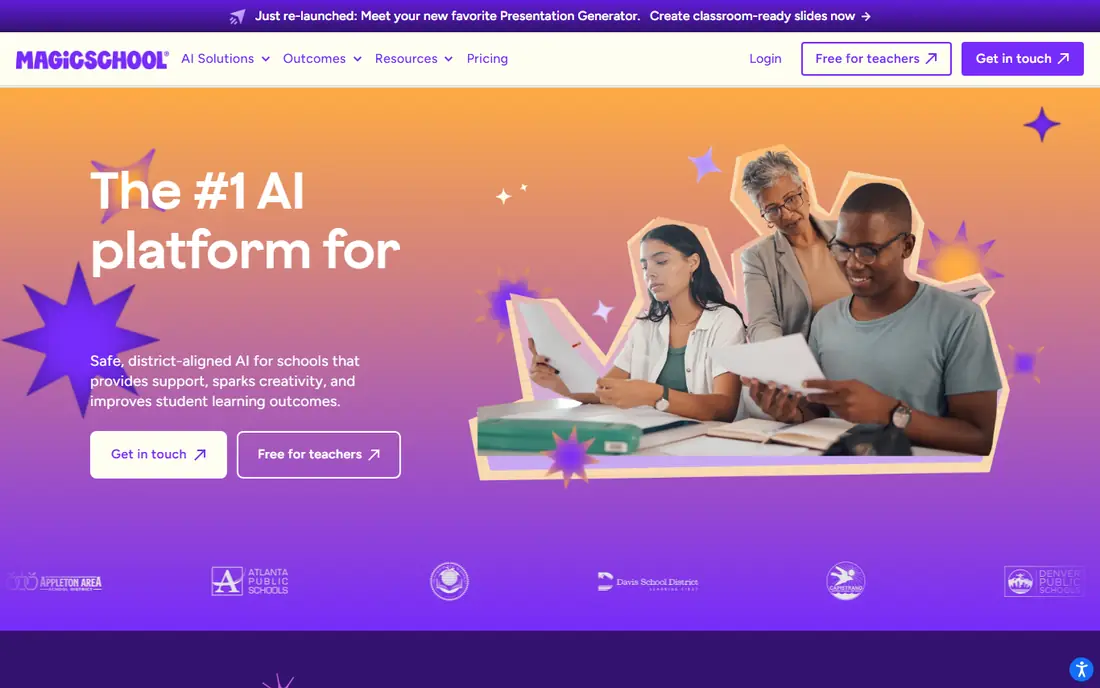
MagicSchool AI is built for teachers rather than adapted from a general chatbot. It offers tools for lesson plans, learning objectives, rubrics, quizzes, differentiated materials, and report comments, plus a chat assistant for classroom planning. A free plan gives individual educators access to core teacher tools with usage limits, while Plus raises those limits and adds output history and editing features. Enterprise plans add admin controls, single sign-on, and learning-system integrations for schools and districts.
The main caution applies to every tool in this list, and it matters more in a classroom. Generated lessons may not match your syllabus, reading level, or state standards, so teachers should check facts, difficulty, and relevance before use. Student-facing tools should also run under school controls and privacy rules. With that review step in place, MagicSchool AI saves real planning time for busy teachers.
- Large library of teacher tools
- Lesson plans, rubrics, quizzes, and writing feedback
- Student tools with teacher oversight
- Output can contain errors or bias
- Advanced district features need an enterprise plan
Brisk Teaching is a browser extension that lives inside the apps teachers already open, which is why it feels less like extra work than a separate dashboard. Highlight text in a document and Brisk can level it for different readers, turn it into a quiz, give targeted feedback, or help plan a lesson activity. The free plan includes a large set of tools with daily limits, and Educator Pro is sold as an annual plan for frequent users. That in-place design also helps students, since feedback appears on their actual draft rather than in a separate file.
Its fit depends on your school stack. Google Docs and Slides users get the most value, while schools on other platforms may get less. Like all AI feedback, its comments should be read as suggestions, not grades, and teachers should adjust tone and accuracy for each learner. For fast, in-document feedback, Brisk Teaching is one of the most practical teacher tools here.
- Works inside Google Docs, Slides, and PDFs
- Levels text and creates quizzes in place
- Free plan includes many tools
- Best for Google Workspace schools
- Paid Pro adds features that heavy users may soon want
Jenni AI is aimed at students and researchers who struggle most with starting and structuring an academic draft. It offers autocomplete suggestions as you write, helps build outlines, and supports citations in styles such as APA, MLA, and Harvard. Working from uploaded PDFs can help keep drafting closer to source material, which is useful for literature reviews and research essays. A free plan lets you test the workflow, while paid plans raise word limits and add more features.
The risk is over-trust. Autocomplete can produce fluent sentences that sound scholarly while missing the point of a source, and citation details can still be wrong. Students should read every cited source, check page details, and keep their own argument in charge of the draft. Used as a drafting partner for your own research, Jenni AI is a focused academic option.
- Autocomplete built for academic writing
- Citation support in common styles
- PDF-based drafting help
- Free word allowance is limited
- Citations and claims still need verification against sources
Paperpal is made for researchers preparing papers for journals and conferences, rather than for short school assignments. It gives language suggestions tuned to academic writing, flags structural and consistency issues, and helps with checks that journals often require before submission. That focus makes it valuable for graduate students, early-career researchers, and faculty who write in English as an additional language. A free plan covers basic use, with paid plans adding deeper checks and higher limits.
For younger students, Paperpal may feel too specialized, and Grammarly or QuillBot will cover daily work better. Privacy also deserves attention, since manuscripts are uploaded for editing, so check the vendor policy before uploading unpublished research. If your goal is a polished journal-ready draft, Paperpal is the most targeted editor in this list.
- Context-aware academic editing
- Checks for structure and submission readiness
- Useful for journal manuscripts
- Best for research writers, less so for school essays
- Some checks need a paid plan
Hemingway Editor takes a different approach from the rest of this list. Instead of generating text, it highlights what makes writing hard to read, including long sentences, dense passages, passive constructions, and weak adverbs. That visual feedback helps students learn to revise, which is exactly the skill schools want to build. The free web editor handles pasted text well, while Editor Plus adds AI help, document saving, and more features on a paid plan.
It is not a full writing assistant. Hemingway Editor will not fix grammar in depth, check citations, or judge whether an argument is sound, so pair it with Grammarly or a teacher review for coursework. For a student who writes long, tangled sentences, though, it is a fast and honest readability coach, and the free editor is enough for most homework.
- Free web editor
- Highlights hard sentences, passive voice, and adverbs
- Simple readability focus
- No grammar engine as deep as Grammarly
- Paid plan needed for AI and document features
Wordtune suits the moment when a sentence is correct but still sounds off. Highlight a sentence and it offers alternatives that keep the meaning while changing tone, length, or emphasis, which helps students and teachers who already have a draft. The free plan includes unlimited spelling and grammar checks, a daily rewrite allowance, and a small monthly summarization allowance. Paid plans raise rewrite limits and add more features for frequent writers.
Wordtune does not cover the wider academic workflow, so it works best as a companion tool rather than a single solution. It has no citation generator or plagiarism checker, and its rewrites can drift from your intended meaning if you accept them without reading. For quick sentence-level polish, it is a cheap and focused choice.
- Fast contextual sentence alternatives
- Casual and formal tone options
- Unlimited spelling and grammar checks on free plan
- Free rewrites are capped per day
- No plagiarism checker or citation tools
How we picked these
We compared vendor feature and pricing pages with recent education and writing comparisons, and we favored tools with a real free plan, a clear education use case, and features that support learning, such as feedback, citations, or readability help. We left out generic chatbots with no education workflow and tools that mainly generate whole essays with little learning value. Prices change often, so confirm the current plan on the vendor site before paying, and confirm school rules before classroom use.
Choosing by role
Students should start with Grammarly for editing, add QuillBot for paraphrasing, and use Hemingway Editor or Wordtune when sentences need clarity. Jenni AI and Paperpal fit later academic work, where citations and journal style matter more. Teachers should start with MagicSchool AI for planning and Brisk Teaching for in-document feedback, then test both with one real class task before rolling them out widely.
In every case, keep the student in charge of the thinking. Use AI to check, clarify, or organize work you understand, and keep notes on sources you actually read. That habit protects grades, learning, and academic integrity at the same time, and it makes AI output far easier to defend if a teacher asks how a draft was made.
Privacy and school rules to check first
Check whether the tool stores student work, whether it uses that work to train models, and whether your school has an approved list or a signed data agreement. Avoid pasting personal student data, grades, or sensitive details into a public tool. For school accounts, prefer tools with education privacy commitments and teacher controls, and ask your school IT team when you are unsure.
Frequently asked questions
Are AI writing tools allowed in school?
It depends on your school and course policy. Some teachers allow AI for editing, brainstorming, and feedback, while others ban AI-generated text for graded work. Always check the syllabus and ask the teacher before you use a tool on an assignment.
Which AI writing tool is best for students?
Grammarly is the best starting point for most students because it improves writing you already drafted and works in many apps. QuillBot is better for paraphrasing, Jenni AI is better for academic drafts with citations, and Hemingway Editor is better for readability.
Can teachers use AI tools to grade student work?
Teachers can use AI to draft feedback, spot patterns, and save time, but final grades should rest on teacher judgment. AI comments can miss context, misread student intent, or carry bias, so teachers should review and adjust feedback before sharing it with students.
Do these tools check for plagiarism?
Some do. Grammarly Pro and QuillBot Premium include plagiarism-related checks, and Paperpal helps with manuscript readiness, but free plans often do not include full checks. A plagiarism check is also not proof of originality, so cite sources properly and write in your own words.
Is AI output reliable for citations and facts?
No, not on its own. AI tools can invent citations, misstate sources, and present confident errors, so verify every citation, quote, and factual claim against the original source. Keep a list of sources you actually read, and do not submit a reference you have not checked.
Sources
- https://www.grammarly.com
- https://quillbot.com
- https://www.magicschool.ai
- https://www.briskteaching.com
- https://jenni.ai
- https://paperpal.com
- https://hemingwayapp.com
- https://www.wordtune.com
- https://dev.to/stimlau/best-quillbot-alternatives-in-2026-2597
- https://www.theaitools.tech/2026/10/best-ai-tool-for-teachers-lesson-planning.html
See where you really rank - block by block
ProMapRanker scans Google Maps across a grid of your service area. Simple monthly plans from $19, white-label on every plan.
Start freeKeep reading
 best employee time tracking app
Best Employee Time Tracking Apps in 2026
We compare the best employee time tracking app options for teams, from simple timers to shift tools, with honest notes on privacy and consent in 2026.
Read → best employee recognition software
Best Employee Recognition Software in 2026
We compared the best employee recognition software for peer praise, rewards, and service awards, with pricing, integrations, and honest limits for teams.
Read → best ehr software
Best EHR Software in 2026
Compare the best EHR software in 2026 for small practices, specialty groups and hospitals, with pricing models, charting and billing features compared in full.
Read →