 ProMapRanker
Best AI Web Design Tools in 2026

Key takeaways
- Wix is our pick for most small businesses, because its AI builder pairs with a large app ecosystem and full editing control.
- Framer is the best choice for design-led sites, with stronger layout, typography and animation control.
- Hostinger offers the lowest entry price, but its best rates need long terms and renew higher.
- 10Web suits WordPress users who want an AI-built site they can keep editing in WordPress.
- AI output is a draft, not a finished site: budget time to edit copy, images and pages before launch.
Quick comparison
| Pick | Great for | Pricing starts at | Free tier | |
|---|---|---|---|---|
 Wix | All-round small business sites | $17 per month | Yes | Visit |
 Framer | Design-led marketing sites | $10 per month | Yes | Visit |
 Webflow | Scalable structured sites | See website | Yes | Visit |
 Squarespace | Polished brand sites | See website | Free trial (14 days) | Visit |
 Hostinger | Lowest-cost launch | $2.99 per month | No | Visit |
 10Web | AI-built WordPress sites | $10 per month | Free trial | Visit |
 Durable | Fast local service sites | $15 per month | Yes | Visit |
 Duda | Agencies and client sites | See website | Free trial (14 days) | Visit |
 Jimdo | Simple beginner sites | Free | Yes | Visit |
The best AI web design tools
These nine tools all use AI to build a first draft of a website, but they differ in design control, hosting, ecommerce and how easily you can leave. Pick by the site you need, not by the demo.
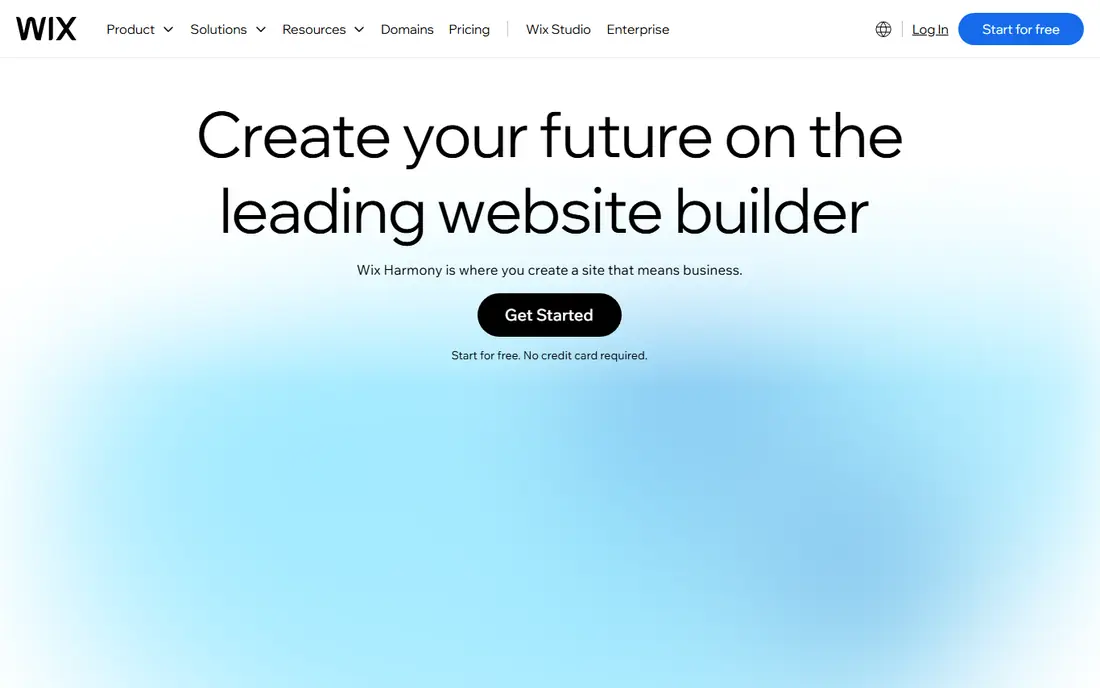
Wix is the safest default pick for a small business site. Its AI builder asks about your business, then drafts pages, copy and images, and you can edit every part of the result in the visual editor. The app market adds bookings, stores, forms and marketing tools without code.
The main limit is lock-in: you cannot export a Wix site cleanly to another host. The Light plan at $17 per month covers a basic site with a custom domain, while selling online needs a higher Core plan. For most brochure and service sites, that trade is acceptable.
- AI builder plus full drag-and-drop editing
- Large app market
- Free plan to try the draft
- No clean site export
- Ecommerce needs a higher plan
- Plan names and limits confuse new buyers
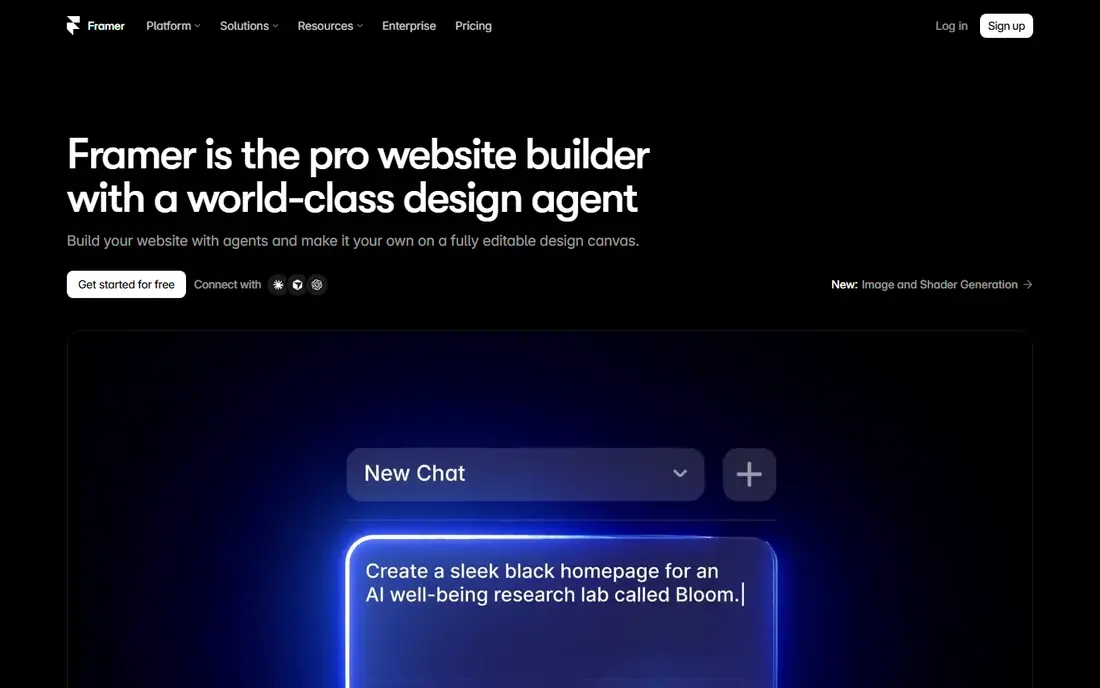
Framer suits designers, startups and agencies that care about layout and motion. Its AI tools generate and refine pages, and the canvas gives precise control over typography, spacing and animation. Publishing is fast, and the free plan lets you test a real site on a Framer subdomain.
It is not a store builder: there is no native full ecommerce store, so product selling needs workarounds. Basic starts at $10 per month billed annually, with Pro higher. If design quality matters more than selling online, Framer is hard to beat.
- Strong design and animation control
- AI page generation
- Free plan with a Framer subdomain
- No native full ecommerce store
- AI credits can run out
- CMS needs a higher plan
Webflow is the professional builder on this list. Its AI features help draft pages and content, but the real strength is the CMS: structured collections for blogs, portfolios, directories and listings, with design control that stays consistent across hundreds of pages. Teams can build a site that grows without rebuilding it.
That power needs learning. Webflow is harder to pick up than Wix or Durable, and pricing depends on site plan and workspace plan, so check the current pricing page for your setup. For content-rich and growing sites, it is the best long-term base here.
- Strong CMS and structured content
- Precise design control
- AI assistance inside a professional builder
- Steeper learning curve
- Pricing varies by site and workspace
- AI output still needs design review
Squarespace suits creatives, portfolios and brand-led small businesses. Blueprint AI builds a multi-page draft from your answers, then the template system keeps the result looking polished with little effort. Commerce, scheduling and email tools are built in, which reduces the need for third-party apps.
Flexibility is the trade-off. You work inside the template structure more than in a free canvas, and there is no free plan, only a 14-day trial. Pricing starts around $16 to $19 per month on annual billing depending on plan and offers, so check the current page before budgeting.
- Polished templates and Blueprint AI drafts
- Built-in commerce and scheduling
- Clean mobile design
- Less flexible than Wix or Webflow
- No free plan, only a trial
- Store fees on the Basic plan
Hostinger is the budget pick. Its AI website builder comes bundled with hosting, and advertised entry pricing starts at $2.99 per month on a long term. The builder generates copy, images and page structure from a business description, and you can edit the result by dragging blocks.
Read the renewal terms before you buy. The low rate needs a long prepayment, and renewal is materially higher, around $10.99 per month. For a side project or a simple local business site, the value is still strong. For a design-led brand site, Framer or Squarespace will look better.
- Very low entry price with hosting included
- AI builder plus drag-and-drop editing
- Free domain on longer terms
- Best rates need long prepayment
- Renews around $10.99 per month
- Less design polish than Framer or Squarespace
10Web is the WordPress pick. It builds a site with AI, then hands you a real WordPress site on managed hosting, so you can keep editing with WordPress tools, plugins and themes. That ownership matters if you want to move hosts or extend the site later.
AI Starter starts at $10 per month billed annually, with a short trial and a set of AI credits. Monthly billing is materially higher, and credits run out if you regenerate often. If you already know WordPress, or plan to grow a content site, 10Web gives you AI speed without giving up WordPress control.
- Real WordPress output you own
- AI builds from a prompt, URL or file
- Managed hosting included
- Monthly billing costs about twice the annual rate
- AI credits limit generation
- WordPress maintenance still applies
Durable is built for speed. It generates a local service site, with copy and images, in under a minute, and adds business tools such as a CRM, invoicing and review management on higher tiers. A free plan with AI credits lets you see a draft before paying.
Design flexibility is limited compared with Framer or Webflow, and content-heavy sites will feel constrained. Launch pricing is listed from $15 per month on monthly billing, with higher tiers for the full business toolkit. For a plumber, consultant or salon that needs a credible site fast, Durable is a strong fit.
- A usable site in about 30 seconds
- CRM, invoicing and bookings on higher tiers
- Free plan to start
- Less design flexibility than canvas builders
- Thin for large content sites
- Best features need the Grow tier
Duda suits agencies and freelancers who build sites for clients. Its AI tools draft sites quickly, while team features cover client permissions, site comments, white labelling and bulk management. That workflow saves real time when you manage ten sites rather than one.
A single small business may find Duda priced above its needs, and the template range is smaller than Wix. For agencies, though, the client tools justify the cost. Check the current plans, since team and agency pricing is quoted for larger setups.
- AI site generation plus agency tools
- Client management and white labelling
- Strong for multi-site work
- Priced for agencies rather than single sites
- Smaller template range than Wix
- Quote-based team plans
Jimdo is the simplest option here. Its AI-assisted setup builds a small, mobile-ready site with little input, and the free plan lets a beginner publish without paying. That makes it a good choice for a hobby page, a simple portfolio or a first business page.
The limits show as a site grows. SEO controls are weaker than Wix or Webflow, the free plan shows adverts, and design depth is limited. If you outgrow Jimdo, plan a move early rather than building a large site on it.
- Free plan to start
- Fast AI-assisted setup
- Simple mobile-ready sites
- Weaker SEO controls than Wix or Webflow
- Adverts on the free plan
- Limited design depth
How we picked these
We compared official product and pricing pages for AI website builders live in October 2026. We kept tools that genuinely generate a site from a prompt or business description, and we left out code-only AI tools and builders with no AI site generation. Prices are starting figures we could confirm; where pricing varies by term, region or offer, we wrote See website and noted the term effect in the write-up.
How to choose the right AI web design tool
Start with the job. A local service business needs a fast, credible site with bookings, so Durable or Wix fits. A design-led brand needs Framer or Squarespace. A content site that will grow needs Webflow or 10Web. A single-page idea test needs Jimdo or Hostinger at low cost.
Check the draft, the domain and the exit
AI drafts often include generic copy, stock images and pages you do not need. Edit every page, replace stock images where they mislead, and check contact details, prices and opening hours before launch. Check whether a custom domain is included, what renewal costs, and whether you can export content if you leave. A cheap first year means little if renewal doubles and export is blocked.
Ecommerce, SEO and ongoing costs
If you plan to sell, confirm the store plan, transaction fees and payment options before you build. Check SEO basics: page titles, descriptions, mobile speed and clean URLs. Budget for the second year, not just the first, since most builders discount year one and charge full price after.
Frequently asked questions
Which AI web design tool is best for beginners?
Wix is the best all-round beginner pick, with an AI builder and a full editor to fix the draft. Durable is faster for a simple service site, while Jimdo is the simplest free start for a very small site.
Which AI web design tool is best for designers?
Framer is the best design-led choice, with precise layout, typography and animation control. Webflow suits designers who also need a CMS and a site that scales to many pages.
Can AI build a complete website for free?
AI can build a usable draft for free on Wix, Framer, Durable and Jimdo, but a custom domain, removal of branding and full features usually need a paid plan. Treat the free draft as a test, not a finished business site.
Is Hostinger AI builder really that cheap?
Hostinger advertises entry pricing from $2.99 per month, but that rate needs a long term and renews higher, around $10.99 per month. It is still good value for a simple site, as long as you budget for renewal.
Does Wix AI replace a web designer?
No. Wix AI builds a solid draft fast, but copy, images, structure and calls to action still need a human eye. A designer adds value on brand, conversion and custom work that a draft cannot judge.
What is the best AI tool for a WordPress site?
10Web is the best pick for an AI-built WordPress site, since it outputs real WordPress on managed hosting. Webflow is a strong alternative if you want a professional builder without WordPress maintenance.
Sources
See where you really rank - block by block
ProMapRanker scans Google Maps across a grid of your service area. Simple monthly plans from $19, white-label on every plan.
Start freeKeep reading
 whats the best ai app to use
Whats the Best AI App to Use in 2026
Wondering whats the best ai app to use in 2026? We compare ChatGPT, Claude, Gemini, Copilot, and more on price, free plans, and best everyday uses today.
Read → life360 alternatives
Life360 Alternatives in 2026
Life360 alternatives compared: 9 family location apps with live maps, arrival alerts and privacy controls to help your family stay in touch every day.
Read → captcha alternatives
CAPTCHA Alternatives in 2026
CAPTCHA alternatives compared: 9 reCAPTCHA alternatives that block bots with less friction, from free Turnstile to privacy-first proof-of-work tools included.
Read →