 ProMapRanker
Best AI Voice Over Apps in 2026

Key takeaways
- ElevenLabs leads on natural voice quality and cloning, while Murf leads on a video-first studio workflow.
- Speechify and WellSaid suit narration and dubbing, with clearer metering for regular publishing schedules.
- Descript suits creators who edit video and audio from a transcript, with voiceover as part of that flow.
- Only clone a voice with clear permission from its owner, and check commercial use rights before you publish.
Quick comparison
| Pick | Great for | Pricing starts at | Free tier | |
|---|---|---|---|---|
 ElevenLabs | Most natural voices and cloning | $6 per month | Yes | Visit |
 Murf | Video and course voiceover studio | $19 per month | Yes | Visit |
 Speechify | Studio voiceover and dubbing | $100 per year | Yes | Visit |
 WellSaid Labs | Consistent professional narration | $10 per month | Free trial | Visit |
 Descript | Voiceover inside video editing | See website | Yes | Visit |
 NaturalReader | Accessible reading and narration | See website | Yes | Visit |
 Resemble AI | API cloning and watermarking | See website | No | Visit |
 Cartesia | Real-time voice apps and agents | $5 per month | Yes | Visit |
The best ai voice over apps
AI voiceover apps turn a script into spoken audio, with a choice of voices, languages, pacing, and emphasis. The best pick depends on the job: a YouTube video, an online course, a podcast intro, or a voice agent all need different strengths. We compared voice quality, studio workflow, cloning, language range, and pricing, and we left out tools with no live product in October 2026.
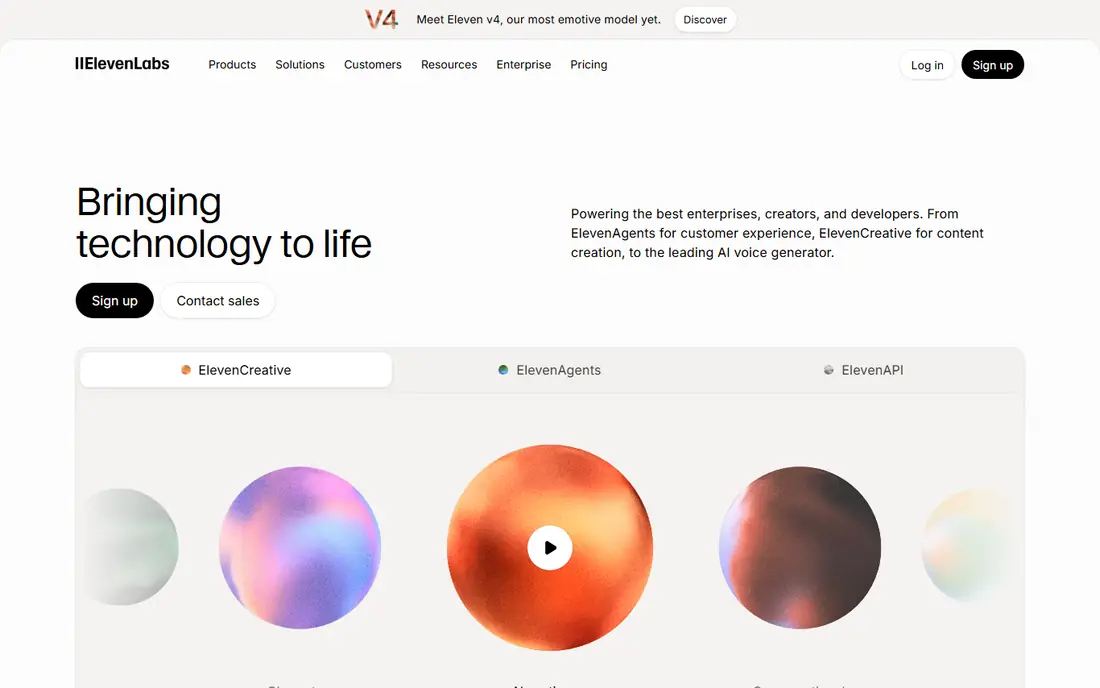
ElevenLabs is our pick for most people who need AI voiceover that sounds close to human. Voices carry natural pauses and inflection, the library covers many styles and languages, and instant cloning from a short sample lets creators build a consistent voice for a series. Dubbing tools help move a video into other languages without re-recording every line.
The credit system needs care. Starter at $6 per month covers limited output, and regular publishers will need Creator at $22 per month or higher for more credits and professional cloning. A free tier with limited credits is enough to test voice quality on your own script before paying, which we recommend for every tool on this list.
- Very natural voices with breath and inflection
- Instant cloning from a short sample
- Large voice library and dubbing tools
- Credits burn fast on the Starter tier
- Professional cloning and higher quality sit on pricier plans
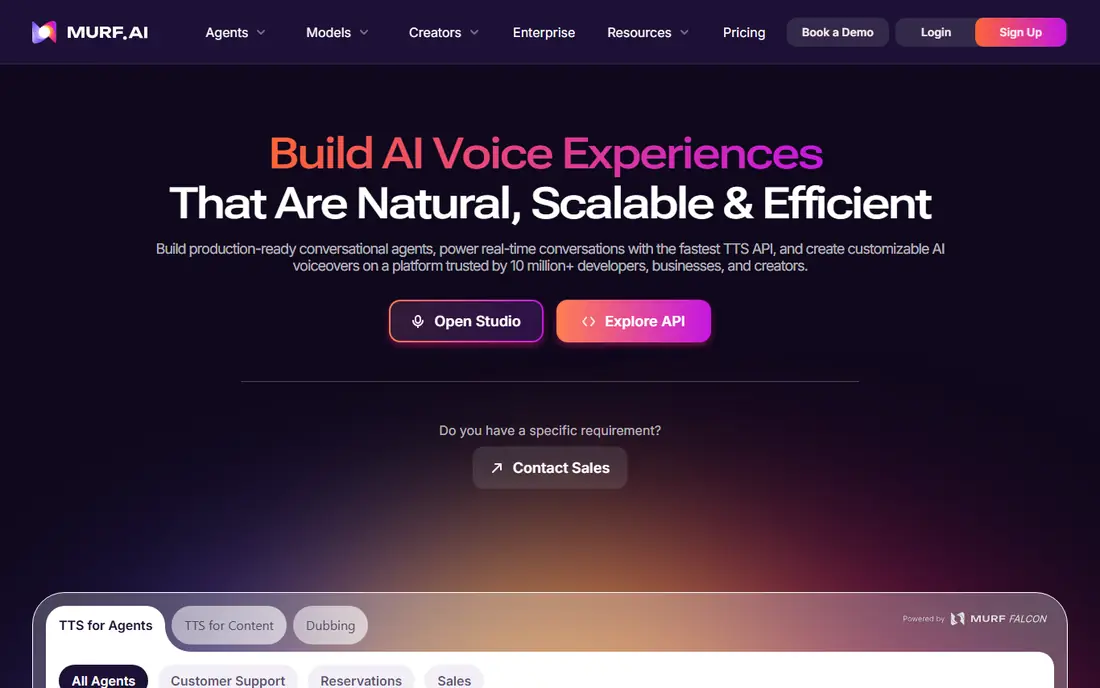
Murf suits creators whose workflow starts with video or slides. The studio lets you place voiceover on a timeline, adjust pauses and emphasis, and sync narration with visuals, which is exactly what course makers and explainer video teams need. Voices sound polished for narration, and the workspace keeps scripts, voices, and projects together.
Murf is less of a pure voice-quality leader than ElevenLabs, and cloning sits on higher tiers. At about $19 per month for Creator billed annually, it is priced for regular creators, with a free plan for short tests. If your main job is video voiceover rather than voice cloning, Murf is the most workflow-friendly pick here.
- Visual studio with timeline editing
- Voice, music, and video sync in one place
- Integrations for slides and video tools
- Cloning is limited on lower tiers
- Studio pricing needs checkout confirmation
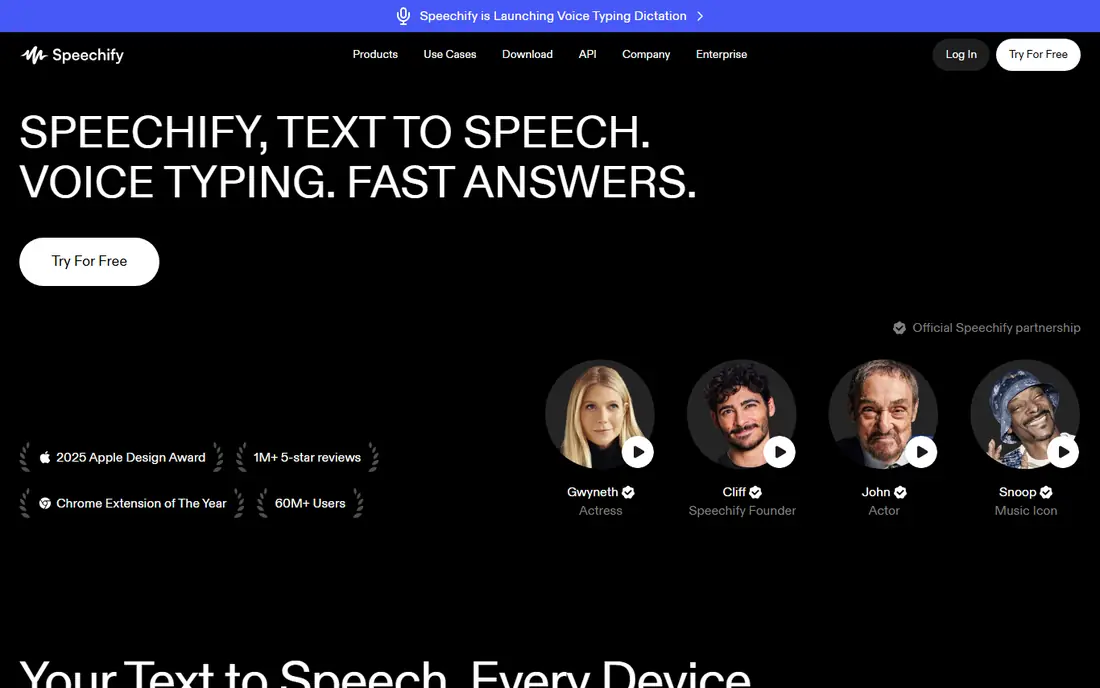
Speechify is best known for reading text aloud, but its Studio product is a separate voiceover tool for creators. It offers studio voices, dubbing, and avatar video options, with credit-based metering that suits a publishing schedule. A free allocation of Studio credits lets you test a real script before committing.
The confusion risk is real. Speechify Reader pricing and Studio pricing are different products, so confirm you are on the Studio plan when you compare prices. Studio Starter at $100 per year is a low entry point for creators who publish voiceover regularly and want dubbing in the same tool.
- Studio voiceover plus dubbing and avatar options
- Credit-based output for regular publishing
- Free Studio credits to test
- Easy to confuse Studio pricing with the separate Reader app pricing
- Cloning sits on paid plans
WellSaid Labs suits brands and course makers who need the same professional tone across many recordings. Its voices are recorded with consent and tuned for narration, training, and corporate video, so output sounds steady rather than flashy. Download-minute metering makes it easy to budget: you pay attention to finished minutes, not to every generation attempt.
At about $10 per month for Starter billed annually, WellSaid is a low-cost professional option, with a free trial offering a few download minutes. Teams that need many languages or API access will need higher tiers. For English narration that must sound the same every week, WellSaid is a reliable pick.
- Consistent, professional English voices
- Download-minute metering that is easy to budget
- Consented voice library
- Language range is narrower than ElevenLabs
- Higher tiers needed for teams and API use
Descript is the pick when voiceover is one step in making a video or podcast, not the whole job. You edit media by editing its transcript, cut filler words with a click, and use Overdub to clone your own voice for fixes and pickups. That flow saves creators who re-record lines often, since a typed fix can become spoken audio without a new session.
Descript is not the best pure voice library tool, and its pricing varies by plan, so check the current rate on its pricing page. A free plan lets you test the transcript workflow. For creators who already edit in Descript, adding voiceover there beats juggling a separate voice app.
- Edit video and audio by editing a transcript
- Overdub voice cloning for your own voice
- Podcast and video tools in one app
- Voiceover is part of a larger editor, not a standalone voice studio
- Pricing varies by plan and features
NaturalReader started as an accessible reading tool, and that origin still shapes it. It reads documents, books, and web pages aloud in natural voices, which helps students, readers with dyslexia, and anyone who prefers listening to reading. The interface is simple, and a free plan covers basic listening.
For polished commercial voiceover with timeline editing, Murf or ElevenLabs will serve you better. NaturalReader earns its place here for narration, study, and accessibility use, where ease and listening quality matter more than studio effects. Check its current pricing page, since plans differ for personal, commercial, and education use.
- Easy reading and listening for study and accessibility
- Natural voices for documents and books
- Simple interface
- Less of a video studio than Murf or Descript
- Commercial voiceover features are lighter
Resemble AI suits developers and teams building voice features into an app, rather than creators making one video at a time. Its cloning tools, API, and watermarking help teams create custom voices and check whether audio came from their system, which matters for trust and safety. Flex pay-as-you-go pricing lets a small project start without a large monthly plan.
Usage-based costs can rise fast at volume, so model your minutes before you build around it. The dashboard is also more developer-focused than creator-focused. For API voice work with cloning and provenance controls, Resemble AI is a strong, safety-minded pick.
- Rapid and professional cloning options
- Watermarking and detection tools for safer use
- API built for developers
- Usage-based pricing needs care at volume
- Dashboard is less creator-polished than Murf or ElevenLabs
Cartesia is the rising pick for real-time voice work, such as voice agents, interactive apps, and live conversational tools. Low latency matters there, since a pause of a second feels like a broken call, and Cartesia is built for that speed. At $5 per month for Pro, with a free tier offering credits, it is also one of the cheapest ways to test real-time voice.
For long-form narration or a large voice library, ElevenLabs still leads. Cartesia is best when the job is interactive: a voice that answers, reacts, and speaks in near real time. If you are building a voice agent, shortlist Cartesia alongside ElevenLabs and test both on your own prompts.
- Low-latency voices for real-time apps and agents
- Instant cloning on paid plans
- Generous free credit tier
- Newer and less proven for long-form narration than ElevenLabs
- Voice library is smaller
How we picked these
We compared official pricing pages, feature pages, and October 2026 roundups, and kept only tools with a live product and a clear voiceover or text-to-speech job. We favored tools with usable free tiers or trials, clear commercial terms, and consent-based voice libraries where cloning is offered. We left out tools reported as shut down or with no live product site in October 2026, rather than listing them on old reputation alone.
How to pick the right voice app
Start with the output, not the voice list. Make a 60-second sample of your real script in two or three tools, then listen on the device your audience uses, such as a phone speaker or car audio. A voice that sounds great in headphones can sound flat on a phone, and a voice that suits a calm explainer may fail for an energetic ad.
Next, check the license. Confirm commercial use, whether the plan covers your distribution channels, and how credits or download minutes are counted. A cheap plan that burns credits on every regeneration can cost more than a pricier plan with clearer metering. Also confirm cloning rules: only clone your own voice or a voice you have clear written permission to use.
Finally, test the workflow, not just the voice. If you make videos, a studio timeline matters. If you edit podcasts, transcript editing matters. If you build an app, API latency and watermarking matter. The best voice on a demo page is not the best tool if it slows down every project you ship.
Frequently asked questions
What is the best AI voice over app for YouTube videos?
ElevenLabs leads on voice quality for most YouTube narration, while Murf leads when you need timeline editing with video and slides. Test both on your own script, since voice fit varies by topic, pace, and audience. Check commercial rights for your channel size before you publish.
What is the best free AI voice over software?
ElevenLabs offers a free tier with limited credits, Murf offers a free plan for short tests, and Cartesia offers free credits for real-time work. Free tiers suit testing and short projects, but regular publishing usually needs a paid plan for enough credits, downloads, and commercial use.
Can AI voice over apps clone my voice?
Yes, with limits. ElevenLabs offers instant cloning from a short sample on paid plans, Descript offers Overdub for your own voice, and Resemble AI offers rapid and professional cloning. Only clone your own voice or a voice with clear permission, and check each vendor's consent and verification steps.
Are AI voices good enough for professional narration?
For many narration, training, and explainer jobs, yes, especially with ElevenLabs, WellSaid Labs, and Murf. Listen to a full sample in your topic and pace, since quality varies by language, accent, and style. For high-stakes ads or audiobooks, compare AI output with a human narrator before you commit.
How do AI voice credits work?
Most tools meter output in credits, characters, or download minutes, and each regeneration can consume more. Starter plans suit testing and short projects, while Creator and Pro plans suit weekly publishing. Always check what counts as a regeneration, a download, or a finished minute before you compare prices.
Is it legal to use an AI voice for commercial videos?
It depends on the tool's license and on voice consent. Use voices from the vendor's library under the plan's commercial terms, and only clone a real person's voice with clear permission. Read the license for your distribution channels, and keep records of consent for any custom voice you use.
Sources
See where you really rank - block by block
ProMapRanker scans Google Maps across a grid of your service area. Simple monthly plans from $19, white-label on every plan.
Start freeKeep reading
 best employee time tracking app
Best Employee Time Tracking Apps in 2026
We compare the best employee time tracking app options for teams, from simple timers to shift tools, with honest notes on privacy and consent in 2026.
Read → best employee recognition software
Best Employee Recognition Software in 2026
We compared the best employee recognition software for peer praise, rewards, and service awards, with pricing, integrations, and honest limits for teams.
Read → best ehr software
Best EHR Software in 2026
Compare the best EHR software in 2026 for small practices, specialty groups and hospitals, with pricing models, charting and billing features compared in full.
Read →