 ProMapRanker
AI Video Transcript Generation Tools: Best Picks of 2026

Cross-platform meeting transcription and summaries · Pricing starts at: $10 per seat per month, billed annually
Direct answer
Fireflies.ai comes first here, mainly for cross-platform meeting transcription and summaries. Listed starting prices: Fireflies.ai from $10 per seat per month, billed annually, Rev from $25.49 per seat a month and Otter.ai from $8.33 per user a month. Look at Rev for legal and investigative transcription workflows, and at Trint for collaborative media production workflows. The other 2 tools in the list cover narrower or pricier cases.
ProMapRanker compared 5 AI video transcript generation tools. The goal is a practical shortlist: published prices, free plan facts, best-fit use cases and honest limits for every entry.
Key takeaways
- Fireflies.ai sits first on this list: cross-platform meeting transcription and summaries.
- A fair warning about Trint: less emphasis on live meeting notes.
- The lowest published monthly entry price here is $8.33 per user per month, from Otter.ai.
- For text-based video and audio editing, Descript is worth a look.
- 3 of 5 tools offer a free plan: Fireflies.ai, Otter.ai, Descript.
Quick comparison
| Pick | Great for | Pricing starts at | Free tier | |
|---|---|---|---|---|
| Fireflies.ai | Cross-platform meeting transcription and summaries | $10 per seat per month, billed annually | Yes | Visit |
 Rev | Legal and investigative transcription workflows | $25.49 per seat a month | Not stated | Visit |
 Trint | Collaborative media production workflows | See website | Not stated | Visit |
 Otter.ai | Live meeting transcription and notes | $8.33 per user a month | Yes | Visit |
 Descript | Text-based video and audio editing | $16 per person per month | Yes | Visit |
Our 5 AI video transcript generation tools
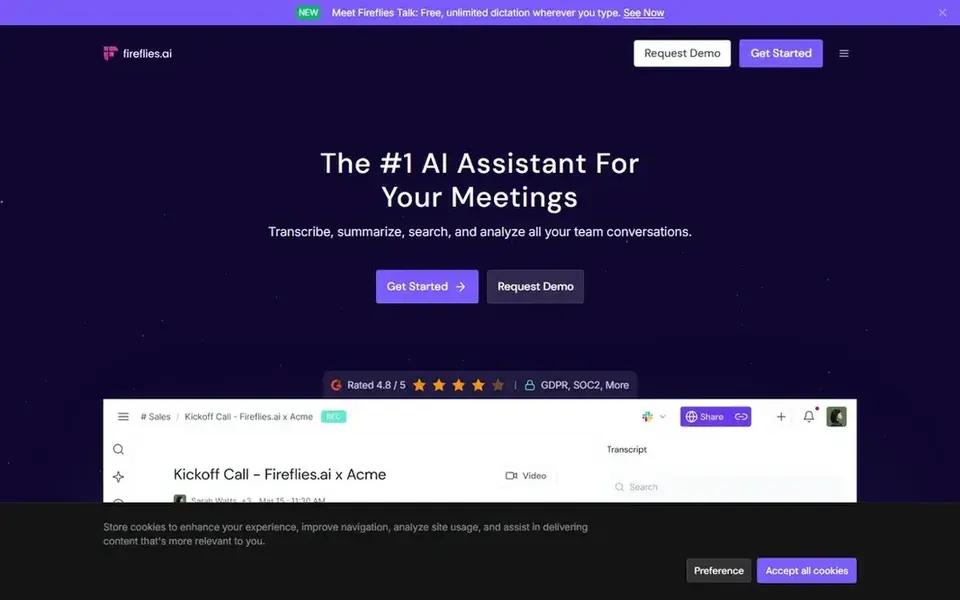
Fireflies.ai is designed for cross-platform meeting transcription and summaries. It uses generative AI to bring chat-style assistance to meetings, producing transcripts and smart summaries that can be shared with teams.
Limits to weigh: Advanced editing features are restricted.
Fireflies.ai pricing: $10 per seat per month, billed annually. You can start on Fireflies.ai without paying.
- Uses generative AI for meeting insights
- Works with Zoom
- Meeting-centric instead of video-production focused
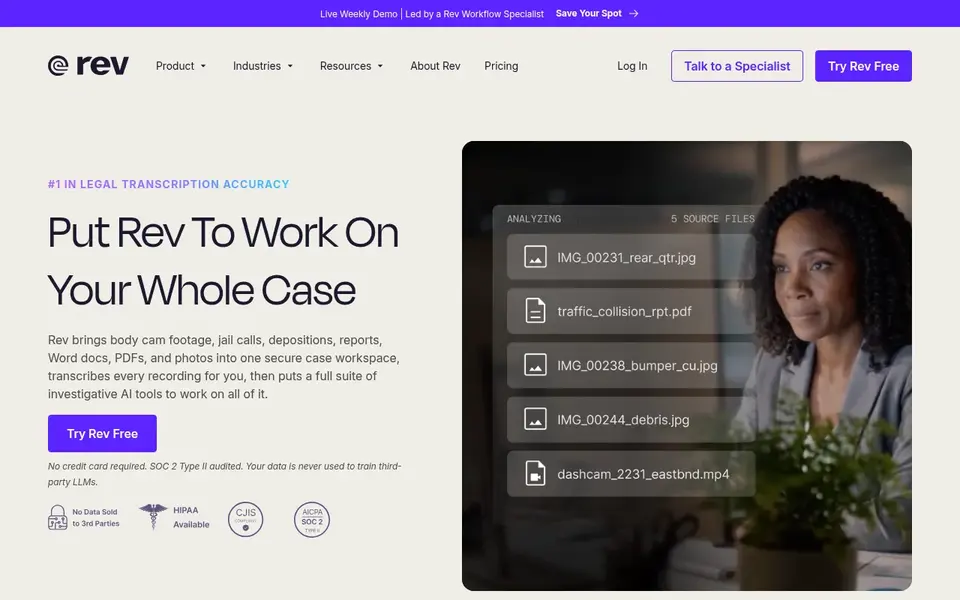
Rev is aimed squarely at legal and investigative transcription workflows. If you want a general-purpose notetaker or video editor, other tools here are more appropriate.
In practice, Select Rev when verified, citable transcription for legal or investigative work is the requirement. What you pay to start with Rev: $25.49 per seat per month. Free plan details: Not stated.
Drawbacks to consider: Specialized rather than general-purpose.
Strengths: Turns digital evidence into transcripts.
- Made for investigative and legal use cases
- Citable findings
- Less suited to everyday meeting notes
Trint makes the most sense for collaborative media production workflows. Trint provides AI transcription and a media production workflow that lets teams transcribe, translate, and collaborate in numerous languages.
It is built to fast-track first drafts for journalists and media teams, with collaborative editing that supports newsroom-style workflows. For everyday use, Trint is oriented toward media production and collaboration, so it is not primarily a live meeting notetaker. Trint does not show a starting price in this comparison, so check the vendor site for current pricing. On free options: Not stated.
Reasons to shortlist it: collaborate in numerous languages.
The main drawbacks: May be more than needed for straightforward transcripts.
- AI-connected media production workflow
- Transcribe, translate
- Less emphasis on live meeting notes
Otter.ai is a good fit for live meeting transcription and notes. Otter.ai is optimized for live meeting workflows, so it is less suited to editing video content or handling large batches of pre-recorded media.
As for the details, choose Otter.ai when meeting notes and action items are the priority. What you pay to start with Otter.ai: $8.33 per user per month. Otter.ai includes a free tier.
What to check first: Restricted multilingual support.
- Live chat and insights
- Live transcription
- Concentrated on meetings instead of video editing
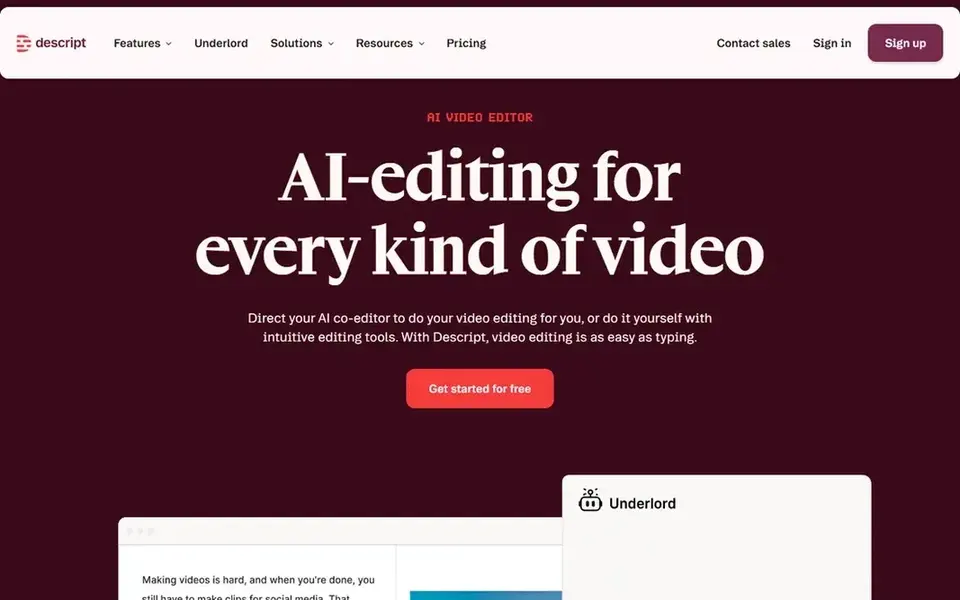
Descript is a good fit for text-based video and audio editing. The editing interface may feel complicated for users who only want fast transcripts.
Since the transcript drives the edit, removing filler words or cutting segments is easy-to-learn. From a buyer's view, Descript is an AI video and audio editor that makes editing as straightforward as editing text. Starting cost for Descript: $16 per person per month. Descript offers a free plan.
Where it is weaker: Steeper ramp-up time for advanced editing.
- Publish in one tool
- Supports both video and audio projects
- Not centred on live meeting notes
Things to verify first
- Ask Trint for a written quote, since no starting price is shown.
- Look at free plan limits closely: Fireflies.ai, Otter.ai and Descript have one, and the caps decide whether it is usable for real work.
- Read the limits listed for Fireflies.ai first: meeting-centric instead of video-production focused.
- Test the integrations you rely on with Trint before committing; some connectors sit on upper tiers.
- Make sure Rev lets you export your data in a format another tool can read.
Frequently asked questions
How are the tools for AI video transcript generation tools ordered?
Fireflies.ai sits first and Descript last because the order follows typical fit for AI video transcript generation tools, then price clarity and free access. It is a judgement call, so read each profile for fit and limits.
Do these tools replace manual transcription entirely?
AI transcription tools can produce drafts rapidly, but accuracy varies with audio quality, accents, and terminology. Numerous teams still review and correct transcripts, notably for legal or publishable content.
Can I try these options before paying?
Often, yes. Fireflies.ai, Otter.ai and Descript have a free plan. Use your own data and a real task during the test, and check what the free tier or trial limits before you rely on it.
Is Fireflies.ai the right pick for everyone comparing AI video transcript generation tools?
No single tool suits every team. Fireflies.ai comes first because it fits cross-platform meeting transcription and summaries, while Rev suits legal and investigative transcription workflows and Trint suits collaborative media production workflows. Match the tool to your own size, budget and workflow before deciding.
Do these tools publish their prices?
Not all of them. Trint publishes no starting price, so expect a quote request for it. The rest, Fireflies.ai included, show a starting price, though seats and billing terms still change the final cost. For the full picture, the cards above cover all 5 entries of this AI video Transcript generation tools list, including price, free plan and limits.
Sources
See where you really rank - block by block
ProMapRanker scans Google Maps across a grid of your service area. Simple monthly plans from $19, white-label on every plan.
Start freeBrowse all guides
← 6 Best AI Video Generators Software for Remote Teams in 20262026 Guide to the Best AI Voice Generators for IVR Systems →
 best ai tools for saas product demo videos
2026 Guide to the Best AI Tools for SaaS Product Demo Videos
Best AI tools for SaaS product demo videos: 6 contenders ranked by fit, with entry costs and free tiers. Real limits included. Reviewed in November 2026.
Read → best voice recognition software
Voice Recognition Software in 2026: Top 5 Compared
5 options for the best voice recognition software, with entry costs, free tiers and the buyer each one serves. Each tool gets a one-line verdict. Choose faster.
Read → best recording studio software
Top 5 Recording Studio Software, Compared on Price (2026)
Best recording studio software, compared. 5 tools with published prices, free plans and limits. Fit and flaws are laid out for each entry. Pick by budget.
Read → best app for edit
Best App for Edit in 2026: 10 Apps Compared
We compared the best app for edit options for photos and videos, covering free tiers, paid plans and the right pick for casual and serious editors in 2026.
Read → best streaming platform for gaming
Best Streaming Platform for Gaming in 2026
Compare the best streaming platform for gaming in 2026. We review 9 live streaming platforms for gamers, viewers, earnings, and new streamers starting out.
Read → best movies on streaming services
Best Movies on Streaming Services in 2026
We compared the best movies on streaming services by film library, originals, price and picture quality, so you can pick the service for movie nights.
Read →More in Video, Audio & Podcasts · All guides A to Z by date · Latest guides