 ProMapRanker
Best AI Video Generator for YouTube: 2026 Prices and Picks
Direct answer
Fliki comes first here, mainly for text-to-video with plenty of AI voices. Listed starting prices: Pictory from $12.50 per month, billed yearly, Descript from $16 per person a month and Synthesia from $19 a month. If your case is different, Pictory suits script and blog-to-video automation and Descript suits text-based editing of talking-head videos. The remaining 2 options are covered below with prices and limits.
Choosing AI video generator for YouTube usually comes down to price, fit and limits. This ProMapRanker guide sets 5 tools side by side on those three points, with the facts kept short and checkable.
Key takeaways
- The list opens with Fliki, aimed at text-to-video with plenty of AI voices.
- Free plans exist at 4 of 5 tools (Fliki, Descript, Synthesia, HeyGen).
- Fliki comes with a trade-off: voice-led format may feel impersonal.
- HeyGen suits creators wanting a personal avatar.
Quick comparison
| Pick | Great for | Pricing starts at | Free tier | |
|---|---|---|---|---|
 Fliki | Text-to-video with plenty of AI voices | See website | Yes | Visit |
 Pictory | Script and blog-to-video automation | $12.50 per month, billed yearly | Free trial | Visit |
 Descript | Text-based editing of talking-head videos | $16 per person a month | Yes | Visit |
 Synthesia | Professional avatar-led business videos | $19 a month | Yes | Visit |
 HeyGen | Creators wanting a personal avatar | $29 a month | Yes | Visit |
Our 5 picks for AI video generator for YouTube
For text-to-video with numerous AI voices, Fliki is a natural candidate. Fliki turns text, scripts, and blog posts into videos using a large library of AI voices across numerous languages, with no camera or editing skills needed. For everyday use, pick Fliki when narration, language coverage, and speed of production are the primary requirements.
Where it falls short: Visual variety relies on source material.
Also, since the format is voice-led, videos can feel impersonal compared to on-camera presenters, and visual interest depends heavily on the source material you supply. It is less suited to channels built around a host's personality. Fliki shows no starting price here, so confirm the cost on the vendor site. Free access exists with Fliki.
- No camera or editing skills required
- Turns text and scripts into video
- Voice-led format may feel impersonal

Choose Pictory for script and blog-to-video automation. Pictory positions itself as an AI video agent and generator: you describe your video or start from a script, URL, PowerPoint, or audio. The agent plans the scenes for you to review and refine.
For everyday use, since the agent proposes the scene plan, you should expect to review and adjust pacing, visuals, and transitions before publishing. It is less suited to creators who require precise frame-level control or custom animation. Price to start with Pictory: $12.50 per month, billed annually. Free options: Free trial.
Downsides: Automatic scene choices need manual refinement.
What users get: A decent match for repurposing written content.
- Or PowerPoint
- AI agent plans scenes for review
- Less control over fine-grained motion design
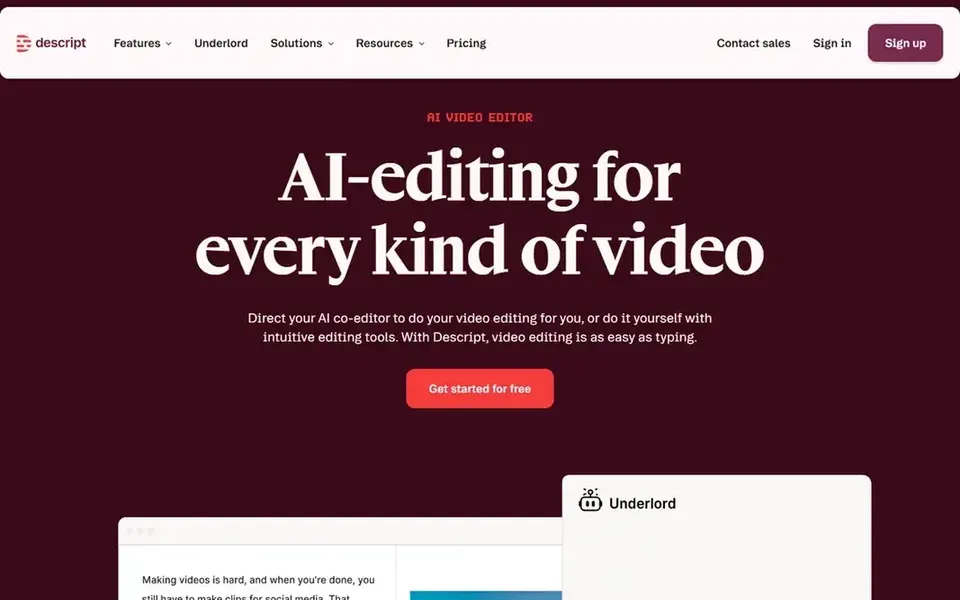
Descript serves text-based editing of talking-head videos. It is a good fit for solo creators who value speed over cinematic control.
From a buyer's view, choose Descript when your YouTube workflow is built around spoken content and you want editing to feel like revising a document. Starting cost for Descript: $16 per person per month. Free access exists with Descript.
Downsides: Not a full avatar generator.
- Record, transcribe
- Edit video by editing text
- Best results need clean audio

Synthesia makes the most sense for professional avatar-led business videos. The product leans toward structured, scripted formats, so it is less well suited to vlog-style or highly spontaneous content.
What you pay to start with Synthesia: $19 per month. Free access exists with Synthesia.
Trade-offs to know: Less suited to fast-paced entertainment edits.
- Designed for training and communication
- Broad language support
- Avatar style may feel formal for some channels
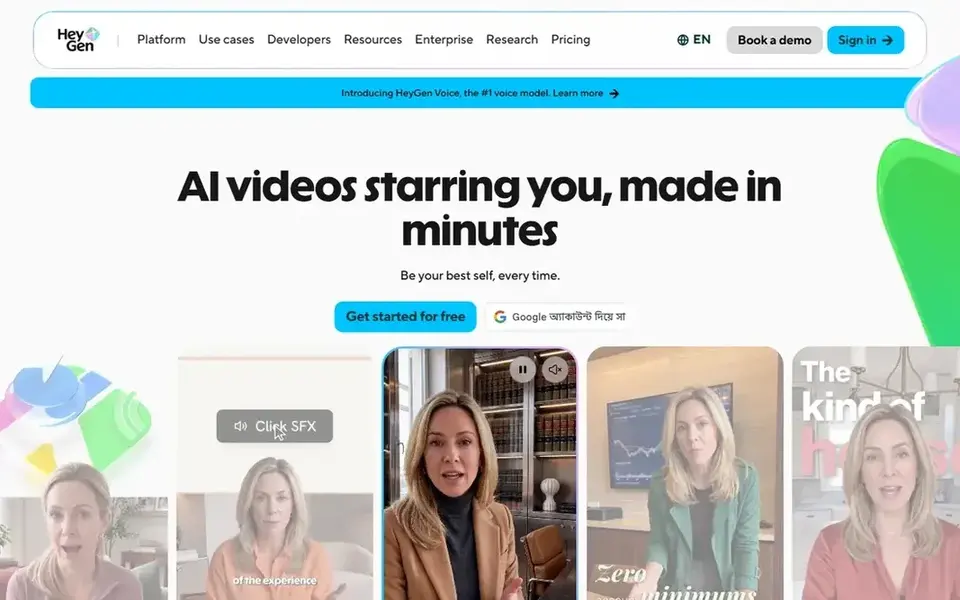
HeyGen targets creators wanting a personal avatar. The avatar approach fits best for direct-to-camera formats and can feel less natural for vlogs, reactions, or heavily stylized content.
Strengths: Personal avatar from your face and voice.
What to check first: Avatar realism may not suit every niche. As for the details, if your channel thrives on improvisation and live energy, a traditional camera setup or a text-based editor may be a better fit. The starting price for HeyGen: $29 per month. Free access exists with HeyGen.
- Confident delivery
- Cuts repeat filming
- Needs a clean source recording for best results
What to check before you buy
- Confirm the entry price on the vendor page. For Fliki that means a quote rather than a fixed price.
- Look at free plan limits closely: Fliki, Descript, Synthesia and HeyGen have one, and the caps decide whether it is usable for real work.
- Take the trial from Pictory and push a live task through it before you pay.
- Before choosing Fliki, weigh its main limit: voice-led format may feel impersonal.
- See whether HeyGen offers onboarding or training, and whether it is included in the price.
- List the apps you already depend on and check that Fliki supports each one on the plan you would buy.
Frequently asked questions
Can I use an AI avatar of myself on YouTube?
HeyGen is built around creating a Personal Avatar from your own face and voice, which fits recurring on-camera formats. Synthesia also provides presenter avatars for professional content.
What is the cheapest option for AI video generator for YouTube in this list?
On published monthly entry prices, Pictory is the lowest here at $12.50 per month, billed annually. Entry price is only part of the cost, because seats, add-ons and billing terms can change the total. Prices, free plan details and limits for all 5 tools in this AI video generator for YouTube roundup sit on the individual cards above.
How are the tools for AI video generator for YouTube ordered?
The order follows typical fit for AI video generator for YouTube, with Fliki first and HeyGen last, then price clarity and free access. It is editorial judgement, not a score, so another team could rank the tools differently.
Which options for AI video generator for YouTube have a free plan?
Fliki, Descript, Synthesia and HeyGen offer a free plan in this list. Free plans usually cap users, projects or features, so check the limits on the vendor page. One other tool offers a trial instead.
Is Fliki the right pick for everyone comparing AI video generator for YouTube?
No single tool suits every team. Fliki comes first because it fits text-to-video with many AI voices, while Pictory suits script and blog-to-video automation and Descript suits text-based editing of talking-head videos. Match the tool to your own size, budget and workflow before deciding.
Sources
See where you really rank - block by block
ProMapRanker scans Google Maps across a grid of your service area. Simple monthly plans from $19, white-label on every plan.
Start freeBrowse all guides
← AI Social Network Platforms: Best Picks of 2026Facebook Analytics Tools: Best Picks of 2026 →
 best ai enterprise social networking software
Best AI Enterprise Social Networking Software in 2026
Need the best AI enterprise social networking software? We compare 5 tools on cost, free access and who each suits. Short verdicts, no fluff. Read the profiles.
Read → best ai social listening assistant for brand managers
5 Best AI Social Listening Assistant for Brand Managers for 2026
Compare 5 best AI social listening assistant for brand managers, with prices, free plans and who each fits. Short, factual notes on every option. Numbers first.
Read → best social media management tools for dental practices
5 Best Social Media Management Tools for Dental Practices for 2026
Best social media management tools for dental practices: 5 contenders ranked by fit, with entry costs and free tiers. Real limits included. Checked this month.
Read → adobe spark alternatives
Adobe Spark Alternatives in 2026
Compare adobe spark alternatives for social graphics, flyers, presentations, and quick design work, with free plans and paid prices compared. for small teams
Read → adobe after effects alternatives
Adobe After Effects Alternatives in 2026
Adobe after effects alternatives compared for motion graphics, compositing and animation, from free desktop tools to browser editors for social video.
Read → best social media monitoring tools
Best Social Media Monitoring Tools in 2026
Compare the best social media monitoring tools in 2026, with pricing, mention limits, sentiment, alerts and analytics for brands of every size for brands.
Read →More in Social Media & Creators · All guides A to Z by date · Latest guides