 ProMapRanker
AI Video Generator for Social Media in 2026: Top 6 Compared

Iterative creative work for professionals · Pricing starts at: See website
Direct answer
Our first pick is Luma Dream Machine, best for Iterative creative work for professionals. Listed starting prices: Descript from $16 per person a month, Pictory from $12.50 per month, billed annually and InVideo AI from $4 per seat/mo, billed annually. For a different need, Descript covers editing video by editing text and Pictory covers script and URL to video repurposing. Prices, free plans and limits for all 6 tools follow.
Short on time? The summary and table above give the quick view of 6 tools for AI video generator for social media, and the profiles that follow give the detail behind each entry.
Key takeaways
- Top of the list is Luma Dream Machine, which targets Iterative creative work for professionals.
- A free plan is available from 3 of the 6 tools: Descript, Synthesia, HeyGen.
- HeyGen fits personal avatar videos without refilming.
- What to know about Luma Dream Machine first: less template-driven for beginners.
- InVideo AI has the lowest monthly starting price in this list: $4 per seat/mo, billed annually.
Quick comparison
| Pick | Great for | Pricing starts at | Free tier | |
|---|---|---|---|---|
| Luma Dream Machine | Iterative creative work for professionals | See website | Not stated | Visit |
 Descript | Editing video by editing text | $16 per person a month | Yes | Visit |
 Pictory | Script and URL to video repurposing | $12.50 per month, billed annually | Free trial | Visit |
 InVideo AI | Prompt-led video creation and editing | $4 per seat/mo, billed annually | Not stated | Visit |
 Synthesia | Branded avatar videos at scale | $19 per month | Yes | Visit |
 HeyGen | Personal avatar videos without refilming | $29 a month | Yes | Visit |
The 6 tools in detail

Luma Dream Machine is a good fit for Iterative creative work for professionals. Luma Dream Machine is positioned as a creative agent for creative professionals, supporting planning, generation, iteration and refinement whereas keeping context across each stage.
Luma Dream Machine shows no starting price here, so confirm the cost on the vendor site. Free access: Not stated.
Where it falls short: Not a presenter video tool.
- Pitched at professional creative workflows
- Keeps context across creative stages
- Less template-driven for beginners
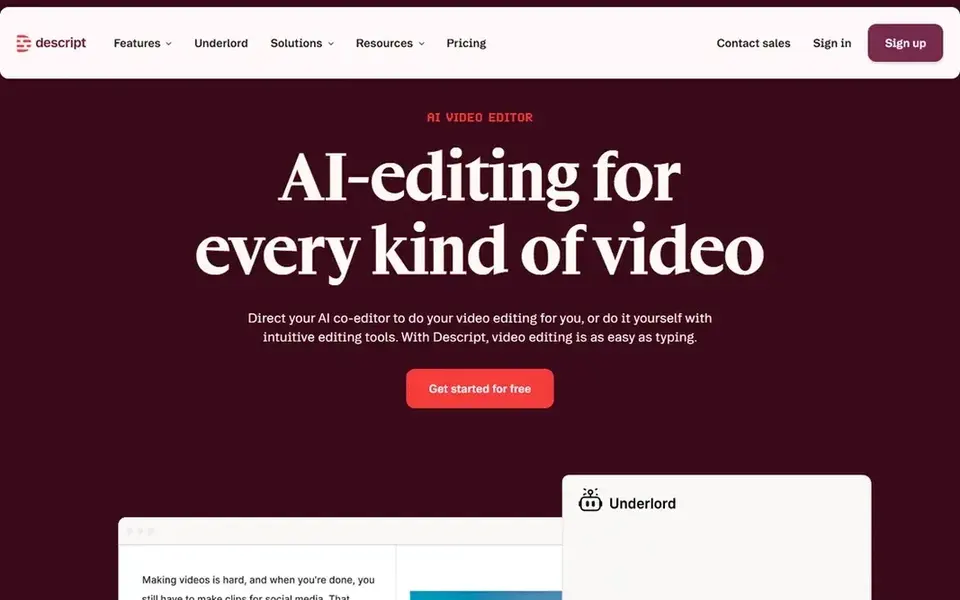
Descript is a good fit for editing video by editing text. If your bottleneck is producing original visuals instead of editing existing material, pair it with a generative product.
Trade-offs to know: Best results need clean source recordings.
For everyday use, Descript is an AI video and audio editor that makes editing feel like editing a document, combining recording, transcription, editing and publishing in one place. It relies on having source recordings to work from, so it is not the tool for generating footage from a prompt. Entry price for Descript: $16 per person per month. You can start on Descript without paying.
- Well suited to talking-head and podcast clips
- Record, transcribe
- Not a generative clip engine

Pictory is designed for script and URL to video repurposing. Pictory describes itself as an AI video agent and generator: you describe a video or start from a script, URL, PowerPoint or audio.
The agent plans the scenes for you to review and refine. Pictory pricing: $12.50 per month, billed annually. On free options: Free trial.
Limits to weigh: Scene planning needs human review. Reasons to shortlist it: AI agent plans scenes for review; PowerPoint or audio.
- Start from script, URL
- Good for repurposing existing content
- Less suited to live-action shooting
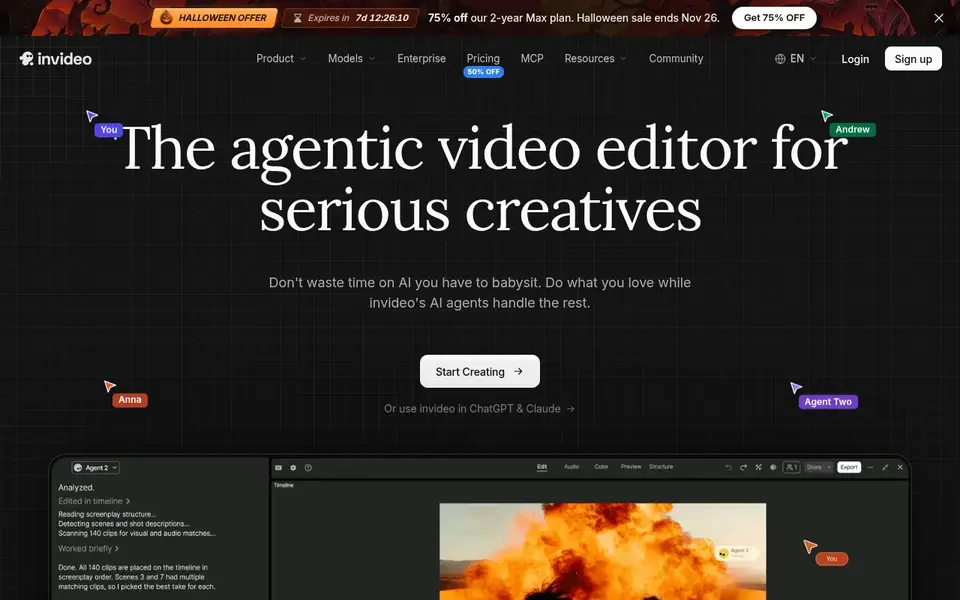
Think of InVideo AI for prompt-led video creation and editing. Agent-generated drafts normally need review and adjustment before publishing, and users who want granular control may find the assisted workflow limiting.
Points against: Generated drafts need manual polish.
Starting cost for InVideo AI: $4 per seat/mo, billed annually. Trial and free access: Not stated.
- Build and edit in one editor
- Suited to fast social concepts
- Less control than frame-by-frame editing

Synthesia serves branded avatar videos at scale. For social media it fits teams that need a recognizable on-screen presenter and consistent messaging across numerous posts and languages without booking talent for every clip.
Watch-outs: Avatar look may feel formal for casual feeds.
Its strength is structured, presenter-driven content, so it is a weaker match for quick, effects-heavy trends or meme-style edits. The starting price for Synthesia: $19 per month. Synthesia has a free plan.
- Wide language coverage
- Aimed at business communication
- Less suited to abstract visual effects

HeyGen targets personal avatar videos without refilming. HeyGen lets you build AI videos with a Personal Avatar that carries your face and voice.
So you can publish presenter-style clips without filming each one. Price to start with HeyGen: $29 per month. A free plan is available with HeyGen.
Downsides: Not a full visual effects suite.
- Confident presenter output
- Clear
- Avatar quality relies on source footage
Things to verify first
- Confirm the entry price on the vendor page. For Luma Dream Machine that means a quote rather than a fixed price.
- Look at free plan limits closely: Descript, Synthesia and HeyGen have one, and the caps decide whether it is usable for real work.
- Run a trial of Pictory with real work before paying for a year; your own workflow is the best test.
- Before choosing Luma Dream Machine, weigh its main limit: less template-driven for beginners.
- Look at which plan of HeyGen unlocks the features you need; entry tiers are often cut down.
- Confirm that Luma Dream Machine connects to the apps your team already uses, on the plan you would actually buy.
Frequently asked questions
Is Luma Dream Machine the right pick for everyone comparing AI video generator for social media?
No single tool suits every team. Luma Dream Machine comes first because it fits Iterative creative work for professionals, while Descript suits editing video by editing text and Pictory suits script and URL to video repurposing. Match the tool to your own size, budget and workflow before deciding.
Do these tools publish their prices?
Not all of them. Luma Dream Machine publishes no starting price, so expect a quote request for it. The rest, Descript included, show a starting price, though seats and billing terms still change the final cost.
How are the tools for AI video generator for social media ordered?
Luma Dream Machine sits first and HeyGen last because the order follows typical fit for AI video generator for social media, then price clarity and free access. It is a judgement call, so read each profile for fit and limits.
Which options for AI video generator for social media have a free plan?
On this list, Descript, Synthesia and HeyGen include a free plan. Caps on seats, usage or features are common, so test the free plan against your real workload. One other tool offers a trial instead.
Sources
See where you really rank - block by block
ProMapRanker scans Google Maps across a grid of your service area. Simple monthly plans from $19, white-label on every plan.
Start freeBrowse all guides
← Who's the Best Influencer Marketing tool: Best Picks of 2026Influencer Campaign Management Software for PR Firms (2026) →
 best social media scheduling tools for restaurants
6 Best Social Media Scheduling Tools for Restaurants for 2026
6 best social media scheduling tools for restaurants, with entry costs, free tiers and the buyer each one serves. Limits and pricing notes included. No hype.
Read → best social media public relations
2026 Guide to the Best Social Media Public Relations
Best social media public relations: 5 contenders ranked by fit, with entry costs and free tiers. The weak spots sit next to the strengths. Jump to the table.
Read → best social media management tools for photographers
6 Best Social Media Management Tools for Photographers for 2026
Comparing the best social media management tools for photographers? 6 contenders, each with entry cost, free tier and best-fit buyer. Reviewed in November 2026.
Read → linktree alternatives
Best Linktree Alternatives in 2026
Compare the best Linktree alternatives in 2026 for free link pages, creator stores, and business bios, with current pricing, free plans, and fees today.
Read → best affiliate marketing tools for creators
Best Affiliate Marketing Tools for Creators in 2026
Compare the best affiliate marketing tools for creators in 2026, from LTK and ShopMy to networks and storefronts that turn recommendations into income.
Read → best ai tools for content creators
Best AI Tools for Content Creators in 2026
Compare the best ai tools for content creators for writing, video, images, and voice, with pricing and honest limits for each tool in 2026 before you subscribe.
Read →More in Social Media & Creators · All guides A to Z by date · Latest guides