 ProMapRanker
Best AI Video Generation Tools Cinematic in 2026


Realism and synchronized audio · Pricing starts at: $19.99 per month
Key takeaways
- Google Veo leads on realism and synchronized audio, accessed through Google AI Pro at $19.99 per month or Ultra at $249.99 per month.
- Runway is the strongest choice for controlled, edited sequences, with camera tools and an editing suite around generation.
- Kling is the value pick for longer clips and human motion, starting at a lower monthly price than most rivals.
- Hailuo and Pika suit fast, cheaper experimentation, while Luma and LTX Studio suit camera-led and story-led work respectively.
- Sora is not on this list because OpenAI ended consumer access in April 2026, so buyers should not plan a workflow around it.
Quick comparison
| Pick | Great for | Pricing starts at | Free tier | |
|---|---|---|---|---|
| Google Veo | Realism and synchronized audio | $19.99 per month | Yes | Visit |
 Runway | Controlled cinematic sequences | $12 per month | Yes | Visit |
 Kling | Value and longer clips | $7 per month | Yes | Visit |
 Hailuo | Affordable motion and expression | $10 per month | Yes | Visit |
 Pika | Fast social and effects clips | $8 per month | Yes | Visit |
 Luma Dream Machine | Natural camera movement | See website | Yes | Visit |
 LTX Studio | Story-led multi-shot projects | $15 per month | Yes | Visit |
 Adobe Firefly Video | Commercially safer brand work | $10 per month | Yes | Visit |
 Higgsfield | Multi-model cinematic looks | $19 per month | No | Visit |
The best AI video generation tools cinematic
Cinematic here means more than a moving picture. It means controlled camera movement, consistent characters across shots, believable light and motion, and audio that matches the picture. The tools below are judged on those qualities, not just on how quickly they produce a clip. Clip lengths remain short, so plan on editing several generations into a finished sequence.
Veo, now at version 3.1, is the reference point for realistic AI video in 2026. It was the first major model to generate dialogue, sound effects and ambience in sync with the picture, and that audio advantage still matters for cinematic work, where silent clips feel unfinished. You reach it through the Gemini app, Google's Flow filmmaking tool with camera and editing controls, and developer APIs.
Access runs through Google AI plans: Pro at $19.99 per month and Ultra at $249.99 per month, with a limited free tier. The catches are cost at volume and watermarking, since every clip carries an imperceptible SynthID watermark even on paid tiers. If realism and native audio matter most, Veo is the default starting point.
- Strong realism with synchronized dialogue, sound effects and ambience
- Available in the Gemini app and Flow filmmaking tool
- Up to 4K on higher tiers
- Credits burn quickly at scale
- Every clip carries a SynthID watermark
- Ultra tier at $249.99 per month is costly
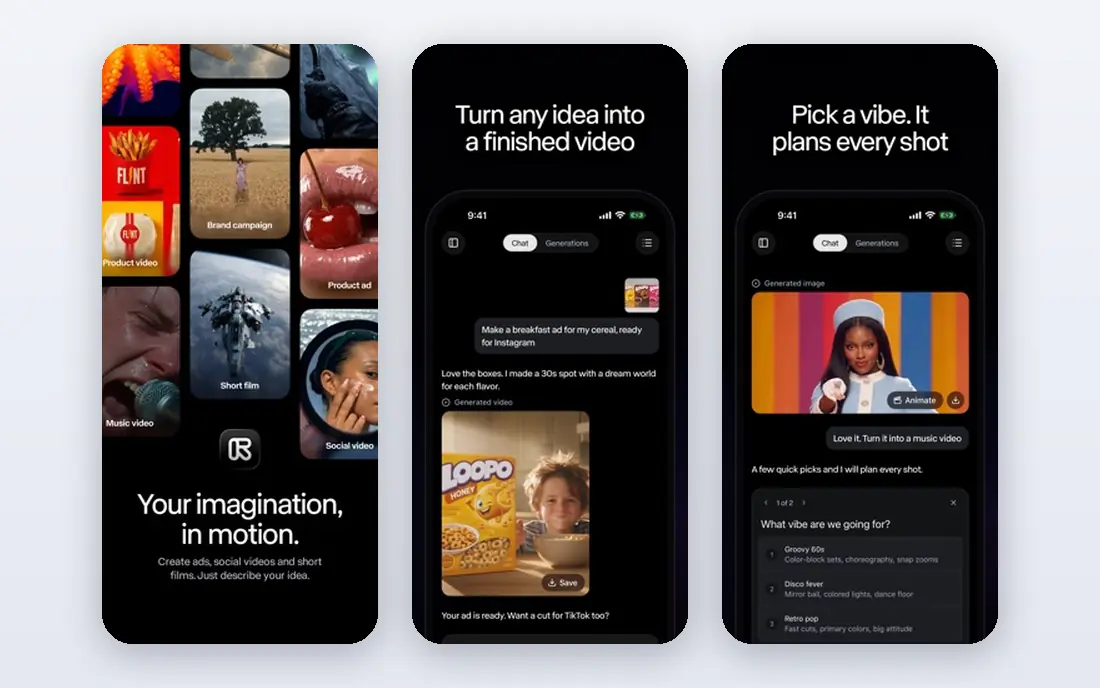
Runway Gen-4.5 suits filmmakers who want control rather than a lucky first generation. Its platform combines generation with editing tools, reference-based character consistency and camera controls that let you direct a shot instead of merely describing it. That control is why many professional creators keep Runway in the workflow even when a rival model looks slightly more realistic on a single clip.
Pricing starts at $12 per month on annual billing, with 125 free credits to try it. Generations are typically 5 to 16 seconds, so a finished scene still needs editing. The honest trade is cost: ambitious projects consume credits fast, and the higher tiers climb steeply. Buy Runway for directed sequences, not for bulk clip farming.
- Mature editing suite around generation
- Strong character consistency with references
- Precise camera and motion controls
- Credit costs rise on longer or higher-quality generations
- Audio tools are separate
- Top tiers are costly
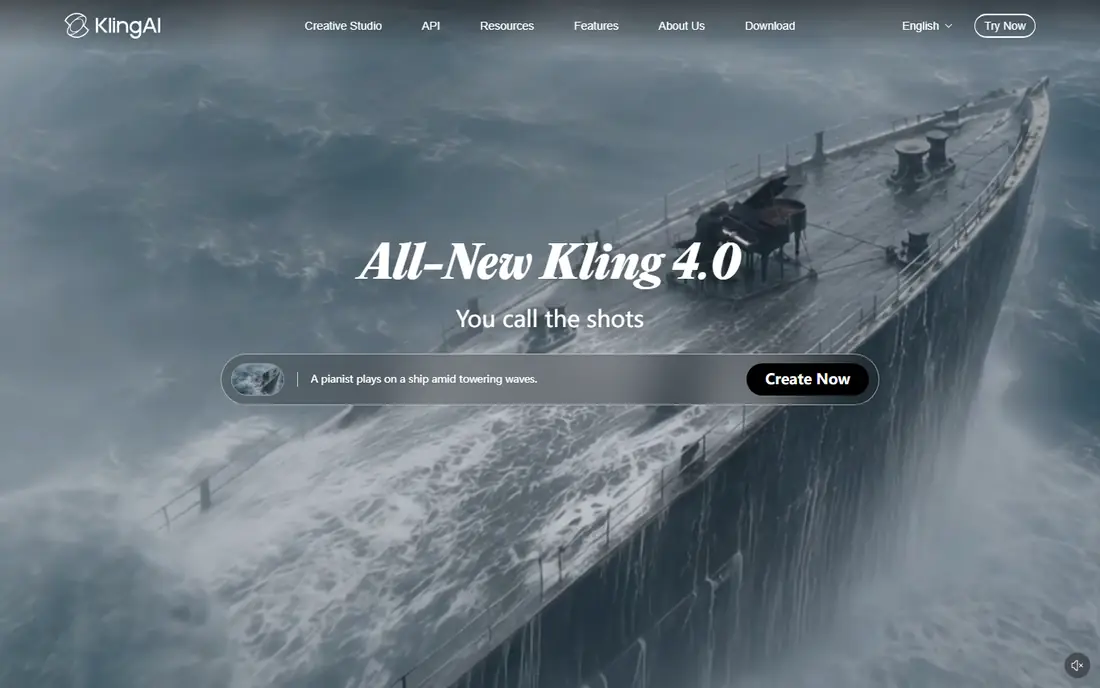
Kling is the value leader in this list, and it does not feel like a compromise for many shots. Human motion looks natural, clips can be extended toward longer sequences, and the entry plan starts around $7 per month, with daily free credits for testing. That combination makes it the tool to learn on if you plan to generate a lot of footage.
Credit pricing still needs attention, since different models and resolutions consume credits at different rates. Check the current plan page before budgeting a project, and test the model version you plan to use, since quality differs across versions. For cost-conscious cinematic work, Kling is the first tool to try.
- Low entry price with daily free credits
- Strong human motion
- Longer clips through extensions
- Credit math can confuse new users
- Quality varies by model version
- Some features need higher tiers
Hailuo, from MiniMax, earns its place on expression. Faces and body motion read more naturally than the price suggests, which helps dialogue-led and character-led scenes that other budget tools flatten. Paid plans start around $10 per month, and a free tier with daily credits lets you test it before paying.
Clips remain short, typically around six seconds in basic modes, so cinematic sequences need chaining and editing. Plan names and model versions also change frequently, so confirm the current offering on the official site before buying. For expressive character shots on a budget, Hailuo punches above its price.
- Strong facial expression and motion at a low price
- Daily free credits
- Audio support on newer models
- Clip lengths are short
- Interface and plan details change often
- Brand and model naming can confuse buyers
Pika is the fast sketchbook of this list. Its interface is simple, generations arrive quickly, and effects and transformations are easy to try, which makes it ideal for testing an idea before spending credits on a premium model. Paid plans start at $8 per month, and the free tier covers experimentation.
It is not the first choice for a polished cinematic short. Realism, camera control and audio all trail the leaders, and clips stay short. Use Pika to explore looks and effects quickly, then move the winning idea to Veo, Runway or Kling for the final version.
- Simple interface and fast generation
- Good for effects and transformations
- Free tier for experimentation
- Cinematic realism trails Veo, Runway and Kling
- Clips are short
- Audio is limited
Luma Dream Machine is known for camera work that feels filmed rather than generated. Pans, orbits and tracking shots move with a natural weight, which suits establishing shots and product or location footage where the camera itself carries the scene. The free tier lets you test that strength before paying, and paid plans scale by credits.
Pricing and plan details have shifted over time, so we list See website rather than a figure that may already be out of date. Character consistency across many shots also needs careful prompting and reference images. Pick Luma when camera movement is the star of the shot.
- Smooth, naturalistic camera motion
- Photorealistic look on strong prompts
- Free tier for testing
- Pricing has changed across tiers
- Clip lengths are limited
- Character consistency needs careful prompting
LTX Studio thinks in projects, not prompts. You build a story with scenes, characters and shots, and the platform keeps those elements consistent across the sequence, which is exactly the problem that single-clip generators leave to the editor. Audio and editing tools sit in the same workspace, so a short film or ad can be assembled without exporting every clip elsewhere.
The Lite plan starts at $15 per month, with a free tier for trying the workflow. Volume and higher-quality output need higher tiers, and the final look still depends on the models underneath. If your goal is a coherent multi-shot story rather than a single impressive clip, LTX Studio fits better than any single-clip tool here.
- Built around stories, scenes and characters rather than single clips
- Character consistency across a project
- Audio and editing in one workspace
- Output quality depends on the underlying models
- Higher tiers needed for serious volume
- Less suited to one-off clips
Adobe Firefly Video is the cautious choice for brand and commercial work. Adobe positions Firefly as commercially safe, which matters when a video will run in paid campaigns or client deliverables and rights questions cannot be left vague. It also slots into Adobe workflows that many creative teams already use, with plans starting around $10 per month and a free tier with credits.
On pure cinematic realism, it does not always match Veo or Runway, and credit limits cap how much you can generate at the entry tier. Existing Adobe customers get the most value, since the tool joins software they already pay for. For client work where rights clarity matters, that trade is often worth it.
- Trained with commercial use in mind
- Sits inside Adobe workflows
- Credits-based plans from $10 per month
- Cinematic realism trails Veo and Runway on some shots
- Credits limit volume
- Best value for existing Adobe customers
Higgsfield is a multi-model platform rather than a single model, and that is its appeal for cinematic experimentation. One account gives access to many video models, with presets, camera controls and character tools that help you chase a specific look without signing up for five separate services. Starter pricing is listed at $19 per month, with higher tiers for heavier use.
Because it aggregates models, quality varies with the model you pick, and per-model pricing needs checking. There is no free tier listed, so budget a month to test it properly. Pick Higgsfield when you want to compare looks across models quickly, and pick a single-model leader when you already know which model you want.
- Access to many models in one account
- Cinematic presets and camera controls
- Marketing and character tools alongside generation
- No free tier listed
- Pricing varies by model
- Aggregator quality depends on the model chosen
How we picked these
We compared official model pages, pricing pages and 2026 model comparisons for tools actively available in October 2026. We required each tool to generate video from text or images with camera or motion control relevant to cinematic work, and we excluded tools that had ended consumer access, including Sora. Prices are starting figures on monthly or annual billing as listed by vendors, and where pricing varies by model we wrote See website.
What to check before you buy
Test the same prompt across two or three tools before committing, and judge the result on a large screen with sound on. Short social previews hide motion flaws, bad hands and audio mismatch that a cinematic audience will notice. Also check clip length, resolution, watermark rules and commercial-use terms, since those four details decide whether a tool fits a real project.
Count credits, not just the monthly price. A cheap plan that burns credits on every generation can cost more than a pricier plan with a larger allowance, especially for multi-shot stories. Finally, keep the rights and disclosure rules for your market in mind, and label AI-generated video where your platform or client requires it.
Frequently asked questions
What are the best AI tools for cinematic video generation?
Google Veo leads on realism and synchronized audio, Runway leads on controlled sequences, and Kling leads on value and longer clips. Luma suits camera-led shots, LTX Studio suits multi-shot stories, and Adobe Firefly Video suits commercial brand work.
Is Sora still available?
OpenAI ended consumer access to Sora on April 26, 2026, with API access ending in September 2026, according to 2026 model comparisons. Buyers should not plan a new workflow around Sora, and should consider Veo, Runway or Kling instead.
How long are AI-generated cinematic clips?
Most tools generate clips of about 5 to 16 seconds per generation, with extensions or chaining reaching longer sequences. A finished cinematic short is normally edited from many generations, not produced as one long clip.
Which AI video tool has the best audio?
Google Veo leads here, with synchronized dialogue, sound effects and ambience generated alongside the picture. Kling and Hailuo offer audio on newer models, while Runway and Pika rely more on separate audio tools.
Do AI video tools allow commercial use?
Terms vary by tool and plan, so check the license on the vendor site before using clips in paid campaigns or client work. Adobe Firefly Video is positioned for commercial use, while other tools may restrict certain uses or require higher tiers.
What is the cheapest good cinematic AI video tool?
Kling is the cheapest strong option, starting around $7 per month with daily free credits. Hailuo and Pika are also low-cost, but Kling currently offers the best balance of price, motion quality and clip length for cinematic tests.
Sources
- https://deepmind.google
- https://www.runwayml.com
- https://www.klingai.com
- https://www.hailuoai.com
- https://www.pika.art
- https://lumalabs.ai
- https://www.ltx.studio
- https://www.firefly.adobe.com
- https://www.higgsfield.ai
- https://techdailyai.com/blog/best-ai-video-generator
- https://nesyona.com/articles/best-ai-video-generators
See where you really rank - block by block
ProMapRanker scans Google Maps across a grid of your service area. Simple monthly plans from $19, white-label on every plan.
Start freeKeep reading
 github alternatives
Best GitHub Alternatives in 2026
Explore the best GitHub alternatives in 2026, from GitLab and Bitbucket to self-hosted Gitea and Forgejo, with prices and trade-offs for developers for readers.
Read → cineby alternatives
Cineby Alternatives in 2026
We compared legal cineby alternatives for licensed streaming, including Netflix, Hulu, Disney Plus, and free options, so you can watch without piracy sites.
Read → best visibility analysis software
Best Visibility Analysis Software in 2026
Compare the best visibility analysis software for search and AI answers. We review 8 tools that track brand mentions, citations, and rankings Updated for 2026.
Read →