 ProMapRanker
Best AI Video Editing Software for Marketers in 2026

Text-based editing of spoken video · Pricing starts at: $16 per person a month
Direct answer
Descript comes first here, mainly for text-based editing of spoken video. Listed starting prices: Descript from $16 per person a month, Pictory from $12.50 a month, billed annually and InVideo AI from $4 per seat/mo, billed annually. If your case is different, Pictory suits script and URL to video and Adobe Premiere Pro suits professional editing with AI assists. Prices, free plans and limits for all 6 tools follow.
If you are comparing AI video editing software for marketers, this page covers 6 tools in one place: what each is best for, what it costs to start, whether it has a free plan, and the main limit to know about.
Key takeaways
- Descript takes the first slot, best suited to text-based editing of spoken video.
- Descript, CapCut, Synthesia: these are the 3 tools out of 6 that offer a free plan.
- InVideo AI has the lowest monthly starting price in this list: $4 per seat/mo, billed annually.
- Before buying Descript, weigh this: less suited to complicated visual effects.
- Synthesia fits avatar videos for business communication.
Quick comparison
| Pick | Great for | Pricing starts at | Free tier | |
|---|---|---|---|---|
| Descript | Text-based editing of spoken video | $16 per person a month | Yes | Visit |
 Pictory | Script and URL to video | $12.50 a month, billed annually | Free trial | Visit |
 Adobe Premiere Pro | Professional editing with AI assists | See website | Not stated | Visit |
 InVideo AI | Prompt-driven video creation | $4 per seat/mo, billed annually | Not stated | Visit |
 CapCut | Quick social video with templates | See website | Yes | Visit |
 Synthesia | Avatar videos for business communication | $19 a month | Yes | Visit |
The 6 tools in detail
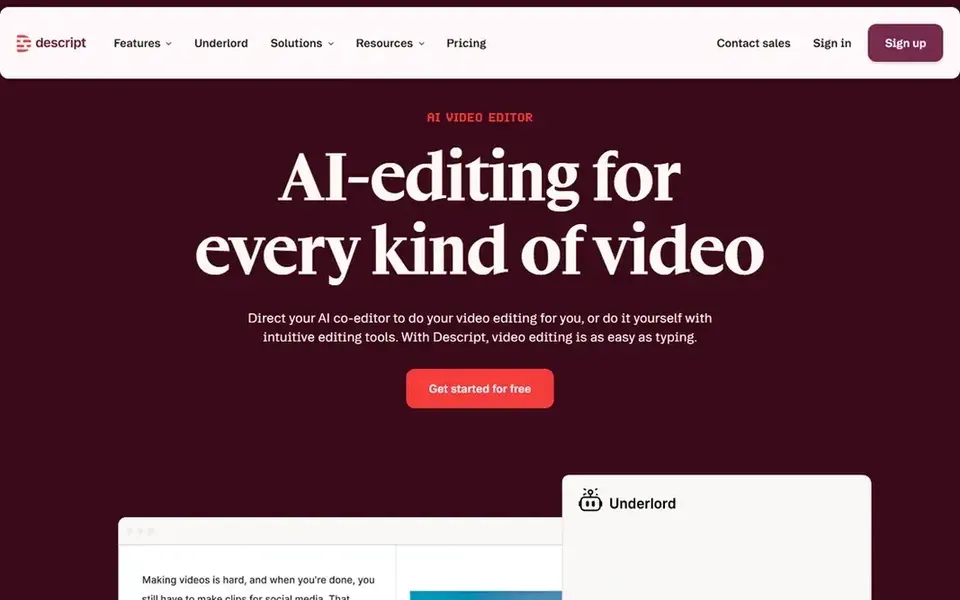
For text-based editing of spoken video, Descript is a natural candidate. Its strength in dialogue means heavy motion graphics and cinematic color work are better handled elsewhere.
Drawbacks to consider: Less suited to complicated visual effects.
Teams needing frame-accurate visual compositing should pair Descript with a traditional editor like Premiere Pro. On cost, Descript starts like this: $16 per person per month. Descript has a free plan.
- Edit video by editing transcript text
- Record
- Transcript accuracy needs review

Pictory works best for script and URL to video. Teams wanting full creative control should look to Premiere Pro or Descript.
Trade-offs to know: Scene planning needs human refinement.
Main advantages: AI agent plans scenes for review.
Pictory is an AI video agent and generator that lets you describe a video or start from a script, URL, PowerPoint or audio, then plans the scenes for you to review and refine. Also, automatic scene planning still needs a human pass for pacing and brand fit, and complicated productions will exceed its scope. Price to start with Pictory: $12.50 per month, billed annually. As for free access: Free trial.
- Slides or audio
- A decent match for repurposing content
- Less suited to complicated productions
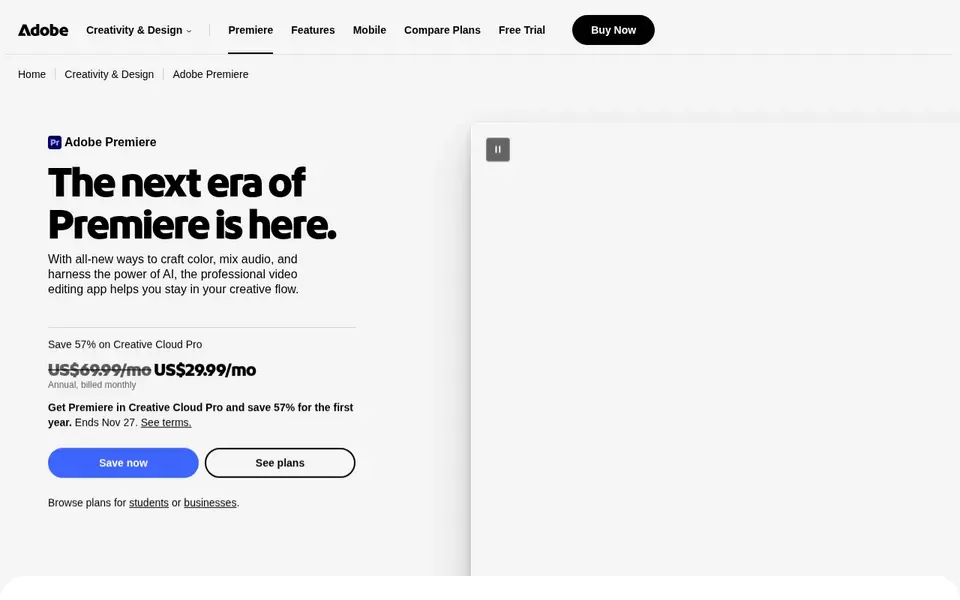
Pick Adobe Premiere Pro if this describes you: professional editing with AI assists. If you need quick template-driven output without editing experience, a lighter tool like CapCut or InVideo AI is a more practical starting point.
What to check first: Steeper ramp-up time.
No starting price is listed for Adobe Premiere Pro here; confirm pricing on the vendor site. Free access: Not stated.
- Suits established Adobe workflows
- Deep timeline and effects control
- Heavier resource demands
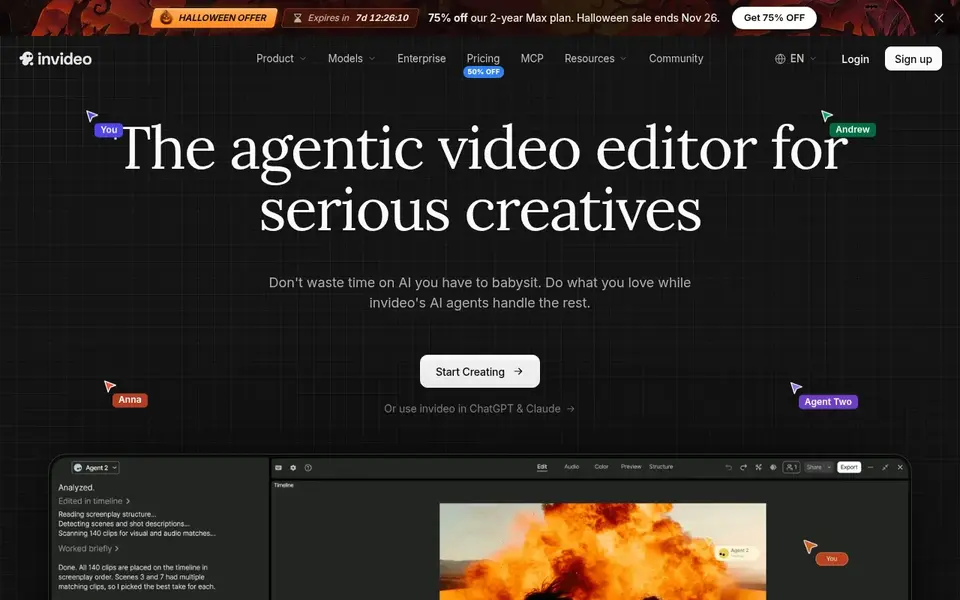
InVideo AI is aimed squarely at prompt-driven video creation. InVideo AI is an editor for creating and editing AI videos with an agent-style workflow.
Drawbacks to consider: Less manual precision.
It suits marketers who want to move from a brief or prompt to a usable draft rapidly, notably for social and promotional formats where speed matters more than frame-level control. Price to start with InVideo AI: $4 per seat/mo, billed annually. Free plan details: Not stated.
- Produce and edit from prompts
- Quick path to draft videos
- Output needs brand review
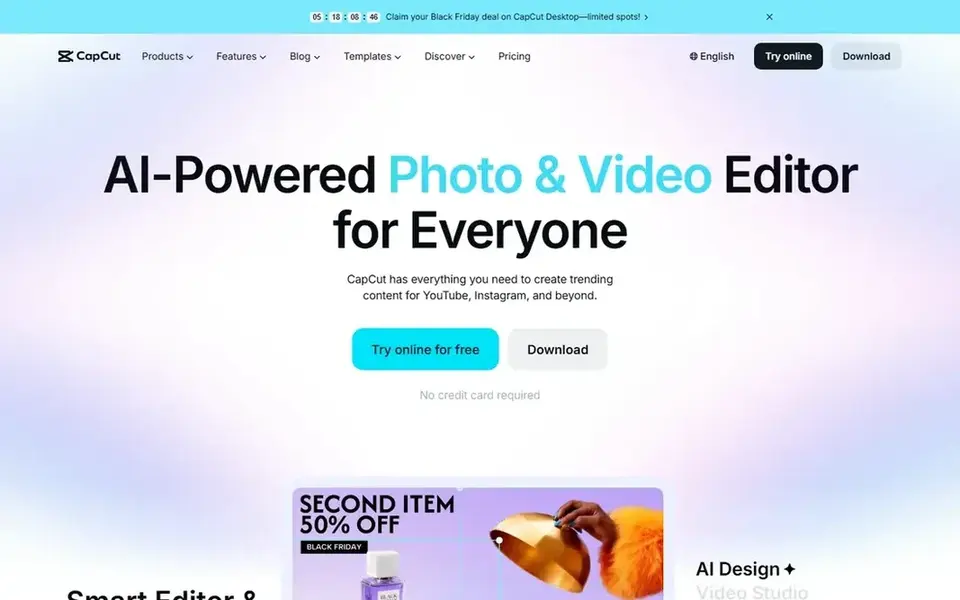
For quick social video with templates, CapCut is a natural candidate. Template-driven editing trades fine control for speed, so brand-critical productions may outgrow it.
More specifically, for long-form projects with in-depth sound design, a professional suite like Premiere Pro is the better fit. CapCut shows no starting price here, so confirm the cost on the vendor site. Free access exists with CapCut.
What to check first: Template look can feel generic.
- Made for YouTube and Instagram formats
- Desktop
- Advanced control is restricted

Synthesia works best for avatar videos for business communication. Synthesia is an AI video product for business that helps teams communicate, train and upskill using avatar presenters in plenty of languages.
It is aimed at presenter-led communication instead of creative editing of existing footage, so it complements instead of replaces a timeline editor. Also, if your work centers on cutting raw camera footage, Descript or Premiere Pro will be more handy. Entry price for Synthesia: $19 per month. Synthesia offers a free plan.
What works well: Supports plenty of languages.
Limits to weigh: Not a general timeline editor.
- Avatar presenters without filming
- Geared toward training and internal comms
- Avatar delivery can feel formal
What to check before you buy
- Get a written quote from Adobe Premiere Pro and CapCut; the list shows no starting price for them.
- Read the fine print on the free plans from Descript, CapCut and Synthesia; seat, project and feature caps differ.
- Use real work to test the free trial from Pictory, rather than a demo project.
- Before choosing Descript, weigh its main limit: less suited to complicated visual effects.
- Ask Descript how an export works before you move any records in; an easy exit lowers the risk.
- Find out what support Pictory includes on your plan, and whether onboarding help costs extra.
Frequently asked questions
What should marketers check before adopting an AI video tool?
Confirm the AI features included in the edition you would use, export formats and resolution, language support, and team collaboration controls. Run a short pilot with your own footage or script to judge output quality and brand fit before wider rollout.
Which options for AI video editing software for marketers have a free plan?
Descript, CapCut and Synthesia offer a free plan in this list. Free plans usually cap users, projects or features, so check the limits on the vendor page. One other tool offers a trial instead.
How are the tools for AI video editing software for marketers ordered?
The order follows typical fit for AI video editing software for marketers, with Descript first and Synthesia last, then price clarity and free access. It is editorial judgement, not a score, so another team could rank the tools differently.
What is the cheapest option for AI video editing software for marketers in this list?
On published monthly entry prices, InVideo AI is the lowest here at $4 per seat/mo, billed annually. Entry price is only part of the cost, because seats, add-ons and billing terms can change the total. For the full picture, the cards above cover all 6 entries of this AI video editing software for Marketers list, including price, free plan and limits.
Is Descript the right pick for everyone comparing AI video editing software for marketers?
No single tool suits every team. Descript comes first because it fits text-based editing of spoken video, while Pictory suits script and URL to video and Adobe Premiere Pro suits professional editing with AI assists. Match the tool to your own size, budget and workflow before deciding.
Which AI video editor is a good match for a marketer with no editing experience?
The first pick on this list is Descript, because it suits text-based editing of spoken video. Pictory is better for script and URL to video, and Adobe Premiere Pro for professional editing with AI assists. Check price and limits against your own needs before choosing.
Sources
See where you really rank - block by block
ProMapRanker scans Google Maps across a grid of your service area. Simple monthly plans from $19, white-label on every plan.
Start freeBrowse all guides
← Best AI Video CMS Software in 2026AI Video Management Software in 2026: Top 6 Compared →
 ai video banane ke liye best tools
AI Video Banane Ke Liye Best Tools in 2026: Top 5 Compared
Comparing AI video banane ke liye best tools? 5 contenders, each with entry cost, free tier and best-fit buyer. Caveats come with every verdict. No filler.
Read → best way to record script audio software
Best Way to Record Script Audio Software in 2026
Weighing the best way to record script audio software? We lined up 5 products by cost, free access and fit. Each pick comes with its main catch. Prices checked.
Read → best automatic video captioning software
2026 Guide to the Best Automatic Video Captioning Software
Weighing the best automatic video captioning software? We lined up 5 products by cost, free access and fit. Read the caveats before you buy. Straight answers.
Read → best meeting transcription app
Best Meeting Transcription Apps in 2026
Find the best meeting transcription app for Zoom, Meet and Teams. We compare 9 transcription tools on price, free minutes, summaries and sharing features.
Read → best streaming service for sports
Best Streaming Services for Sports in 2026
Which is the best streaming service for sports? We compared 8 options on October 2026 prices, free trials, local channels and leagues, from ESPN to YouTube TV.
Read → best text to video ai tools comparison
7 Best Text to Video AI Tools Comparison Options for 2026
Weighing the best text to video AI tools comparison? We lined up 7 products by cost, free access and fit. Each listing flags where it falls short. No filler.
Read →More in Video, Audio & Podcasts · All guides A to Z by date · Latest guides