 ProMapRanker
Best Meeting Transcription Apps in 2026


Most users, live meeting transcription · Pricing starts at: $8.33 per user per month
Key takeaways
- Otter.ai is our pick for most people, because it offers live transcription, a free plan and a low-cost Pro plan for regular meetings.
- Fireflies.ai and Fathom offer generous free plans, with Fireflies suiting sales teams and Fathom suiting solo users and small teams.
- Notta suits multilingual teams, while tl;dv suits teams that share video clips and review meetings async.
- Rev is the choice when you need human transcription for high-stakes audio, rather than an automated meeting bot.
- Recording consent laws vary by location, and consent is required where applicable, so tell participants before you record.
Quick comparison
| Pick | Great for | Pricing starts at | Free tier | |
|---|---|---|---|---|
| Otter.ai | Most users, live meeting transcription | $8.33 per user per month | Yes | Visit |
 Fireflies.ai | Sales teams and CRM sync | $10 per seat per month | Yes | Visit |
 Fathom | Free unlimited recordings | $16 per user per month | Yes | Visit |
 tl;dv | Video clips and async review | $18 per seat per month | Yes | Visit |
 Notta | Multilingual transcription | $8.17 per month | Yes | Visit |
 Rev | Human transcription for important audio | See website | No | Visit |
 Grain | Meeting highlights and video clips | See website | Yes | Visit |
 Fellow | Meeting notes with agendas and action items | $7 per user per month | Yes | Visit |
 Sonix | Pay-as-you-go file transcription | See website | Free trial | Visit |
The best meeting transcription apps
Meeting transcription apps record a call, turn speech into text, and then add summaries, action items and searchable notes. The best tool depends on your meeting platform, your language needs, and how much you want to share clips afterward. We compared official pricing pages and feature pages for tools still available in October 2026.
Note on recording: recording consent laws vary, and consent is required where applicable. Tell everyone on the call that you are recording, and check your company policy and local law before you use a bot on a client or sensitive call.
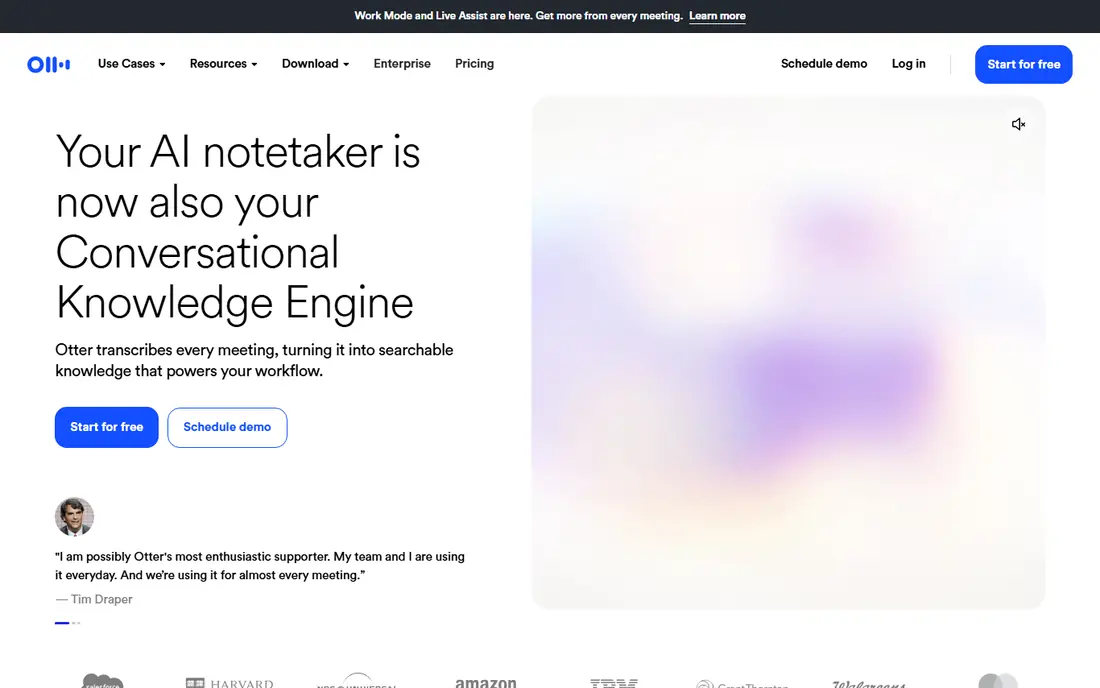
Otter.ai is the most familiar meeting transcription app, and its live transcript is the reason. A bot joins your Zoom, Google Meet or Teams call, transcribes in real time, and highlights speakers so you can follow who said what. After the call, you can search the transcript, edit it, and ask Otter AI Chat questions about decisions and action items.
The free plan is genuinely useful for occasional meetings, with 300 minutes per month. Heavy users will hit the minute cap and need Pro, which adds 1,200 minutes. Otter suits individuals and teams who want a reliable, well-supported transcription tool without a complex setup.
- Live transcription for Zoom, Meet and Teams
- Free plan with 300 minutes per month
- AI chat to ask questions about past meetings
- Free plan caps each recording at 30 minutes
- Pro plan still caps monthly minutes
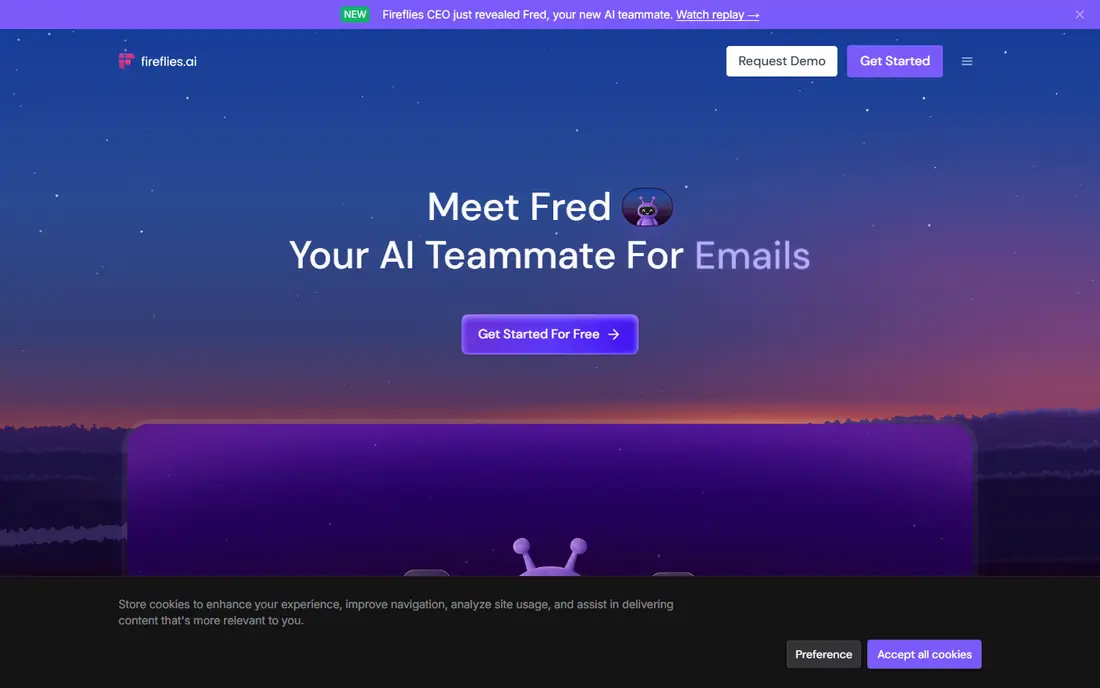
Fireflies.ai is built for teams that want meeting notes to flow into other tools. It records Zoom, Meet, Teams and other platforms, transcribes the call, and can push summaries into Salesforce, HubSpot and project tools. Sales teams use it to track topics, questions and next steps across many calls.
The free plan is generous on transcription, but storage is capped, so older recordings may need management. Pro adds more AI features and integrations. Fireflies fits sales and customer success teams better than a solo user who only needs a transcript.
- Unlimited transcription on the free plan, with storage limits
- Many CRM and project integrations
- AI summaries and topic tracking
- Free plan limits storage and AI summaries
- A separate credit system can add cost for heavy users
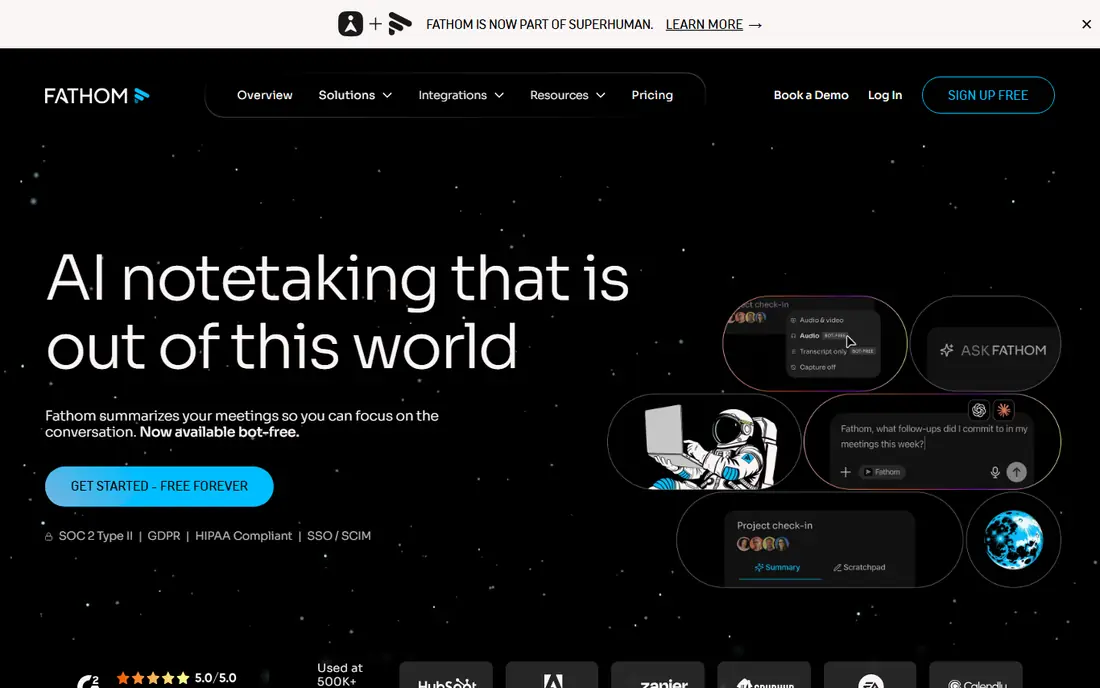
Fathom stands out for its free plan. Solo users can record and transcribe an unlimited number of meetings, which is rare among tools on this list. During a call, you can click to highlight a moment, and Fathom turns those highlights into a summary with action items afterward.
The limits are on advanced AI features and team controls, which sit on paid plans. For consultants, freelancers and small teams, the free plan may cover most needs. Fathom is a strong first tool to try, especially if you want to test meeting transcription without paying.
- Unlimited recordings and transcription on the free plan
- One-click highlights during a call
- Summaries and action items
- Advanced AI summaries are limited on the free plan
- Team features need a paid plan
tl;dv, pronounced t-l-d-v, is built for teams that review meetings after they happen. You can record a call, transcribe it, and then cut short clips of key moments to share with colleagues who missed the meeting. Timestamps and search make it easy to jump to a decision without watching the whole recording.
The free plan covers recordings and transcription, but history is limited, so older meetings may drop off. Pro adds more AI notes and longer history. tl;dv suits product, research and distributed teams that share meeting moments often.
- Unlimited recordings and transcription on the free plan
- Easy video clips and timestamps
- Supports many languages
- Free plan limits history and AI notes
- Paid plan is pricier than some rivals
Notta is a good pick for teams that meet in more than one language. It transcribes live meetings and uploaded files, supports dozens of languages, and can translate transcripts for colleagues who work in another language. The entry price is also low compared with several rivals.
The free plan is modest, with 120 minutes per month, so regular users will need Pro. Notta suits international teams, interviewers and researchers who need language coverage more than deep CRM automation. Test it on your actual languages before you commit, since accuracy varies by language and accent.
- Transcription in many languages
- Low entry price
- File uploads and live meeting recording
- Free plan caps monthly minutes and per-recording length
- Translation quality varies by language pair
Rev is different from the other tools here, because its main strength is human transcription. For legal, medical, research or published interviews, a human transcript can be worth the higher per-minute cost, since it handles crosstalk, accents and unclear audio better than automation. Rev also offers automated transcription for everyday use.
Rev does not offer a free meeting bot plan, and it is not the cheapest way to transcribe routine internal calls. Use Rev when accuracy matters more than price, such as for a transcript you will quote, file or publish, and use an automated tool for daily meetings.
- Human transcription option for high accuracy
- Automated transcription for faster, cheaper drafts
- Captions and translation services
- Human transcription is priced per minute and costs far more than automated tools
- No free plan for meetings
Grain focuses on the moments that matter in a meeting. You can highlight key parts of a call, turn them into short video clips, and share them with a team or push notes into a CRM. That clip-first approach suits sales and product teams who want to show a customer quote or a decision, not just a long transcript.
Grain offers a free plan, but paid pricing and feature limits vary, so check the site for your team size. Grain fits teams that already share clips and highlights, rather than users who only need a plain transcript for personal notes.
- Meeting highlights and shareable clips
- CRM workflows for sales teams
- Desktop capture for calls
- Pricing details vary by plan
- Smaller integration list than Fireflies or Otter
Fellow treats transcription as one part of running better meetings. You build an agenda before the call, take collaborative notes during it, and track action items afterward, with AI notes and recordings to fill gaps. That structure helps teams that want meetings to end with clear owners and deadlines.
The free plan includes a limited number of AI notes, so heavy users need a paid plan. Fellow suits managers and teams who want agenda and follow-up discipline alongside transcription, rather than users who only want a raw transcript.
- Agendas, notes and action items in one place
- AI meeting notes and recordings
- Integrations with calendar and project tools
- Free plan limits AI notes per user
- Transcription is part of a broader meeting tool, not a standalone specialist
Sonix is a good fit when your main need is transcribing files, not joining live meetings. Upload audio or video, and Sonix returns a transcript you can edit, search and export, with timestamps and speaker labels. Pay-as-you-go pricing suits occasional users who do not want a monthly subscription for a few hours of audio.
For daily live meetings, a bot-based tool such as Otter, Fireflies or Fathom will be more convenient, since Sonix is file-first. Sonix fits journalists, researchers and content teams who work from recordings and need a fast, editable transcript.
- Fast automated transcription for uploaded files
- Many language options
- Pay-as-you-go pricing for occasional use
- Meeting bot features are thinner than Otter or Fireflies
- Costs rise with hours of audio
How we picked these
We compared official pricing pages, feature pages and recent comparisons for meeting transcription tools still available in October 2026. We kept tools that transcribe meetings on Zoom, Meet or Teams, or that transcribe meeting recordings, and we left out general dictation apps with no meeting support. Where pricing varied by billing period or seat count, we used the annual figure where vendors publish one, and See website where pricing was unclear.
How to choose a meeting transcription app
Start with your meeting platform and your minute volume. A bot that joins Zoom, Meet and Teams covers most teams, but check whether your platform is supported before you pay. Add up your monthly meeting hours, then compare free minute caps and paid minute limits, since a cap that looks generous can run out mid-month for a heavy user.
Next, decide what happens after the transcript. If you need summaries and action items for yourself, a simple tool may be enough. If notes must reach a CRM, a project tool or a shared library, pick a tool with native integrations for those systems. Also check language support and accuracy on your actual accents and meeting types, since vendor claims vary in real rooms with crosstalk and background noise.
Finally, set a consent routine for every recorded meeting. Announce the recording at the start, note it in the invite where your policy requires it, and share the transcript only with people who should see it. Store recordings under your company retention rules, and delete old meetings when they are no longer needed. A clear routine protects trust and keeps transcription useful rather than risky.
Frequently asked questions
What is the best app to record and transcribe meetings?
Otter.ai is the best app to record and transcribe meetings for most people, because it offers live transcription, a free plan and broad platform support. Fireflies.ai and Fathom are strong alternatives with generous free plans. Your best pick depends on minute volume and whether you need CRM sync.
What is the best transcription software for meetings?
The best transcription software for meetings depends on use. Otter.ai suits everyday meetings, Fireflies.ai suits sales teams, Notta suits multilingual teams, and Rev suits high-stakes audio that needs human accuracy. For file-based work, Sonix is a strong pay-as-you-go option.
What are the best meeting transcription tools for teams?
Fireflies.ai, Fellow and tl;dv are among the best meeting transcription tools for teams, because they add sharing, CRM sync, agendas or video clips on top of transcripts. Fathom also suits small teams with its free unlimited recordings. Check team admin controls and storage limits before you choose.
What are the best apps for meeting transcription on Zoom?
Otter.ai, Fireflies.ai, Fathom and tl;dv all support Zoom, with bots that join the call and transcribe it. Notta and Fellow also support Zoom alongside Meet and Teams. Confirm bot behavior and consent notices on your Zoom settings, since some organizations restrict third-party bots.
Is there a free meeting transcription app?
Yes, Otter.ai, Fireflies.ai, Fathom, tl;dv, Notta, Grain and Fellow all offer free plans, with different limits on minutes, storage or AI summaries. Fathom offers unlimited recordings on its free plan, while Otter.ai offers 300 minutes per month. Read the free limits before you rely on one for daily meetings.
Do meeting transcription apps need consent from everyone?
Recording consent laws vary, and consent is required where applicable, so you should tell participants before you record and follow your company policy and local law. Some regions require all-party consent, while others require one-party consent. When in doubt, get clear consent from everyone on the call.
Sources
See where you really rank - block by block
ProMapRanker scans Google Maps across a grid of your service area. Simple monthly plans from $19, white-label on every plan.
Start freeKeep reading
 outreach alternatives
Outreach Alternatives in 2026
Compare outreach alternatives for 2026, from Salesloft and Apollo to HubSpot and Lemlist, with pricing, channels, features, limits, and honest trade-offs.
Read → best web conference tools
Best Web Conference Tools in 2026
Compare the best web conference tools for meetings, webinars and team calls, with current pricing, free plans and honest limits for each option here today.
Read → best voice cloning tools
Best Voice Cloning Tools in 2026
Compare the best voice cloning tools in 2026, from ElevenLabs and Descript to Resemble and Cartesia, with consent rules, pricing, licenses, and limits.
Read →