 ProMapRanker
Best AI Translation Tools in 2026

Key takeaways
- DeepL is our top pick for polished business documents in European languages, because its tone control and glossary tools suit professional writing.
- Google Translate and Microsoft Translator offer the widest language coverage and the best free starting points for everyday use.
- ChatGPT suits creative adaptation, where tone, audience, and context matter more than a word-for-word translation.
- Crowdin, Phrase, Smartling, Weglot, and Lokalise suit teams that must manage translations across a website, app, or product over time.
- Machine translation can miss legal, medical, and cultural nuance, so have a human review important documents before you publish or sign them.
Quick comparison
| Pick | Great for | Pricing starts at | Free tier | |
|---|---|---|---|---|
 DeepL | Polished business documents | $8.74 per user per month | Yes | Visit |
 Google Translate | Widest language coverage for free | Free | Yes | Visit |
 Microsoft Translator | Microsoft 365 users and teams | Free | Yes | Visit |
 ChatGPT | Creative adaptation and tone control | $20 per month | Yes | Visit |
 Crowdin | Software localization for teams | $50 per month | Yes | Visit |
 Phrase | Localization workflows for product teams | See website | No | Visit |
 Smartling | Enterprise localization at scale | See website | No | Visit |
 Weglot | Website translation without code work | See website | Free trial | Visit |
 Lokalise | App and website localization for developers | See website | Free trial | Visit |
The best ai translation tools
We compared tools that use AI to translate text, documents, websites, or software strings, rather than tools that only offer a dictionary or a human-only translation service.
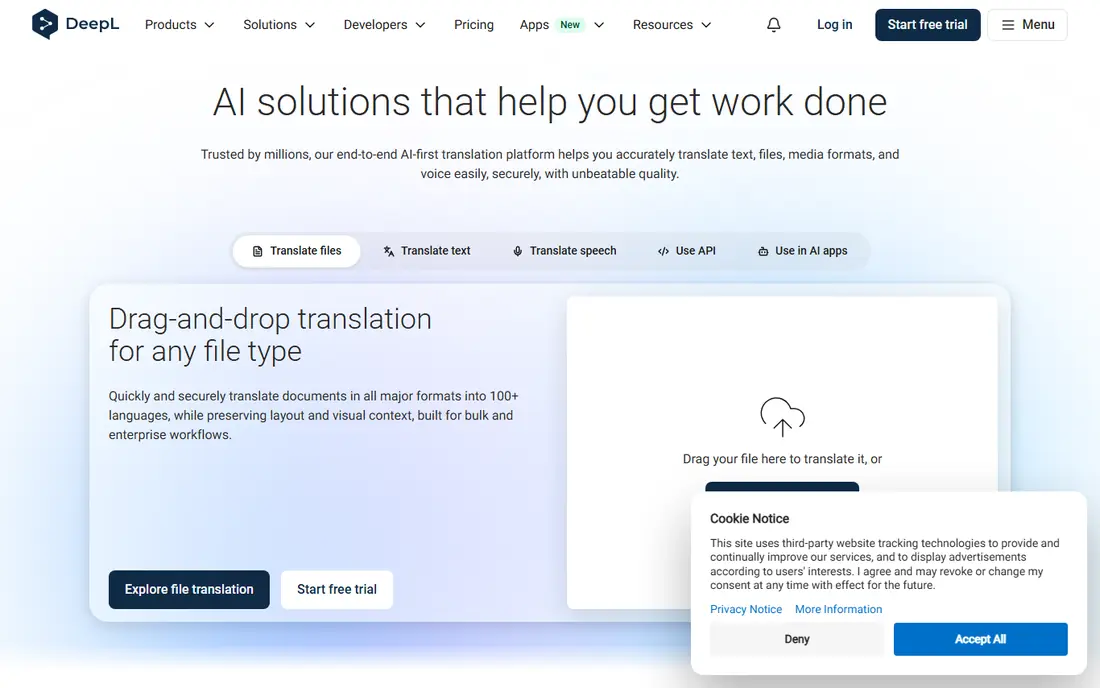
DeepL suits a professional who needs a document that reads as if it were written in the target language. Its paid plans add unlimited text translation, document translation, glossaries, and tone choices for formal or informal writing, which help keep brand terms consistent across files. That combination makes it a strong default for business reports, emails, and marketing copy in its supported languages.
The main limit is coverage. For a rare language or a regional dialect, Google Translate or Microsoft Translator may be the only practical option. Within its language set, DeepL is the tool we suggest first for quality.
- Natural phrasing for many European language pairs
- Tone control and glossaries on paid plans
- Document translation that keeps formatting
- Language coverage is narrower than Google Translate
- Higher plans needed for team controls and API scale
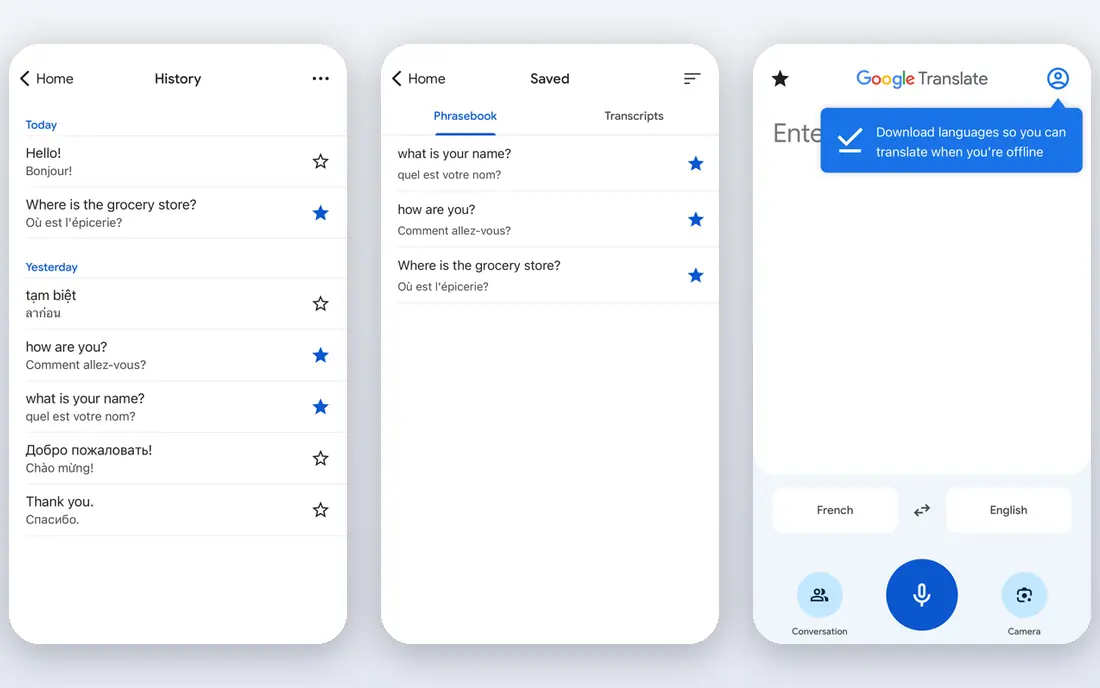
Google Translate is the tool most people already have, and for everyday use that is enough. It covers a very wide set of languages and dialects, and its app adds camera translation for signs and menus plus conversation mode for travel. For a quick understanding of a message or a web page, it is fast and free.
For a polished business document, its quality varies more by language pair than DeepL, so a human review matters. Developers who build translation into a product pay through Google Cloud Translation, with its own per-character pricing, rather than using the free consumer app.
- Free for everyday use in a browser or app
- Very wide language coverage
- Camera, image, and conversation modes for travel
- Quality varies by language pair
- Document and API use have separate paid terms for developers
Microsoft Translator suits a team already working in Word, Outlook, and Teams. Translation appears where people already write and meet, so a multilingual email or meeting can be handled without switching to a separate app. Its conversation features also help in live meetings with speakers in different languages.
Outside Microsoft 365, its appeal is weaker. A user who mainly needs polished documents may prefer DeepL, while a user who needs rare languages may prefer Google Translate. Inside Microsoft, it is the path of least resistance.
- Built into Word, Outlook, and Teams for Microsoft users
- Wide language coverage
- Conversation features for meetings
- Best value inside Microsoft 365
- Standalone features trail specialist tools for document polish
ChatGPT is best used as an adaptation tool rather than a simple translator. You can ask it to translate for a specific audience, adjust formality, shorten a paragraph, or explain a cultural reference, and it will reshape the text rather than swap words one by one. That helps for marketing copy, social posts, and emails where tone matters.
The risk is accuracy. A language model can produce fluent text that still misses a detail or adds a phrase that was not in the source. Always compare the result against the source for important content, and use a dedicated tool such as DeepL or a human reviewer for legal or technical documents.
- Strong context handling for tone and audience
- Can adapt marketing copy, not just translate it
- Useful for drafting and rewriting beside translation
- Output needs checking for accuracy and invented details
- Not a dedicated translation management system
Crowdin suits a software team that must translate an app or website over many releases. It stores strings, translation memory, and glossaries, so a phrase translated once can be reused in later versions. Developers can connect it to a code repository, and translators can work in a shared editor with context for each string.
A single user with one document does not need this system. For a product team with regular releases, multiple languages, and several translators, Crowdin keeps the work organized and consistent.
- Built for software strings and app localization
- Translation memory and glossary tools
- Integrations for developers
- Needs setup for a new project
- Price is high for a single user with a small project
Phrase, formerly PhraseApp, is built for product teams that treat localization as an ongoing workflow, not a one-time task. It manages strings, translation memory, quality checks, and reviewer roles, so a team can ship a new feature in several languages without losing track of what changed. Integrations for web and mobile apps help developers keep translations in sync with releases.
Small teams may find the setup heavier than a simple document translator. For a product with regular updates and a clear localization process, Phrase gives the control that a consumer tool cannot.
- Strong workflow tools for product localization
- Translation memory and quality checks
- Integrations for web and mobile apps
- Quoted or plan-based pricing needs a check
- Setup effort for small teams
Smartling suits a large company that localizes a website, app, and marketing content at scale. It combines AI translation with human review workflows, vendor management, and visual context, so translators can see where a string appears on a page. That context reduces errors that come from translating isolated phrases.
The enterprise focus means pricing and setup are not suited to a freelancer or a small team. For a global brand with high content volume and strict quality needs, Smartling offers the governance and scale to match.
- Enterprise workflow, quality, and vendor management
- Visual context for translators
- Strong fit for large websites and content volumes
- Enterprise pricing and implementation
- More than a small team needs
Weglot suits a website owner who wants a multilingual site without rebuilding it. It detects content on the site, translates it with AI, and lets you review and edit translations from a dashboard. New pages and edits can be picked up automatically, which keeps the translated site current as the main site grows.
Word count and language count drive the price, so a large site should estimate both before choosing a plan. Automatic translations also need review for brand terms and key pages, but for a standard business site, Weglot is one of the fastest paths to multiple languages.
- Fast website translation with a dashboard for review
- No heavy code work for many sites
- Automatic detection of new content
- Pricing depends on word count and languages
- Full control needs review of automatic translations
Lokalise suits a development team that needs to manage translations inside its normal release process. It handles app strings, web content, and file formats used by developers, with translation memory and glossaries to keep terms consistent. Integrations and API access help a team automate uploads and downloads as code changes.
A casual user who only needs to translate a document should use DeepL or Google Translate instead. For a product team shipping in several languages, Lokalise keeps translation work close to the code where it belongs.
- Developer-friendly localization for apps and websites
- Translation memory, glossaries, and quality checks
- Integrations for common frameworks
- Pricing needs a check on the vendor site
- Setup is heavier than a consumer translator
How we picked these
We compared official feature pages, pricing pages, and public documentation for AI translation tools that are live in October 2026. We kept a mix of consumer translators, creative AI tools, and localization platforms, so readers can match the tool to the job, from one document to a whole product. Where pricing was quoted or depended on usage, we wrote See website rather than guessing a figure.
How to choose an AI translation tool
Start with the content type. A single document needs DeepL or Google Translate. A marketing message that needs tone work needs ChatGPT beside a translator. A website or app that changes often needs Weglot, Crowdin, Phrase, Smartling, or Lokalise.
Check language coverage first
No tool covers every language equally well. Test your exact language pair with a real paragraph from your work, not a generic sentence. Check names, numbers, dates, and brand terms in the result, since those items are where errors often appear.
Use glossaries for brand terms
If you translate often, use a glossary to lock in product names, legal terms, and brand phrases. DeepL, Crowdin, Phrase, Smartling, and Lokalise all support glossaries or term bases in some form. That single habit does more for consistency than switching tools.
Review important content with a human
Machine translation is strong for drafts and everyday understanding, but it can miss legal, medical, safety, and cultural nuance. Have a fluent human review contracts, medical guidance, safety instructions, and public marketing before you publish or act on them. That review is not optional for high-stakes content.
Frequently asked questions
Which AI tool is best for translation?
DeepL is best for polished business documents in its supported languages, while Google Translate is best for wide language coverage for free. ChatGPT is best when you need to adapt tone and audience, not just translate words.
What is the best AI translation app for travel?
Google Translate is the best free travel option, because it covers many languages and adds camera and conversation modes in its app. Microsoft Translator also offers conversation features for meetings and travel.
What is the best AI translation software for teams?
Crowdin, Phrase, Smartling, and Lokalise suit teams that manage translations across a product or website over time. Weglot suits website owners who want fast multilingual pages without code work.
Is AI translation accurate enough for business documents?
It is often good enough for a draft, but accuracy varies by language pair and content type. Use glossaries, check numbers and names, and have a human review important documents before you publish them.
Can AI translation replace a human translator?
No, not for legal, medical, literary, or high-stakes marketing work. AI tools speed up drafts and routine translation, but a human translator is still needed for nuance, culture, and accountability in important content.
Sources
See where you really rank - block by block
ProMapRanker scans Google Maps across a grid of your service area. Simple monthly plans from $19, white-label on every plan.
Start freeKeep reading
 twitch alternatives
Twitch Alternatives in 2026
Explore the best Twitch alternatives in 2026 for live streaming, with free platforms, monetisation options, audiences, chat tools, and tips for new streamers.
Read → firebase alternatives
Best Firebase Alternatives in 2026
Looking for Firebase alternatives? We compare 9 backend platforms for auth, databases, realtime, storage, functions, self-hosting, and pricing for your app.
Read → companies with best work life balance
Companies With Best Work Life Balance in 2026
See companies with best work life balance in 2026, ranked by employee ratings, with flexible work options, benefits, and what to check before applying.
Read →