 ProMapRanker
AI Tools to Generate PowerPoint Slides: Best Picks of 2026

Prompt to deck with brand controls · Pricing starts at: $20 a month (billed annually)
Direct answer
Our first pick is Presentations.ai, best for prompt to deck with brand controls. Listed starting prices: Presentations.ai from $20 a month, Pitch from €10 a month (paying yearly) and Gamma from $9 per seat/month. Pitch is better for team decks with AI credits, and Gamma is better for most readers who want quick decks. Prices, free plans and limits for all 6 tools follow.
Choosing AI tools to generate PowerPoint slides usually comes down to price, fit and limits. This ProMapRanker guide sets 6 tools side by side on those three points, with the facts kept short and checkable.
Key takeaways
- Presentations.ai sits first on this list: prompt to deck with brand controls.
- Canva is the one to check for all-round design with AI slide tools.
- Check the limits for Presentations.ai before you commit: PowerPoint export is held back from the free plan in the vendor FAQ.
- The lowest published monthly entry price here is $9 per seat/month, from Gamma.
- 5 of 6 tools offer a free plan: Presentations.ai, Pitch, Gamma, SlidesAI, Canva.
Quick comparison
| Pick | Great for | Pricing starts at | Free tier | |
|---|---|---|---|---|
| Presentations.ai | Prompt to deck with brand controls | $20 a month (billed annually) | Yes | Visit |
 Pitch | Team decks with AI credits | €10 a month (paying yearly) | Yes | Visit |
 Gamma | Most readers who want quick decks | $9 per seat/month (billed yearly) | Yes | Visit |
 SlidesAI | Google Slides add-on on a budget | $10.00 per user/month (billed yearly) | Yes | Visit |
 Decktopus | Topic to deck with delivery practice | $14.99 per month (billed yearly) | No | Visit |
 Canva | All-round design with AI slide tools | $12 a month (billed yearly) | Yes | Visit |
The 6 tools in detail
In short, Presentations.ai is for prompt to deck with brand controls. Presentations.ai turns a prompt, a document, an URL, or data into a deck, then applies brand colors and fonts.
Price to start with Presentations.ai: $20 per month. You can start on Presentations.ai without paying.
Where it is weaker: PowerPoint export is held back from the free plan in the vendor FAQ.
- Free Starter plan with 200 credits and up to 20 slides
- Pro layers on high-quality PowerPoint export and brand customization
- Gold is $100 a month on annual billing
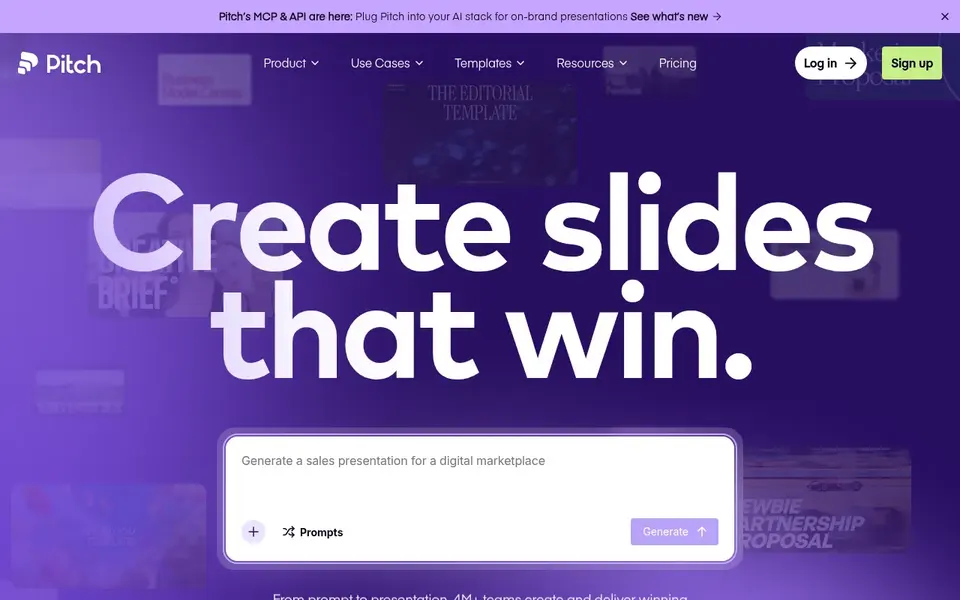
Pitch works best for team decks with AI credits. The currency is the detail most roundups skip.
In practice, Pitch is a web presentation tool with templates, collaboration, and an AI agent that can produce a deck in seconds. Also, free costs €0 forever for 1 to 5 members and includes unlimited presentations, custom templates, entry-level sharing links, 2 external guests, and 100 AI credits that do not renew once used. What you pay to start with Pitch: €10 per month. A free plan is available with Pitch.
Trade-offs to know: Free AI credits do not renew once used.
- Free plan contains unlimited presentations and 100 AI credits
- Plus layers on PowerPoint export with no Pitch branding
- Prices are shown in euros on the pricing page
Gamma works best for most readers who want fast decks. The free plan starts with 400 credits that do not refill, so it fits one or two test decks instead of regular work.
Starting cost for Gamma: $9 per seat/month. Gamma includes a free tier.
The main drawbacks: higher plans are needed for custom branding and analytics.
- Plus removes Gamma branding and raises the prompt limit to 100 slides
- Free plan with PPTX export
- Free plan hands 400 credits at signup with no monthly refill
SlidesAI is aimed squarely at Google Slides add-on on a budget. SlidesAI works with Google Slides and PowerPoint, and it turns a topic, notes, a script, or a document into editable slides.
On cost, SlidesAI starts like this: $10.00 per user/month. A free plan is available with SlidesAI.
Trade-offs to know: Unused credits do not roll over.
- Free Basic plan with 200 credits a month
- Pro comes with 30,000 credits a year and document upload
- Pro limits decks to 20 slides

Decktopus is designed for topic to deck with delivery practice. Choose Decktopus when you want deck creation and delivery practice in one place.
Where it is weaker: each slide costs 5 credits to produce.
On top of that, the credit math is the key detail. On cost, Decktopus starts like this: $14.99 per month. No free plan comes with Decktopus.
- Pro comes with 750 AI credits a month and full Loop delivery practice
- Brand Kit can be applied from a website URL
- No free plan is shown on the pricing page
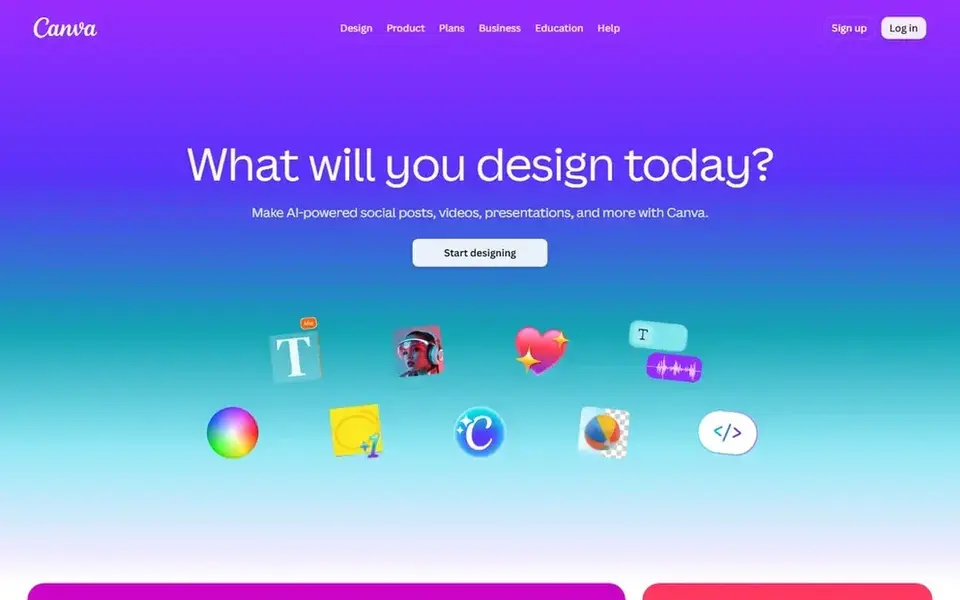
Canva makes the most sense for all-round design with AI slide tools. Pro costs $12 a month on annual billing, which is $144 a year for one person, and layers on full Magic Studio access, Brand Kit, Background Remover, Magic Resize, premium assets, and 1 TB storage.
More specifically, Canva provides you posters, social graphics, documents, and video in the same account, which is handy when one subscription must include plenty of formats. Canva pricing: $12 per month. You can start on Canva without paying.
Downsides: not a dedicated deck builder.
Upsides: Free plan with presentation templates.
- Pro brings 1 TB storage
- Brand Kit
- Pro is for one person only
A buyer's checklist
- Prices are a starting point; Gamma shows $9 per seat/month to start, so verify what your seat count would cost.
- Read the fine print on the free plans from Presentations.ai, Pitch, Gamma and others; seat, project and feature caps differ.
- Read the limits listed for Presentations.ai first: PowerPoint export is held back from the free plan in the vendor FAQ.
- Check whether Canva bills monthly or annually, and what cancelling early costs.
- Run a one or two week pilot of Pitch with the people who will use it every day.
Frequently asked questions
Which options for AI tools to generate PowerPoint slides have a free plan?
On this list, Presentations.ai, Pitch, Gamma, SlidesAI and Canva include a free plan. Caps on seats, usage or features are common, so test the free plan against your real workload.
Can I create PowerPoint slides at no cost?
Yes, with limits. Free allowances are small, with SlidesAI Basic at 200 credits a month and Presentations.ai Starter at 200 credits and up to 20 slides, so free use fits one short deck at a time.
How much does it cost to generate PowerPoint slides with AI?
First-year totals run from $108 per seat for Gamma Plus to $240 for Presentations.ai Pro, before tax.
Can I try these tools before paying?
Often, yes. Presentations.ai, Pitch, Gamma and others have a free plan. Use your own data and a real task during the test, and check what the free tier or trial limits before you rely on it.
What is the cheapest option for AI tools to generate PowerPoint slides in this list?
On published monthly entry prices, Gamma is the lowest here at $9 per seat/month. Entry price is only part of the cost, because seats, add-ons and billing terms can change the total. Prices, free plan details and limits for all 6 tools in this AI tools to generate PowerPoint Slides roundup sit on the individual cards above.
Do AI credits roll over if I do not use them?
It relies on the vendor. SlidesAI says unused credits do not roll over, so credits left at the end of a billing period are gone. On top of that, Gamma says unused credits on subscription plans roll over up to twice the monthly amount.
Sources
See where you really rank - block by block
ProMapRanker scans Google Maps across a grid of your service area. Simple monthly plans from $19, white-label on every plan.
Start freeBrowse all guides
← AI Document Summarizers: 5 Options Compared in 2026AI Script Writing Tools: 7 Options Compared in 2026 →
 best ai language translators
Top 6 AI Language Translators, Compared on Price (2026)
Best AI language translators: 6 contenders ranked by fit, with entry costs and free tiers. Fit, price and catches for every tool. Current for November 2026.
Read → best ai grammar checkers
Top 6 AI Grammar Checkers, Compared on Price (2026)
Searching for the best AI grammar checkers? Here are 6 options with prices and free plans. Strengths and gaps are listed per tool. Pick with confidence.
Read → best custom ai tools for documents
Custom AI Tools for Documents: Best Picks of 2026
Compare 6 best custom AI tools for documents, with prices, free plans and who each fits. Costs and caveats sit beside each pick. Skim the table first.
Read → best content discovery platforms
Content Discovery Platforms
Weighing the best content discovery platforms? We lined up 6 products by cost, free access and fit. Each tool is judged on the same checks. Read the profiles.
Read → best coursework writing service
Best Coursework Writing Service Help in 2026
Find the best coursework writing service help that is legitimate: editing, proofreading, coaching and tutoring for your own draft, compared for students.
Read → best text messaging app
Best Text Messaging App in 2026
We compared the best text messaging app options for iPhone and Android, covering RCS, SMS, privacy, groups and cost, to help you pick the right one today.
Read →More in Writing, PDFs & Documents · All guides A to Z by date · Latest guides