 ProMapRanker
Best Text Messaging App in 2026

Key takeaways
- For most mixed iPhone and Android households, WhatsApp is the simplest shared choice because it works the same on both platforms and encrypts chats by default.
- Google Messages is the strongest default for Android texting, since it adds RCS features such as typing indicators, read receipts and higher quality media to ordinary phone numbers.
- Signal is our pick when privacy comes first, with encryption by default, open source code and very little data collection.
- Telegram suits very large groups and channels, but ordinary chats are not end to end encrypted unless you start a Secret Chat.
- No single app covers every contact, so the best text messaging app for you is often the one your friends and family already use every day.
Quick comparison
| Pick | Great for | Pricing starts at | Free tier | |
|---|---|---|---|---|
 WhatsApp | Everyday chats across iPhone and Android | Free | Yes | Visit |
 Signal | Private one to one and group chats | Free | Yes | Visit |
 Telegram | Huge groups and channels | Free | Yes | Visit |
 Google Messages | Android SMS and RCS texting | Free | Yes | Visit |
 Apple Messages | iPhone to iPhone chats and RCS to Android | Free | Yes | Visit |
 Facebook Messenger | Reaching people through Facebook | Free | Yes | Visit |
 Viber | International calls and chats | Free | Yes | Visit |
 Beeper | One inbox for several chat services | See website | Yes | Visit |
 Session | Chats without a phone number | Free | Yes | Visit |
The best text messaging apps
Texting in 2026 is less about one winner and more about matching the app to your contacts. The apps below cover phone number texting, RCS, and internet based chats, and we compared their official feature pages, app store listings and privacy statements.
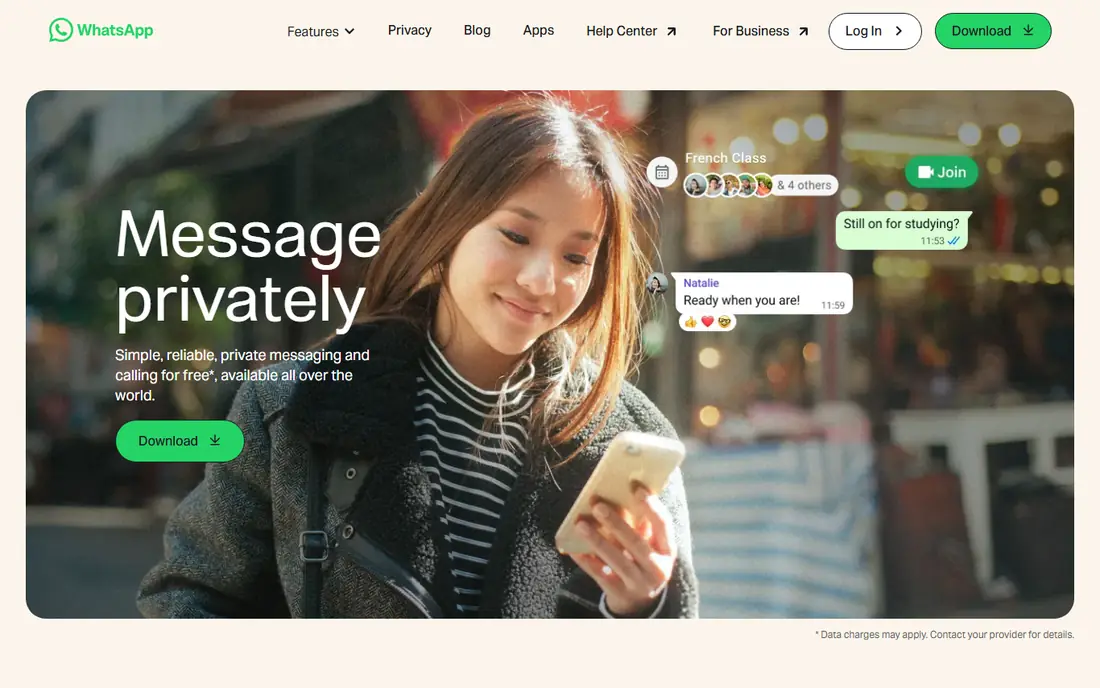
WhatsApp is the easiest answer for most people because it removes the blue bubble and green bubble problem. Everyone in the chat sees the same features, whether they use an iPhone or an Android phone, and messages, voice notes and group chats behave in a consistent way. That consistency matters more than any single extra feature, especially in a family group where one person will always be the last to install something new.
The trade off is the phone number requirement and the Meta connection. You cannot sign up with only an email address, and some users will prefer an app with a smaller data footprint. Still, for day to day texting, voice notes, photos and calls, WhatsApp covers the basics with very little friction, and its encryption is on by default rather than hidden behind a setting.
- Works the same on iPhone and Android
- End to end encryption by default
- Huge contact base and reliable group chats
- Requires a phone number
- Owned by Meta, which some privacy minded users dislike
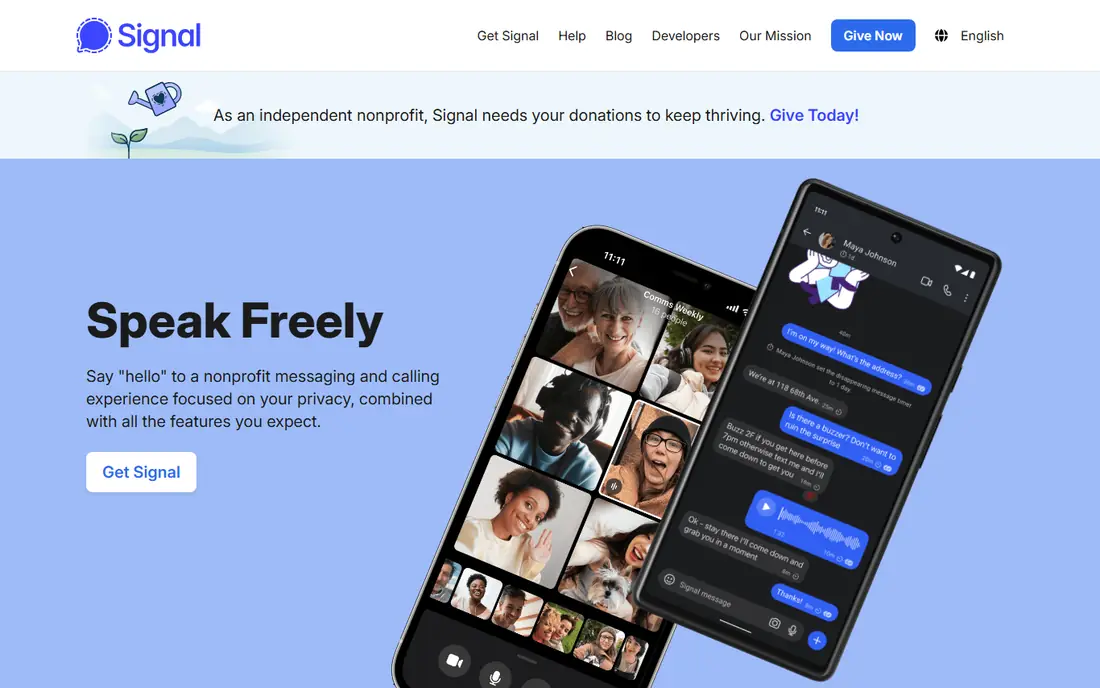
Signal is the app we point to when someone asks specifically about privacy. Its messages are end to end encrypted by default, its code is open source, and it is run by a nonprofit rather than an advertising company. That structure shows up in the product: there are no ads, and the app collects far less metadata than most rivals.
The honest catch is reach. Signal only helps if the people you want to talk to also use it, and many casual contacts will not switch for one conversation. It also feels plainer than Telegram or Messenger, with fewer channels and games built in. If privacy is the priority and your core circle will join you, that plainness is a fair price to pay.
- End to end encryption by default
- Open source and run by a nonprofit
- Usernames let you hide your phone number from new contacts
- Smaller contact base than WhatsApp
- Fewer playful extras such as large sticker and channel ecosystems
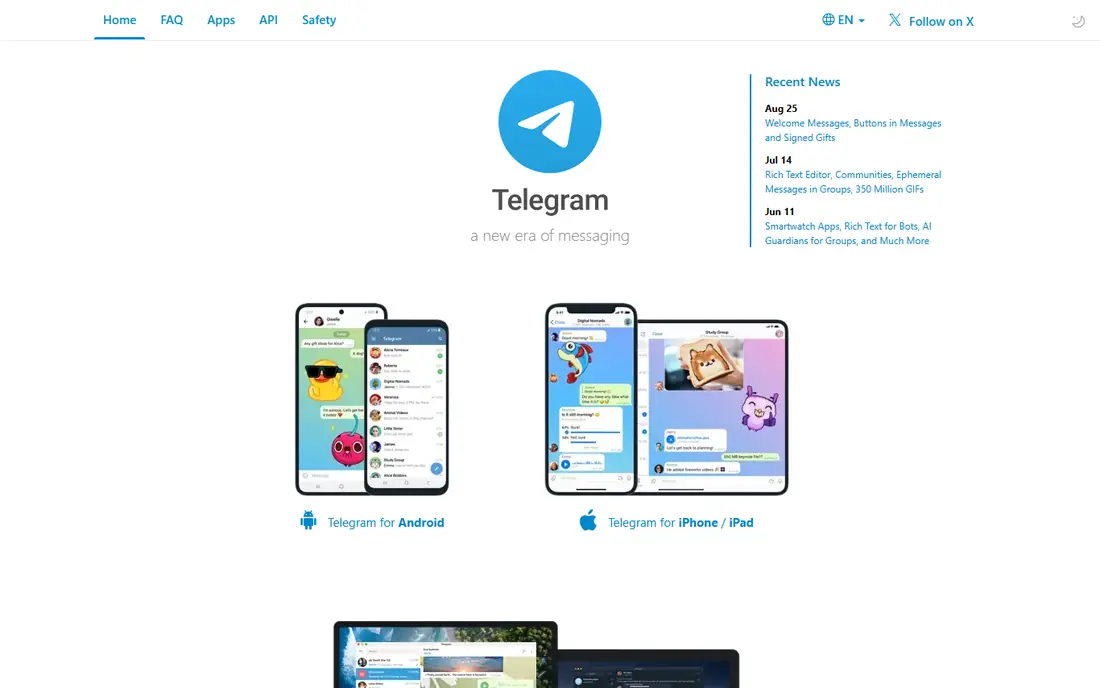
Telegram is best thought of as a platform as much as a texting app. It handles huge groups, public channels, bots and large files in a way that WhatsApp and Signal do not try to match. For a club, a class, a fan community or a team that shares documents and media, that scale is genuinely useful.
The privacy detail matters, though. End to end encryption in Telegram applies to Secret Chats, not to ordinary cloud chats, so you should not assume every Telegram chat has the same protection as a Signal chat. If you use it for community chat and file sharing, and keep sensitive one to one talks in an encrypted app, it earns its place.
- Very large groups and public channels
- Fast file sharing up to 2 GB on the free tier
- Works well on phones, tablets and desktops
- Ordinary chats are not end to end encrypted by default
- The open platform attracts spam in large public groups
Google Messages is the app most Android owners already have, and in 2026 it is also the most capable way to text ordinary phone numbers. RCS replaces the limits of old SMS with typing indicators, read receipts, reactions, message editing and full quality photos. When both sides use Google Messages with RCS, one to one and group chats can also be end to end encrypted, with a lock icon showing that protection.
The limit is cross platform encryption. Apple added RCS support in iOS 18, and encrypted RCS between iPhone and Android began rolling out in beta during 2026, but it is not yet universal. The practical rule is simple: if you do not see a lock icon in a chat, do not assume it is encrypted. Even with that caveat, Google Messages is the right default for Android users who mainly text phone numbers.
- Default on most Android phones
- RCS adds typing indicators, reactions and better media
- End to end encryption in RCS chats with Google Messages users
- RCS encryption with iPhones is still rolling out and depends on carrier and software version
- Switching to a third party SMS app means giving up RCS
Apple Messages needs no download and no new account, which is why it stays the default for so many iPhone owners. Chats between Apple devices include Tapbacks, effects, stickers and end to end encryption, and the app now also supports RCS for messages to Android phones. That RCS support fixes the worst old problems, such as tiny compressed videos and missing typing indicators in mixed chats.
The catch is the platform wall. You cannot use Apple Messages on an Android phone, and Android contacts still miss some iPhone only touches. If your circle is mostly on iPhone, it is the obvious pick. If your circle is mixed, pair it with WhatsApp or Signal for the group chats that need to work the same for everyone.
- Built into every iPhone with no install needed
- IPhone to iPhone chats are end to end encrypted
- RCS support improves texts to Android phones
- Only available on Apple devices
- Some features remain iPhone only, so Android contacts get a plainer experience
Messenger wins on reach alone. Many people who never install a new chat app already have a Facebook account, so Messenger can reach relatives, classmates and local groups without asking anyone to sign up for something unfamiliar. Personal chats are now end to end encrypted by default, which removes one of the older objections to using it for private talk.
The downside is clutter and the Meta account link. The app mixes chats with stories, games and business messages, and that can bury a simple conversation. If your contacts already live on Facebook, though, it is often the path of least resistance, and it works on both iPhone and Android without a phone number.
- Very large reach in the United States
- Personal chats are end to end encrypted by default since 2023
- No phone number needed if you have a Facebook account
- Tied to a Meta account for most users
- The app packs in many extras that can feel cluttered
Viber is a useful second app for people with family or work contacts abroad. Chats and calls are end to end encrypted, and Viber Out lets you call ordinary phone numbers in other countries at rates that can beat a carrier plan. In the United States it is less common than WhatsApp, but in several other regions it is a daily tool.
That regional split is the main limit. If your contacts are mostly in the United States, you may install Viber and find few of them there. For international households, though, it solves a real problem, and its combination of free app to app calls plus paid calls to real numbers is hard to match in one place.
- End to end encrypted chats and calls
- Cheap calls to landlines and mobiles abroad through Viber Out
- Strong following in parts of Europe and elsewhere
- Smaller user base in the United States
- Some features and call credits cost extra
Beeper is for people who are tired of checking five apps to find one conversation. It bridges several chat services into a single inbox, so WhatsApp, Signal, SMS and other networks can sit side by side. For someone who manages work chats, family chats and community chats across different apps, that single view can save real time each day.
The catch is that Beeper inherits the limits of each network it connects to, including how encryption works on that network. It also asks for more setup and trust than a simple chat app, since it connects to your other accounts. Check the current pricing and supported networks on the official site before you commit, and use it as an organiser rather than a replacement for the underlying apps.
- Brings several chat networks into one inbox
- Useful if you juggle WhatsApp, Signal, SMS and more
- Available on phones and desktops
- Encryption depends on the network being bridged
- Setup takes more effort than a single purpose app
- Pricing and availability have changed over time, so check the site
Session is the pick when even a phone number feels like too much to share. You sign up with a randomly generated Session ID instead of a phone number or email address, and chats are end to end encrypted. That design appeals to journalists, activists and anyone who wants to keep a conversation separate from their real world identity.
The trade off is reach and polish. Your contacts must also use Session, and finding them takes more effort than picking a name from your phone book. It also lacks the broad sticker, channel and payment extras of larger apps. As a second, private channel for a small trusted circle, it does its job well.
- No phone number or email needed to sign up
- End to end encrypted chats
- Open source with a decentralised design
- Much smaller network than mainstream apps
- Fewer features and slower discovery of contacts
How we picked these
We compared official feature pages, app store listings and privacy statements for the leading texting apps, and we checked which ones still work on current iPhone and Android phones in October 2026. We favoured apps with a real user base, working encryption claims we could trace to the vendor, and a clear answer to the question of who they serve. We left out apps that only clone another service, apps with no recent updates, and services that have shut down.
What to check before you switch
Start with your contacts, not with a feature list. An app with perfect privacy is useless if the five people you text most never open it, and an app with every extra feature is a poor pick if it cannot text a phone number. Make a short list of the people you message weekly, then check which app covers most of them without extra signups.
Next, check encryption in the actual chat, not just in marketing. Look for a lock icon or an encryption notice in the conversation, and remember that group chats, cloud backups and cross platform chats can have different protection from a one to one chat. If a chat matters, confirm the setting before you share anything sensitive.
If you text mostly phone numbers
Stay with the default on your phone. Google Messages on Android and Apple Messages on iPhone give you RCS improvements without asking contacts to install anything, and both fall back to SMS when RCS is not available.
If your circle is mixed iPhone and Android
Pick one internet app for the whole group. WhatsApp is the lowest friction choice, and Signal is the better choice if the group agrees privacy comes first. Keep the default SMS and RCS app for people outside that group.
If privacy is the main goal
Use Signal for everyday private chats and Session for talks where you do not want to share a phone number at all. Turn off cloud backups for sensitive chats if the app lets you, and check each chat for its encryption status rather than assuming it.
Frequently asked questions
What is the best text messaging app for most people?
For most people, WhatsApp is the simplest answer because it works the same on iPhone and Android, encrypts chats by default and is already installed by many contacts. If your circle is mostly on iPhone, Apple Messages is just as simple, and if your circle is mostly on Android, Google Messages covers phone number texting well.
What are the best text messaging apps for privacy?
Signal is our top privacy pick, with end to end encryption by default and open source code. Session goes further by removing the phone number requirement, though its network is much smaller. WhatsApp also encrypts chats by default, but some users prefer a nonprofit app with less data collection.
Is RCS better than SMS?
Yes, for most everyday texting. RCS adds typing indicators, read receipts, reactions, better quality photos and, in supported chats, end to end encryption. SMS remains useful as a fallback when RCS is not available, but it has none of those features and is not encrypted.
Can I text Android phones from an iPhone without WhatsApp?
Yes. Apple Messages now supports RCS, so texts to Android phones can include typing indicators, read receipts and better media when the carrier and software support it. If RCS is not available for a contact, the message falls back to SMS or MMS.
Do I need a phone number for every messaging app?
No. Messenger can work with a Facebook account, and Session uses a generated ID instead of a phone number. WhatsApp, Signal, Viber and Google Messages are tied to a phone number, so pick based on what you are comfortable sharing.
Is Telegram safe for private chats?
Telegram is fine for community chats and large groups, but ordinary chats are not end to end encrypted by default. For a private one to one talk, start a Secret Chat in Telegram or use Signal or WhatsApp, where encryption is on by default.
Sources
See where you really rank - block by block
ProMapRanker scans Google Maps across a grid of your service area. Simple monthly plans from $19, white-label on every plan.
Start freeKeep reading
 zscaler alternatives
Best Zscaler Alternatives in 2026
Looking for zscaler alternatives? We compare 9 SASE and zero trust platforms on architecture, data protection, pricing, and fit for your network and team.
Read → zapier alternatives free
Best Zapier Alternatives Free in 2026
Nine automation tools for zapier alternatives free in 2026, all with genuinely free tiers, plus free plan limits, starting prices and upgrade paths explained.
Read → which platform is best for online reputation
Which Platform Is Best for Online Reputation in 2026
Wondering which platform is best for online reputation? We compare 8 review, listing, and response tools for small and multi-location businesses and agencies.
Read →