 ProMapRanker
Best AI Tools for Studying Students in 2026

Key takeaways
- The tools below are framed only around legitimate study help, such as flashcards, notes, summaries, and practice questions, not ghostwriting or cheating.
- Always follow your school or university academic integrity policy: use AI to learn and practice, and submit only your own work.
- Quizlet and Knowt lead for flashcards and practice, while NotebookLM leads for studying from your own course materials.
- Anki suits long-term retention through spaced repetition, while Khan Academy suits guided learning with tutor support.
- Our pick for most students is Quizlet for everyday revision, with NotebookLM as the best tool for turning lecture notes into study aids.
Quick comparison
| Pick | Great for | Pricing starts at | Free tier | |
|---|---|---|---|---|
 Quizlet | Flashcards and practice tests | Free | Yes | Visit |
 Knowt | Free flashcards and AI notes | Free | Yes | Visit |
 NotebookLM | Studying your own materials | Free | Yes | Visit |
 Anki | Spaced repetition retention | Free | Yes | Visit |
 Khan Academy | Guided learning and tutoring | Free | Yes | Visit |
 Otter.ai | Lecture transcription and notes | Free | Yes | Visit |
 Wolfram Alpha | Math and science problem help | Free | Yes | Visit |
 Notion | Study planning and notes | Free | Yes | Visit |
 Brilliant | Interactive math and science | Free | Yes | Visit |
The best ai tools for studying students
Every tool below supports learning in a way that keeps the student doing the thinking: practicing recall, organizing notes, checking understanding, or working through problems step by step. Tools that write essays for students, complete assignments, or bypass assessment are not included.
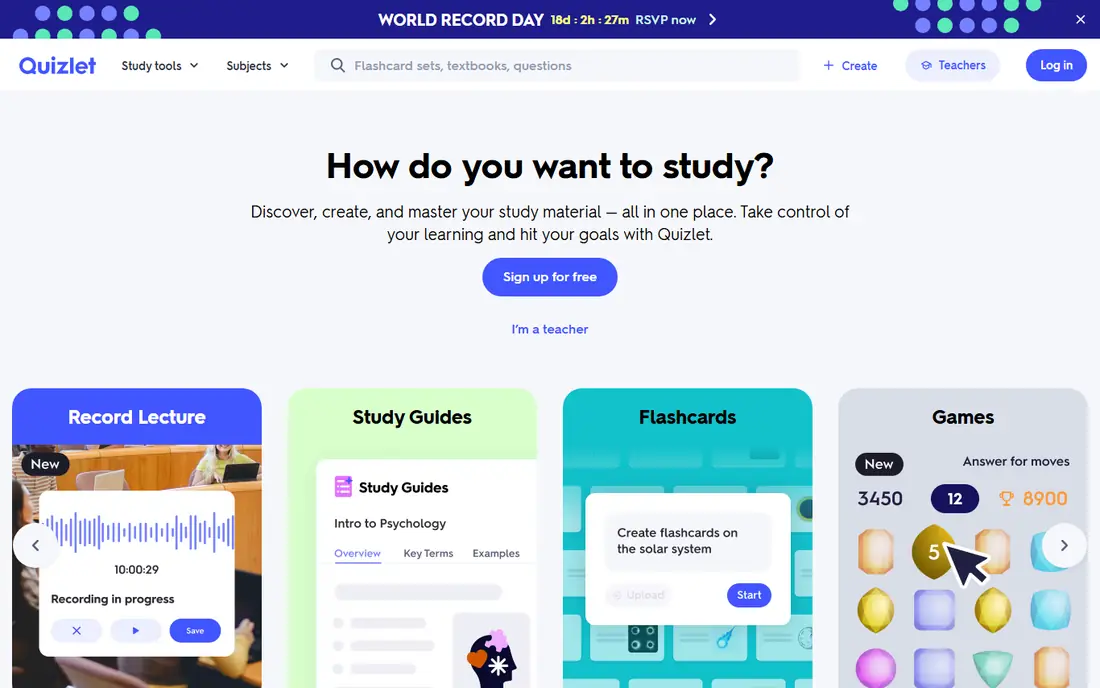
Quizlet remains the most widely used study tool for a reason: flashcards, learn mode, and practice tests turn passive reading into active recall. You can make your own sets from class notes, use sets made by teachers, or use AI features to generate practice questions from your material. That practice loop is what helps facts stick, far more than re-reading notes.
User-made sets vary in quality, so check a set against your course material before relying on it, and make your own set when accuracy matters. Quizlet offers a free tier, with Quizlet Plus adding AI and study features on a paid plan. Check current Plus pricing on the site, since it varies by billing period and region.
- Large library of study sets
- Flashcards, learn mode, and practice tests
- AI features for generating practice questions from notes
- Quality of user-made sets varies
- Full AI features need a paid plan
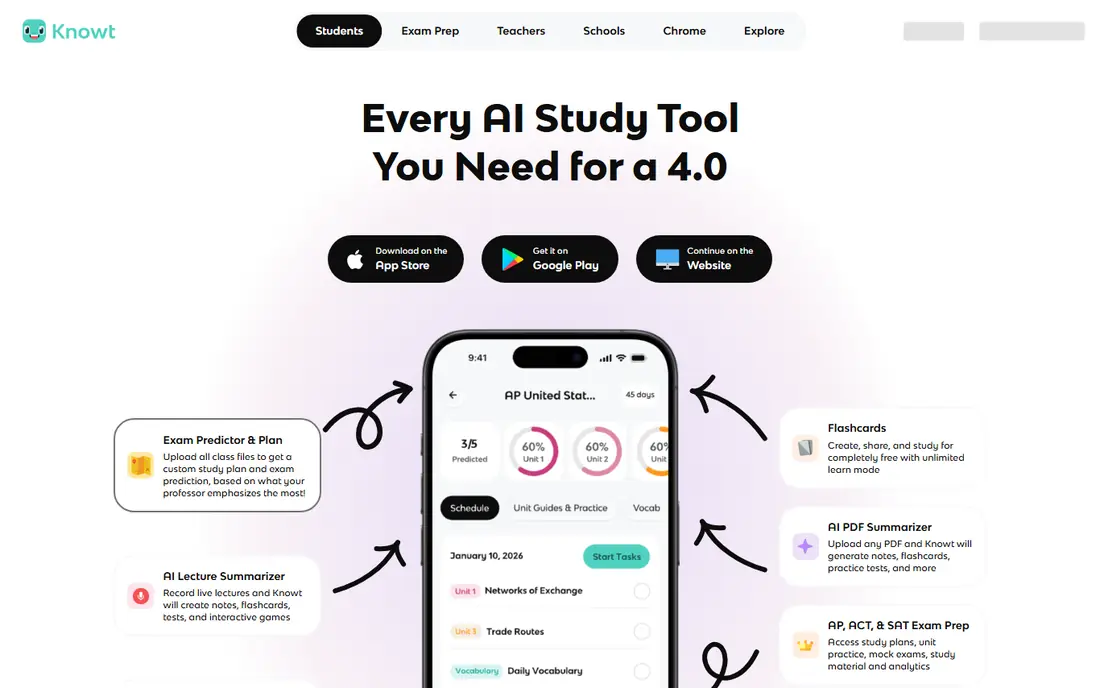
Knowt is a strong free alternative to Quizlet, with flashcards, learn mode, and AI tools that turn notes into summaries and practice questions. It suits students who want AI study help without paying for a subscription, and it allows importing study material from other sources. That free access matters for students on a tight budget.
The community library is smaller than Quizlet, so you may need to make more of your own sets. That is not a bad thing: making a set is itself a study activity, since it forces you to decide what matters. Check the current paid plan on the site if you need advanced AI features beyond the free tier.
- Free flashcards and study tools
- AI note summarization and practice questions
- Import from Quizlet and other sources
- Smaller community than Quizlet
- Some advanced features need a paid plan
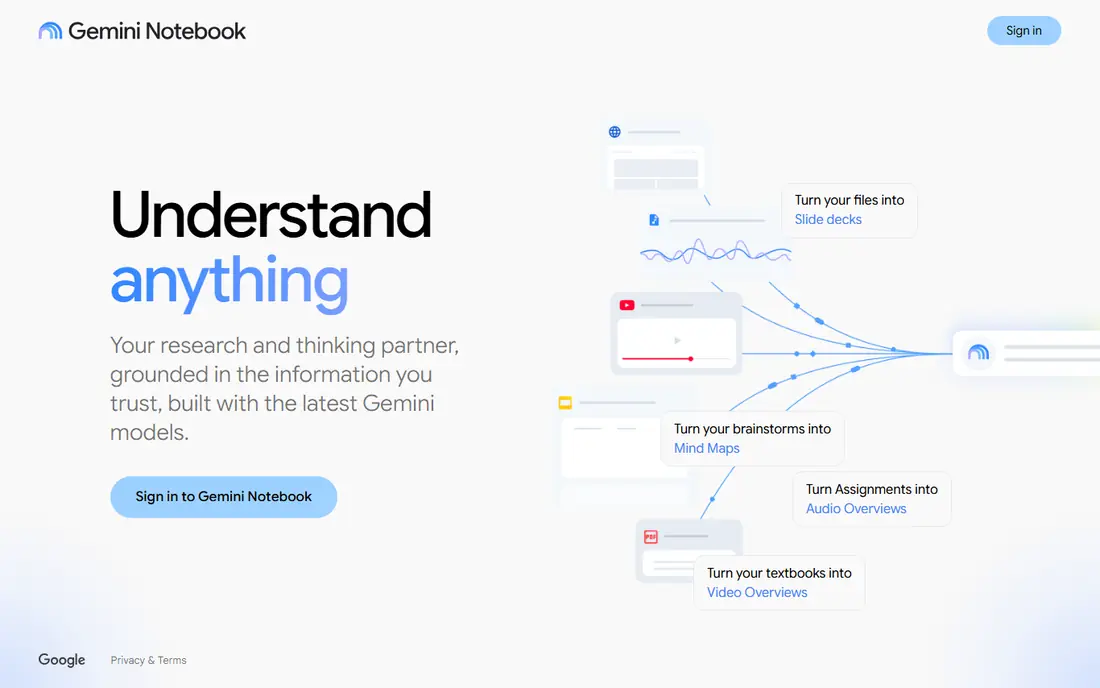
NotebookLM, from Google, is the best tool in this list for studying from your own course materials. You upload lecture notes, readings, or slides, then ask questions, generate summaries, and build study guides that stay grounded in those sources. That grounding reduces the risk of invented facts that comes with general chatbots, since answers point back to material you provided.
The catch is that NotebookLM is only as good as your sources. Upload complete, accurate notes, and check any summary against the original before you trust it for an exam. It is free with a Google account, with a paid Pro tier for higher limits. Use it to quiz yourself and to explain concepts, not to produce work you submit as your own.
- Works from your own uploaded sources
- Summaries, study guides, and audio overviews grounded in those sources
- Free Google tool
- Quality depends on your source material
- Requires a Google account
Anki is the tool serious students turn to when they need to remember material for months, not just for one test. Its spaced repetition algorithm schedules each card just before you are likely to forget it, which is efficient for vocabulary, anatomy, law, medicine, and other fact-heavy subjects. Shared decks cover many topics, and you can make your own decks from class material.
The interface is plain, and setup takes longer than Quizlet, so beginners should start with a small deck and learn the review routine first. Anki is free on desktop and Android, while the iOS app is a paid purchase. That one-off iOS cost is worth noting, since it surprises some students who expect the app to be free everywhere.
- Spaced repetition algorithm for long-term memory
- Huge shared deck library
- Free on desktop and Android
- Interface is plain and takes setup
- IOS app is paid
Khan Academy offers free lessons and practice across math, science, and related subjects, with Khanmigo as an AI tutor that guides students through problems rather than giving answers outright. That guided approach fits the academic integrity frame for this list: the tutor asks questions, hints at steps, and helps a student reach an answer themselves.
Khanmigo availability and pricing have varied by school and region, with free access for some teachers and students and paid access in other cases, so check the current Khan Academy page before relying on it. Khan Academy is strongest for school-level foundations and early university preparation, less so for specialist upper-level courses, where NotebookLM and course materials matter more.
- Free lessons and practice
- Khanmigo AI tutor for guided help
- Strong math and science coverage
- Khanmigo availability and pricing vary
- Less suited to university-level specialist topics
Otter.ai transcribes spoken lectures and meetings into searchable text, which helps students review material they missed or revisit a difficult explanation. You can search the transcript for a term, jump to that moment, and build notes from the summary. That is legitimate study help: it organizes material you already heard, rather than creating work for you.
Recording rules matter. Some lectures and classes require permission to record, so check your institution policy and ask the lecturer if needed. Transcription accuracy also depends on audio quality and accents, so always check a transcript against your own notes for key facts. Otter.ai offers a free tier, with paid plans adding more transcription minutes and features.
- Transcribes lectures and meetings
- Searchable notes and summaries
- Free tier for basic use
- Transcription accuracy varies with audio quality
- Recording lectures needs permission where required
Wolfram Alpha suits students who want to understand a math or science problem, not just get an answer. It computes results, shows steps for many problem types, and explains concepts with data and plots. That step-by-step view helps a student learn the method, which is the point of homework in these subjects.
Full step-by-step solutions for some problems sit behind a paid Pro plan, while basic queries are free, so check current Pro pricing on the site. Wolfram Alpha is not a writing tool, and it should not be used to bypass a problem set: work the problem yourself first, then use it to check your method and find where you went wrong.
- Step-by-step solutions for math and science
- Huge computational knowledge base
- Free basic queries
- Step-by-step detail needs a paid plan for some problems
- Not a general essay or writing tool
Notion helps students organize study, with notes, revision planners, task lists, and databases in one workspace. You can build a revision schedule, track topics by confidence, and keep lecture notes alongside practice questions. Notion AI can summarize notes and help draft study plans, which is legitimate help when it organizes your own material.
Setup takes time, and AI features are a paid add-on on some plans, so students on a free plan should focus on the core planning and notes features first. Notion is free for individuals, with education pricing available in some cases. Check the current education offer on the site if you have a school email address.
- Free for students and individuals
- Notes, planners, and databases in one place
- AI features for summarizing notes
- Needs setup
- AI features need a paid add-on in some plans
Brilliant teaches math, science, and computer science through interactive problems rather than lectures. You solve a problem, get feedback, and build understanding step by step, which suits students who learn by doing. Visual explanations help with topics such as probability, logic, and physics that are hard to grasp from text alone.
A free tier covers introductory material, while full courses need a paid plan, so check current pricing on the site. Brilliant is a specialist tool, not a general study planner, so pair it with Quizlet or Anki for revision and Notion for planning. It is strongest for students who enjoy puzzles and want to build intuition, not just memorize formulas.
- Interactive problem solving in math, science, and computer science
- Guided courses
- Visual explanations
- Paid plan needed for full courses
- Narrower than general study platforms
How we picked these
We compared official product pages, free tier terms, and academic use cases, and we favored tools that support practice, recall, organization, and understanding. We excluded tools marketed for writing essays, completing assignments, or bypassing plagiarism checks, since those conflict with academic integrity. We also favored tools with free tiers, so students can test them without paying.
How to use AI study tools without breaking academic rules
Use AI to practice, not to produce. Make flashcards, generate practice questions from your notes, summarize a chapter you already read, and ask an AI tutor to hint at the next step in a problem. Then close the tool and write your answer yourself, in your own words, from what you understood. If a task is assessed, that submitted work must be yours.
Check your institution policy first
Policies differ: some schools allow AI for brainstorming and revision, others restrict it for certain assignments, and some require disclosure when AI was used. Read your course policy, ask your teacher or tutor when it is unclear, and keep a note of what tool you used and for what purpose. When in doubt, do not use AI for that task.
Verify everything AI tells you
AI tools can invent facts, misstate formulas, and summarize a source incorrectly, so check any AI output against your textbook, lecture notes, or a trusted source before you rely on it for an exam. NotebookLM reduces this risk by grounding answers in your sources, but even then, a quick check against the original is good practice. Treat AI as a study partner that can be wrong, not as an authority.
Frequently asked questions
What are the best ai tools for students studying?
Quizlet and Knowt are best for flashcards and practice, NotebookLM is best for studying your own notes, Anki is best for long-term retention, and Khan Academy is best for guided learning. The right tool depends on whether you need revision, organization, or help understanding a topic.
What are the best ai apps for studying students for free?
Quizlet, Knowt, NotebookLM, Anki on desktop and Android, and Khan Academy all offer free tiers that cover core study features. Free tiers are usually enough for revision and practice, while paid plans add advanced AI features, extra limits, or full courses.
Is it cheating to use AI to study?
Using AI to practice, summarize your own notes, generate practice questions, and get hints is legitimate study help at most institutions, as long as you submit your own work. Using AI to write an essay, complete an assignment, or bypass an assessment is cheating under most academic integrity policies, so check your institution rules.
Can AI help me learn faster?
AI can help you learn faster by turning notes into practice questions, quizzing you on weak topics, and explaining concepts in different ways. It does not replace practice: active recall, spaced repetition, and working problems yourself are what build lasting understanding.
Should I trust AI summaries for exams?
Treat AI summaries as a starting point, not as a final source. Check summaries against your textbook and lecture notes, especially for dates, formulas, and definitions, since AI can misstate details. NotebookLM summaries grounded in your own sources are more reliable than general chatbot summaries, but they still need checking.
How do I choose between Quizlet and Anki?
Choose Quizlet for ease of use, shared sets, and quick practice tests, especially for a single course or exam. Choose Anki for long-term retention across many months, especially for fact-heavy subjects such as medicine, law, or languages, where spaced repetition pays off over time.
Sources
See where you really rank - block by block
ProMapRanker scans Google Maps across a grid of your service area. Simple monthly plans from $19, white-label on every plan.
Start freeKeep reading
 who has best internet service
Who Has the Best Internet Service in 2026
Who has best internet service for US homes? We compare fiber, cable, fixed wireless and satellite providers on speed, price, availability and terms today.
Read → which survey tool has the best analytics
Which Survey Tool Has the Best Analytics in 2026
Find which survey tool has the best analytics in 2026, comparing Qualtrics, SurveyMonkey, Typeform, Alchemer, and more on reports, text, and stats today.
Read → which streaming service has the best movies
Which Streaming Service Has the Best Movies in 2026
Answering which streaming service has the best movies, with Netflix, Max, Criterion and more compared on libraries, prices and free options in this guide.
Read →