 ProMapRanker
Best AI Tools for Slide Generation in 2026

Key takeaways
- Gamma is the fastest route from a prompt to a presentable deck, while Beautiful.ai is stronger for strict design consistency.
- Pitch and Canva suit teams that need collaboration and a large template library more than pure AI generation.
- SlidesAI and Plus AI help users who want to stay inside Google Slides or PowerPoint-style workflows.
- Prezi fits non-linear, visual storytelling, while Slidebean fits startup pitch decks with a clear fundraising structure.
- Export quality varies, so test PowerPoint and PDF output with a real branded deck before paying.
Quick comparison
| Pick | Great for | Pricing starts at | Free tier | |
|---|---|---|---|---|
 Gamma | Fast AI decks from prompts | $9 per month | Yes | Visit |
 Beautiful.ai | Design-consistent decks | $12 per month | Free trial | Visit |
 Simplified | All-in-one creative decks | See website | Yes | Visit |
 Pitch | Team collaboration | $10 per month | Yes | Visit |
 Canva | Visual decks and templates | $15 per month | Yes | Visit |
 SlidesAI | Google Slides generation | $10 per month | Yes | Visit |
 Plus AI | Slides inside Google tools | See website | Yes | Visit |
 Prezi | Non-linear visual talks | $7 per month | Yes | Visit |
 Slidebean | Startup pitch decks | $7 per month | Yes | Visit |
The best ai tools for slide generation
We compared official pricing pages, product documentation and public reviews for tools that turn a prompt, outline or document into slides. The list below covers fast generation, design control, team editing and pitch-specific structure, so you can match the tool to the deck you actually need to deliver.
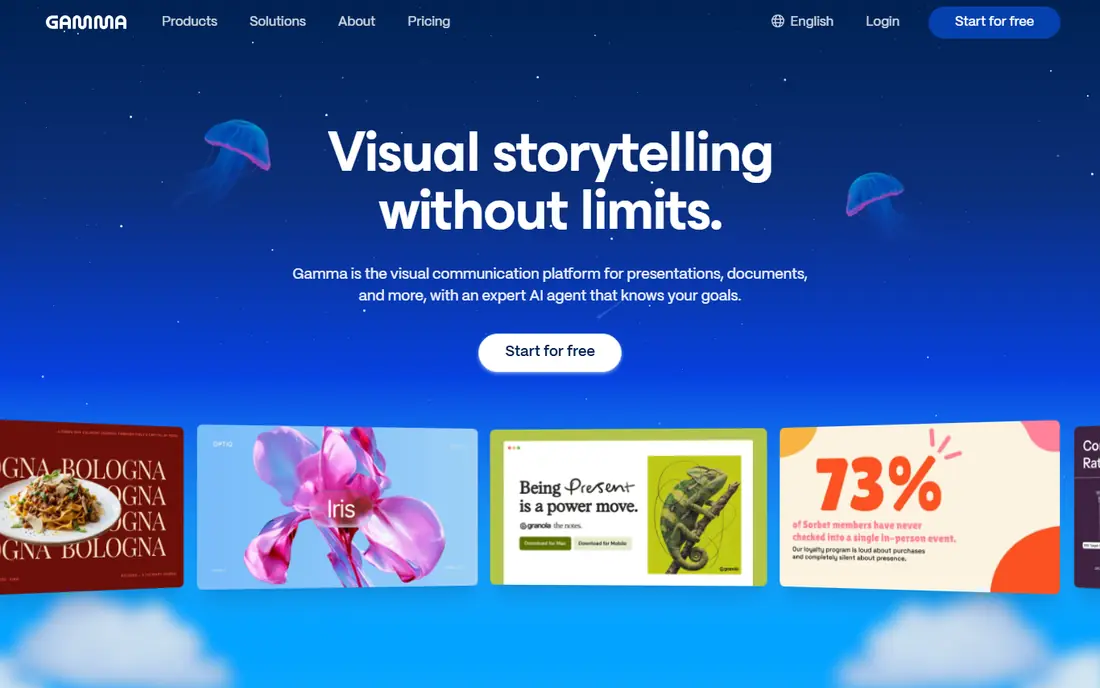
Gamma is our pick for most people who need a deck quickly. Type a prompt or paste an outline, and it builds a structured set of cards with layout, headings and suggested images. The result looks modern without manual alignment work, and sharing as a web link works well for async review. The catch is export fidelity. A deck that looks polished online may need reformatting after conversion to PowerPoint, especially for complex layouts or embedded elements. Test export with your own content before using Gamma for a client-facing file that must stay in PowerPoint format.
- Very fast generation from a prompt or pasted text
- Web-native decks plus PDF and PowerPoint export
- Free signup credits for testing
- Interactive web format may need cleanup after PowerPoint export
- Design control is less fine-grained than manual tools
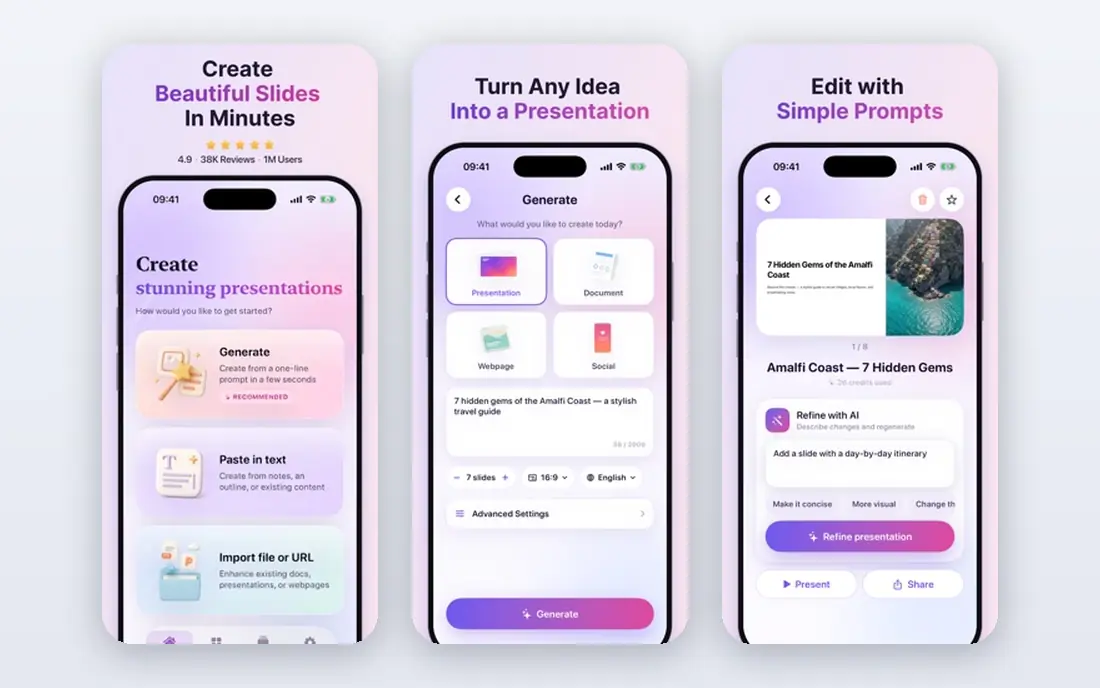
Beautiful.ai suits teams that care more about consistent polish than raw generation speed. Its smart slides rearrange text, images and charts to keep spacing balanced as you edit, which reduces the manual fixing that often follows a content change. That discipline helps consultants and corporate teams. The limit is flexibility. If you want a highly custom visual concept, the template system can feel restrictive, and you may fight the layout to get a specific effect. It is best for standard business decks where clarity and consistency matter more than experimental design.
- Smart templates adjust layout as content changes
- Brand controls help teams stay consistent
- Clean, corporate visual style
- No free plan, only a trial
- Less flexible for unusual or highly custom layouts
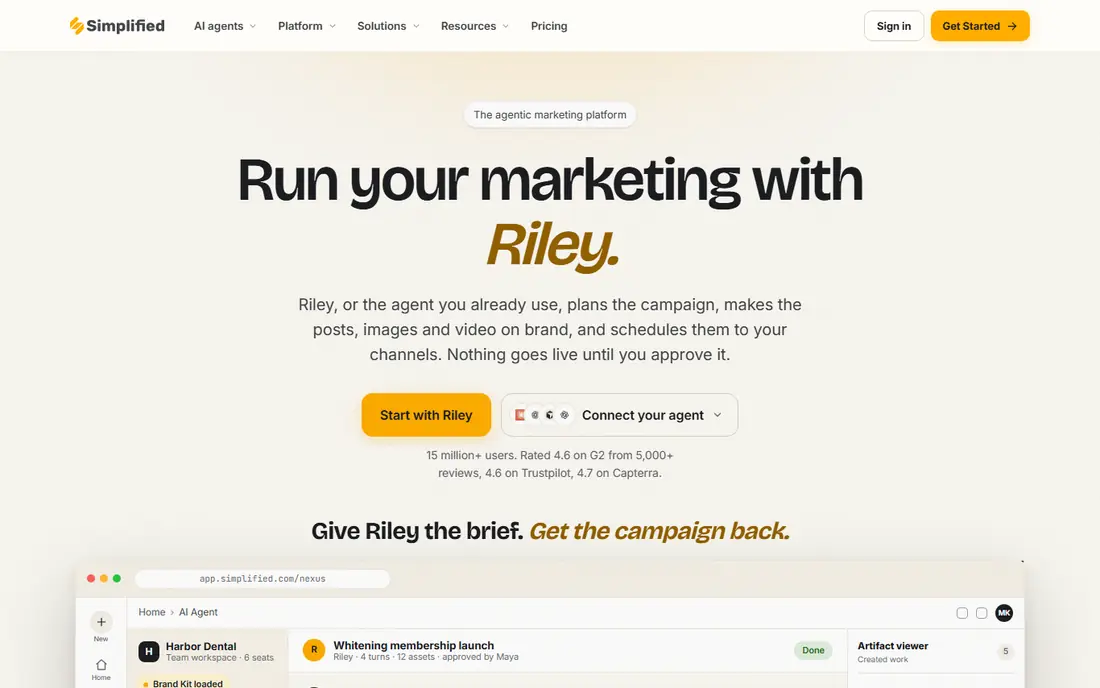
Simplified suits users who already create marketing content in one place and want decks alongside it. Its AI presentation maker turns a topic, pasted text or link into a short deck, which can then be edited with the same templates and brand controls used for social posts and documents. That shared setup saves time when a deck must match other campaign material. The trade-off is specialisation. Simplified is a broad creative suite first, so its deck tools may feel less focused than Gamma or Beautiful.ai for a flagship presentation. Check export format and credit limits on the vendor page before relying on it for a PowerPoint-only workflow, and test a real deck end to end.
- AI presentation maker plus writing, design and video tools in one account
- Large template library and brand kit controls
- Free plan for testing
- Pricing and credit limits vary by plan, so check before buying
- Export leans to PDF and web formats rather than native PowerPoint
Pitch is the team-first option in this list. Multiple people can edit, comment and manage versions without losing track of who changed what, and analytics show how a shared deck is viewed. That workflow suits marketing and sales teams that revise decks together before a launch or pitch. The AI side is useful but not the main reason to choose Pitch. If you want the most automated generation from a single prompt, Gamma or SlidesAI may be faster. Choose Pitch when collaboration, brand libraries and approval steps matter more than one-click generation.
- Strong collaboration, roles and version control
- Free plan includes unlimited presentations
- AI credits for generation on paid plans
- AI generation is less central than in Gamma
- Higher tiers add cost for larger teams
Canva is a practical choice for users who already design social posts, documents or marketing assets in the same account. Its presentation templates cover many styles, and Magic Design can turn a prompt or uploaded file into a starting deck. The visual library saves time on images, icons and layouts. The weakness is depth of slide logic. Generated decks often need restructuring, fact-checking and tighter headlines before they are ready to present. Canva works best when you want visual variety and a familiar editor, and you are willing to edit the draft into a proper story.
- Huge template and asset library
- Magic Design helps start from a prompt or file
- Easy sharing and export options
- AI deck structure can need heavy editing
- Pro features sit behind a subscription
SlidesAI fits a simple need: stay in Google Slides and get a first draft fast. Paste text, choose a theme and generate slides without switching apps or exporting between formats. That keeps collaboration in Google Drive and avoids a new file workflow. The limit is design ambition. Output is clean but not as visually distinctive as Gamma or Beautiful.ai, and heavy users may hit credit limits. It is a good fit for internal decks, class presentations and quick meeting slides, rather than for a flagship brand launch.
- Works directly inside Google Slides
- Turns text or outlines into slides quickly
- Low entry price for Google Workspace users
- Design range is narrower than dedicated deck apps
- Credit limits apply on lower plans
Plus AI takes a similar Google-first approach, with tools for generating and rewriting slides without leaving Google Slides. It also connects to document workflows, which helps teams that draft a brief in Docs and then need a deck from the same material. That continuity saves copy-paste time. The catch is transparency. Pricing details and plan limits should be confirmed on the vendor page before purchase, since they change and vary by use. Test it on a real outline and check how well it handles tables, charts and longer text before replacing an existing deck tool.
- Generates and edits slides inside Google Slides
- Supports Docs workflows as well
- Useful for teams already on Google Workspace
- Pricing and limits vary by plan, so check before buying
- Less known for standalone design templates
Prezi is different from the rest of this list, and that is its appeal. Instead of moving slide by slide in a straight line, a presenter can zoom between topics on a larger canvas, which helps explain how ideas connect. For teaching, product stories and conference talks, that spatial view can hold attention. The risk is audience fit. Some business audiences expect a standard linear deck they can read later, and a zooming presentation can feel distracting if overused. Use Prezi when the talk itself is the product, and keep a PDF or linear version ready for readers who need a simple handout.
- Spatial, zooming format stands out in talks
- AI-assisted creation on paid plans
- Low entry price for individuals
- Non-linear style does not suit every audience
- Export and offline use need checking for your workflow
Slidebean is built for founders who need a fundraising deck with a proven structure. Templates guide you through problem, solution, market, product, traction, business model, competition, go-to-market, team and ask, which helps a first-time founder avoid a rambling deck. That structure is its main strength. The limit is delivery. A free account can be used for drafting, but sharing or downloading a deck generally requires a paid plan, so budget for that step. Slidebean is not the best general-purpose deck tool, but for a pitch deck it gives clearer direction than a blank template library.
- Pitch-deck structure built for fundraising
- Templates for problem, solution, market and ask
- Free creation option for drafting
- Sharing and download require a paid plan
- Narrower focus than general deck tools
How we picked these
We compared official pricing pages, product pages and public reviews for slide generation tools available in October 2026. We kept tools that can generate or substantially assist slide creation from a prompt, outline or document, and that offer a live product with export or sharing options. We noted free plans, trials and credit limits where vendors publish them, and we used See website where pricing was unclear or plan-dependent.
What to check before you buy
Start with the delivery format. Ask whether your audience needs PowerPoint, PDF, Google Slides or a web link, then test that exact export with a real deck. Check fonts, charts, images and slide notes after export, because a tool that looks good online can lose formatting in conversion. Next, test the editing experience. Generate a deck from your own outline, then try to change a headline, swap an image, fix a fact and add a chart. The time that edit takes is a better signal than generation speed alone. Also check who can comment, approve and view analytics if a team will use the tool. Finally, check content accuracy. AI decks often include generic claims, invented examples or outdated figures, so every number and quote needs a source before presenting. Build a short review step into your workflow, and keep your outline and evidence close to the draft so corrections are easy.
Frequently asked questions
What are the best ai slide generation tools?
Gamma is a strong general pick for speed, Beautiful.ai suits design consistency, and Pitch suits team collaboration. SlidesAI and Plus AI suit Google Slides users, while Slidebean suits startup pitch decks. The best tool depends on format, audience and editing needs.
Can AI generate a full presentation from a prompt?
Yes, it can produce a structured first draft from a prompt or outline, but the draft still needs fact-checking, headline editing and design review. Treat it as a starting point, not as a finished talk.
Which tool is best for PowerPoint export?
Gamma, Beautiful.ai, Pitch and Canva all offer PowerPoint export, but quality varies by deck complexity. Test export with a branded deck that includes charts and images before committing, and allow time for cleanup.
Is there a free AI slide generator?
Yes. Gamma, Simplified, Pitch, Canva, SlidesAI, Plus AI, Prezi and Slidebean all offer a free plan or free drafting option, usually with credit or export limits. Paid plans remove those limits and add brand and collaboration features.
How do I avoid generic AI slide content?
Write a detailed outline with real facts, numbers and examples before generating. Then rewrite headlines to make a clear point, remove vague claims, and check every figure against a source. A strong outline matters more than a clever prompt.
Should a team standardize on one slide tool?
Standardizing helps with brand control, templates and training, but different jobs may still need different tools. A common approach is one main deck tool for most work, plus a specialist tool for pitch decks or Google Slides workflows where needed.
Sources
See where you really rank - block by block
ProMapRanker scans Google Maps across a grid of your service area. Simple monthly plans from $19, white-label on every plan.
Start freeKeep reading
 who has best internet service
Who Has the Best Internet Service in 2026
Who has best internet service for US homes? We compare fiber, cable, fixed wireless and satellite providers on speed, price, availability and terms today.
Read → which survey tool has the best analytics
Which Survey Tool Has the Best Analytics in 2026
Find which survey tool has the best analytics in 2026, comparing Qualtrics, SurveyMonkey, Typeform, Alchemer, and more on reports, text, and stats today.
Read → which streaming service has the best movies
Which Streaming Service Has the Best Movies in 2026
Answering which streaming service has the best movies, with Netflix, Max, Criterion and more compared on libraries, prices and free options in this guide.
Read →