 ProMapRanker
Best AI Tools for Generating Images in 2026

Key takeaways
- Midjourney still leads on artistic style, while ChatGPT image tools lead on following a prompt and editing by conversation.
- Adobe Firefly is the safer pick for commercial brand work, because it is trained on licensed and public domain content.
- Google Gemini gives strong photorealism and a useful free starting point for everyday images.
- Ideogram is the best specialist pick when text inside an image must be spelled correctly.
- Stable Diffusion remains the free, self-hosted route for full control, but it needs setup and a capable computer.
Quick comparison
| Pick | Great for | Pricing starts at | Free tier | |
|---|---|---|---|---|
 Midjourney | Artistic and cinematic images | $10 per month | No | Visit |
 ChatGPT image tools | Prompt accuracy and editing | $20 per month | Yes | Visit |
 Adobe Firefly | Commercial-safe brand work | $9.99 per month | Yes | Visit |
 Google Gemini | Photorealism and everyday use | $20 per month | Yes | Visit |
 Leonardo AI | Game and design assets | $12 per month | Yes | Visit |
 Ideogram | Text inside images | $8 per month | Yes | Visit |
 Recraft | Logos, vectors and brand sets | See website | Yes | Visit |
 Stable Diffusion | Free local control | Free | Yes | Visit |
 Canva Magic Media | Non-designers and social posts | $15 per month | Yes | Visit |
The best AI tools for generating images
We compared these tools on image quality, prompt accuracy, text rendering, editing controls, commercial use terms and price. The right pick depends on whether you need art, photos, logos or quick social graphics.
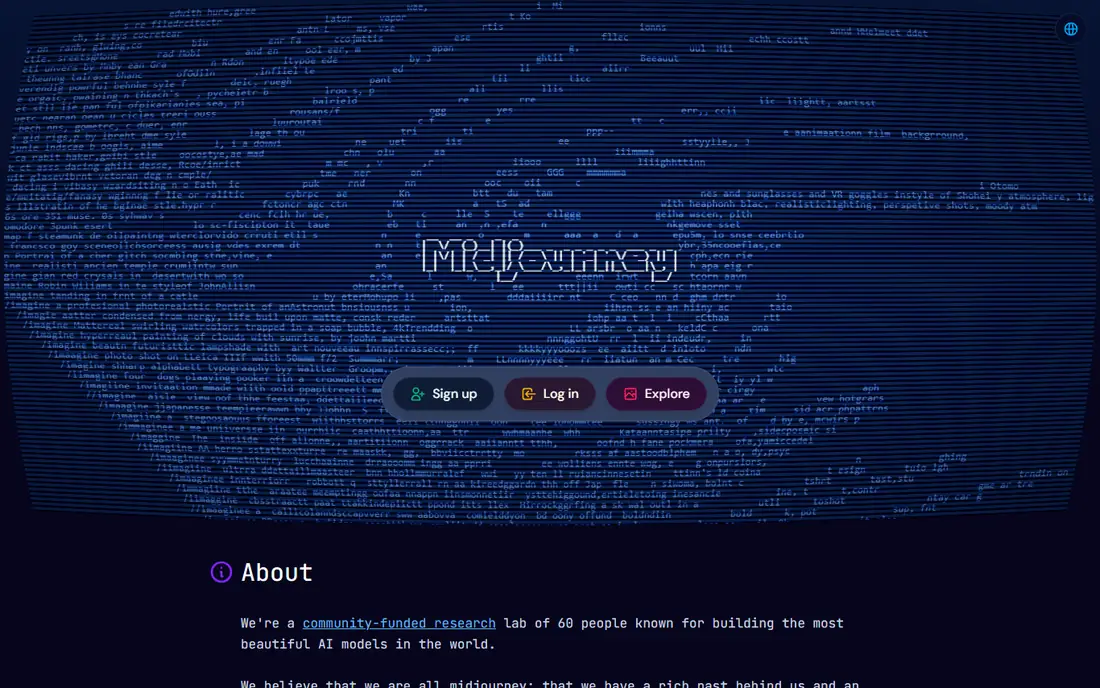
Midjourney remains the benchmark when the goal is an image that looks like art rather than a literal photo. Its compositions, lighting and colour choices give blog heroes, posters and concept art a polished feel with less prompt fiddling than many rivals. It now runs on the web as well as through Discord, which makes starting much easier than in its early days.
The limits are clear. There is no free tier, so you pay before you can judge it properly, and short text inside an image is still less reliable than with Ideogram or ChatGPT image tools. If your work is mostly artistic, that trade is worth it. If you need accurate labels, signs or packaging text, pair it with a text specialist.
- Distinctive artistic quality
- Strong style control
- Large creative community
- No free tier
- Text in images can be weak
- Learning curve for new users
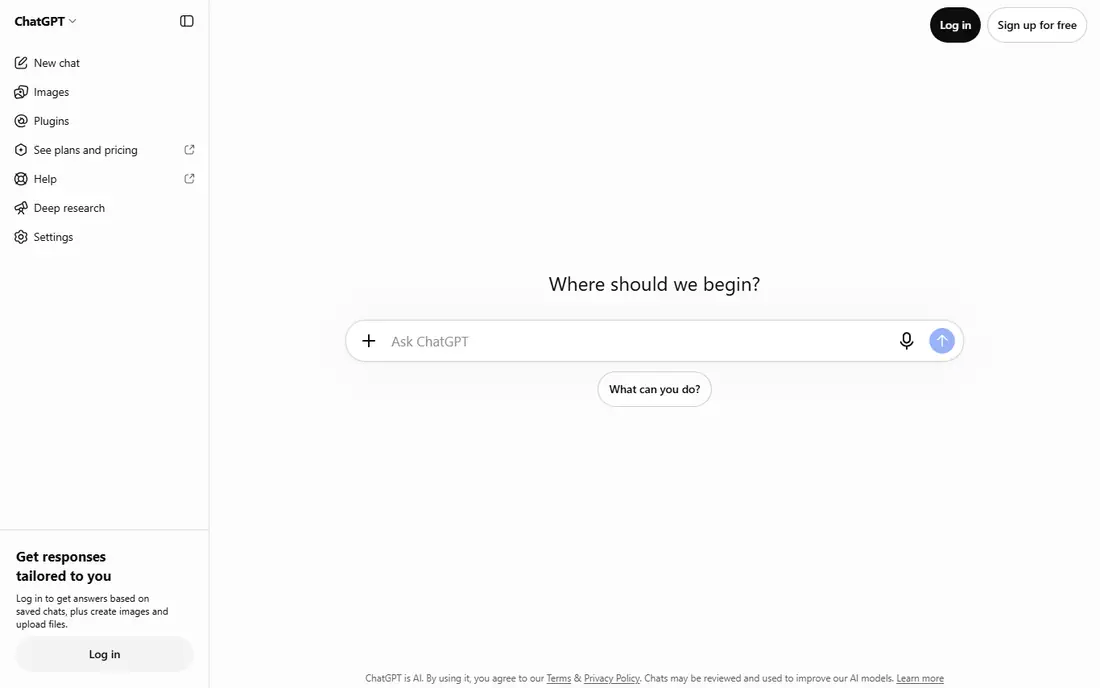
ChatGPT image tools, built on the GPT image model that replaced standalone DALL-E, are the easiest route for most people. You describe an image, see a result, then ask for changes in plain words: change the background, make it brighter, swap an object. That conversational loop beats retyping a long prompt from scratch.
For a single image, prompt accuracy and text handling are among the best here. For a long series with a strict brand look, results can drift from one image to the next, so you will need reference images and careful prompts. The free tier is useful for trying it, but regular creators will usually need the $20 per month Plus plan.
- Strong prompt following
- Conversational editing
- Good text rendering
- Paid plan needed for regular use
- Style consistency across a series can vary
- Usage caps on heavy use
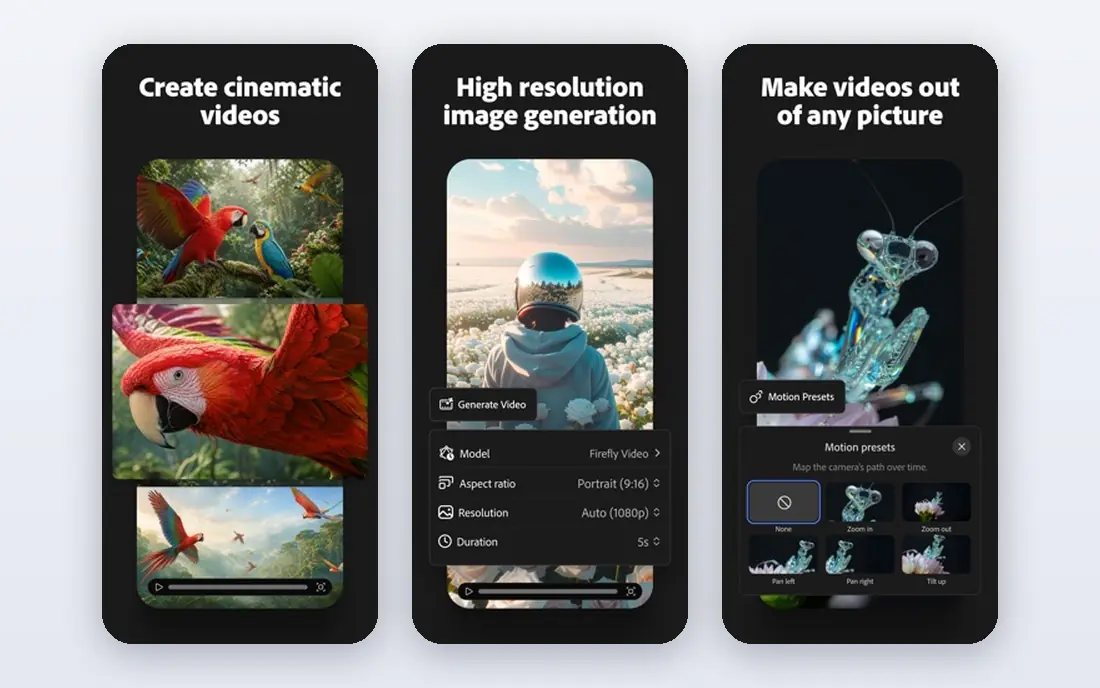
Firefly is the pick when legal comfort matters as much as looks. Adobe says Firefly is trained on licensed Adobe Stock and public domain content, which gives marketing teams a clearer story for client work than models trained on broad web scrapes. It also fits naturally into Photoshop, Illustrator and Adobe Express, where you can extend, fill and edit images.
On pure photorealism, Gemini and Midjourney can edge it, depending on the subject. For brand assets, social templates and product visuals that must be safe to publish, Firefly is the calm choice, and the free tier lets you test the style before paying.
- Trained on licensed and public domain content
- Works with Photoshop and Adobe Express
- Free tier available
- Raw realism trails some rivals
- Best value sits inside Adobe plans
Gemini, with Google Imagen models behind it, is a strong all-rounder for people who already use Google tools. It handles realistic scenes, portraits and product-style shots well, and it is easy to reach from a browser or phone without learning a new interface. For everyday content, that low friction matters more than a small quality gap at the top end.
Serious illustrators may miss the style controls and community features that Midjourney offers. Check which Google plan you hold before you rely on it for client work, because limits and commercial terms differ between free access and paid Google AI plans.
- Strong photorealism
- Easy access in Google apps
- Useful free tier
- Fewer fine art controls
- Paid limits and features vary by Google plan
Leonardo AI suits creators who need many related assets: characters, environments, product concepts and game art. Its model choices and style presets help keep a series looking consistent, which is useful for a game, a book or a product range. The free tier with daily credits is generous enough to learn the tool.
Beginners can find the number of settings overwhelming at first. Start with one model and one style, generate a small set, and only then explore the wider options. For casual single images, a simpler tool may be faster.
- Free daily credits
- Good for game art and product design
- Useful style models
- Interface has many options for beginners
- Paid plans add up for heavy use
Ideogram earns its place for one job: putting readable words inside an image. Posters, logos, social graphics, book covers and ad mockups all need text that is spelled correctly and placed sensibly, and Ideogram handles that better than most general tools. The interface is clean, and the free tier is enough to test it on real briefs.
For pure illustration or photorealism, Midjourney or Gemini may give a stronger result. Use Ideogram when the words are part of the design, not an afterthought, and check the output at full size before publishing, because small text can still blur.
- Best spelling and typography in images
- Clean interface
- Free tier
- Narrower general range than Midjourney
- Fewer advanced editing tools
Recraft is built for designers who need clean, usable graphics rather than one-off art. It handles vectors, logos, icons and brand sets, which makes its output easier to edit and reuse than a flat raster image. If you produce social templates, icons or logo concepts, that focus saves rework.
It is not the first pick for realistic photography or cinematic illustration. Treat Recraft as a design tool with image generation inside it, and confirm current pricing on its site, because plans and credit allowances change.
- Vector and logo focused output
- Brand set tools
- Free tier to try
- Less suited to photographic scenes
- Pricing and limits change by plan
Stable Diffusion is the free route for people who want full control. You can run it on your own machine, choose community models, fine tune styles and keep your prompts and images private. For developers and hobbyists, that freedom is unmatched, and there is no monthly fee for the software itself.
The cost is time and hardware. Setup takes effort, a weak computer will be slow, and results depend heavily on the model and settings you choose. Hosted versions remove the setup but add per-image costs. If you only need a few images a month, a paid tool will be faster.
- Free and open
- Runs locally for privacy and control
- Huge community models
- Needs setup and a capable computer
- Quality depends on model and settings
Canva Magic Media is the practical pick for non-designers. You generate an image, then drop it straight into a social post, presentation or flyer without leaving Canva. Templates, text tools and resizing for each platform do the rest of the work, which is why small businesses like it.
Specialist tools beat it on artistic range and fine control, and heavy image use needs Canva Pro. If your output is social content and simple marketing graphics, Canva is often the fastest path from idea to finished post.
- Images inside a full design tool
- Easy templates
- Free tier
- Less control than specialist generators
- Best features need a Pro plan
How we picked these
We compared official feature pages, pricing pages and published 2026 comparisons, and we kept only tools that still operate, generate images from text prompts, and publish a usable free tier or clear paid plan. We left out tools that had closed, tools that only edit existing photos, and tools with no clear commercial terms for published work. We did not claim hands-on testing; our judgement rests on published features, pricing and reviewer patterns. Prices change, so check the vendor page before you subscribe.
How to choose the right tool
Start with the output, not the model. If you need art, try Midjourney. If you need a photo-like image, try Gemini or ChatGPT image tools. If you need words in the design, try Ideogram. If you need a logo or icon set, try Recraft. Running the same brief through two tools for a day tells you more than any ranking, because style is personal and briefs vary.
Next, check commercial use. Free tiers often limit commercial use or credit amounts, and paid plans differ on whether you own the output and can use it for clients. Read the terms for the plan you will actually buy, not just the marketing page. For client work, Firefly and paid plans with clear commercial terms are the safer starting point.
Finally, count the real cost. A $10 plan with tight credits can cost more than a $20 plan with generous limits if you generate in bulk. Track how many images you make in a trial week, including failed attempts, and choose the plan that covers that number without forcing you to buy top-ups every few days.
Frequently asked questions
What is the best AI tool for generating images?
Midjourney is our pick for artistic quality, ChatGPT image tools for prompt accuracy and editing, and Adobe Firefly for commercial-safe brand work. There is no single winner for every job, so match the tool to the image type you make most.
What is the best app for generating AI images for free?
Google Gemini, Adobe Firefly, Leonardo AI, Ideogram, Canva and Stable Diffusion all offer free routes, with different limits. Stable Diffusion is free if you run it yourself, while the others give free credits or a limited free tier. Check credit limits before you plan a large project.
Which AI tool is best for generating images with text?
Ideogram is the strongest specialist for text inside images, with ChatGPT image tools close behind for short labels and signs. Always proofread at full size, because even good tools can misspell long or unusual words.
Can I use AI generated images for commercial work?
Often yes on paid plans, but terms differ by tool and plan, so read the licence for the exact plan you buy. Adobe Firefly is designed for commercial use, and most paid plans allow client work. Keep a copy of the terms and the generation details for client projects.
What AI tool is best for generating images for a logo?
Recraft is a good starting point because it focuses on vectors, logos and brand sets that you can edit and reuse. Ideogram also helps when the logo includes wordmarks. For a final brand identity, have a designer refine the chosen concept.
Is Stable Diffusion really free?
The software is free and open, but running it well needs a capable computer, and hosted services charge for compute. For occasional use, a paid tool with a free tier is usually cheaper in time, even if the software itself costs nothing.
Sources
- https://www.midjourney.com
- https://chatgpt.com
- https://www.adobe.com/products/firefly.html
- https://gemini.google.com
- https://leonardo.ai
- https://ideogram.ai
- https://www.recraft.ai
- https://stability.ai
- https://www.canva.com
- https://savedelete.com/article/best-ai-image-generators/
- https://pexo.ai/blog/best-ai-image-generators-compared-1918
See where you really rank - block by block
ProMapRanker scans Google Maps across a grid of your service area. Simple monthly plans from $19, white-label on every plan.
Start freeKeep reading
 twitch alternatives
Twitch Alternatives in 2026
Explore the best Twitch alternatives in 2026 for live streaming, with free platforms, monetisation options, audiences, chat tools, and tips for new streamers.
Read → firebase alternatives
Best Firebase Alternatives in 2026
Looking for Firebase alternatives? We compare 9 backend platforms for auth, databases, realtime, storage, functions, self-hosting, and pricing for your app.
Read → companies with best work life balance
Companies With Best Work Life Balance in 2026
See companies with best work life balance in 2026, ranked by employee ratings, with flexible work options, benefits, and what to check before applying.
Read →