 ProMapRanker
6 Best AI Tools for Creating Social Media Images in 2026

Microsoft account holders and fast images · Pricing starts at: $9.99 a month (Microsoft 365 Personal, billed monthly)
Direct answer
Microsoft Designer comes first here, mainly for Microsoft account holders and fast images. Listed starting prices: Microsoft Designer from $9.99 a month (Microsoft 365 Personal, billed monthly), VistaCreate from $10 a month and Fotor from $3.33 a month. Alternatives: VistaCreate for small teams on one flat subscription, and Fotor for low cost AI photo editing and templates. Details, prices and limits for the rest of the 6 tools are below.
If you are comparing AI tools for creating social media images, this page covers 6 tools in one place: what each is best for, what it costs to start, whether it has a free plan, and the main limit to know about.
Key takeaways
- Microsoft Designer takes the first slot, best suited to Microsoft account holders and fast images.
- Free plans are common here: 6 of 6 tools have one, including Microsoft Designer, VistaCreate, Fotor and Adobe Express.
- Picsart suits mobile first editing and AI photo tools.
- Fotor has the lowest monthly starting price in this list: $3.33 per month.
Quick comparison
| Pick | Great for | Pricing starts at | Free tier | |
|---|---|---|---|---|
| Microsoft Designer | Microsoft account holders and fast images | $9.99 a month (Microsoft 365 Personal, billed monthly) | Yes | Visit |
 VistaCreate | Small teams on one flat subscription | $10 a month (billed yearly) | Yes | Visit |
 Fotor | Low cost AI photo editing and templates | $3.33 a month (billed annually) | Yes | Visit |
 Adobe Express | Adobe users and Firefly image generation | $9.99 per month (billed monthly) | Yes | Visit |
 Canva | All round social design and scheduling | $12 per month (billed yearly) | Yes | Visit |
 Picsart | Mobile first editing and AI photo tools | $10.50 per month (billed annually) | Yes | Visit |
Our 6 AI tools for creating social media images
Microsoft Designer is built with Microsoft account holders and fast images in mind. Microsoft Designer itself costs $0 with a Microsoft account.
Limits to weigh: the 60 credits per month on Microsoft 365 Personal are shared with Copilot in other apps.
The $9.99 figure in the key line is the Microsoft 365 Personal plan that brings more AI use. Entry price for Microsoft Designer: $9.99 per month. Microsoft Designer includes a free tier.
- Image generation from a written prompt
- Posters and cards
- No standalone Designer subscription plan exists, so more AI use runs through Microsoft 365
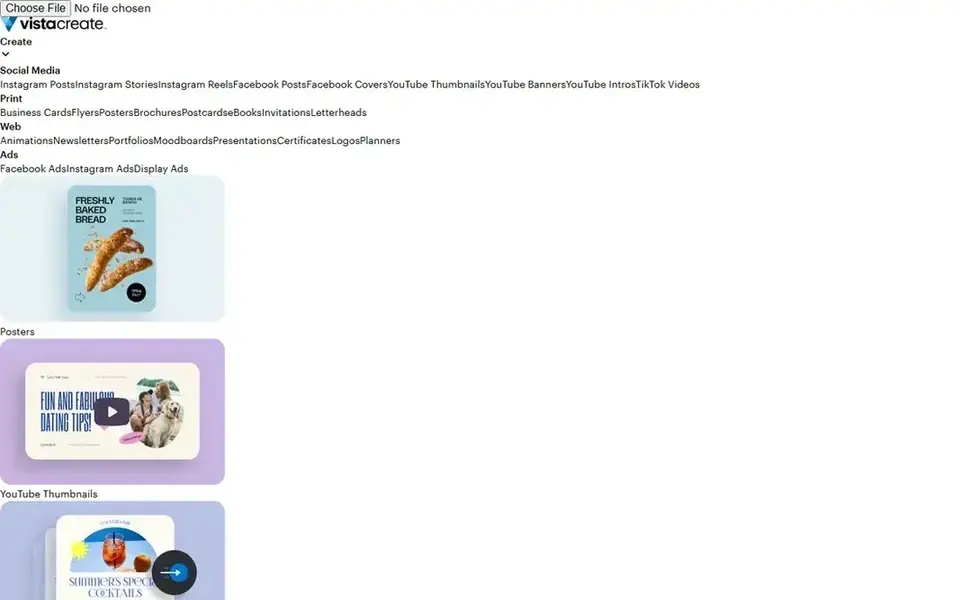
Think of VistaCreate for small teams on one flat subscription. A team of 10 that each makes 20 images per month would need 200 generations and would run out before the month ends.
Trade-offs to know: All AI tools sit on Pro, so the free Starter plan has no AI image generation.
Price to start with VistaCreate: $10 per month. You can start on VistaCreate without paying.
- 100 AI image generations per month on Pro
- One click resize and unlimited brand kits on Pro
- The 100 monthly generations are shared across the entire account
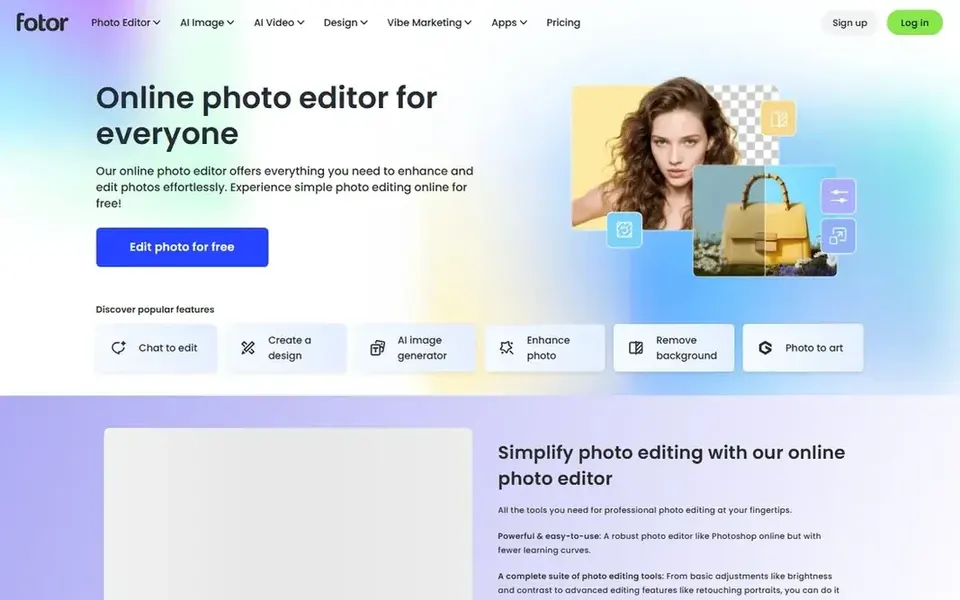
Fotor works best for low cost AI photo editing and templates. It is a weaker fit for a high volume user, since the jump from Pro to Pro+ more than doubles the monthly cost.
Where it is weaker: Pro hands only 100 credits per month, so heavy AI generation needs Pro+ at $19.99 a month on monthly billing.
Fotor Pro costs $3.33 a month on annual billing, which is $39.99 for the year, or $8.99 a month on monthly billing. In practice, Pro+ costs $7.49 a month on annual billing, with 300 credits per month. What you pay to start with Fotor: $3.33 per month. A free plan is available with Fotor.
- Batch background removal and brand kits on Pro
- Lowest annual entry price in this list at $39.99 for the year
- Free Basic output is for personal use only
Choose Adobe Express for Adobe users and Firefly image generation. Premium brings 250 generative credits per month, premium templates, Adobe Fonts, Adobe Stock assets, background removal and one click resize.
Also, premium is a solid fit for people who already use Adobe products, since it links to Photoshop, Illustrator and Lightroom. What you pay to start with Adobe Express: $9.99 per month. Adobe Express includes a free tier.
What to check first: Premium storage is listed as 10GB on the comparison table and 100GB at checkout, so confirm the figure before you buy.
- One click resize and premium templates
- Firefly AI image generation built into the editor
- Background removal and bulk resize need Premium
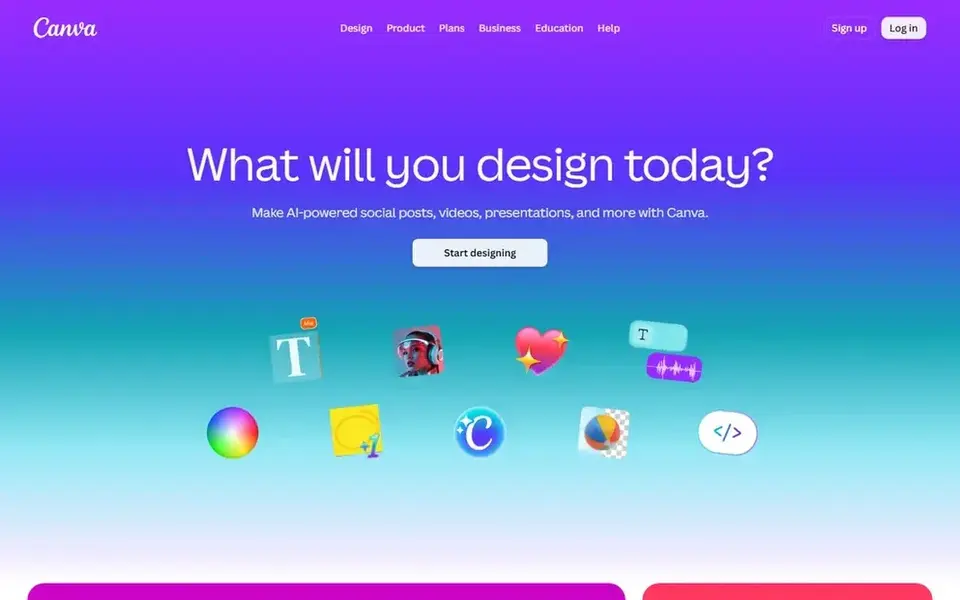
Pick Canva if this describes you: all round social design and scheduling. The free plan comes with 1.6 million templates, 5GB of storage and a restricted AI allowance, whereas Pro layers on 3.6 million templates, 141 million premium assets, 5 brand kits, 100GB of storage and social scheduling. More specifically, Canva Pro costs $12 a month on annual billing, which is $144 for the year, or $18 a month on monthly billing.
Downsides: higher AI use needs an add on that costs $100 per person a month.
A team that needs shared brand kits, approvals and folders must move to Business at $25 per person per month on monthly billing. It is a weaker fit for a team that needs shared seats on one low cost plan. Entry price for Canva: $12 per month. Free access exists with Canva.
- Magic Studio AI tools and background remover
- Social scheduling and brand kits on Pro
- Pro handles one person only, so a team needs Business at $25 per person a month on monthly billing
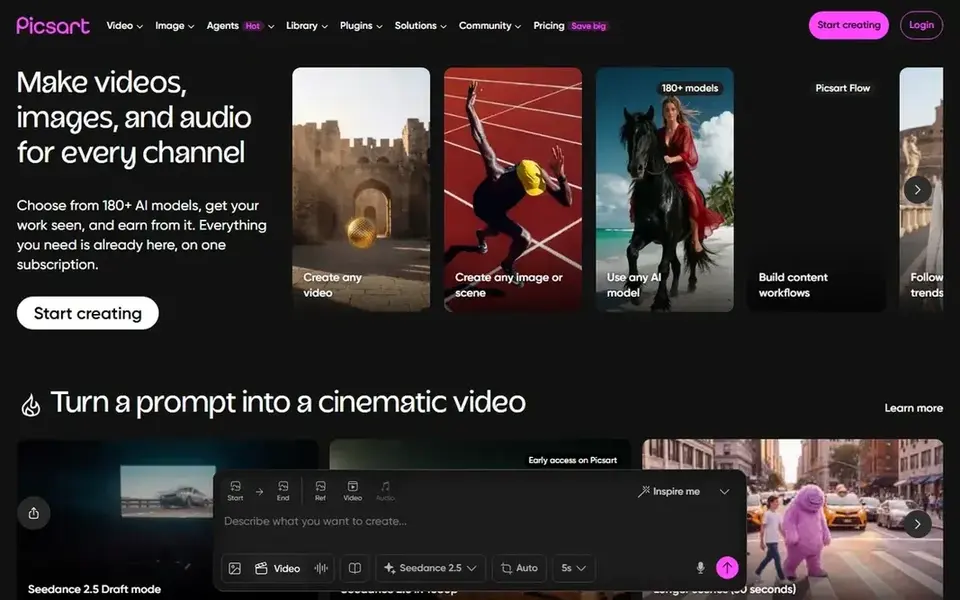
For mobile first editing and AI photo tools, Picsart is a natural candidate. Pro layers on 500 AI credits per month, all photo and video editing features, advanced background and object removal, premium templates, stock photos and Getty video clips, 3 or more brand kits and 100GB of cloud storage.
Main advantages: 100GB of cloud storage on Pro.
Beyond that, one limit: the website presents only Pro and Ultra. So a buyer who wants the lower cost Plus level must buy it in the mobile app, where prices and credit The starting price for Picsart: $10.50 per month. Picsart includes a free tier.
What to check first: Pro costs $15 a month on monthly billing, which is $54 more over per year than annual billing.
- Premium templates
- 500 AI credits per month on Pro
- Not on the website
Our selection method
Each tool was reviewed on what its vendor publishes: price, plan limits, core features and stated drawbacks. We did not run hands-on tests. Prices and plan limits come from vendor pages and can change, so confirm them on the vendor site before you buy. The order reflects how well each tool fits the most common buying scenario for AI tools for creating social media images, then price clarity, then free plan access. It is a starting point, not a verdict.
What to confirm before you sign up
- Prices are a starting point; Fotor shows $3.33 per month to start, so verify what your seat count would cost.
- Look at free plan limits closely: Microsoft Designer, VistaCreate, Fotor and others have one, and the caps decide whether it is usable for real work.
- Read the limits listed for Microsoft Designer first: no standalone Designer subscription plan exists, so more AI use runs through Microsoft 365.
- Before you load data into Adobe Express, check what an export looks like and who can run it.
- Test the integrations you rely on with Picsart before committing; some connectors sit on upper tiers.
Frequently asked questions
Which is a good match for social media images with text?
For most readers this guide would start with Microsoft Designer, built for Microsoft account holders and fast images. VistaCreate is the alternative for small teams on one flat subscription, and Fotor for low cost AI photo editing and templates. The right answer depends on budget and workflow.
How are the AI tools for creating social media images ordered?
The order follows typical fit for AI tools for creating social media images, with Microsoft Designer first and Picsart last, then price clarity and free access. It is editorial judgement, not a score, so another team could rank the tools differently.
Which AI tools for creating social media images have a free plan?
6 of the 6 tools have a free plan, including Microsoft Designer, VistaCreate, Fotor and Adobe Express. Free plans usually cap users, projects or features, so check the limits on the vendor page.
Do these tools publish their prices?
Yes. Every tool from Microsoft Designer to Picsart shows a starting price, though seats, add-ons and billing terms still change the final cost.
What is the cheapest option for AI tools for creating social media images in this list?
On published monthly entry prices, Fotor is the lowest here at $3.33 per month. Entry price is only part of the cost, because seats, add-ons and billing terms can change the total.
Sources
See where you really rank - block by block
ProMapRanker scans Google Maps across a grid of your service area. Simple monthly plans from $19, white-label on every plan.
Start freeBrowse all guides
← White Label Social Network platform: Best Picks of 20266 Best Creator Storefront Tools for Ecommerce Brands in 2026 →
 best social media management tools for ecommerce brands
6 Best Social Media Management Tools for Ecommerce Brands for 2026
Best social media management tools for ecommerce brands: 6 contenders ranked by fit, with entry costs and free tiers. Limits and pricing notes included.
Read → best social media content creation tools
Social Media Content Creation Tools: Best Picks of 2026
Searching for the best social media content creation tools? Here are 6 options with prices and free plans. The catches are listed up front. Choose faster.
Read → best social content design services for saas
Social Content Design Services for SaaS: Best Picks of 2026
Best social content design services for SaaS, compared. 6 tools with published prices, free plans and limits. Honest caveats for every entry. See which fits.
Read → manychat alternatives
ManyChat Alternatives in 2026
Compare ManyChat alternatives for Instagram, WhatsApp, and Messenger automation, with current pricing, free plans, channel coverage and trials in 2026.
Read → best editing software free
Best Editing Software Free in 2026
Find the best editing software free for creators, for video and photo work, with DaVinci Resolve, GIMP, Photopea, CapCut and more compared on free tiers.
Read → best social media management software for agencies
Best Social Media Management Software for Agencies in 2026
We compared the best social media management software for agencies on workspaces, approvals, white label reports and price per client to help agencies scale.
Read →More in Social Media & Creators · All guides A to Z by date · Latest guides