 ProMapRanker
Best AI Tool for PowerPoint Presentation in 2026

Key takeaways
- Tools fall into two groups: AI inside PowerPoint itself, and AI tools that generate decks elsewhere and export to PowerPoint.
- If final approval happens in PowerPoint, test the full import, edit, and export loop before paying for a year.
- Gamma is the fastest prompt-to-deck option, while Beautiful.ai gives tighter control over consistent layouts.
- Free plans vary widely: some export to PowerPoint for free, while others need a paid plan for that step.
Quick comparison
| Pick | Great for | Pricing starts at | Free tier | |
|---|---|---|---|---|
 Gamma | Fast prompt-to-deck drafts | $10 per month | Yes | Visit |
 Beautiful.ai | Consistent corporate layouts | $14.50 per month | Free trial | Visit |
 Canva | Template-led visual decks | $15 per month | Yes | Visit |
 Microsoft 365 Copilot | Native PowerPoint drafting | See website | No | Visit |
 Plus AI | AI inside PowerPoint and Slides | $10 per month | Free trial | Visit |
 Pitch | Collaborative team decks | See website | Yes | Visit |
 Prezi | Non-linear, zooming talks | $7 per month | Yes | Visit |
 SlidesAI | Budget text-to-slides add-on | $10 per month | Yes | Visit |
The best ai tool for powerpoint presentation
We looked for tools that can draft, design, or improve a presentation that ends up as a PowerPoint file, or that work directly inside PowerPoint. Tools that cannot export to PowerPoint at all were left out.
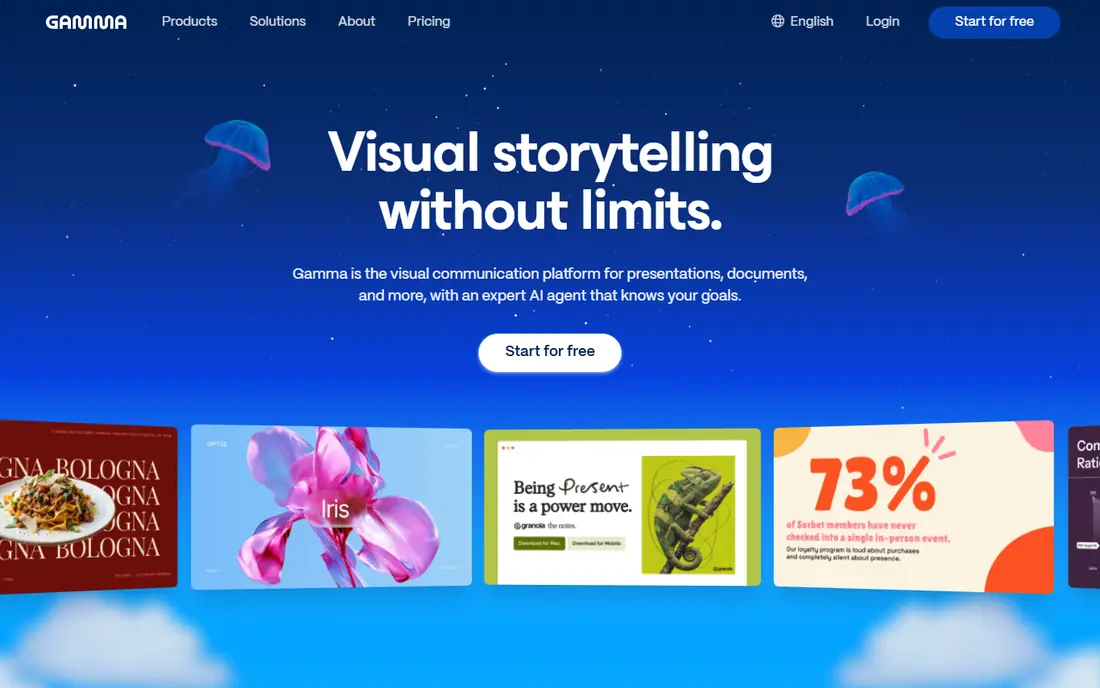
Gamma turns a prompt, outline, or pasted document into a polished deck in minutes, with a modern design that avoids the usual bullet-heavy look. You can share decks on the web, present from a link, and export to PowerPoint or PDF on paid plans. For a first draft under time pressure, it is the fastest tool on this list.
The catch is the workflow. Gamma decks live on the web first, so teams that must edit the final file in PowerPoint should test export quality on a real deck before committing. The free plan gives one-time credits rather than a monthly refill, so heavy users will need a paid plan fairly soon.
- Very fast prompt-to-deck generation
- Modern designs
- Web sharing plus PowerPoint export on paid plans
- Web-native format feels different from PowerPoint
- Free credits are one-time, not monthly
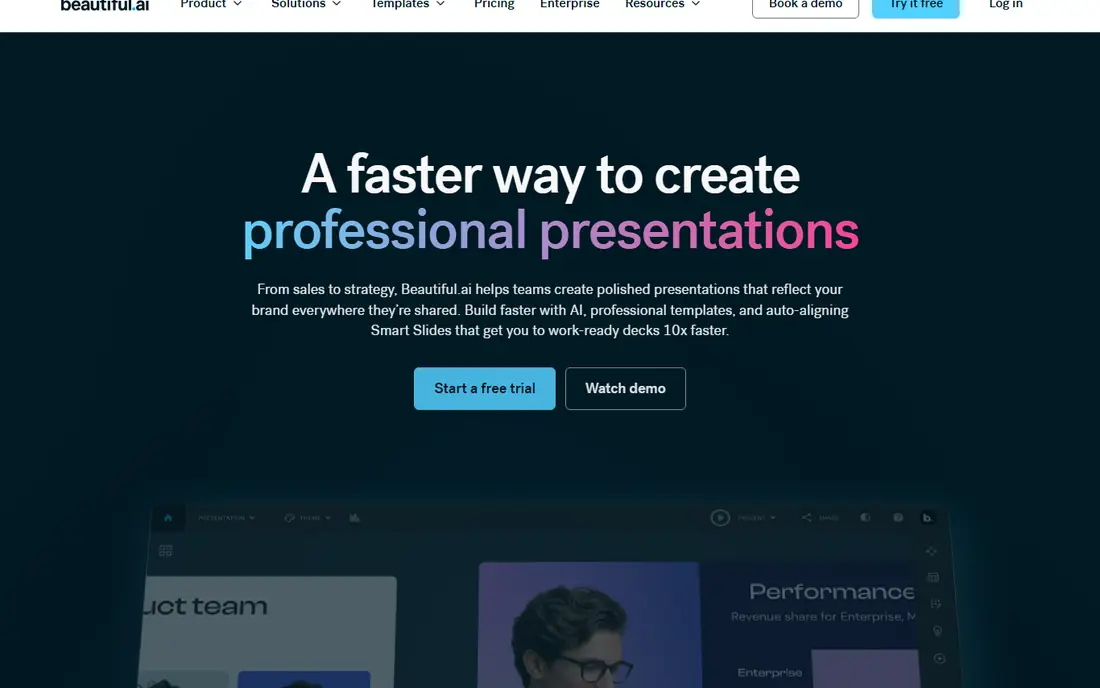
Beautiful.ai is built for teams whose decks must look consistent every time. Its Smart Slides rebalance text, images, and spacing as you edit, so a slide stays clean even after several people change it. Team plans add brand colors, fonts, and templates, which helps consulting firms and corporate teams keep every deck on-brand.
Beautiful.ai has no free plan, only a trial, and its layout discipline can feel restrictive if you want a fully custom design. For a company deck, a board pack, or a client presentation where consistency matters more than creative freedom, it is a strong pick.
- Smart Slides auto-adjust layout as you edit
- Strong brand controls on team plans
- PowerPoint import and export
- No free plan, only a trial
- Less flexible for free-form creative design
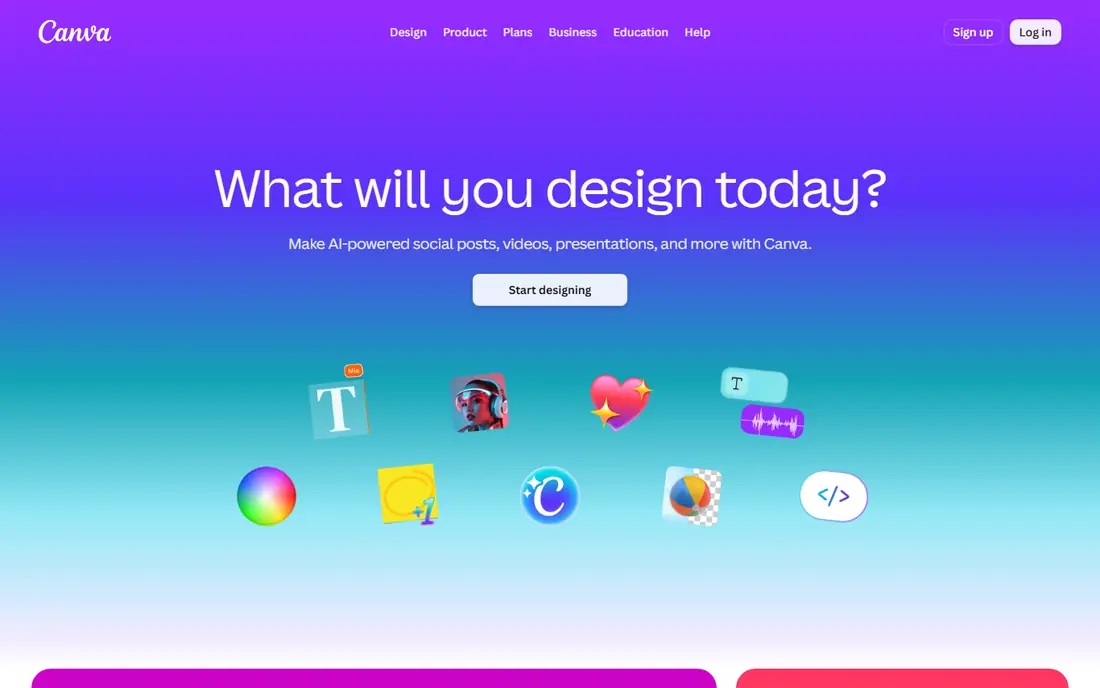
Canva is the familiar choice for visual presentations. Its template library covers sales, marketing, education, and events, and its AI features can draft text, generate images, and suggest layouts. Because Canva exports to PowerPoint, teams can start in Canva and finish in PowerPoint when a client or manager asks for the native file.
The limits are AI usage caps and export fidelity: a complex Canva design may not translate perfectly to editable PowerPoint slides. Test one real deck end to end before you rely on Canva for client work. For teams already using Canva for other design work, it is the lowest-friction AI presentation option.
- Huge template library
- Easy visual editing
- PowerPoint export available, including on the free plan
- AI presentation features vary by plan and monthly usage
- Exported files may need cleanup
Microsoft 365 Copilot is the only option here that is truly native to PowerPoint. It can draft a deck from a Word document, summarize content into slides, suggest speaker notes, and rewrite text without leaving the app. For companies already standardized on Microsoft 365, that native workflow avoids export problems entirely.
The barrier is price and eligibility. Copilot requires a qualifying Microsoft 365 plan, and the add-on cost sits on top of that plan, so the total matters more than any single figure. If your final file must be a PowerPoint file and your team already pays for Microsoft 365, Copilot is the cleanest fit.
- Works directly inside PowerPoint
- Uses your Word docs and meeting notes as source material
- Enterprise security controls
- Needs an eligible Microsoft 365 plan
- Price depends on the bundle, so compare totals
Plus AI works as an add-in inside PowerPoint and Google Slides, which is its main advantage. You open your existing deck, describe a new presentation or a set of slides, and Plus AI generates editable slides in that same file. That avoids the export-and-fix step that web-first tools often require.
Design options are more limited than in Gamma or Canva, and there is no free plan beyond a trial. For users who live in PowerPoint and want AI drafting without changing tools, Plus AI is the most direct add-on on this list.
- Generates and edits slides inside PowerPoint and Google Slides
- Keeps your existing file format
- Simple prompt workflow
- No free plan, only a trial
- Design range is narrower than Gamma or Canva
Pitch is built for teams that build decks together. Multiple people can edit, comment, and present from shared workspaces, and link sharing with viewer analytics helps sales and fundraising teams see who opened a deck. AI features can draft slides and suggest content, though the deeper AI credits sit on paid plans.
The free plan is useful for small teams, but PowerPoint export requires a paid plan, so budget for that step if your workflow ends in PowerPoint. For startup and agency teams that present from links and value collaboration, Pitch is a solid alternative to Google Slides.
- Strong real-time collaboration
- Link sharing and analytics
- AI draft help on paid plans
- PowerPoint export needs a paid plan
- Pricing varies by region and billing period
Prezi takes a different approach: instead of linear slides, it uses a zooming canvas that moves between topics, which can make a talk feel more like a guided tour than a slide read-out. AI features help draft the structure and content, and the entry price is lower than most rivals here. Teachers, speakers, and storytellers often prefer this style.
That style is also the risk. A formal corporate audience may expect a standard linear deck, and converting a Prezi talk into a clean PowerPoint file takes care. If you present live and want to stand out, Prezi is worth trying. If you must deliver a standard PowerPoint file, pick a more linear tool.
- Zooming canvas makes talks feel dynamic
- AI helps draft presentations
- Low entry price
- Non-linear style does not suit every audience
- PowerPoint-style editing feels different
SlidesAI is a budget add-on that turns pasted text into a slide deck inside Google Slides. It is simple: paste your content, pick a theme, and get an editable deck you can present or export. Teachers, students, and small teams who already use Google Slides will find it the cheapest way to get AI drafting.
The limits are clear. It works in Google Slides rather than directly in PowerPoint, and its designs are plainer than Gamma or Beautiful.ai. If your final file must be a polished PowerPoint deck, expect an export and cleanup step. For quick, low-cost drafts, SlidesAI does the job well.
- Turns text into Google Slides quickly
- Low cost
- Simple workflow for teachers and small teams
- Works in Google Slides, not directly in PowerPoint
- Design options are basic
How we picked these
We compared official pricing pages, export documentation, and current October 2026 pricing summaries, and we favored tools that can produce or edit a PowerPoint file in a real workflow. We did not claim hands-on testing of every tool. We weighed generation speed, design quality signals, editing control, PowerPoint export, and pricing transparency, since export and pricing decide most buying choices in this category.
How to choose the right tool for your deck
Start with where the deck must end up. If the answer is a PowerPoint file that a manager, client, or teacher will edit, shortlist Copilot, Plus AI, Beautiful.ai, or Gamma, and test the export on a real deck first. If the answer is a link you present from, Gamma, Pitch, and Prezi become stronger options, since web sharing and analytics matter more than file fidelity.
Check the free plan limits before you start a big project. Some tools give one-time credits, some give monthly credits, and some give only a trial. A tool that feels generous on day one can run out mid-project, so plan your deck count and slide count against the credits or usage caps on the plan you will actually pay for.
Test three things on a sample deck
First, generate a deck from your own outline, not a demo topic, and check whether the content is accurate. Second, edit five slides by hand and see how much the layout breaks. Third, export to PowerPoint and open the file on another computer. If any step fails, that tool is not the right fit, no matter how good the demo looked.
Keep brand control simple
For team decks, agree on colors, fonts, and a cover layout before anyone generates slides. Tools with brand kits, such as Beautiful.ai and Canva, enforce those choices automatically. Without that step, AI-generated decks from different team members will look like they came from different companies.
Frequently asked questions
Which AI tool is best for PowerPoint presentations?
Gamma is the fastest for a first draft, Beautiful.ai is best for consistent corporate decks, and Microsoft 365 Copilot is best if the final file must stay native in PowerPoint. The right pick depends on whether you value speed, consistency, or native editing most.
Can Gamma export to PowerPoint?
Yes, Gamma exports to PowerPoint on paid plans, along with PDF and web sharing. Test the export on a sample deck first, since web-native layouts may need small fixes after export.
Is there a free AI tool for PowerPoint presentations?
Gamma, Canva, Pitch, Prezi, and SlidesAI all offer free plans with limits on credits, AI uses, or exports. Beautiful.ai and Plus AI offer trials instead of free plans, and Microsoft 365 Copilot needs a paid Microsoft plan.
Does Microsoft Copilot work inside PowerPoint?
Yes, Microsoft 365 Copilot works directly inside PowerPoint, where it can draft decks from documents, rewrite slides, and suggest speaker notes. It requires an eligible Microsoft 365 plan plus the Copilot add-on or bundle.
Which AI presentation tool is best for teams?
Beautiful.ai and Pitch are the strongest team picks here. Beautiful.ai enforces brand and layout consistency, while Pitch excels at real-time collaboration, link sharing, and viewer analytics.
Sources
See where you really rank - block by block
ProMapRanker scans Google Maps across a grid of your service area. Simple monthly plans from $19, white-label on every plan.
Start freeKeep reading
 twitch alternatives
Twitch Alternatives in 2026
Explore the best Twitch alternatives in 2026 for live streaming, with free platforms, monetisation options, audiences, chat tools, and tips for new streamers.
Read → firebase alternatives
Best Firebase Alternatives in 2026
Looking for Firebase alternatives? We compare 9 backend platforms for auth, databases, realtime, storage, functions, self-hosting, and pricing for your app.
Read → companies with best work life balance
Companies With Best Work Life Balance in 2026
See companies with best work life balance in 2026, ranked by employee ratings, with flexible work options, benefits, and what to check before applying.
Read →