 ProMapRanker
Best AI Text to Speech Tools in 2026

Key takeaways
- ElevenLabs is our pick for the most natural sounding voices, while Murf suits video teams that want an editor built around voiceover.
- Free plans are useful for testing, but commercial use, downloads, and higher quality voices usually sit behind a paid plan.
- Amazon Polly and PlayHT make more sense for developers who need an API than for someone recording a single narration.
- Check the licence for each plan before you publish, since free and low cost tiers often restrict commercial use.
Quick comparison
| Pick | Great for | Pricing starts at | Free tier | |
|---|---|---|---|---|
 ElevenLabs | Most natural sounding voices | See website | Yes | Visit |
 Murf AI | Video voiceover teams | $19 per month | Yes | Visit |
 PlayHT | Large voice library | See website | Yes | Visit |
 Speechify Studio | Dubbing and studio voiceover | See website | Yes | Visit |
 WellSaid Labs | Professional English narration | $10 per month | Yes | Visit |
 NaturalReader | Reading documents aloud | See website | Yes | Visit |
 Fliki | Short social video | See website | Yes | Visit |
 Amazon Polly | Developer text to speech | See website | No | Visit |
The best AI text to speech tools
We compared voice quality, language support, editing tools, pricing, and licence terms. The tools below cover solo creators, business teams, and developers.
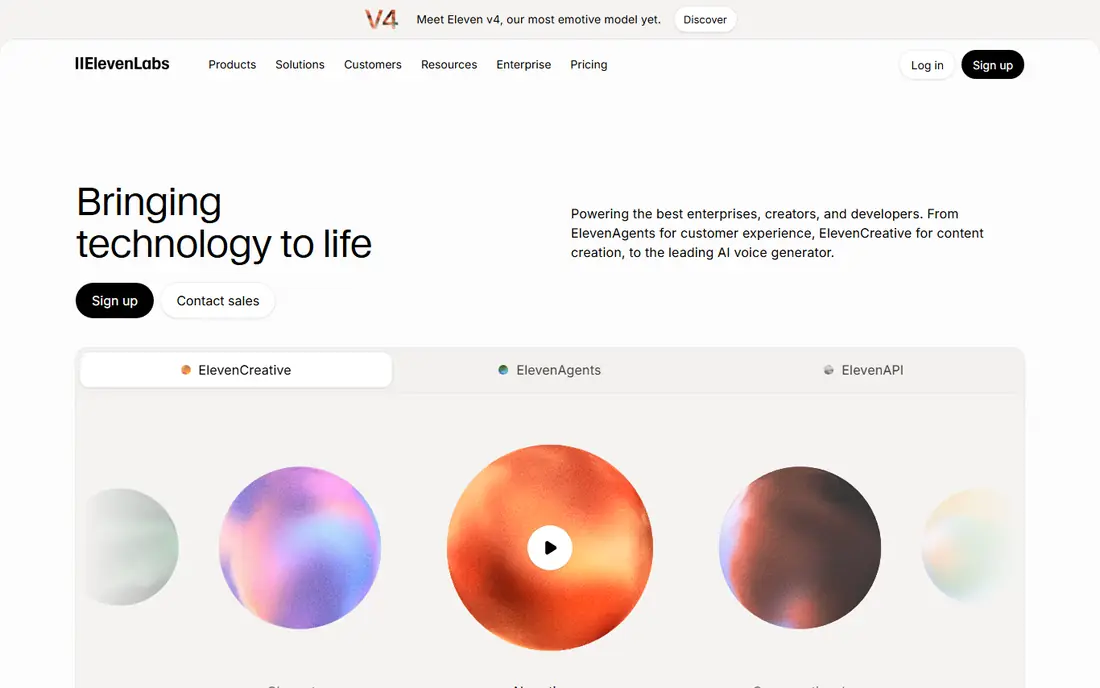
ElevenLabs is the tool we would start with when voice quality matters most. Its voices handle pauses and tone better than most rivals, which helps long narration sound less flat. The library includes a large set of stock voices, and paid plans add cloning for a consistent brand voice.
The catch is cost control. Credits are shared across products, so a long audiobook or a series of videos can use a monthly allowance faster than expected. Read the plan limits before you commit, and test a full script on the free plan first.
- Very natural voices
- Voice cloning on paid plans
- Wide language support
- Credit limits can run out fast on long projects
- Commercial use needs a paid plan
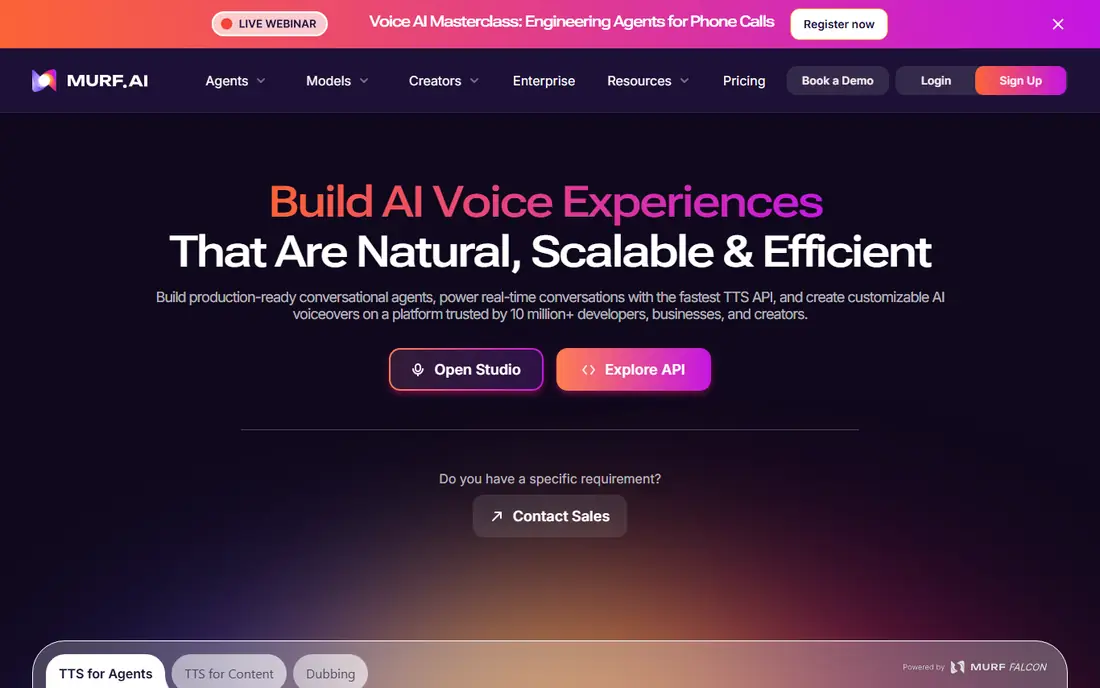
Murf is built for people who make videos, courses, and presentations rather than audio files alone. You can line up voiceover against visuals, adjust pauses, and change emphasis without leaving the studio. That workflow saves time for teams that revise scripts often.
The free plan is best treated as a trial. It lets you hear voices and test the editor, but paid access is needed for finished commercial work. Annual billing lowers the monthly figure, so check both prices at checkout.
- Visual studio with timeline editing
- Good for video and e-learning
- Team friendly workflow
- Free plan does not allow commercial downloads
- Cloning is limited on lower plans
PlayHT appeals to creators who need variety, from podcast narration to conversational agents. The library covers many languages and accents, and cloning lets you build a repeatable voice for a series. Developers can also use the API to add speech to an app.
Pricing is the part to double check. Published starting prices have varied across the year, so use the current pricing page rather than an older review. Confirm whether the plan you need includes the voice quality and download format you want.
- Very large voice and language range
- Voice cloning options
- API access
- Pricing has changed often
- Some features sit on higher tiers
Speechify Studio is a separate product from the Speechify reading app, and that distinction matters when you compare prices. The studio is aimed at voiceover and dubbing, with credits for generation and tools for matching speech to video. It suits creators who publish in more than one language.
The downside is that the two Speechify products share a name, so a price you saw for the reader may not apply here. Start from the Studio pricing page, and confirm the credit allowance for the length of audio you plan to make each month.
- Dubbing tools alongside voiceover
- Credit based studio plans
- Simple editor
- Easy to confuse with the separate Speechify reader app
- Cloning and commercial rights need a paid plan
WellSaid Labs keeps things simple, and that is its strength. The voices are aimed at business narration, training material, and ads, where clarity matters more than dramatic range. Paid plans allow unlimited generation with a set number of download minutes, which makes budgeting clearer.
If you need many languages, this is not the first pick. The catalogue is strongest in English, and teams with global content will need a second tool. For a US focused business, though, the voice quality and clear metering are hard to beat at this price.
- Clean professional English voices
- Download based metering is easy to follow
- Good for training and marketing narration
- Language range is narrower than global rivals
- Download limits apply
NaturalReader started as a reading tool, and it still shines there. Upload a PDF, a document, or a web page and listen while you work, study, or review a draft. The interface is plain and quick to learn, which helps readers who want audio without learning an editing studio.
It is not the best choice for polished ads or character narration. The voices are clear and pleasant, but the tool is built for reading first and performance second. Use it for study, proof listening, and accessibility, and pick a studio tool for published voiceover.
- Strong document reading tools
- Simple to use
- Good accessibility option
- Less suited to broadcast quality voiceover
- Advanced voices need a paid plan
Fliki is for creators who need finished short videos fast. Paste a script, pick a voice, add stock visuals, and export a clip for social media or a quick explainer. That speed matters when you publish several times a week and cannot spend a day on each video.
The trade off is depth. You get less fine control over pacing and emphasis than in a dedicated voice studio, and heavy use of templates can make videos look similar. Use Fliki for volume and speed, and a specialist tool for a flagship video.
- Turns text into video quickly
- Large stock media library
- Good for short form content
- Less control over fine voice detail
- Longer projects can feel template driven
Amazon Polly is a developer service inside Amazon Web Services, not a consumer app. You send text through an API and receive audio back, which suits apps, call systems, and large scale narration pipelines. Pricing is usage based, so small tests cost little and large jobs scale with volume.
Casual creators should look elsewhere. There is no simple drag and drop studio, and setup needs an AWS account and some code. For a team building speech into a product, though, Polly is a dependable and flexible option.
- Pay as you go pricing
- Strong developer tools
- Many languages and voices
- Needs technical setup
- No friendly studio editor for casual creators
How we picked these
We compared official feature pages, pricing pages, and app store listings, plus public reviews of voice quality and licence terms. We kept only tools that are live and working in October 2026, and we left out tools whose sites were offline or no longer sold to new customers. Where a price could not be confirmed on the vendor site at the time of writing, we wrote See website rather than repeat an old figure.
What to check before you choose
Start with the job, not the voice demo. A short demo can sound great and still fail on a 20 minute script, a second language, or a commercial licence. Test your real script, in your real format, on the free plan or trial before you pay.
Check three numbers before checkout. First, the monthly credit or download allowance, and what happens when it runs out. Second, the licence, since free tiers often forbid commercial publishing. Third, the cost of cloning and of higher quality voices, which are often add ons. A cheap base plan can become costly once those extras are added.
Voice quality and languages
Listen for natural pauses, clear consonants, and steady pacing over a long passage. Short samples hide problems that show up after two minutes. If you publish globally, confirm each language you need, not just the total language count.
Editing and export
A studio with timeline editing saves hours on video work. A simple reader is fine for audio only. Confirm the export format, the audio quality, and whether the free tier watermarks or limits downloads.
Cost and licence
Add up seats, credits, and commercial rights for your whole team. A solo creator and a five person team can face very different bills on the same plan. Keep a copy of the licence terms for any voice you use in paid ads or client work.
Frequently asked questions
What are the best free text to speech AI tools?
ElevenLabs, Murf, PlayHT, Speechify Studio, and Fliki all offer free plans or credits for testing. Free tiers usually limit credits, voice choice, or commercial use, so they suit trials and personal projects best. Paid plans are the safer route for published work.
Which AI voice over software sounds most natural?
ElevenLabs is the most widely praised for natural sounding speech, with WellSaid Labs close behind for professional English narration. The best test is your own script, since voice fit depends on tone, pace, and subject. Try two or three voices on the same passage before you decide.
Can I use free AI voices for YouTube or client work?
Sometimes, but not always. Many free plans allow personal listening and testing only, and commercial publishing needs a paid licence. Check the plan terms for the exact tool and tier, and keep a record of the licence for client projects.
Do these tools support voice cloning?
ElevenLabs, PlayHT, and Speechify Studio offer cloning on paid plans, with consent and verification steps. Cloning a real person needs that person's permission, and most vendors block cloning without it. Never clone a voice you do not have rights to use.
What is the difference between text to speech and a voiceover studio?
Text to speech turns written text into spoken audio. A voiceover studio adds editing, timing, visual sync, and export tools around that speech. If you only need audio, a simple tool is enough. If you make video, a studio saves time.
Sources
See where you really rank - block by block
ProMapRanker scans Google Maps across a grid of your service area. Simple monthly plans from $19, white-label on every plan.
Start freeKeep reading
 github alternatives
Best GitHub Alternatives in 2026
Explore the best GitHub alternatives in 2026, from GitLab and Bitbucket to self-hosted Gitea and Forgejo, with prices and trade-offs for developers for readers.
Read → cineby alternatives
Cineby Alternatives in 2026
We compared legal cineby alternatives for licensed streaming, including Netflix, Hulu, Disney Plus, and free options, so you can watch without piracy sites.
Read → best visibility analysis software
Best Visibility Analysis Software in 2026
Compare the best visibility analysis software for search and AI answers. We review 8 tools that track brand mentions, citations, and rankings Updated for 2026.
Read →