 ProMapRanker
Best AI Teacher Tools for Lesson Planning in 2026


Teachers who want one toolkit for plans, rubrics, and feedback · Pricing starts at: $8.33 per month
Key takeaways
- MagicSchool gives teachers the widest set of planning tools in one place, while Brisk Teaching wins for teachers who already live in Google Docs.
- Free plans are useful for trying a tool, but generation limits, export limits, and missing district controls usually push regular users to a paid plan.
- Differentiation is the clearest split in this group: Diffit and Eduaide handle leveled readings and varied student needs better than a general chatbot.
- Khanmigo stands apart because it is free for US teachers and ties planning help to Khan Academy material, rather than to a broad template library.
- Before a district purchase, check the data processing agreement, single sign-on, rostering, and whether student-facing features can be turned off.
Quick comparison
| Pick | Great for | Pricing starts at | Free tier | |
|---|---|---|---|---|
| MagicSchool | Teachers who want one toolkit for plans, rubrics, and feedback | $8.33 per month | Yes | Visit |
 Brisk Teaching | Teachers who grade and plan inside Google Docs and Slides | $99.99 per year | Yes | Visit |
 Diffit | Teachers who need the same lesson at several reading levels | $14.99 per month | Yes | Visit |
 Eduaide.ai | Teachers who want pedagogy details in the draft, not just an outline | $49.99 per year | Yes | Visit |
 Curipod | Teachers who want live, interactive lessons with student responses | See website | Yes | Visit |
 Khanmigo | US teachers who want free, curriculum linked AI help | Free for US teachers | Yes | Visit |
 Education Copilot | Teachers who need clean, print ready lesson documents fast | $9 per month | Yes | Visit |
 Monsha | Teachers who want plans, worksheets, and quizzes from one prompt set | $10 per month | Yes | Visit |
The best ai teacher tools for lesson planning
AI lesson planning tools draft plans, rubrics, quizzes, and differentiated materials from a topic, grade, and standard, so teachers can spend more time teaching and less time formatting documents. The best ai tools for teachers lesson planning in this list are still sold and supported in October 2026. Use them for legitimate teaching help: draft and adapt your own materials, check every fact and standard alignment yourself, and follow your school policy on student work and academic integrity, including not using AI to complete work that students must do themselves.
MagicSchool
Great for: Teachers who want one toolkit for plans, rubrics, and feedback
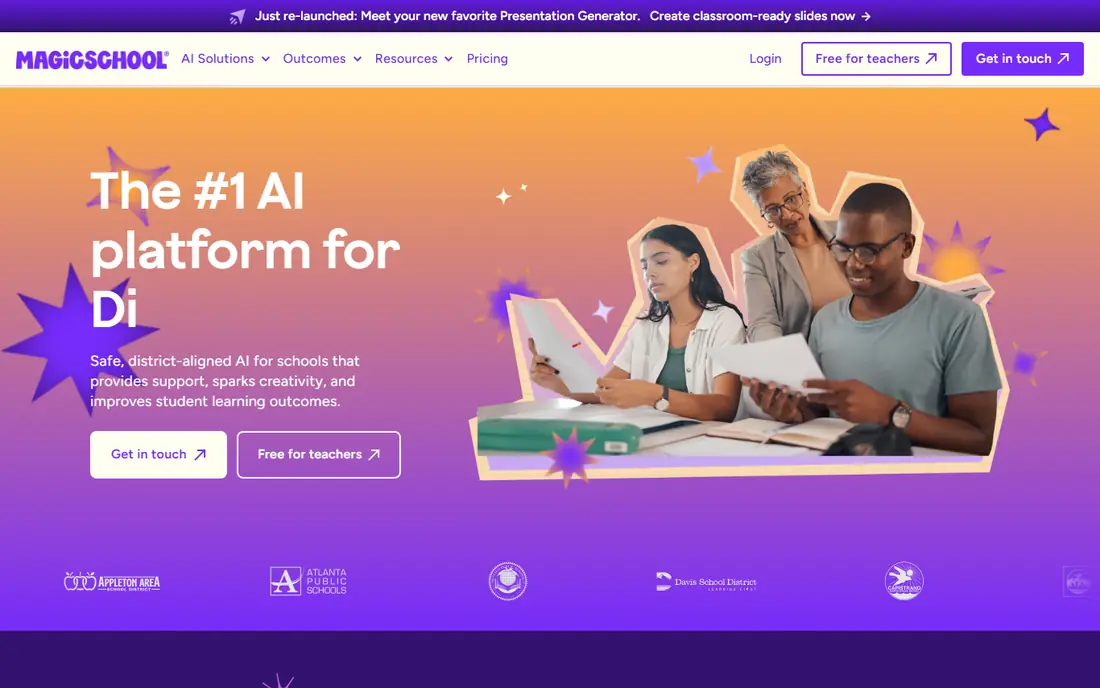
MagicSchool packs lesson plans, rubrics, IEP goal drafts, quizzes, writing feedback, report-card comments, and differentiation into one dashboard built for educators. You describe your class by grade, subject, topic, and standards, and you get a complete plan with objectives, materials, activities, and assessments, not just a vague outline. A companion assistant, Raina, helps with follow-up tasks inside the same workspace.
The free tier covers a normal week's planning for many teachers, but usage limits apply, and the Plus plan is $8.33 per month on annual billing, or $12.99 month to month, in published material. Privacy is education specific, with FERPA and COPPA alignment claimed by the vendor and student data not used for model training per the company. MagicSchool is our pick for most teachers because it replaces several single-purpose tools at once, provided you still review each draft for accuracy and fit.
- More than 80 teacher tools in one dashboard
- Lesson plans with objectives, activities, and assessments
- Education focused privacy posture
- Free tier has usage limits
- District controls sit on higher plans
Brisk Teaching
Great for: Teachers who grade and plan inside Google Docs and Slides
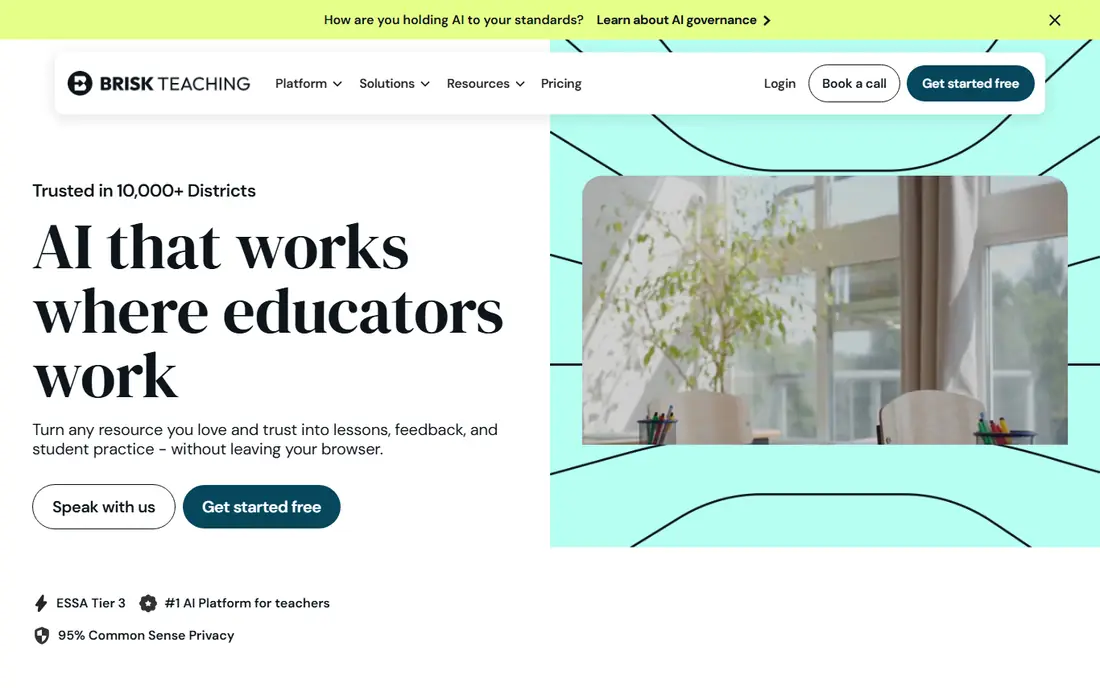
Brisk Teaching is a browser extension that lives inside Google Docs, Slides, PDFs, YouTube, and Canvas, which are tools many teachers already use every day. Highlight a paragraph in a Doc and Brisk can level it, quiz it, or turn it into a lesson activity right there, without copying text between windows. It also gives rubric based feedback inside the document, which saves time on grading and revision.
The Free Forever plan includes more than 20 tools with daily limits, plus a trial of premium features when you sign up, while Educator Pro is $99.99 per year in published material. Brisk is the best second tool in a stack: plan in MagicSchool, then polish and differentiate inside Docs with Brisk. Teachers who do not use Google Workspace will get less from it, since the extension is built around that workflow.
- Works inside Google Docs, Slides, PDFs, and YouTube
- Feedback and differentiation without a new tab
- Free plan with many tools
- Needs Chrome or Edge
- Some standards features sit on paid plans
Diffit turns any text into reading passages at several levels, with questions, vocabulary, and summaries to match. That makes it the clearest differentiation tool in this list: one lesson can reach students at different reading levels without the teacher rewriting the same passage three times. It also helps multilingual learners, since level and language support are built into the workflow.
The free tier covers basic use, while the paid plan is $14.99 per month or $149.99 per year per teacher in published material. Diffit is not a full lesson planner on its own, since its strength is the leveled reading and questions, not a whole unit plan. Pair it with MagicSchool or Eduaide for the plan itself, and use Diffit when the same content must work for a mixed reading level class.
- Leveled readings from any text in under a minute
- Questions and vocabulary built in
- Strong for multilingual learners
- Paid plan needed for regular classroom use
- Output still needs a teacher check for reading level and accuracy
Eduaide.ai
Great for: Teachers who want pedagogy details in the draft, not just an outline
Eduaide.ai focuses on pedagogy first, with resource types that include lesson plans, exit tickets, rubrics, IEP support, and feedback tools, plus options for frameworks and depth of knowledge levels. That detail matters when a draft must fit a specific teaching model, not just a topic and grade. Teachers who want to shape the thinking level and structure of a lesson, rather than accept a generic outline, will notice the difference.
The free tier offers a limited number of generations per month, while the Pro plan is $49.99 per year or $5.99 per month in published material. Eduaide is less well known than MagicSchool, so district support and training material may be thinner. For a teacher who values pedagogy options over sheer tool count, Eduaide is a strong, low cost alternative.
- More than 75 resource types
- Framework and depth of knowledge options
- Feedback and planning tools in one place
- Smaller brand than MagicSchool
- Free tier has a monthly generation limit
Curipod
Great for: Teachers who want live, interactive lessons with student responses
Curipod builds interactive lessons with AI slides, polls, word clouds, and writing prompts, then collects student responses live during the lesson. Teachers can see answers as they arrive, give feedback, and adjust the discussion based on what students actually wrote. That live loop is the reason Curipod stands apart from tools that only produce a static plan document.
The free tier covers basic use, while school and district pricing is quoted, so we list the starting price as See website. Curipod needs student devices for the full experience, so it suits classrooms with reliable device access better than a paper first setting. Use Curipod when engagement and live writing practice matter more than a printed plan, and keep student data controls in mind for district use.
- AI slides with live polls and writing practice
- Real-time student responses and feedback
- Engaging for whole class lessons
- Pricing for schools is quoted
- Needs student devices for the full live experience
Khanmigo is Khan Academy's AI assistant, free for US teachers, with a Socratic approach that guides students with questions rather than giving answers outright. For lesson planning, it helps teachers prepare material linked to Khan Academy content, and it supports student tutoring in a way that fits classroom learning goals. That curriculum link is a real advantage over a general chatbot that has no sense of what students have already studied.
The limit is breadth. Khanmigo does not offer the wide template library of MagicSchool or Eduaide, and school and district plans are quoted. For US teachers who already use Khan Academy, Khanmigo is an easy, free addition that supports both planning and student practice. Teachers outside the US should check current availability and pricing for their region before relying on it.
- Free for US teachers
- Socratic tutoring approach for students
- Tied to Khan Academy material
- Teacher tools are narrower than a full toolkit
- District features are quoted
Education Copilot
Great for: Teachers who need clean, print ready lesson documents fast
Education Copilot focuses on producing clean, print ready lesson documents quickly, including lesson plans, worksheets, and rubrics in a consistent format. Teachers who need a tidy handout for tomorrow's class, without learning a large toolkit, will find it straightforward. The output is designed to print well and to read clearly, which still matters in classrooms that use paper alongside devices.
Pricing is about $9 per month in published material, with a free tier for basic use and school plans quoted. The tool set is narrower than MagicSchool, so teachers who want IEP drafting, feedback tools, and differentiation in one place will need a second tool. Education Copilot fits teachers and tutoring centres that value speed and clean documents over breadth.
- Clean, print ready lesson plans and handouts
- Consistent document format
- Fast for routine planning
- Narrower tool set than MagicSchool
- Some features need a school plan
Monsha
Great for: Teachers who want plans, worksheets, and quizzes from one prompt set
Monsha lets teachers generate lesson plans, worksheets, and quizzes from text, PDFs, videos, web links, and other source material, with export options for learning systems. That source based approach helps when a lesson must stay close to a specific text or video, rather than a generic topic. Teachers can build a set of related materials from one prompt set, instead of starting each document separately.
The free tier covers 10 lesson plans or other teaching resource generations per month, while Pro is $10 per month or $120 per year in published material. Monsha is a newer brand, so long term support and district adoption are less proven than MagicSchool or Khan Academy. For teachers who want a compact set of plans, worksheets, and quizzes from their own source material, Monsha is worth a trial.
- Plans, worksheets, and quizzes from one set of inputs
- Export to learning systems
- Free tier with monthly generations
- Newer brand than MagicSchool
- Output still needs a teacher check for standards and facts
How we picked these
We compared vendor pricing pages, product documentation, and recent lesson planning comparisons from 2026, and we kept only tools that are still sold and that support lesson planning directly. We favoured tools with education specific privacy, differentiation, and export options, and we noted where pricing is quoted. We did not claim hands-on testing, and we treated vendor claims about standards alignment as claims to check, not as facts, since every AI draft needs a teacher review.
What to check before you buy
Start with your weekly planning job, not the tool count. If you plan in Google Docs, Brisk will save more time than a separate dashboard. If you need leveled readings, Diffit matters more than a generic plan generator. If you teach live with devices, Curipod fits better than a print focused tool.
Check privacy and district rules next. Ask for the data processing agreement, single sign-on, rostering, and whether student-facing features can be turned off. Confirm generation limits on the free plan, since a limit that looks generous can run out mid-week. Finally, build a review habit: check facts, standards, reading level, and bias in every AI draft, and keep the academic integrity line clear, with AI used to prepare teaching materials, not to do student work for them.
Frequently asked questions
What are the best ai tools for teachers lesson planning overall?
MagicSchool is our pick for most teachers because it covers plans, rubrics, quizzes, and feedback in one place. Brisk Teaching is the best companion for Google Docs users, while Diffit is the best choice when differentiation is the main need.
Are AI lesson planning tools free for teachers?
Many offer a free tier, and Khanmigo is free for US teachers, but free tiers usually have generation or export limits. Regular classroom use often needs a paid plan, which here ranges from about $49.99 per year to $14.99 per month depending on the tool.
Can AI tools align lesson plans to state standards?
They can draft plans around a standard you name, but you must check the alignment yourself, since AI output can misstate a standard or miss a required skill. Treat the draft as a starting point, and keep your district curriculum as the authority.
How should teachers use AI without breaking academic integrity rules?
Use AI to draft and adapt your own teaching materials, such as plans, rubrics, and practice items, and follow your school policy on student use. Do not use AI to complete work that students must do themselves, and be clear with students about what help is allowed.
What privacy checks matter before a school buys an AI teacher tool?
Check the data processing agreement, whether student data is used for model training, single sign-on, rostering, and whether student-facing features can be disabled. District approval should come before classroom use with student data.
Which tool is best for leveled readings?
Diffit is the best pick for leveled readings, since it turns any text into passages at several levels with questions and vocabulary. Brisk Teaching also levels text inside Google Docs, which suits teachers who already work there.
Sources
- https://www.magicschool.ai
- https://www.briskteaching.com
- https://www.diffit.me
- https://www.eduade.ai
- https://www.curipod.com
- https://www.khanacademy.org
- https://www.educationcopilot.com
- https://www.monsha.ai
- https://www.theaitools.tech/2026/10/best-ai-tool-for-teachers-lesson-planning.html
- https://www.forasoft.com/blog/article/automated-lesson-plan-generation-software
See where you really rank - block by block
ProMapRanker scans Google Maps across a grid of your service area. Simple monthly plans from $19, white-label on every plan.
Start freeKeep reading
 who has best internet service
Who Has the Best Internet Service in 2026
Who has best internet service for US homes? We compare fiber, cable, fixed wireless and satellite providers on speed, price, availability and terms today.
Read → which survey tool has the best analytics
Which Survey Tool Has the Best Analytics in 2026
Find which survey tool has the best analytics in 2026, comparing Qualtrics, SurveyMonkey, Typeform, Alchemer, and more on reports, text, and stats today.
Read → which streaming service has the best movies
Which Streaming Service Has the Best Movies in 2026
Answering which streaming service has the best movies, with Netflix, Max, Criterion and more compared on libraries, prices and free options in this guide.
Read →