 ProMapRanker
Best AI Software Development Analytics Tools in 2026

Trustworthy engineering intelligence insights · Pricing starts at: $5 per developer per month
Direct answer
Swarmia comes first here, mainly for trustworthy engineering intelligence insights. Listed starting prices: Swarmia from $5 per developer per month, LinearB from $29 per user a month and CodeScene from €18 per active author a month. If your case is different, DX suits measuring developer productivity with data and LinearB suits engineering context across the SDLC. The remaining 2 options are covered below with prices and limits.
Short on time? The summary and table above give the quick view of 5 AI software development analytics tools, and the profiles that follow give the detail behind each entry.
Key takeaways
- Swarmia takes the first slot, best suited to trustworthy engineering intelligence insights.
- A fair warning about Swarmia: narrower than full AI ROI suites.
- The cheapest monthly starting price in the list is $5 per developer per month, offered by Swarmia.
- Swarmia stands alone as the one tool in this list with a free plan.
Quick comparison
| Pick | Great for | Pricing starts at | Free tier | |
|---|---|---|---|---|
| Swarmia | Trustworthy engineering intelligence insights | $5 per developer per month | Yes | Visit |
 DX | Measuring developer productivity with data | See website | Not stated | Visit |
 LinearB | Engineering context across the SDLC | $29 per user a month | Free trial | Visit |
 CodeScene | Scaling AI coding without technical debt | €18 per active author a month | Free trial | Visit |
 GitHub Copilot | AI assistance inside coding workflows | See website | Not stated | Visit |
The full AI software development analytics tools list
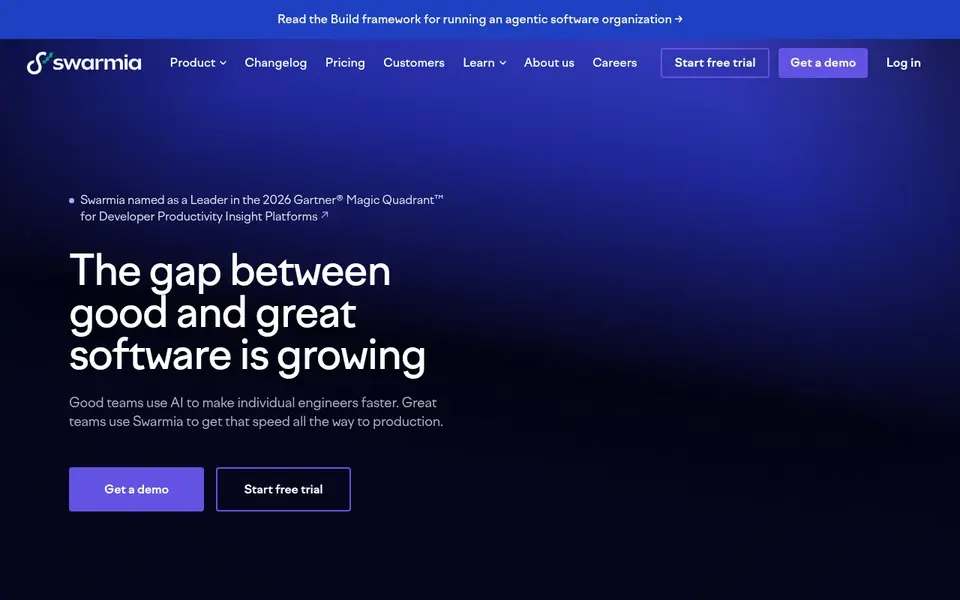
Swarmia serves trustworthy engineering intelligence insights. Swarmia is centered on engineering intelligence instead of AI coding assistance or in-depth code health scoring.
What to check first: Value relies on connected tooling.
Worth adding: Swarmia positions itself as engineering intelligence you can trust, with insights intended to power the entire engineering organization. Its homepage invites teams to start with a demo or a trial. Entry price for Swarmia: $5 per developer per month. Swarmia has a free plan.
- Demo and trial choices described
- Insights for the whole organization
- Narrower than full AI ROI suites
DX is aimed squarely at measuring developer productivity with data. DX is a developer intelligence system that its homepage says was designed by leading researchers.
Downsides: Survey-based data needs participation.
In daily use, teams looking for in-editor AI help should start with GitHub Copilot, and those needing deep code-level debt analysis may prefer CodeScene. Beyond that, DX is a measurement and intelligence system instead of an AI coding assistant or a code health analyzer. No starting price is listed for DX here; confirm pricing on the vendor site. Free plan details: Not stated.
- Addresses AI-augmented engineering
- Built by researchers
- Not a coding assistant
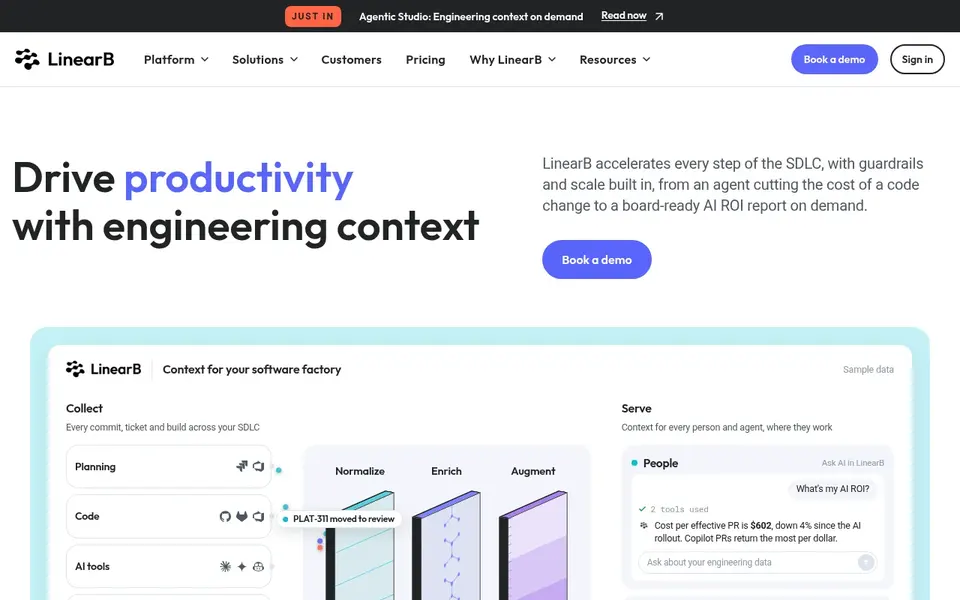
LinearB makes the most sense for engineering context across the SDLC. LinearB presents itself as a product that accelerates every step of the software development life cycle, with guardrails and scale built in.
Points against: Feature breadth may overwhelm.
Its homepage mentions capabilities ranging from an agent that cuts the cost of a code change to a board-ready AI ROI report on demand. Organizations seeking a more straightforward measurement layer, or a tool centered on code health, may prefer Swarmia or CodeScene instead. LinearB pricing: $29 per user per month. As for free access: Free trial.
- Contains guardrails and scale
- Provides AI ROI reporting
- Needs workflow data to be handy
CodeScene is designed for scaling AI coding without technical debt. CodeScene concentrates on scaling AI coding safely without sacrificing quality or amplifying technical debt.
What to check first: Not a full delivery analytics suite.
It fits engineering teams that worry about quality erosion as AI-generated code raises and want code-level analysis that ties refactoring work to outcomes leaders care about. Price to start with CodeScene: €18 per active author per month. Free access: Free trial.
- Emphasis on code health
- Aims to limit technical debt
- Needs codebase access to analyze
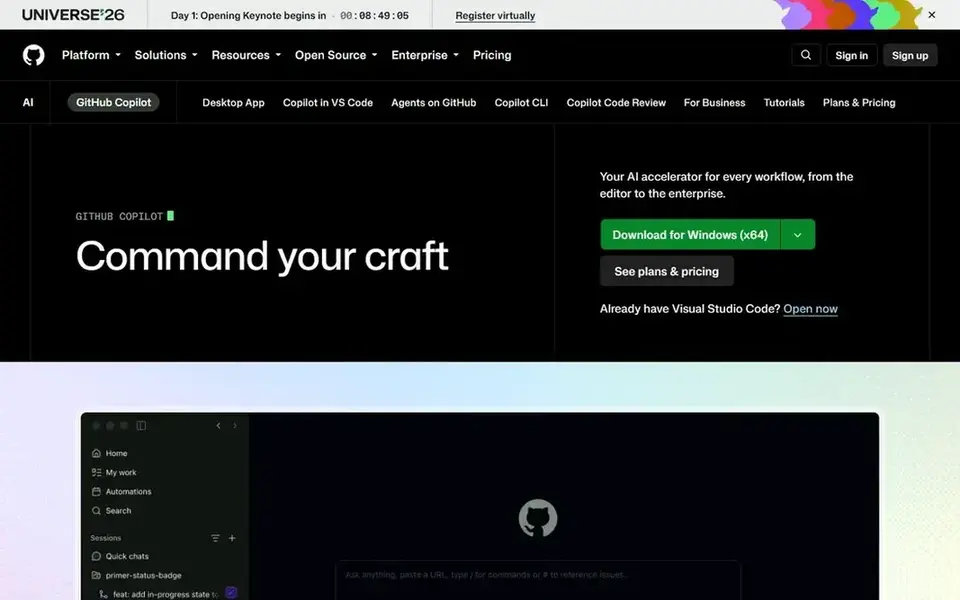
GitHub Copilot is designed for AI assistance inside coding workflows. It fits development teams that want AI help embedded straight in their daily coding and review work instead of a separate analytics layer.
Where it falls short: Analytics depth is restricted.
Copilot is primarily an assistance tool, so it is not built as a full engineering intelligence system for measuring productivity or AI return across an organization. Check the vendor site for GitHub Copilot pricing; none is listed in this comparison. On free options: Not stated.
- Suits teams already on GitHub
- Supports issue-to-pull-request workflows
- Less suited to org-wide measurement
How we built this list
For each of the 5 tools we noted price, free plan or trial, fit for AI software development analytics tools and the main limit, using vendor pages and documentation. Figures are shown as the vendors publish them. Billing terms, seat minimums and add-ons can change the real cost. Tools are placed by general fit for AI software development analytics tools, with price clarity and free access as tie-breakers. A different team can reasonably rank them differently.
A buyer's checklist
- Ask DX and GitHub Copilot for a written quote, since no starting price is shown.
- Test the free plan from Swarmia against your real workload before relying on it.
- Use real work to test the free trial from LinearB and CodeScene, rather than a demo project.
- Read the limits listed for Swarmia first: narrower than full AI ROI suites.
- The entry price of LinearB is only the starting point; model the full cost with seats and extras.
- Check the integration list for CodeScene against the tools you run today, and note which ones need a higher plan.
Frequently asked questions
Is Swarmia the right pick for everyone comparing AI software development analytics tools?
No single tool suits every team. Swarmia comes first because it fits trustworthy engineering intelligence insights, while DX suits measuring developer productivity with data and LinearB suits engineering context across the SDLC. Match the tool to your own size, budget and workflow before deciding.
Do these tools publish their prices?
Not all of them. DX and GitHub Copilot publish no starting price, so expect a quote request for those. The rest, Swarmia included, show a starting price, though seats and billing terms still change the final cost.
Can I try these options before paying?
Often, yes. Swarmia has a free plan and LinearB and CodeScene offer a free trial. Use your own data and a real task during the test, and check what the free tier or trial limits before you rely on it.
Which options for AI software development analytics tools have a free plan?
Swarmia is the only tool in this list with a free plan. Free plans usually cap users, projects or features, so check the limits on the vendor page. Several others offer a trial instead.
Can these tools help control technical debt from AI-generated code?
CodeScene is the most straight focused choice, describing code health analysis and technical debt mitigation. Other products may surface quality signals through their dashboards, but confirm the specific metrics on each vendor site.
Sources
See where you really rank - block by block
ProMapRanker scans Google Maps across a grid of your service area. Simple monthly plans from $19, white-label on every plan.
Start freeBrowse all guides
← AI Mobile Crash Reporting Software in 2026: Top 5 ComparedBest AI Software Testing Tools for Enterprise in 2026 →
 best ai database monitoring tools
AI Database Monitoring Tools: Best Picks of 2026
Weighing the best AI database monitoring tools? We lined up 6 products by cost, free access and fit. Every profile names its biggest catch. Updated for 2026.
Read → best ai container monitoring tools
2026 Guide to the Best AI Container Monitoring Tools
6 products for the best AI container monitoring tools, ranked by fit, with starting costs and free tiers. Short verdicts, no fluff. Refreshed for 2026.
Read → best ai assistant for writing a book
2026 Guide to the Best AI Assistant for Writing a Book
5 tools for the best AI assistant for writing a book, compared on pricing, free plans and best-fit use. Every entry states what it lacks. Choose faster.
Read → best ai code generation software
Best AI Code Generation Software (2026)
Best AI code generation software: 6 contenders ranked by fit, with entry costs and free tiers. Read the caveats before you buy. Reviewed in November 2026.
Read → local pricing
Local Pricing: A Complete Guide
Everything you need to know about local pricing: what it is, why it matters for local SEO, and exactly how to act on it.
Read → best ai database software for businesses
8 Top AI Database Software for Businesses Compared (2026)
8 best AI database software for businesses, compared on pricing, free plans and best-fit use. Strengths and weak spots are spelled out. Updated November 2026.
Read →More in Developer Tools · All guides A to Z by date · Latest guides