 ProMapRanker
Best AI Code Generation Software (2026)


Terminal-first developers working in serious codebases · Pricing starts at: From $20 a month (Claude Pro, includes Claude Code)
Direct answer
Our first pick is Claude Code, best for terminal-first developers working in serious codebases. Alternatives: Windsurf for developers who want an agentic IDE backed by cloud agents, and Sourcegraph Cody for enterprises with codebases too large for other tools to comprehend. The other 3 tools in the list cover narrower or pricier cases.
Key takeaways
- Claude Code is the opening pick, best for terminal-first developers working in serious codebases.
- A free plan is available from 4 of the 6 tools: Claude Code, Windsurf, GitHub Copilot, Replit.
- Replit is the one to check for rapid prototyping and building in the browser.
- The cheapest monthly starting price in the list is $10 per month, offered by GitHub Copilot.
- What to know about Windsurf first: now owned by Cognition (the Devin maker), so the roadmap follows their strategy.
Quick comparison
| Pick | Great for | Pricing starts at | Free tier | |
|---|---|---|---|---|
| Claude Code | Terminal-first developers working in serious codebases | From $20 a month (Claude Pro, includes Claude Code) | Yes | Visit |
 Windsurf | Developers who want an agentic IDE backed by cloud agents | From $20 a month (Pro) | Yes | Visit |
 Sourcegraph Cody | Enterprises with codebases too large for other tools to comprehend | See website | No | Visit |
 GitHub Copilot | Developers who want the broadest integration with their existing workflow | From $10 a month (Pro) | Yes | Visit |
 Tabnine | Regulated industries where code cannot leave the building | From $39 per user/month (Code Assistant, billed yearly) | No | Visit |
 Replit | Rapid prototyping and building in the browser | From $20 a month (Core) | Yes | Visit |
6 options for AI code generation software in detail
Short on time? The summary and table above give the quick view of 6 tools for AI code generation software, and the profiles that follow give the detail behind each entry.

Where Claude Code fits: terminal-first developers working in serious codebases. It runs from the command line and its defining trait is a large context window that can hold a whole substantial codebase, which matters when a change in one module ripples through twelve others.
Points against: Terminal-centric workflow is not for everyone.
Worth adding: access comes through Claude's subscription: Pro at $20 a month ($17 with annual billing) contains Claude Code, and Max from $100 a month buys 5x to 20x more usage. The starting price for Claude Code: From $20 per month. You can start on Claude Code without paying.
- Very large context window for big repositories
- Solid reasoning for complicated refactors
- Heavy usage pushes you toward the $100+ Max levels
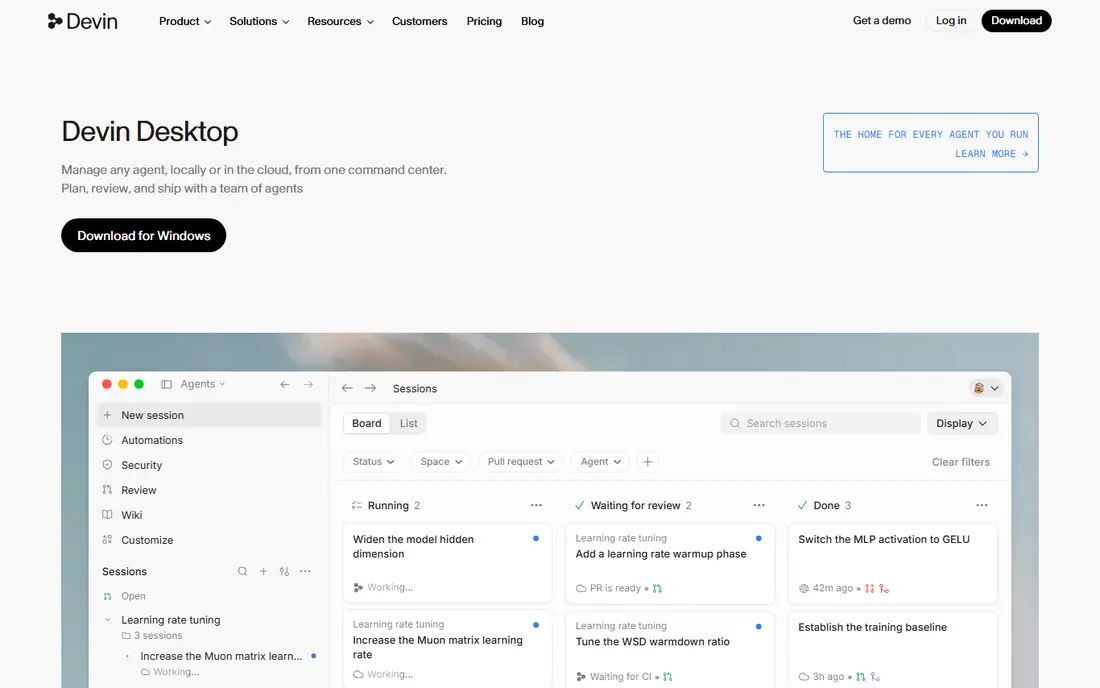
Windsurf is designed for developers who want an agentic IDE backed by cloud agents. The product's signature is the Cascade agent, which collaborates on multi-file changes with solid awareness of the codebase, plus cloud agents that work in parallel.
Where it falls short: Now owned by Cognition (the Devin maker), so the roadmap follows their strategy.
The homepage still brands it as Windsurf, but the pricing page has been folded into Devin's plans: a free level with a light agent quota, unlimited inline edits and unlimited tab completions, Pro at $20 a month with increased quotas and full model availability, and Max at $200 for power users. The starting price for Windsurf: From $20 per month. Windsurf includes a free tier.
- Cascade agent for collaborative multi-file work
- Cloud agents for parallel tasks
- Premium model usage draws from quotas
Sourcegraph Cody
Great for: Enterprises with codebases too large for other tools to comprehend
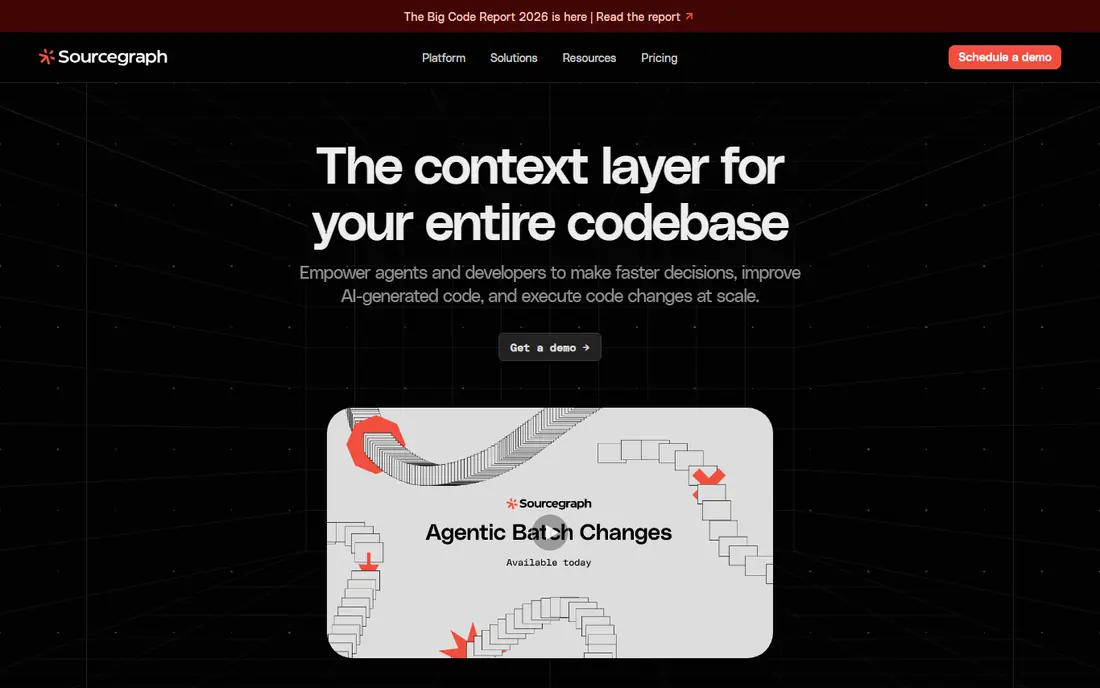
Sourcegraph Cody targets enterprises with codebases too large for other tools to comprehend. The current Sourcegraph site is enterprise-focused, with demos instead of self-serve pricing, so we list pricing as "See website." Cody historically offered a free level and a low-cost Pro plan.
Downsides: No public pricing.
But the product is now sold as part of the broader Sourcegraph system. If your codebase is genuinely enormous and your team already uses Sourcegraph, Cody is the natural choice. Check the vendor site for Sourcegraph Cody pricing; none is listed in this comparison. Sourcegraph Cody does not include a free plan.
- Capable on monorepos and multi-repo architectures
- Codebase-wide context from Sourcegraph's code graph
- Setup complexity if you are not already on Sourcegraph
GitHub Copilot
Great for: Developers who want the broadest integration with their existing workflow
Choose GitHub Copilot for developers who want the broadest integration with their existing workflow. It is 2 p.m. On a Tuesday and you are staring at a half-written API handler. The free level provides you 2,000 completions per month, Pro costs $10 per month with unlimited completions.
Highlights: Agent mode takes care of multi-file tasks.
The tool lives in practically every editor that matters: VS Code, JetBrains IDEs, Vim, Neovim and the GitHub.com web editor. Recent versions added an agent mode that executes multi-step tasks across files, runs terminal commands and opens pull requests. Beyond that, business ($19 per user a month) layers on org management and policy controls, whereas Enterprise ($39) brings fine-tuning on your own codebase. Starting cost for GitHub Copilot: From $10 per month. GitHub Copilot has a free plan.
Drawbacks to consider: Cloud-only with no self-hosted option.
- Vim and the GitHub web editor
- Free level with 2,000 completions a month
- Premium models sit in higher tiers
Think of Tabnine for regulated industries where code cannot leave the building. The company pivoted hard toward enterprise customers, removed its free level, and repositioned around data sovereignty: the Enterprise deployment can run the whole model stack on your own infrastructure, so no code ever leaves your network. More specifically, the Code Assistant plan is $39 per user a month billed yearly, the Agentic Platform is $59.
A 14-day free trial is available on premium plans with no credit card. In practice, the price reflects the positioning. Price to start with Tabnine: From $39 per user/month. There is no free plan with Tabnine.
The main drawbacks: Agentic features trail Cursor and Copilot.
- Never trains on your proprietary code
- Capable compliance certifications
- Highest per-seat price in this group
Replit is a good fit for rapid prototyping and building in the browser. Describe an app, and the Agent writes the code, sets up the database and deploys it, all in the browser. Beyond that, the subscription buys a pool of effort-based credits, and heavy Agent use, deployments and storage all draw from it.
More specifically, for production work at a professional team, pair it with a real IDE and one of the assistants above. As for the details, Replit is very good for prototypes, MVPs, hackathons and learning. As for the details, the main limit is the credit model. Replit pricing: From $20 per month. Replit has a free plan.
Drawbacks to consider: Not a daily driver for professional teams.
- Full-stack building and deployment in one browser tab
- No local setup
- Effort-based credit pricing makes costs unpredictable at scale
How these tools were picked
ProMapRanker used vendor pricing pages and product documentation as the base, then compared plans, free access and documented limits for 6 tools. Treat prices as a snapshot: vendors change plans often, so check the vendor site for the figure that applies today. Order on the page follows fit for the typical buyer first, then price transparency and free access. Your own requirements should decide the final pick.
Questions to settle before buying
- Get a written quote from Sourcegraph Cody; the list shows no starting price for them.
- Check what the free option really includes: Claude Code, Windsurf, GitHub Copilot and Replit offer a free plan, and usage caps differ.
- Before choosing Claude Code, weigh its main limit: terminal-centric workflow is not for everyone.
- Look at which plan of Windsurf unlocks the features you need; entry tiers are often cut down.
- Run a one or two week pilot of Sourcegraph Cody with the people who will use it every day.
Frequently asked questions
Is Claude Code the right pick for everyone comparing AI code generation software?
No single tool suits every team. Claude Code comes first because it fits terminal-first developers working in serious codebases, while Windsurf suits developers who want an agentic IDE backed by cloud agents and Sourcegraph Cody suits enterprises with codebases too large for other tools to comprehend. Match the tool to your own size, budget and workflow before deciding.
Which AI coding tool is best for beginners?
Start with Claude Code if you need terminal-first developers working in serious codebases. Windsurf is the better match for developers who want an agentic IDE backed by cloud agents, and Sourcegraph Cody for enterprises with codebases too large for other tools to comprehend. The best choice depends on budget, team size and workflow.
Can I try these options before paying?
Often, yes. Claude Code, Windsurf, GitHub Copilot and Replit have a free plan. Use your own data and a real task during the test, and check what the free tier or trial limits before you rely on it.
Do these tools publish their prices?
Not all of them. Sourcegraph Cody publishes no starting price, so expect a quote request for it. The rest, Claude Code included, show a starting price, though seats and billing terms still change the final cost.
What is the cheapest option for AI code generation software in this list?
On published monthly entry prices, GitHub Copilot is the lowest here at $10 per month. Entry price is only part of the cost, because seats, add-ons and billing terms can change the total.
Sources
See where you really rank - block by block
ProMapRanker scans Google Maps across a grid of your service area. Simple monthly plans from $19, white-label on every plan.
Start freeKeep reading
 zscaler alternatives
Best Zscaler Alternatives in 2026
Looking for zscaler alternatives? We compare 9 SASE and zero trust platforms on architecture, data protection, pricing, and fit for your network and team.
Read → zapier alternatives free
Best Zapier Alternatives Free in 2026
Nine automation tools for zapier alternatives free in 2026, all with genuinely free tiers, plus free plan limits, starting prices and upgrade paths explained.
Read → which platform is best for online reputation
Which Platform Is Best for Online Reputation in 2026
Wondering which platform is best for online reputation? We compare 8 review, listing, and response tools for small and multi-location businesses and agencies.
Read →