 ProMapRanker
AI PowerPoint Generator Tools in 2026: Top 6 Compared

Collaborative team presentation workspace · Pricing starts at: €10 per month
Direct answer
For collaborative team presentation workspace, Pitch is where this list starts. Listed starting prices: Pitch from €10 per month, SlidesAI from $10.00 per user a month and Beautiful.ai from $14.50 per month. Prezi AI is the stronger choice for interactive live presentations with audience polls, while SlidesAI suits turning text and documents into slides. Prices, free plans and limits for all 6 tools follow.
If you are comparing AI PowerPoint generator tools, this page covers 6 tools in one place: what each is best for, what it costs to start, whether it has a free plan, and the main limit to know about.
Key takeaways
- The list opens with Pitch, aimed at collaborative team presentation workspace.
- Pitch, SlidesAI: these are the 2 tools out of 6 that offer a free plan.
- The cheapest monthly starting price in the list is $10.00 per user per month, offered by SlidesAI.
- For fast design generation from text and media, Canva Magic Design is worth a look.
Quick comparison
| Pick | Great for | Pricing starts at | Free tier | |
|---|---|---|---|---|
| Pitch | Collaborative team presentation workspace | €10 per month | Yes | Visit |
 Prezi AI | Interactive live presentations with audience polls | See website | Not stated | Visit |
 SlidesAI | Turning text and documents into slides | $10.00 per user a month | Yes | Visit |
 Microsoft Copilot | Teams already inside Microsoft apps | See website | Not stated | Visit |
 Beautiful.ai | Enterprise teams needing on-brand decks | $14.50 per month | Free trial | Visit |
 Canva Magic Design | Fast design generation from text and media | See website | Not stated | Visit |
6 AI PowerPoint generator tools in detail
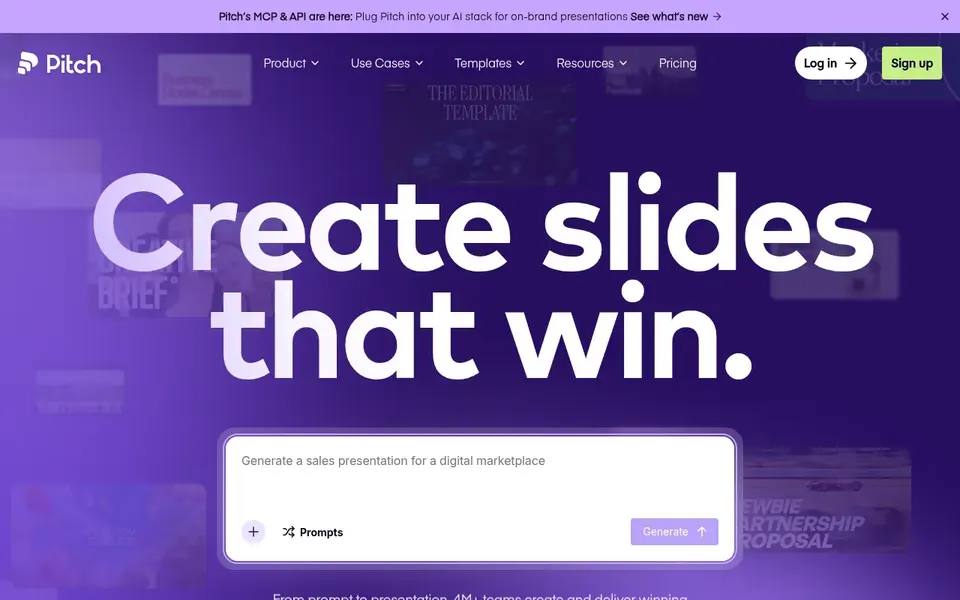
Pitch makes the most sense for collaborative team presentation workspace. Pitch is a collaborative presentation product and AI presentation workspace for teams that want to produce, share and deliver better work.
Entry price for Pitch: €10 per month. A free plan is available with Pitch.
Trade-offs to know: Team collaboration focus may be more than solo users need.
- Sharing and delivering
- Designed for creating
- Design adaptability relies on template choices
Prezi AI makes the most sense for interactive live presentations with audience polls. Choose Prezi AI when engagement during and after the presentation matters most. Prezi AI is an interactive presentation product for educators, trainers and teams.
Also, you can bring the slides you have or describe what you are handling, then run live polls and quizzes that everyone joins from their phone and share one link afterward. On top of that, teams concentrated on design-heavy slide production may prefer a dedicated generator. This comparison lists no price for Prezi AI; ask the vendor. On free options: Not stated.
Drawbacks to consider: Less concentrated on static slide design.
- Interactive presentation product
- Live polls and quizzes from phones
- Interactive format may not suit every audience
Choose SlidesAI for turning text and documents into slides. SlidesAI turns notes, documents, PDFs and prompts into professional presentations.
For everyday use, teams needing advanced collaboration or brand governance may prefer a fuller workspace. Beyond that, since it begins from text, the generated slides may need design refinement before they are presentation-ready. SlidesAI cost at the entry level: $10.00 per user per month. SlidesAI offers a free plan.
Where it shines: documents and prompts into presentations. Drawbacks to consider: A good match for text-heavy source material.
- Also available in ChatGPT and web
- Turns notes
- Output may need manual design refinement
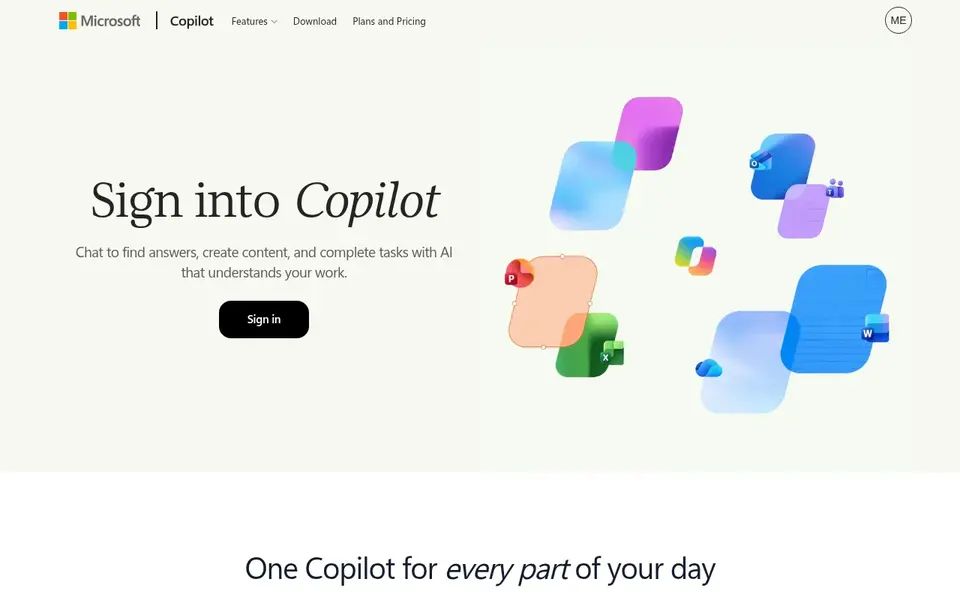
Microsoft Copilot is aimed squarely at teams already inside Microsoft apps. Copilot is tied closely to the Microsoft ecosystem, so teams using other suites may find it less convenient.
Watch-outs: Best value inside the Microsoft ecosystem.
Microsoft Copilot does not show a starting price in this comparison, so check the vendor site for current pricing. Free options: Not stated.
- Knows your work context
- Provides several AI models
- Less handy outside those apps
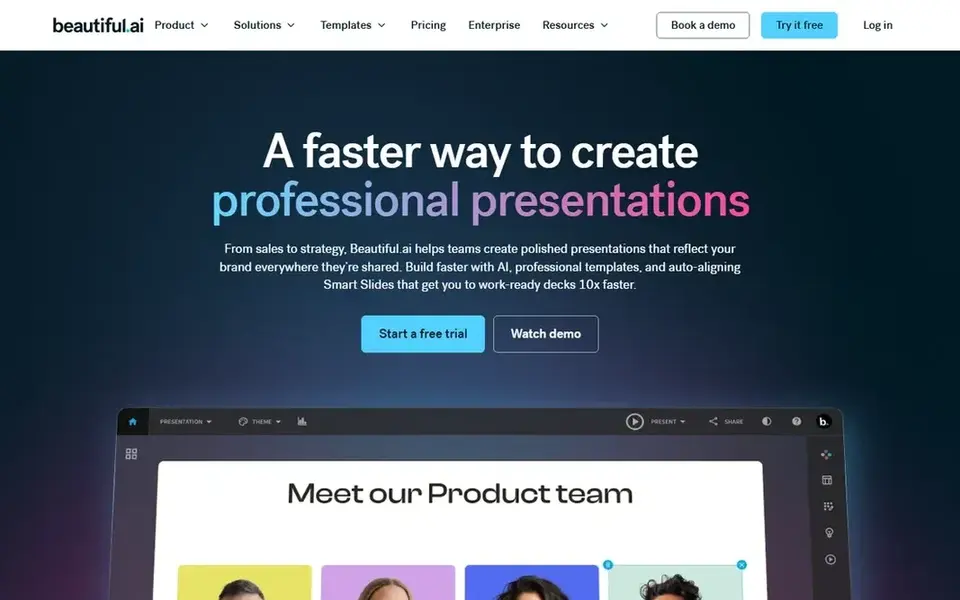
Think of Beautiful.ai for enterprise teams needing on-brand decks. Choose Beautiful.ai when brand control across plenty of decks is the priority.
Honest limits: Less suited to highly custom slide design.
Also, since it is made for enterprise teams, individual users may find the structure more than they need. Price to start with Beautiful.ai: $14.50 per month. On free options: Free trial.
- Aimed at enterprise sharing
- Keeps decks on-brand across a company
- Team-focused setup may be heavy for solo users
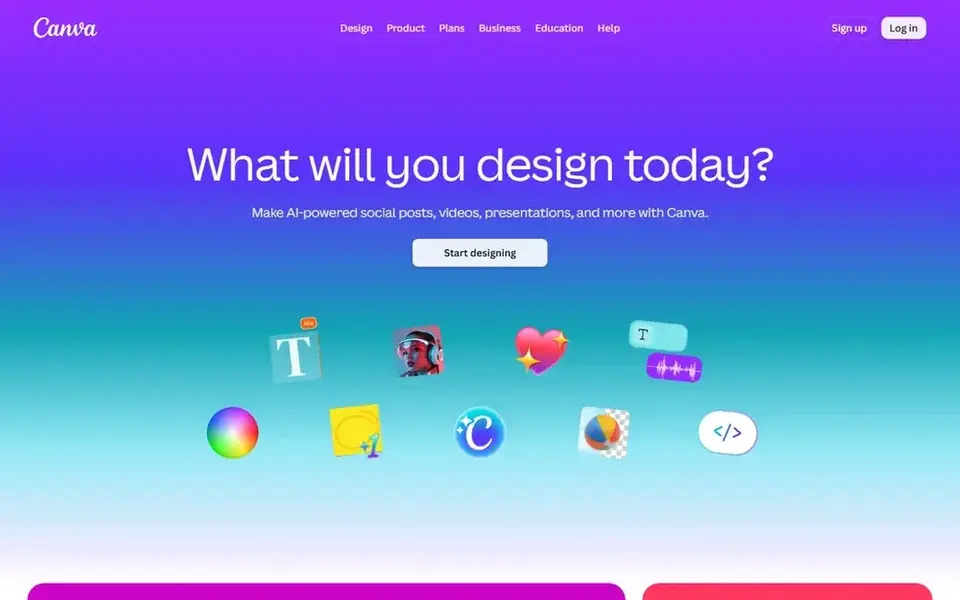
Canva Magic Design is built with fast design generation from text and media in mind. Output quality relies on the text and media you supply.
Honest limits: Best results need good input content.
Pick it for fast visual generation, not for complicated deck workflows. No starting price is listed for Canva Magic Design here; confirm pricing on the vendor site. As for free access: Not stated.
- Part of a wide design system
- Online design tool
- Presentation depth may be lighter than dedicated slide tools
Selection criteria
ProMapRanker looked at what each vendor publishes: pricing, plan limits, feature coverage for AI PowerPoint generator tools and stated drawbacks. No hands-on testing is claimed. Figures are shown as the vendors publish them. Billing terms, seat minimums and add-ons can change the real cost. The sequence is a judgement call: typical use case first, then pricing transparency, then free access. Use the profiles to check fit.
Before you commit
- Get a written quote from Prezi AI, Microsoft Copilot and Canva Magic Design; the list shows no starting price for them.
- Check what the free option really includes: Pitch and SlidesAI offer a free plan, and usage caps differ.
- Take the trial from Beautiful.ai and push a live task through it before you pay.
- Read the limits listed for Pitch first: team collaboration focus may be more than solo users need.
- Test how quickly SlidesAI answers a pre-sales question; it hints at how support will feel later.
- Compare total cost, not headline price: for Microsoft Copilot, add extra seats, add-ons and any usage-based charges.
Frequently asked questions
Do these tools publish their prices?
Not all of them. Prezi AI, Microsoft Copilot and Canva Magic Design publish no starting price, so expect a quote request for those. The rest, Pitch included, show a starting price, though seats and billing terms still change the final cost.
Can I turn an existing document into a presentation?
SlidesAI is made for that, turning notes, documents, PDFs and prompts into presentations inside Google Slides, PowerPoint, ChatGPT and the web. Review the output and refine the design before presenting.
How are the tools for AI PowerPoint generator tools ordered?
The order follows typical fit for AI PowerPoint generator tools, with Pitch first and Canva Magic Design last, then price clarity and free access. It is editorial judgement, not a score, so another team could rank the tools differently.
Which options for AI PowerPoint generator tools have a free plan?
On this list, Pitch and SlidesAI include a free plan. Caps on seats, usage or features are common, so test the free plan against your real workload. One other tool offers a trial instead.
Can I try these options before paying?
Often, yes. Pitch and SlidesAI have a free plan and Beautiful.ai offers a free trial. Use your own data and a real task during the test, and check what the free tier or trial limits before you rely on it. Each of the 6 options in this AI PowerPoint generator tools guide has its own card above with the price, free plan and limits.
Sources
See where you really rank - block by block
ProMapRanker scans Google Maps across a grid of your service area. Simple monthly plans from $19, white-label on every plan.
Start freeBrowse all guides
← Top 6 AI Deal Sourcing Software, Compared on Price (2026)AI Software for Visual Storytelling: Best Picks of 2026 →
 best ai cost reduction platforms
Top 6 AI Cost Reduction Platforms, Compared on Price (2026)
6 best AI cost reduction platforms, compared on pricing, free plans and best-fit use. Every pick includes one clear drawback. Current for November 2026.
Read → best ai avatar generators software for startups
Best AI Avatar Generators Software for Startups in 2026
Best AI avatar generators software for startups, compared. 6 tools with published prices, free plans and limits. Strengths and weak spots are spelled out.
Read → rytr alternatives
Top Rytr Alternatives for 2026, With Prices
Shortlisting Rytr alternatives? 5 products compared on cost, free access and ideal buyer. We note where every tool falls short. Reviewed in November 2026.
Read → best generative ai infrastructure software
6 Best Generative AI Infrastructure Software Options for 2026
Best generative AI infrastructure software in 2026: 6 tools with starting prices, free plans and limits. The catches are listed up front. Budget notes included.
Read → best ai detection tool
Best AI Detection Tool in 2026
We compared the best ai detection tool options for teachers, editors, and publishers, covering accuracy limits, false positives, pricing, and free plans.
Read → best bot detection and mitigation software
Best Bot Detection and Mitigation Software in 2026
We compared the best bot detection and mitigation software for stopping credential stuffing, scraping, and scalping bots on websites, mobile apps, and APIs.
Read →More in AI Tools · All guides A to Z by date · Latest guides