 ProMapRanker
Best AI Paraphrasing Tools in 2026

Key takeaways
- QuillBot is the strongest dedicated paraphraser, with several rewriting modes and a usable free tier for short passages.
- Wordtune is better for whole sentences and paragraphs, while Grammarly is better when grammar and clarity matter more than rewording.
- Scribbr offers a free paraphrasing tool with no signup, which suits a quick rewrite of a short passage from your own draft.
- These tools are for rewriting your own writing, improving clarity, and drafting clearer sentences. They are not a way to pass off someone else's work as your own.
- For academic work, keep citations for source ideas, follow your school or publisher rules on AI use, and disclose AI help where required.
Quick comparison
| Pick | Great for | Pricing starts at | Free tier | |
|---|---|---|---|---|
 QuillBot | Dedicated paraphrasing modes | $8.33 per month | Yes | Visit |
 Grammarly | Grammar plus sentence rewrites | $12 per month | Yes | Visit |
 Wordtune | Sentence and paragraph rewrites | $6.99 per month | Yes | Visit |
 Scribbr | Free academic paraphrasing | Free | Yes | Visit |
 Paraphraser.io | Longer free passages | See website | Yes | Visit |
 ProWritingAid | Editing plus rewording | See website | Yes | Visit |
 Paperpal | Academic writing help | See website | Yes | Visit |
 Prepostseo | Whole article rewriting modes | See website | Yes | Visit |
The best AI paraphrasing tools
We compared rewriting modes, word limits, tone controls, free plan limits, and paid pricing. Every tool below can reword text you wrote yourself, and each one suits a slightly different writing task, from a single awkward sentence to a full draft that needs clearer phrasing.
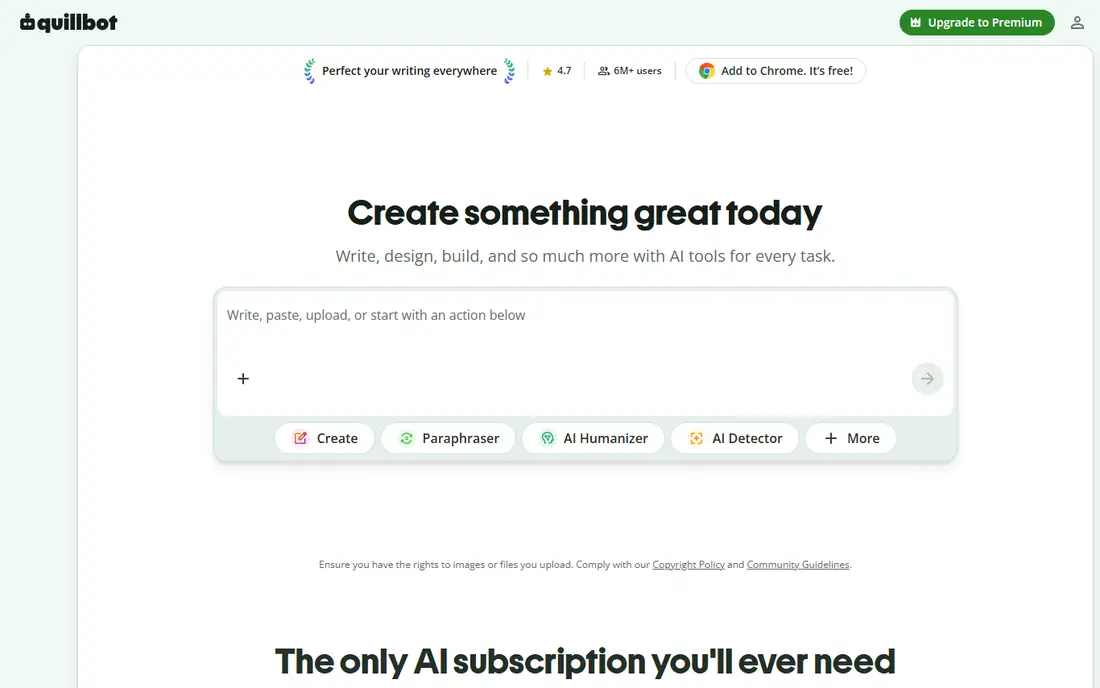
QuillBot is our first pick for pure paraphrasing because its modes give you real choice. Standard keeps changes close to your draft, Fluency smooths grammar and flow, Formal raises the tone for academic or work writing, and Shorten or Expand change length on purpose. A synonym slider lets you control how far the wording moves from your original.
The free plan is genuinely useful for short work, with 125 words per paraphrase and two modes. Premium, at $8.33 per month billed annually, removes the word limit and opens all modes. If you rewrite often, that paid plan is better value than stacking several weaker free tools.
- Nine rewriting modes on paid plans
- Synonym control
- Summarizer and citation tools in the same account
- Free plan limits each paraphrase to 125 words and two modes
- Heavy use needs the paid plan
Grammarly fits writers whose main problem is correctness, not rewording. It checks grammar, spelling, tone, and clarity as you type, and paid plans add full-sentence rewrites that can turn a clumsy sentence into a cleaner one. That coverage across apps is useful when you write in many places during the day.
The catch is that Grammarly is not a dedicated paraphraser. Free users get basic checks and a limited number of AI prompts per month, while Pro, at $12 per month billed annually, adds fuller rewrites and more prompts. Pair Grammarly free with QuillBot if rewording is your main job and grammar is secondary.
- Works across email, docs, and browsers
- Strong grammar and clarity checks
- Full-sentence rewrites on paid plans
- Free plan AI prompts are limited
- Paraphrasing is secondary to grammar checking
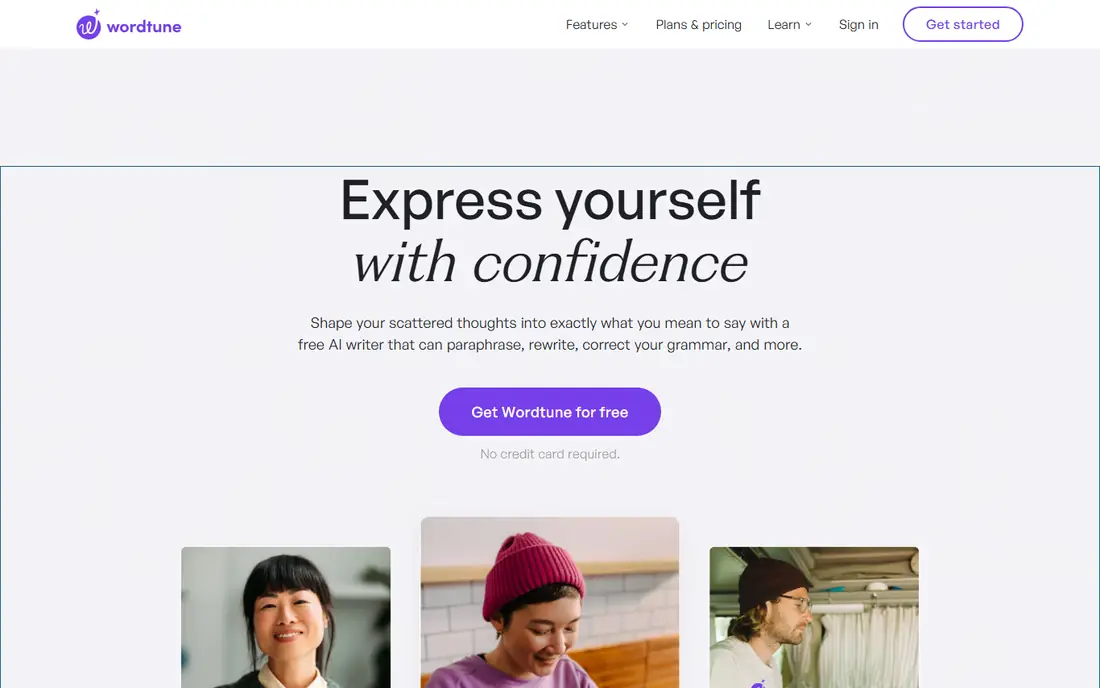
Wordtune is best when you have a sentence that almost works and you want to see it said several ways. Paste a sentence, and it offers rewrites that vary in tone and length, so you can pick the version that keeps your meaning and sounds most natural. That sentence-level focus makes it a good editor for emails, essays, and reports.
The free plan gives a limited number of rewrites each day, which is enough for occasional editing but not for a full draft. Paid plans from $6.99 per month billed annually raise those limits and add more generation features. If you rewrite whole chapters, QuillBot or Prepostseo may handle longer passages better.
- Several rewrites per sentence
- Casual and formal tone options
- Works in browsers and Word
- Free plan caps daily rewrites
- Less useful for very long documents in one pass
Scribbr is a practical free option for students who need to reword a short passage from their own draft. The paraphrasing tool works without an account, which lowers friction for a quick check, and the surrounding site offers citation and academic writing guidance. That context helps students keep source ideas cited even after rewording.
The limit is length. Each input is capped at 125 words, so longer sections need to be split into paragraphs. Scribbr is powered by similar technology to QuillBot, so expect comparable output quality for short passages. For a full essay, a paid QuillBot plan will save time.
- Free tool with no signup for short passages
- Clear academic focus
- Citation guidance on the same site
- Limited to 125 words per input
- Fewer modes than QuillBot paid plans
Paraphraser.io suits writers who want to reword longer passages without paying at once. Its free access covers several rewriting modes, and the interface is simple enough for a first-time user. That combination makes it a useful backup when QuillBot free limits slow you down.
The trade-off is that free use still has word and mode limits, and the best features sit behind paid plans. Check the current pricing page before buying, since plans and limits change. Always read the output closely, since a longer rewrite is more likely to shift meaning in a small but important way.
- Free access with several modes
- Handles longer passages than some free tools
- Simple interface
- Word and mode limits on free use
- Paid pricing varies by plan and region
ProWritingAid is for writers who want rewording inside a broader editing process. Its reports cover style, sentence variety, repetition, and structure, which helps when a draft feels flat rather than just awkward in one place. Rewording suggestions sit alongside those reports, so you can fix a sentence and see why it needed fixing.
That breadth is also the limit. If you only need a fast paraphrase, a dedicated tool such as QuillBot will be quicker. ProWritingAid earns its place when you are revising a book chapter, a long report, or a series of articles and want editing depth as well as rewording. Check current pricing, since plans differ by platform and billing term.
- Deep editing reports for style, structure, and repetition
- Rewording inside a fuller editor
- Works with common writing apps
- Paraphrasing is part of a larger editor, not the main feature
- Full features need a paid plan
Paperpal is aimed at researchers and students writing for journals, theses, and academic assignments. It checks language, suggests clearer phrasing, and offers paraphrasing and translation help in an academic context. That focus helps non-native English writers produce clearer academic prose without losing technical meaning.
General writers may find the academic framing less useful than QuillBot or Wordtune for emails and marketing copy. Free access covers basic use, while paid plans add more checks and features. If your main work is academic, Paperpal is worth testing alongside Scribbr and QuillBot.
- Academic focus with language checks
- Paraphrasing and translation help
- Citation-aware writing guidance
- Best value is for academic users
- General writers may prefer a simpler tool
Prepostseo fits writers who need to rework longer articles or web copy in modes that change wording more or less aggressively. Its free tool handles passages that shorter free tools would split, and the same site offers related checks that writers often need next. That makes it a useful option for content teams working on their own drafts.
The honest catch is consistency. Longer rewrites need closer proofreading, since meaning can drift across paragraphs. Use it for your own drafts, keep citations where source ideas appear, and check the current plan limits before relying on it for daily volume work.
- Several rewriting modes for longer text
- Free access
- Extra SEO and plagiarism check tools on the same site
- Output quality varies by mode and input length
- Paid limits and pricing vary
How we picked these
We compared vendor feature and pricing pages, free plan limits, and current tool guides checked in October 2026. We favoured tools that are active, clearly describe their limits, and support legitimate uses such as rewriting your own drafts, improving clarity, and learning clearer phrasing. We did not claim hands-on testing, and where pricing varies by billing term or region we say so instead of quoting a single fixed figure.
Using paraphrasing tools with integrity
Start with your own draft, not with someone else's text. Write your ideas first, even in rough form, then use a paraphraser to improve clarity, vary sentence structure, or find a cleaner way to say what you already mean. That order keeps the thinking yours and keeps the tool in an editing role.
Cite sources even after rewording. Changing words does not turn another author's idea into your own, and academic and publishing rules still require a citation for ideas, data, and quoted material. If your school, employer, or publisher requires disclosure of AI help, disclose it in the way they ask, and keep a copy of your original draft so you can show your process.
Proofread every rewrite. Tools can change meaning, drop a qualifier, or turn a careful claim into a stronger one than you intended. Read the new version against your original, check names, numbers, and citations, and fix anything that drifted. A paraphraser saves time on wording, but the responsibility for accuracy stays with you.
Frequently asked questions
What is the best free AI paraphrasing tool?
QuillBot free and Scribbr free are both strong for short passages, with a 125 word limit per input. Wordtune free is better for single sentences, while Paraphraser.io free can handle longer passages with its own limits.
Can I use a paraphrasing tool for academic work?
Yes, for rewriting your own drafts and improving clarity, but follow your school rules. Cite source ideas, disclose AI use where required, and do not submit work that is not yours.
Does paraphrasing remove the need for a citation?
No. Rewording an idea does not remove the need to cite its source. Cite the original author for ideas, data, and distinctive arguments, even when the words are fully changed.
Which tool is best for rewriting a whole paragraph?
Wordtune handles paragraphs well at sentence level, while QuillBot paid and Prepostseo handle longer passages in one pass. Split very long text into paragraphs and proofread each one.
Is QuillBot better than Grammarly for paraphrasing?
For pure paraphrasing, yes, since QuillBot offers several dedicated modes and a synonym control. Grammarly is better when grammar, tone, and clarity across many apps matter more than rewording alone.
Will a paraphraser keep my original meaning?
Usually, but not always. Tools can shift meaning, especially in long or technical passages. Compare the output with your original, restore any lost qualifiers, and check facts before publishing or submitting.
Sources
See where you really rank - block by block
ProMapRanker scans Google Maps across a grid of your service area. Simple monthly plans from $19, white-label on every plan.
Start freeKeep reading
 twitch alternatives
Twitch Alternatives in 2026
Explore the best Twitch alternatives in 2026 for live streaming, with free platforms, monetisation options, audiences, chat tools, and tips for new streamers.
Read → firebase alternatives
Best Firebase Alternatives in 2026
Looking for Firebase alternatives? We compare 9 backend platforms for auth, databases, realtime, storage, functions, self-hosting, and pricing for your app.
Read → companies with best work life balance
Companies With Best Work Life Balance in 2026
See companies with best work life balance in 2026, ranked by employee ratings, with flexible work options, benefits, and what to check before applying.
Read →