 ProMapRanker
Best AI Money Making Apps Free in 2026

Key takeaways
- ChatGPT free and Claude free cover the widest freelance writing, editing and planning work at no cost.
- Canva free and CapCut free cover design and video work that clients actually buy.
- ElevenLabs free and Leonardo AI free add voice and image work, but free allowances limit large projects.
- No tool here guarantees income: clients, skill and steady work decide what you earn, not the app alone.
Quick comparison
| Pick | Great for | Pricing starts at | Free tier | |
|---|---|---|---|---|
 ChatGPT | Freelance writing and planning | Free | Yes | Visit |
 Claude | Editing and long-form writing | Free | Yes | Visit |
 Canva | Design for clients | Free | Yes | Visit |
 CapCut | Short video editing | Free | Yes | Visit |
 Grammarly | Client-ready editing | Free | Yes | Visit |
 Perplexity | Research for client work | Free | Yes | Visit |
 ElevenLabs | Voiceover work | Free | Yes | Visit |
 Leonardo AI | Images for selling and content | Free | Yes | Visit |
 Notion | Freelance organisation | Free | Yes | Visit |
 Otter.ai | Transcription work | Free | Yes | Visit |
The best ai money making apps free
This is general information only, not financial advice, and no tool here promises earnings or returns. The apps below are free-tier tools that help with real work people sell: freelance writing, editing, design, video, voiceover, transcription and selling digital products. Income depends on skill, clients, pricing and effort, with no guarantee.
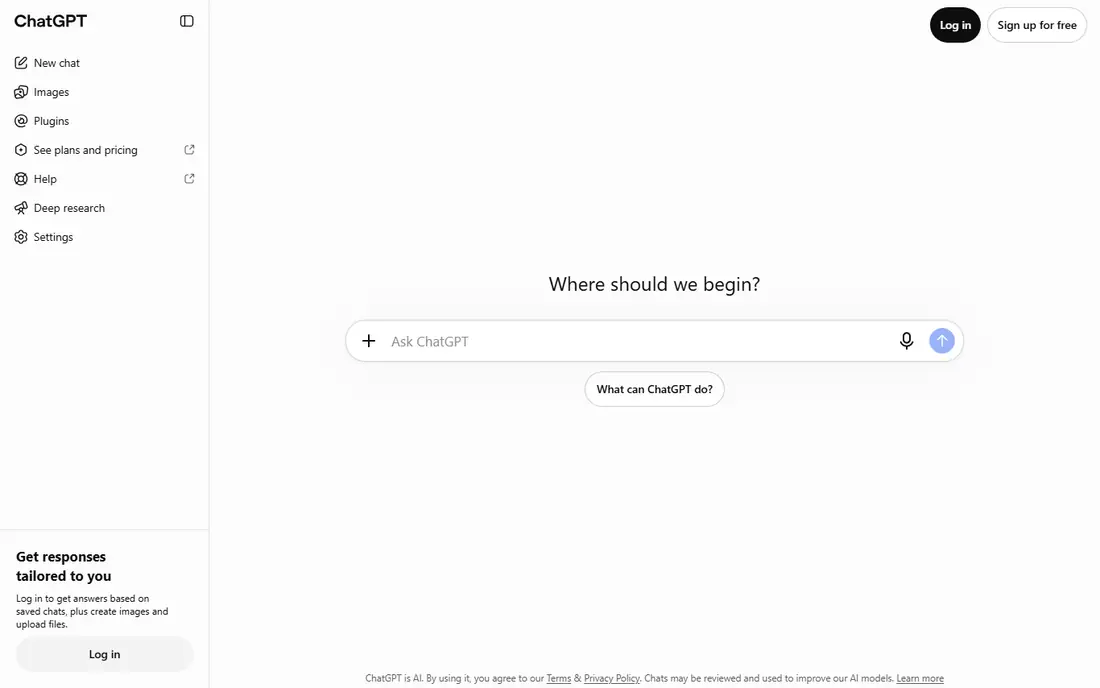
ChatGPT free helps freelancers draft articles, emails, outlines, product descriptions and proposals, then revise them into client-ready work. It is most useful for the blank-page stage and for structuring a job, rather than as a finished product you send unchanged. Freelancers who edit carefully and add their own expertise get far more value than those who copy output directly.
The free tier limits how much you can use it, and accuracy needs checking, especially for facts, prices and claims. Ask clients about AI-use rules before you start, disclose use when asked, and keep your own judgement at the centre of the work.
- Free tier for drafting, editing, ideas and plans
- Wide range of freelance tasks
- Fast starting point for client work
- Free tier has usage limits
- Output needs human checking and editing
- Clients may set their own AI-use rules
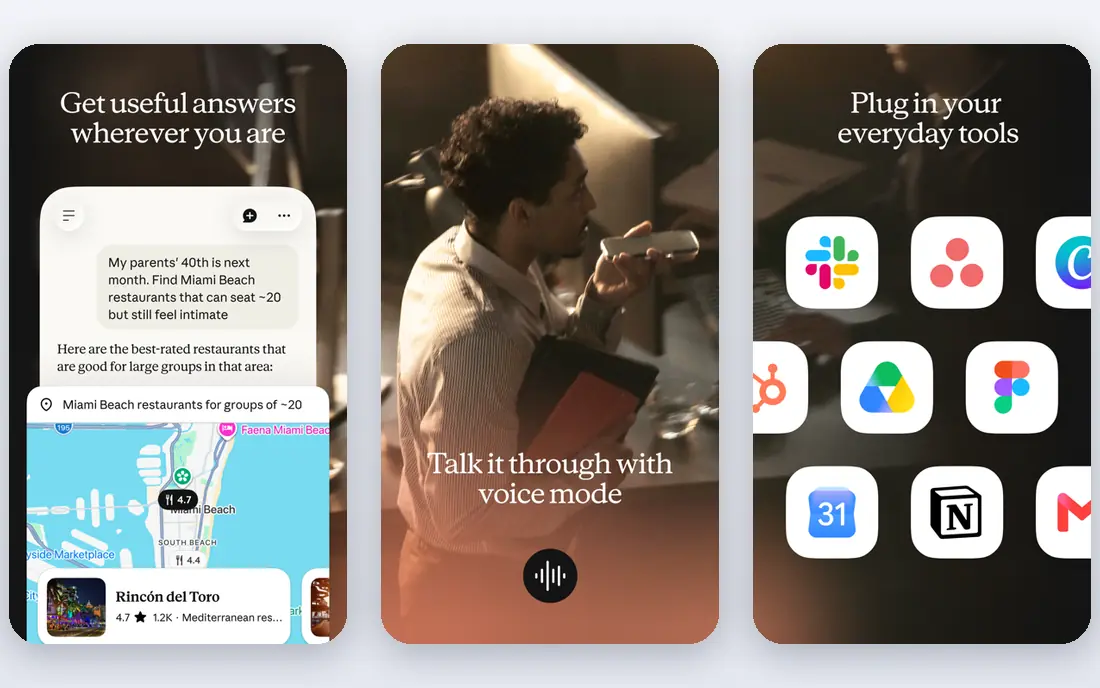
Claude free suits longer freelance work: editing a draft, tightening a report, summarising research, or shaping a newsletter. Its tone tends to stay measured, which helps for client documents that need a professional voice. Many freelancers use it alongside ChatGPT, picking whichever gives a cleaner draft for a given job.
Limits match other free AI tools: usage caps, possible errors, and no guarantee a client will accept AI-assisted work. Treat Claude as a drafting and editing partner, keep sources for factual claims, and deliver work you have read and checked yourself.
- Free tier for writing and editing
- Strong for long documents and careful revision
- Useful for research summaries
- Free tier has usage limits
- Output still needs fact checking
- Not a substitute for subject expertise
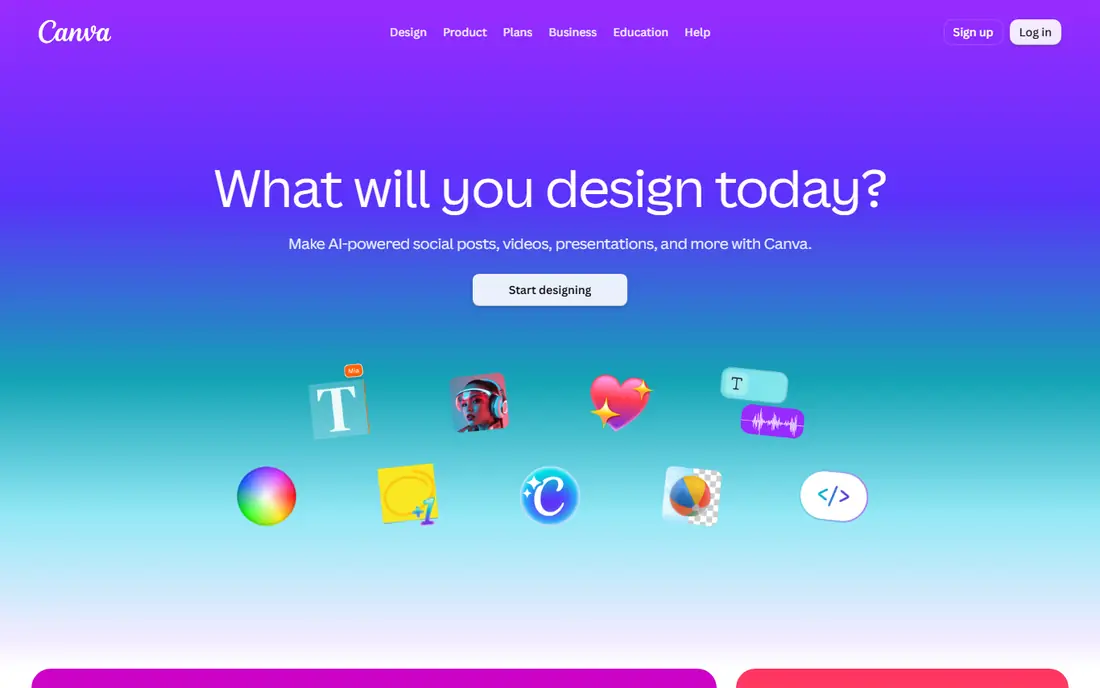
Canva free lets freelancers design social posts, thumbnails, flyers, presentations and printable products without design software costs. AI features help with layouts, image generation and writing, while templates give small businesses a professional starting point. Selling design services or digital products on marketplaces is a common use, though sales depend on demand and quality.
The free tier limits premium assets and some AI use, and template-heavy work can look alike across clients. Customise colours, fonts and layouts for each client, learn basic design principles, and price the service, not just the tool, since clients pay for taste and reliability.
- Free design tools with AI features
- Templates for social posts, thumbnails and printables
- Easy to share and export
- Free tier limits some AI credits and premium assets
- Designs can look generic without custom work
- Print and brand tools need paid plans
CapCut free helps freelancers edit short videos for creators and small businesses, with auto-subtitles, transitions, effects and templates that speed up routine edits. Short-form video is in steady demand, and a freelancer who can turn raw clips into clean, captioned videos quickly has a sellable service. Keep client branding consistent, and learn pacing and captions, since those skills matter more than effects.
Paid features and assets sit behind a subscription, and free exports may have limits, so check the current terms before you promise a format. Build a small portfolio with your own videos first, then offer editing as a clear, priced service.
- Free video editing with auto-subtitles and effects
- Strong for short-form client videos
- Mobile and desktop versions
- Some AI features and assets need a paid plan
- Exports may carry limits or watermarks on free tiers
- Trends change fast
Grammarly free catches grammar, spelling and clarity problems before work reaches a client, which protects a freelancer reputation more than any single tool. It works across browsers and documents, so emails, proposals and articles all get the same check. For new freelancers, that polish can be the difference between a repeat client and a quiet goodbye.
The free tier does not replace a human editor, and its suggestions can miss tone or context. Read the final draft aloud, check facts separately, and use Grammarly as a safety net, not as proof that a piece is ready.
- Free grammar, spelling and clarity checks
- Works in browsers and documents
- Helps freelance writers look professional
- Free tier lacks advanced style and plagiarism checks
- Suggestions need human judgement
- Not a full editing service
Perplexity free speeds up research for freelance writing, reports and content briefs by answering questions with cited sources you can open and check. That helps when a client needs a well-sourced article or a market summary, and it cuts the time spent hunting through search results. Use it to gather leads, then verify key facts in the original sources before you write.
Free searches are limited for advanced models, and AI summaries can misread a source, so never copy a citation you have not opened. Good research is a sellable skill on its own, and Perplexity supports it without replacing judgement.
- Free AI search with cited sources
- Fast research for articles and reports
- Useful for briefs and fact gathering
- Free tier limits advanced searches
- Citations still need checking
- Not a replacement for primary sources
ElevenLabs free lets freelancers test voiceover work with natural AI voices for narration, short ads and explainer audio. The free character allowance suits short samples and small jobs, and it helps you build a demo reel before you invest in a paid plan. Clients in video, e-learning and podcasting often need short, clean narration, which is a practical service to offer.
The free limit will not cover long audiobooks or large projects, and commercial licences depend on the plan, so read the terms for client work. Never clone a real person voice without clear consent, and be open with clients about AI voices when they ask.
- Free tier with natural AI voices
- Useful for narration, ads and short voiceover jobs
- Many voices to try
- Free tier has a monthly character limit
- Commercial use needs the right plan
- Voice cloning needs clear consent
Leonardo AI free gives daily credits for image generation, which freelancers use for thumbnails, social graphics, ebook covers and product mockups. Daily credits suit small jobs and portfolio building, and style controls help keep a client look consistent across images. For creators who sell visual work, it lowers the starting cost to zero.
Free credits run out on larger jobs, and generated images can include odd details, hands or text that need fixing. Check the commercial terms for the plan you use, disclose AI images when a client or marketplace requires it, and keep your own design judgement in charge.
- Free daily credits for image generation
- Useful for thumbnails, mockups and product images
- Style controls for client work
- Free credits limit daily output
- Generated images need checking for errors
- Commercial terms depend on the plan
Notion free helps freelancers organise the business side: client lists, project trackers, content calendars, invoice templates and idea banks in one place. That organisation matters, because lost briefs and missed deadlines cost more than any tool subscription. Templates give new freelancers a structure without building systems from scratch.
Notion does not pay you, sign contracts or find clients, and free AI features are limited. Use it to run the work you already have, pair it with a real invoicing tool when money starts flowing, and keep client data handled with care.
- Free personal plan for notes, clients and projects
- Templates for invoices, trackers and content plans
- AI features on some plans
- Free AI use is limited
- Learning curve for advanced setups
- Not a payment or contract tool on its own
Otter.ai free transcribes meetings, interviews and podcasts automatically, with a free monthly minute allowance that suits small transcription jobs and samples. Freelancers offer transcription to podcasters, students, researchers and small teams, and searchable transcripts add value beyond a plain text file. Good audio and clear speakers improve accuracy a great deal.
Free minutes run out fast on long recordings, and transcripts still need human proofreading, especially for names and technical terms. Price transcription by audio minute and editing time, not by tool cost, and confirm confidentiality rules before you handle sensitive recordings.
- Free tier with monthly transcription minutes
- Useful for podcast, interview and meeting transcription
- Searchable transcripts
- Free minutes are limited
- Accuracy varies with audio quality
- Speaker labels need checking
How we picked these
We compared official product pages and free-tier terms for AI and productivity tools with a genuine free plan, and we kept only tools that support sellable work such as writing, design, video, voice, transcription or organisation. We excluded paid-only tools, income schemes and any service promising earnings, and we framed every pick as a work tool, not a money guarantee. Free limits change, so check the vendor page.
How to turn free tools into paid work without false promises
Start with one service you can already do, such as editing, design or short video, and use free tools to do it faster, not to fake skill you do not have. Build three strong samples, price a small starter package, and ask early clients for honest feedback and referrals. Track time, costs and client rules, including AI-use and disclosure rules, from the first job.
Pricing, clients and honesty
Price by value and time, not by tool cost, since the tool is free but your judgement is not. Be clear about turnaround, revisions and what AI help you used when a client asks, and never promise views, sales or income to a client either. If a job needs a paid tool, charge for it openly or buy it only after paid work covers the cost.
Avoiding traps
Avoid services that charge you to start earning, promise passive income with no work, or ask you to sell AI output as fully human original work when a marketplace forbids it. Check marketplace rules for AI content, keep records of your own edits, and treat any claim of guaranteed earnings as a warning sign, not a selling point.
Frequently asked questions
What is the best free AI tool for making money?
There is no single best tool, because income comes from a service, not an app. ChatGPT free and Claude free cover the widest freelance writing work, Canva free covers design, and CapCut free covers short video, so pick the tool that matches a service you can sell.
Can I really make money with free AI tools?
Yes, people earn by selling services and products made with free tools, such as writing, design, editing, video and transcription. Income is not guaranteed, and it depends on skill, clients, pricing and steady effort over weeks and months, not on the tool alone.
What are the best free AI tools for making money as a beginner?
Start with ChatGPT free for drafting, Grammarly free for polish, Canva free for design and Notion free for organisation. That small stack covers most beginner freelance jobs at no cost, and you can add video or voice tools when a client asks for them.
Is using AI for freelance work allowed?
Often yes, but rules vary by client and marketplace. Some clients welcome AI-assisted drafts with human editing, while others forbid AI output or require disclosure. Ask before you start, follow the contract, and disclose use when asked.
Do free AI tools have limits that affect paid work?
Yes. Free tiers limit usage, credits, minutes or premium features, so large jobs may need a paid plan or more time. Plan around those limits, tell clients about turnaround honestly, and upgrade only when paid work justifies the cost.
Is this financial advice?
No. This guide is general information about work tools, not financial, investment or tax advice. Earnings vary, no return is promised, and you should seek professional advice for tax, business or investment decisions.
Sources
See where you really rank - block by block
ProMapRanker scans Google Maps across a grid of your service area. Simple monthly plans from $19, white-label on every plan.
Start freeKeep reading
 who has best internet service
Who Has the Best Internet Service in 2026
Who has best internet service for US homes? We compare fiber, cable, fixed wireless and satellite providers on speed, price, availability and terms today.
Read → which survey tool has the best analytics
Which Survey Tool Has the Best Analytics in 2026
Find which survey tool has the best analytics in 2026, comparing Qualtrics, SurveyMonkey, Typeform, Alchemer, and more on reports, text, and stats today.
Read → which streaming service has the best movies
Which Streaming Service Has the Best Movies in 2026
Answering which streaming service has the best movies, with Netflix, Max, Criterion and more compared on libraries, prices and free options in this guide.
Read →