 ProMapRanker
AI Meeting Recorder Software: 6 Options Compared in 2026

Live transcription and live notes · Pricing starts at: $8.33 per user/month (billed annually)
Direct answer
Our first pick is Otter.ai, best for live transcription and live notes. Listed starting prices: Otter.ai from $8.33 per user/month, Read AI from $15 per user/month and Notta from $8.17 per month. If your case is different, Read AI suits meeting reports and coaching and Notta suits low-cost transcription in 58 languages. The full list of 6 tools follows, with prices and free plan facts.
Short on time? The summary and table above give the quick view of 6 tools for AI meeting recorder software, and the profiles that follow give the detail behind each entry.
Key takeaways
- Number one here is Otter.ai, a fit for live transcription and live notes.
- 5 of 6 tools offer a free plan: Otter.ai, Read AI, Notta, Fathom, tl;dv.
- The main caution on Fathom: advanced AI summaries and Ask Fathom are marked Limited use on the free plan, and Team and Business both require a 2-user minimum.
- Avoma suits sales calls with CRM sync.
Quick comparison
| Pick | Great for | Pricing starts at | Free tier | |
|---|---|---|---|---|
| Otter.ai | Live transcription and live notes | $8.33 per user/month (billed annually) | Yes | Visit |
 Read AI | Meeting reports and coaching | $15 per user/month (billed yearly) | Yes | Visit |
 Notta | Low-cost transcription in 58 languages | $8.17 per month (billed yearly) | Yes | Visit |
 Fathom | Free unlimited recording and summaries | $15 per user/month (billed yearly) | Yes | Visit |
 tl;dv | Free unlimited recording and transcription | $18 per seat/month (billed yearly) | Yes | Visit |
 Avoma | Sales calls with CRM sync | $19 per recorder seat/month (billed yearly) | Free trial (14 days) | Visit |
AI Meeting Recorder Software compared in detail
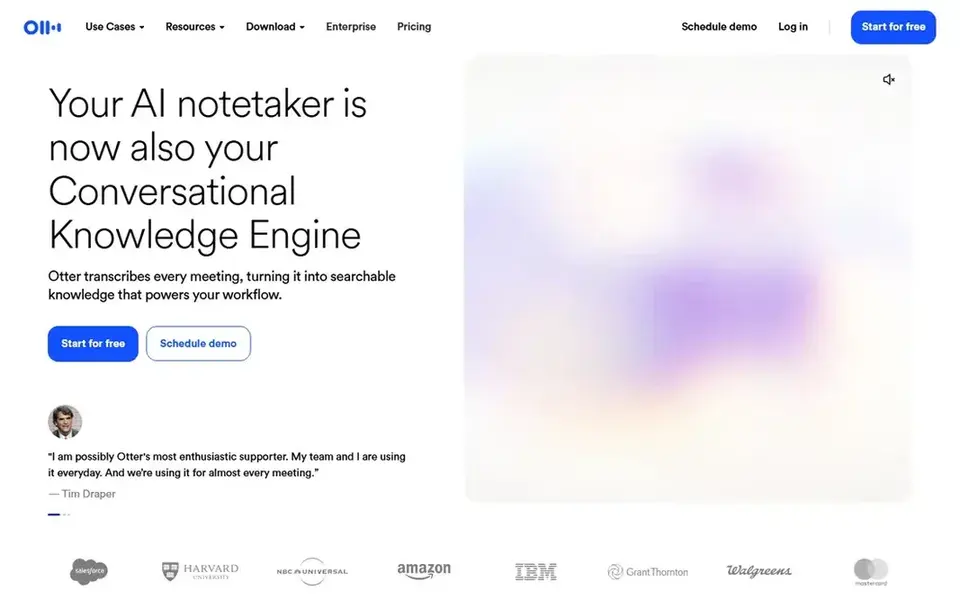
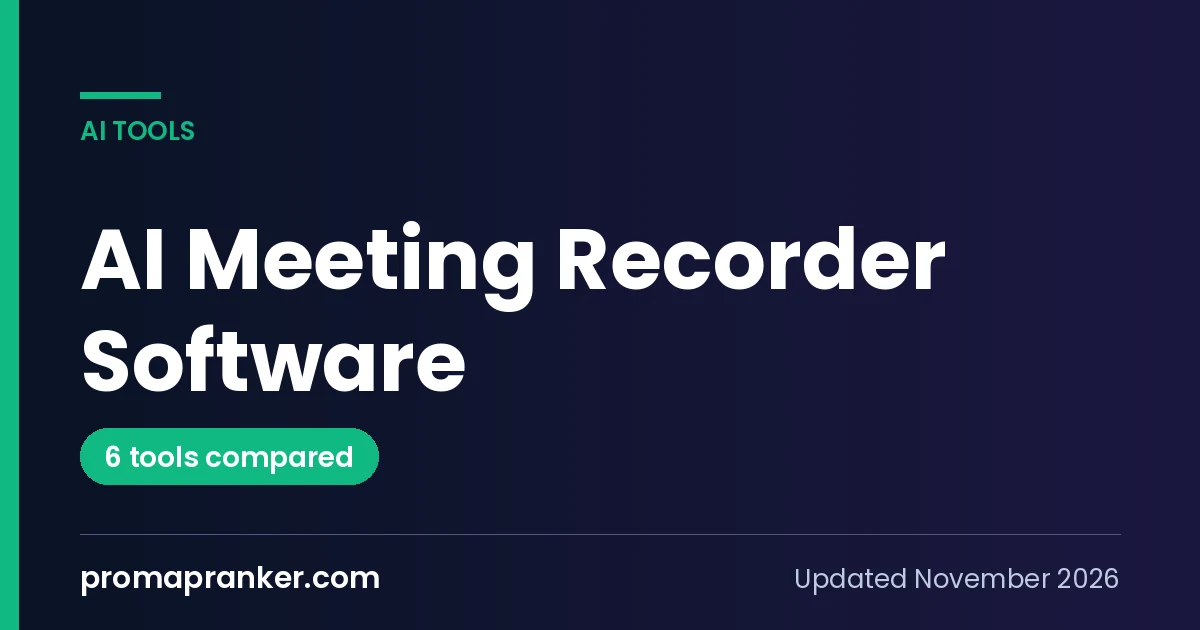
Otter.ai works best for live transcription and live notes. The minute caps are the primary limit.
As for the details, Otter.ai fits a team that wants live notes during the call itself, not just a summary afterwards. Otter.ai pricing: $8.33 per user/month. Otter.ai includes a free tier.
Downsides: Pro is capped at 1,200 minutes a month and 5 billed users; 30 minutes per conversation.
- Live transcription and live notes and captioning for Google Meet and Zoom
- Automatic summaries with action items and outlines
- 3 lifetime file imports
Think of Read AI for meeting reports and coaching. Read AI joins Zoom, Teams, and Meet calls as an assistant and produces meeting reports, transcripts, coaching, and searchable insights. Apps handle Windows, Mac, Android, and iOS, so a team can review calls on any device.
Beyond that, Read AI fits a team that wants coaching and reports from its meetings, not just a transcript. Worth adding: the free plan handles only 5 meeting transcripts per month and meetings up to 1 hour, so it fits a light user only. The Pro plan opens at $15 per user per month on annual billing, or $19.75 billed monthly. Read AI pricing: $15 per user/month. Read AI offers a free plan.
Limits to weigh: only on Enterprise at $22.50 per user/month billed annually.
- Action items
- Personalised Meeting Coach and Ask Read search across meetings, email, messages, with support for Zoom, Teams
- Free plan handles only 5 meeting transcripts a month and meetings up to 1 hour
Notta makes the most sense for low-cost transcription in 58 languages. Notta records and transcribes Zoom, Meet, Teams, and Webex meetings, plus uploaded audio, into searchable transcripts, summaries, and action items. In practice, the Pro plan opens at $8.17 per month on annual billing for 1 seat, or $97.99 per year, and $13.49 billed monthly.
Drawbacks to consider: transcription minutes do not carry over.
It transcribes in 58 languages with speaker identification, and it provides transcript translation and custom vocabulary, with 1,800 transcription minutes per month and recordings up to 5 hours on Pro. Live translation and bilingual transcription are extras at $6 and $9 per month on annual billing. In daily use, the free plan is small: 120 minutes per month and 3 minutes per conversation, and transcription minutes do not carry over. Notta starts at: $8.17 per month. Notta includes a free tier.
- Transcript translation and custom vocabulary on Pro, with 1,800 transcription minutes a month and recordings up to 5 hours on Pro
- Transcription in 58 languages with speaker identification
- Live translation and bilingual transcription are extras at $6 and $9 a month billed yearly
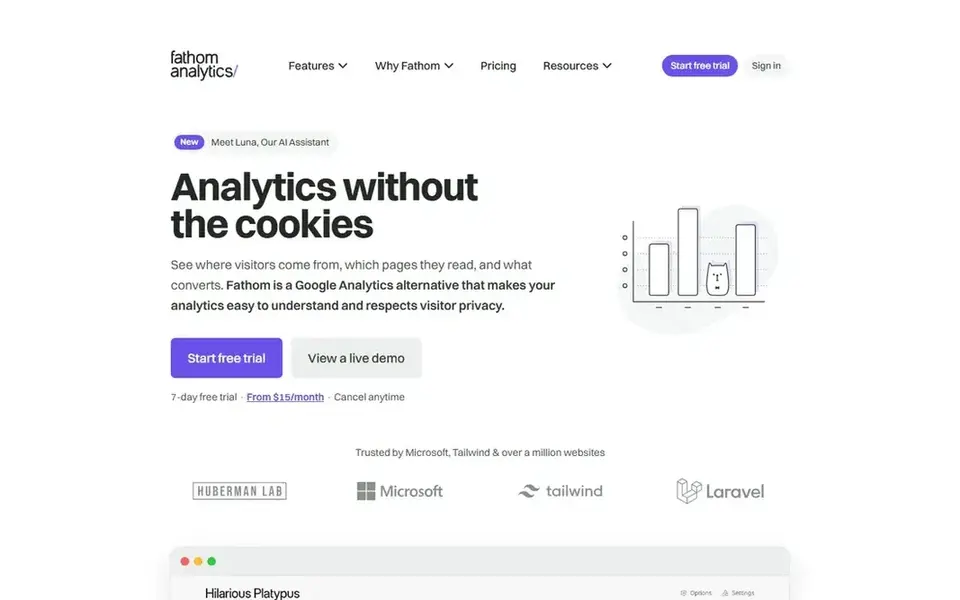
Pick Fathom if this describes you: free unlimited recording and summaries. Fathom records Zoom, Google Meet, and Teams calls and turns them into instant AI summaries, action items, clips, and searchable transcripts. Also, the Team plan opens at $15 per user per month on annual billing with a 2-user minimum, and Premium for individuals is $16 per user per month on annual billing.
In daily use, advanced AI summaries and Ask Fathom are marked Limited use on the free plan. Team and Business both need a 2-user minimum, so a solo user cannot buy Team alone. The free plan is free forever, with unlimited recordings and transcriptions, which is ample for a small team that meets frequently. Entry price for Fathom: $15 per user/month. Fathom has a free plan.
Where it is weaker: Team and Business both need a 2-user minimum.
- Unlimited recordings, transcriptions
- Instant AI summaries even on the free plan
- Advanced AI summaries and Ask Fathom are marked Limited use on the free plan
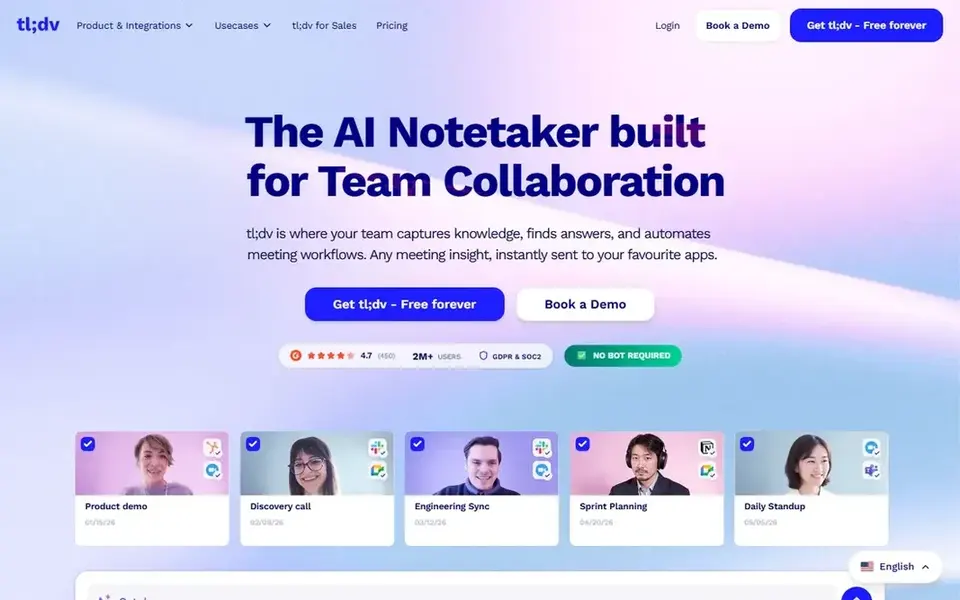
In short, tl;dv is for free unlimited recording and transcription. The free plan keeps recordings only up to 3 months, and AI notes are restricted to 10 meetings on free.
What to check first: every recording on every plan is capped at 3 hours.
Entry price for tl;dv: $18 per seat/month. tl;dv includes a free tier.
- MCP server, API
- Unlimited AI notes
- AI notes are restricted to 10 meetings on free
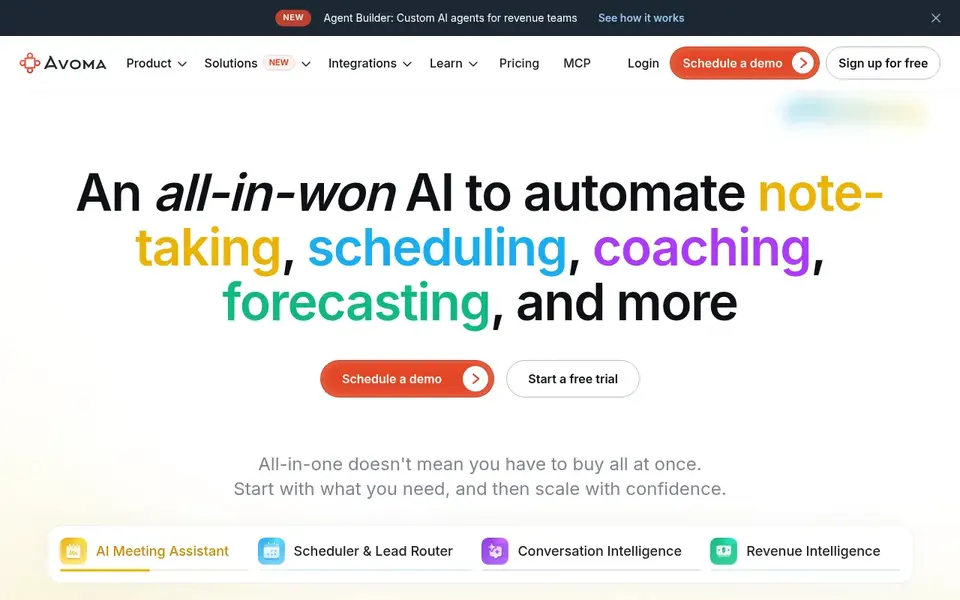
Avoma is a good fit for sales calls with CRM sync. The Startup plan opens at $19 per recorder seat per month on annual billing, or $29 billed monthly, and viewers and collaborators are always free.
Trade-offs to know: the coaching and forecasting features most revenue teams want are separate extras, with Conversation Intelligence and Revenue Intelligence each at $29 per seat/month billed yearly on top of the base seat.
There is no free plan, and the coaching and forecasting features most revenue teams want are separate extras: Conversation Intelligence and Revenue Intelligence are each $29 per seat per month on annual billing on top of the base seat. For everyday use, a team that wants the full revenue stack will pay far more than the $19 starting figure. Avoma pricing: $19 per recorder seat/month. Free options: Free trial (14 days).
- Only recorder seats are billed whereas viewers are free
- Unlimited live transcription and unlimited AI summary notes on every plan
- No free plan
AI Meeting Recorder Software: more detail
Check these numbers before you buy. Also, Finally, check the seats: Fathom Team needs a 2-user minimum, Avoma bills only recorder seats whereas viewers are free, and Otter.ai Pro is capped at 5 billed users.
What went into this list
ProMapRanker looked at what each vendor publishes: pricing, plan limits, feature coverage for AI meeting recorder software and stated drawbacks. No hands-on testing is claimed. Plan names, prices and limits change often. Treat the figures here as a starting point and verify them with the vendor. We ordered the tools by general fit, then by how clearly pricing is shown, then by free access. A buyer with unusual needs may reorder them.
What to check before you buy
- Prices are a starting point; Notta shows $8.17 per month to start, so verify what your seat count would cost.
- Look at free plan limits closely: Otter.ai, Read AI, Notta and others have one, and the caps decide whether it is usable for real work.
- Take the trial from Avoma and push a live task through it before you pay.
- Ask Read AI whether prices are locked for the first term and what happens at renewal.
- List the apps you already depend on and check that tl;dv supports each one on the plan you would buy.
Frequently asked questions
What is the difference between transcription and AI summaries?
Transcription turns the spoken words of a call into written text, whereas AI summaries turn that text into a short report with topics, decisions, and action items.
Which options for AI meeting recorder software have a free plan?
Otter.ai, Read AI, Notta, Fathom and tl;dv offer a free plan in this list. Free plans usually cap users, projects or features, so check the limits on the vendor page. One other tool offers a trial instead.
Is Otter.ai the right pick for everyone comparing AI meeting recorder software?
No single tool suits every team. Otter.ai comes first because it fits live transcription and live notes, while Read AI suits meeting reports and coaching and Notta suits low-cost transcription in 58 languages. Match the tool to your own size, budget and workflow before deciding.
How are the tools for AI meeting recorder software ordered?
Otter.ai sits first and Avoma last because the order follows typical fit for AI meeting recorder software, then price clarity and free access. It is a judgement call, so read each profile for fit and limits.
Can I try these options before paying?
Often, yes. Otter.ai, Read AI, Notta and others have a free plan and Avoma offers a free trial. Use your own data and a real task during the test, and check what the free tier or trial limits before you rely on it.
Sources
See where you really rank - block by block
ProMapRanker scans Google Maps across a grid of your service area. Simple monthly plans from $19, white-label on every plan.
Start freeBrowse all guides
← AI Avatar Video Generators: Best Picks of 2026AI Video Summarizers: Best Picks of 2026 →
 top generative video software
Best Generative Video Software (2026)
Top generative video software in 2026: 6 contenders with entry costs and free tiers. Strengths and gaps are listed per tool. Last reviewed November 2026.
Read → easywebinar alternatives
Best EasyWebinar Alternatives in 2026
EasyWebinar alternatives in 2026: 5 tools with starting prices, free plans and limits. Costs and caveats sit beside each pick. A comparison table is included.
Read → best webinar software for hd video streaming
6 Best Webinar Software for HD Video Streaming Options for 2026
Best webinar software for HD video streaming: 6 contenders ranked by fit, with entry costs and free tiers. Read the caveats before you buy. Checked this month.
Read → best on demand webinar platform
7 Strong On Demand Webinar Platforms in 2026
Best on demand webinar platform: 7 contenders ranked by fit, with entry costs and free tiers. Every pick gets a straight assessment. Read before you buy.
Read → best free tools to convert image to video
Best Free Tools to Convert Image to Video in 2026
Looking for the best free tools to convert image to video? We compare 8 editors that turn photos into clips, with free plans, templates, and export limits.
Read → airtable alternatives
Best Airtable Alternatives in 2026
Compare the best Airtable alternatives in 2026, with free plans, databases, docs, project views, migration notes, record limits and prices for switching teams.
Read →More in Video, Audio & Podcasts · All guides A to Z by date · Latest guides