 ProMapRanker
Best AI Journaling Apps in 2026

Key takeaways
- Rosebud and Mindsera give the deepest back and forth reflection, while Reflection gives a strong free starting point.
- Day One remains the best choice for a long term private archive, with AI kept as an opt in extra on its Gold plan.
- Privacy differs a lot, so check whether entries are encrypted, whether AI processing is optional, and what can be deleted.
- A short daily habit matters more than a long feature list, so start with the free tier that fits how you like to write or talk.
Quick comparison
| Pick | Great for | Pricing starts at | Free tier | |
|---|---|---|---|---|
 Rosebud | Guided conversational reflection | $12.99 per month | No | Visit |
 Mindsera | Structured thinking and pattern analysis | $14.99 per month | Yes | Visit |
 Reflection | Voice journaling and coaching | $8 per month | Yes | Visit |
 Day One | Private long term journaling | $49.99 per year | Yes | Visit |
 Stoic | Short morning and evening routines | $39.99 per year | Yes | Visit |
 Reflectly | Mood first guided journaling | See website | Yes | Visit |
 Journey | Cross platform journaling with AI help | See website | Yes | Visit |
 Life Note | Mentor style replies to entries | $10.99 per month | Yes | Visit |
The best AI journaling apps
We compared AI journaling apps on how they respond, how they remember earlier entries, how they handle privacy, and what the free and paid plans actually include. The apps below cover chat style reflection, structured analysis, voice notes, and classic diary writing with light AI help.
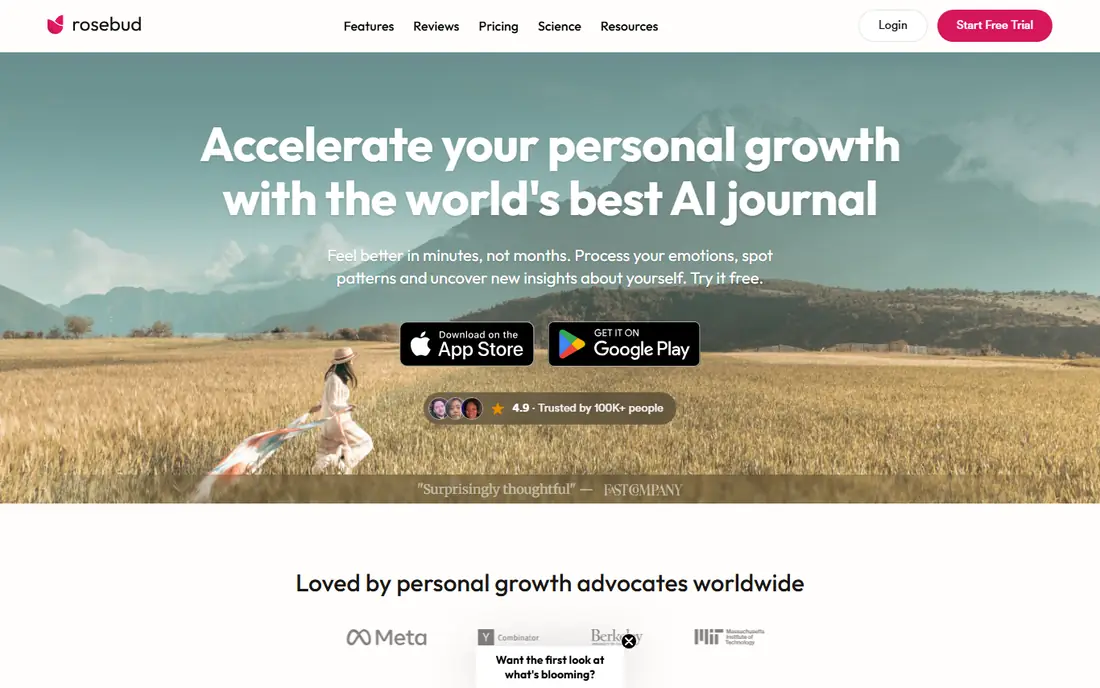
Rosebud works best for people who want to talk through a day rather than stare at a blank page. You write or speak an entry, and the app replies with a perspective and a follow up question that draws on earlier entries. That back and forth can help you notice a repeated worry, a habit that keeps slipping, or a small win that you might otherwise forget.
The catch is cost and expectation. Rosebud retired its free plan on 30 September 2026, so you need a paid Bloom plan to use it now. It is also not a therapist, and it cannot diagnose or treat a mental health condition. Treat its weekly report as a prompt for your own reflection, and keep the original entry as the record you trust.
- Long term memory across entries
- Weekly pattern reports
- Guided follow up questions
- No free plan since 30 September 2026
- AI replies can feel generic on short entries
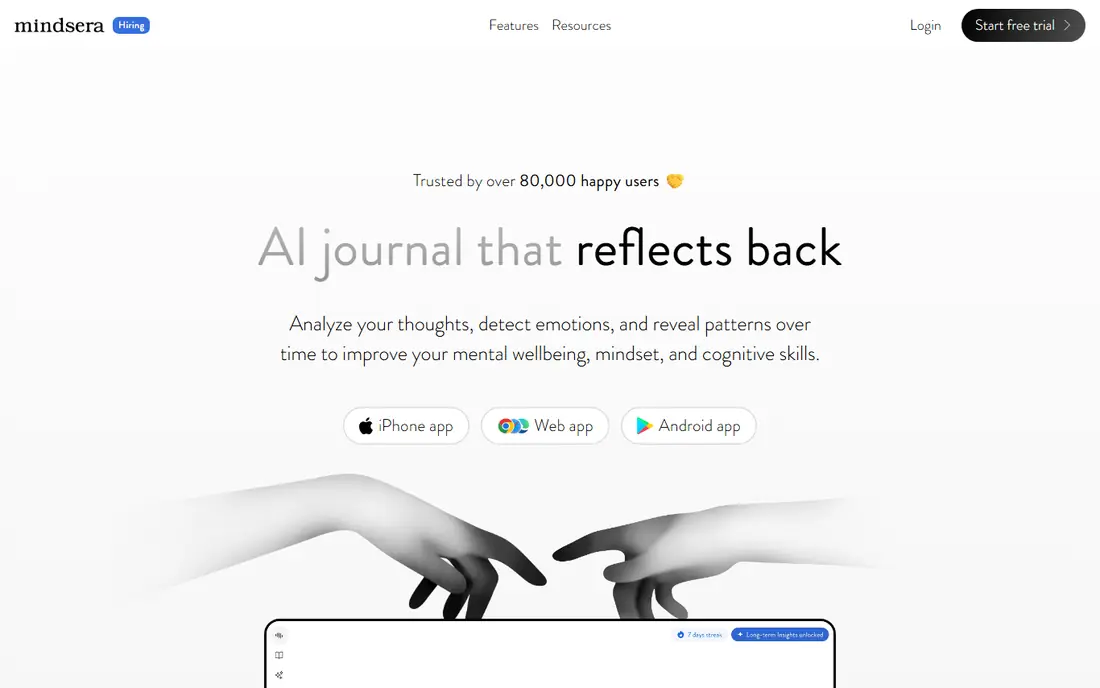
Mindsera suits writers who like a clear method. It offers thinking frameworks, entry analysis, and a memory profile that you can view and edit, which helps the app connect a current entry to themes from earlier writing. Voice journaling and a call mode on the Genius plan give an option for people who think better out loud than on a keyboard.
The free Curious plan lets you try the basic journal without AI features, which is a fair way to test the layout before paying. The trade off is that the full value arrives only on Genius, at $14.99 per month or $129 per year in the sources we checked. If you only want a simple diary, the frameworks may add more structure than you need.
- Framework based prompts
- Entry analysis and memory profile
- Voice and call modes on Genius
- AI features sit on the paid Genius plan
- The structured style can feel heavy for quick notes
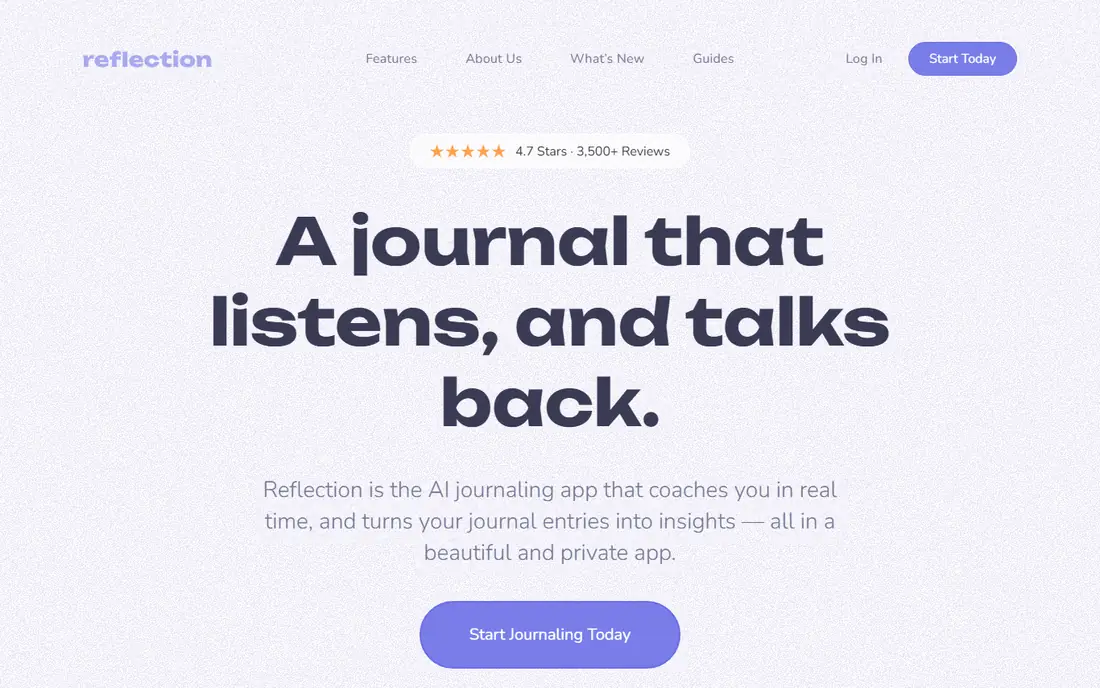
Reflection is a good first stop for people who want AI help without paying at once. The free plan includes a daily AI allowance, and the paid plan is listed at $8 per month in recent comparisons. The AI coach reads an entry and asks a follow up question, which can turn a short note into a fuller reflection without turning the session into a long chat.
Voice is the other strength here. Speaking an entry on a walk or a commute can be easier than typing, and two way voice on mobile adds a conversational option. The limit is that patterns across weeks and months need time and regular entries to become useful, so early replies may feel simple.
- AI coach with follow up questions
- Voice journaling
- Free plan with a daily AI allowance
- Coaching tone may not suit people who want a plain diary
- Pattern features build slowly over time
Day One is the pick for people who want a diary first and AI second. The Basic plan is free, Silver is $49.99 per year, and Gold is $74.99 per year, with Daily Chat and AI summaries on Gold. Entries can include photos, audio, video, and location, and the app offers end to end encryption, which matters when entries hold personal detail.
The honest limit is that Day One does not coach you in the same way as Rosebud or Mindsera. Daily Chat asks personal questions and turns a chat into an entry, but the core product is still a polished archive. If you want deep analysis, pair it with a clear habit of writing, or pick a more conversational app from this list.
- End to end encryption
- Rich media entries
- Long track record as a diary app
- AI chat sits only on the Gold plan
- Free plan limits photos per entry
Stoic frames journaling as a short daily practice, with morning preparation and evening review, mood check ins, and prompts drawn from Stoic ideas. That shape helps people who stall at an open page, because the app tells you what to do next and keeps the session short. Mood tracking adds a simple way to see how days compare over time.
The paid AI tier adds personal prompts and reflections, and it is sold separately in the app, so check the current in app price before you commit. Stoic also keeps journal data on the device, with optional iCloud sync on Apple devices, which some readers will prefer. Free writers who want long open entries may find the routine a little narrow.
- Structured daily routine
- Mood tracking
- Journal stays on device with optional sync
- AI help is on a separate paid tier
- The routine can feel fixed for free writers
Reflectly is built for beginners who want to start small. You log a mood, answer a guided question, and write as much or as little as you like. That low pressure flow is useful on busy days, when a full page feels like too much, and the mood record can show patterns that a single entry would miss.
The trade off is depth. Reflectly gives AI personalised questions and mood links, but it does not offer the long conversational memory of Rosebud or the framework analysis of Mindsera. Prices also vary by app store and plan, so we list the starting price as See website and suggest checking the store listing for the current plan in your country.
- Simple mood check ins
- Guided questions
- Low pressure daily habit
- AI features are light compared with chat first apps
- Pricing varies by store and plan
Journey suits people who switch devices during the day. You can start an entry on a phone, add a photo on a computer, and read it later on the web, which keeps a journal close at hand. The app supports mood tracking, media, and optional encryption with your own passphrase, a useful extra for personal writing.
Membership tiers change what you get, including media limits, sync, and AI features, so the free tier is best treated as a trial of the workflow rather than the full product. The interface packs in a lot, which some readers will enjoy and others will find busy. If you want one journal everywhere, Journey is still one of the more complete options here.
- Works across phone, computer, and web
- Mood and media support
- Optional encryption
- AI features and storage limits depend on the membership tier
- Interface can feel busy
Life Note takes a different route to reflection. Mentors styled on historical figures reply to entries, with replies grounded in their published work, and the app remembers earlier writing so later replies can build on it. The free tier gives a way to test the style, while Premium is listed at $10.99 per month or $99.99 per year in recent comparisons.
The risk is that a strong mentor voice can pull an entry away from your own thinking. It works best when you treat the reply as a question to consider, not as advice to follow. Readers who want a neutral coach may prefer Reflection, while readers who enjoy a distinct point of view may enjoy Life Note.
- Replies styled on historical figures
- Remembers earlier writing
- Free tier to start
- Mentor framing can distract from your own voice
- Deeper memory sits on Premium
How we picked these
We compared official feature pages, pricing pages, app store listings, privacy pages, and recent independent comparisons for each app. We kept apps that offer a real AI reply, prompt, summary, or analysis feature in October 2026, and we left out plain diaries with no AI help. Prices above come from vendor pages or recent comparisons of those pages, and where a price varied by store we wrote See website rather than picking one number.
What to check before you pay
Start with privacy, because a journal holds material you may not want shared. Read whether entries are encrypted, whether AI processing is opt in, whether the provider trains models on entries, and how to export or delete your data. A clear privacy page and an export option matter more than a long list of prompts, and they are worth checking before you write anything sensitive.
Next, match the app to how you actually write. Chat first apps suit people who think by talking, while structured apps suit people who want a method and a review. Voice apps suit commutes and walks, and classic diaries suit people who already write daily and only want light help. Try the free tier for a week of real entries, and judge the replies on your own words rather than on sample screens.
Finally, watch the plan boundary. Some apps put AI on a paid tier only, some retire a free plan, and some sell AI as a separate in app purchase. Check what the free tier includes, what the paid tier adds, and whether you can cancel without losing your archive. A journal you can leave with your entries intact is a safer long term choice.
Frequently asked questions
What is the best ai journaling app for beginners?
Reflection and Reflectly are good starting points, because both offer a free plan and guided questions that keep a first entry short. Day One Basic is also a calm free start if you want a plain diary with strong privacy. Try one for a week before paying, and pick the one that makes you return the next day.
Are AI journaling apps private?
Privacy varies by app, so read the privacy policy before you write sensitive entries. Look for encryption, opt in AI processing, a clear statement on model training, and export and delete options. Avoid writing names, addresses, or other details you would not want stored on a server, even in an app you trust.
Is there a free ai journaling app?
Yes, with limits. Mindsera, Reflection, Day One, Stoic, Reflectly, Journey, and Life Note all offer a free tier, but AI features are often limited or paid. Rosebud no longer offers a free plan, based on its September 2026 change. Check the current free tier on the vendor site, since free plans change.
Can an AI journal replace therapy?
No. An AI journal can help you reflect, notice patterns, and prepare notes for a real conversation, but it cannot diagnose, treat, or respond to a crisis. If you are struggling, contact a qualified professional or a local crisis service. Use the app as a writing habit, not as a source of medical advice.
Which AI journaling app is best for voice journaling?
Reflection is a strong choice for voice, with voice journaling and two way voice on mobile. Mindsera also offers voice journaling and a call mode on its Genius plan. Day One supports audio entries with transcription, which suits people who want to keep a spoken note inside a classic diary.
Sources
See where you really rank - block by block
ProMapRanker scans Google Maps across a grid of your service area. Simple monthly plans from $19, white-label on every plan.
Start freeKeep reading
 who has best internet service
Who Has the Best Internet Service in 2026
Who has best internet service for US homes? We compare fiber, cable, fixed wireless and satellite providers on speed, price, availability and terms today.
Read → which survey tool has the best analytics
Which Survey Tool Has the Best Analytics in 2026
Find which survey tool has the best analytics in 2026, comparing Qualtrics, SurveyMonkey, Typeform, Alchemer, and more on reports, text, and stats today.
Read → which streaming service has the best movies
Which Streaming Service Has the Best Movies in 2026
Answering which streaming service has the best movies, with Netflix, Max, Criterion and more compared on libraries, prices and free options in this guide.
Read →