 ProMapRanker
Best AI Infographic Generators: 2026 Prices and Picks

Live charts and data stories · Pricing starts at: $19 a month (billed annually)
Direct answer
Start with Infogram if you need live charts and data stories. Listed starting prices: Infogram from $19 a month, Visme from $12.25 per person/month and Canva from $120 per year. If your case is different, Visme suits branded reports and data visuals and Canva suits everyday infographics and marketing visuals. The remaining 3 options are covered below with prices and limits.
This ProMapRanker guide covers 6 AI infographic generators. Each profile lists a starting price, free plan details, strengths and drawbacks, so you can drop poor fits quickly.
Key takeaways
- This list starts with Infogram, which is built for live charts and data stories.
- The lowest published monthly entry price here is $10 per member/month, from Piktochart.
- 6 of the 6 tools have a free plan, including Infogram, Visme, Canva and Piktochart.
- One limit worth knowing about Piktochart: Pro exports PNG only, so PDF and PowerPoint export need Business.
Quick comparison
| Pick | Great for | Pricing starts at | Free tier | |
|---|---|---|---|---|
| Infogram | Live charts and data stories | $19 a month (billed annually) | Yes | Visit |
 Visme | Branded reports and data visuals | $12.25 per person/month (billed yearly) | Yes | Visit |
 Canva | Everyday infographics and marketing visuals | $120 per year (billed annually) | Yes | Visit |
 Piktochart | Data-led infographics and reports | $10 per member/month (billed annually) | Yes | Visit |
 Gamma | AI decks with infographic-style cards | $10 per user/month (billed per month) | Yes | Visit |
 Venngage | Infographics with accessibility checks | $10 per month (billed yearly) | Yes | Visit |
The full AI infographic generators list
Choose Infogram for live charts and data stories. The trade-off: Infogram is a data tool first. Infogram Pro is listed at $19 a month on annual billing, or $228 a year.
Where it is weaker: logo removal needs Business, Team, or Enterprise.
On top of that, the free Basic plan lets up to 10 projects for one user. Pro raises the limit to 100 projects, with up to 10 pages per project, and brings more than 100 premium templates and more than 800 map types. Infogram starts at: $19 per month. You can start on Infogram without paying.
- Live data tools
- Pro lets up to 100 projects and 10 pages per project
- Pro at $19 a month is dearer than most rivals here
Visme is designed for branded reports and data visuals. Visme Starter is listed at $12.25 per person a month on annual billing, or $147 a year.
Trade-offs to know: GIF downloads need Business at $24.75 per person a month.
On cost, Visme starts like this: $12.25 per person/month. Visme has a free plan.
- Starter bundles JPG, PNG
- PDF downloads and 200 AI credits a month
- Free plan layers on a Visme watermark
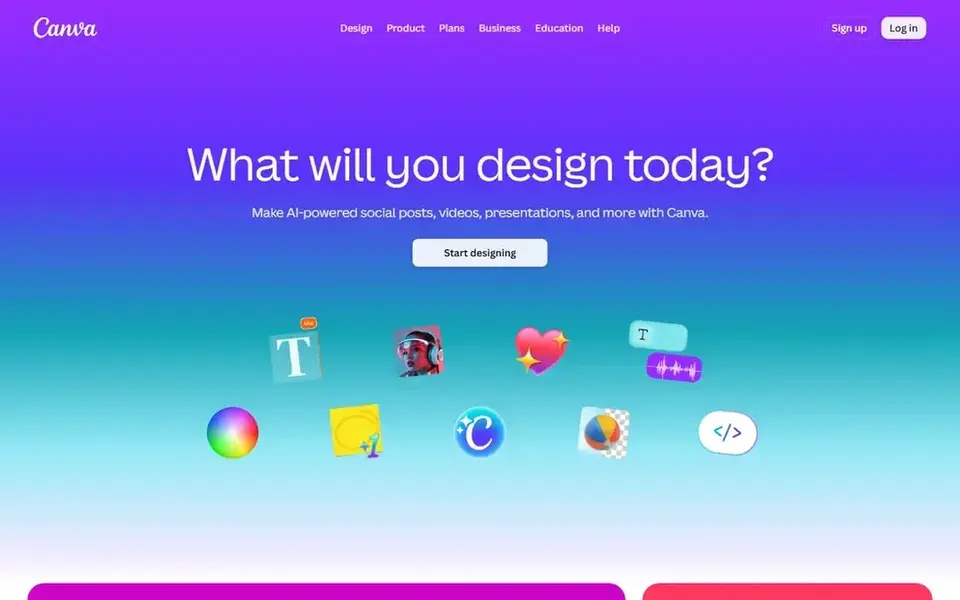
Canva makes the most sense for everyday infographics and marketing visuals. Canva Pro is listed at $120 a year for one person, which works out to $10 a month on annual billing.
Pro gets 10 times the free AI allowance for premium and ultra AI tools, and the allowance resets each month. Starting cost for Canva: $120 per year. Canva includes a free tier.
Points against: AI tools are capped by a monthly allowance on Pro.
- Large template library and Magic Studio AI tools
- 1TB storage
- Pro is for one person only
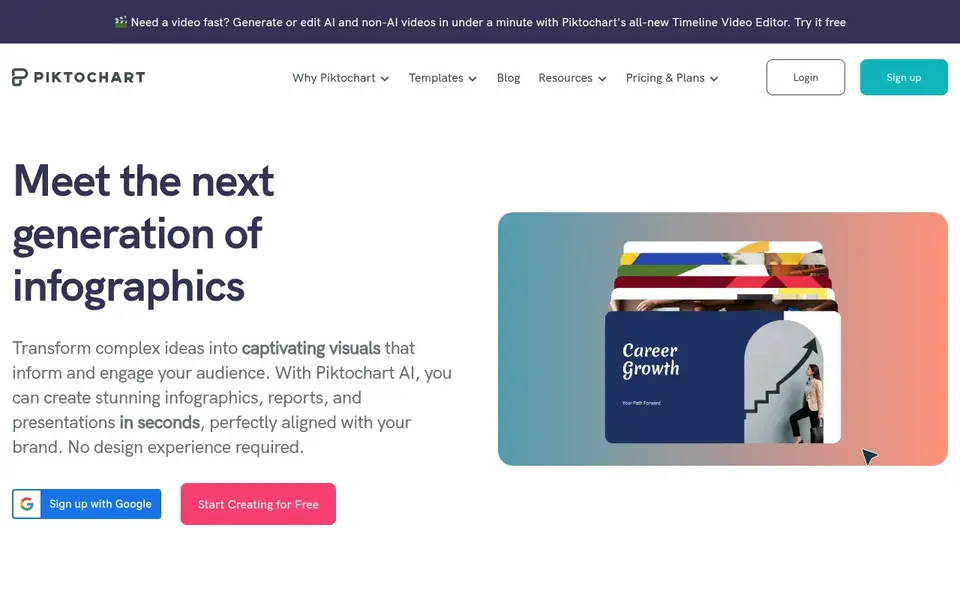
Piktochart is designed for data-led infographics and reports. Business is listed at $17 per member a month on annual billing, or $204 a year.
As for the details, Pro layers on unlimited PNG downloads, premium templates and assets, transparent-background PNGs, password-protected sharing, and 100GB of storage. Piktochart starts at: $10 per member/month. Piktochart offers a free plan.
Downsides: brand colors stay restricted on Pro.
- Pro contains 500 AI credits per member each month and 100GB storage
- AI infographic generator with chart and map tools
- Pro exports PNG only, so PDF and PowerPoint export need Business
Pick Gamma if this describes you: AI decks with infographic-style cards. The free plan provides 400 AI credits once, with no monthly refill, and lets up to 10 slides per prompt, with export to PDF, PowerPoint, PNG, and Google Slides.
The starting price for Gamma: $10 per user/month. You can start on Gamma without paying.
What to check first: Gamma is made for slides.
- Pro brings premium AI image models and in-depth analytics
- Plus removes Gamma branding and raises the limit to 100 slides per prompt
- Free plan hands 400 AI credits once, with no monthly refill
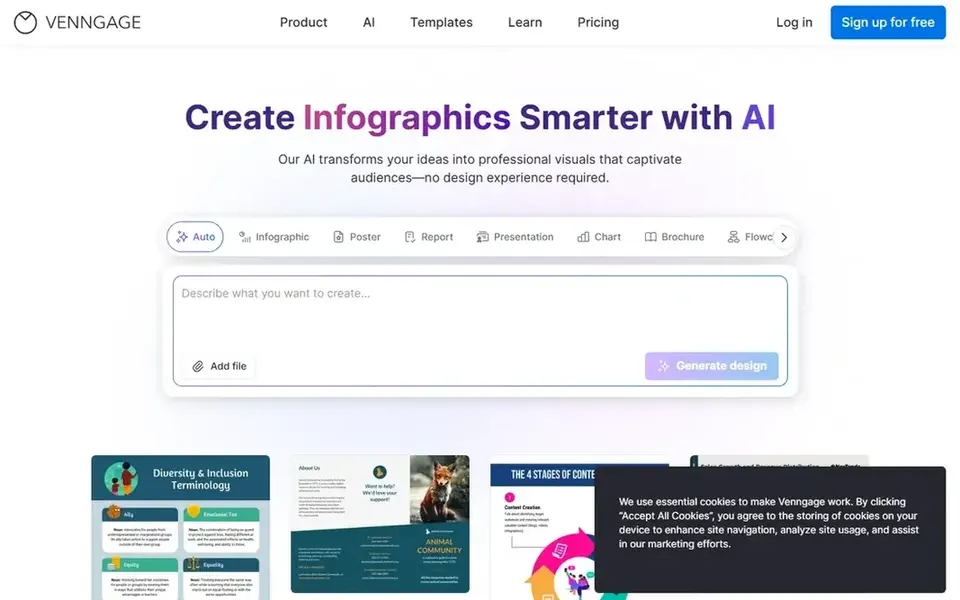
Pick Venngage if this describes you: Infographics with accessibility checks. Business also raises AI credits to 1,600 per day. On top of that, Venngage Premium is listed at $10 a month on annual billing, down from a $19 monthly reference price.
Business is listed at $24 per user a month on annual billing. Worth adding: one limit: PDF, PowerPoint, and email HTML export sit on Business, along with brand kits, team sharing, password-protected sharing, and 1,000 image up For everyday use, premium layers on unlimited designs, 160 daily AI credits, PNG and high-resolution PNG export, private sharing, and 50 image uploads. Venngage starts at: $10 per month. Venngage offers a free plan.
Where it is weaker: Premium has no PDF or PowerPoint export. Strengths: high-resolution PNG export.
- Premium layers on unlimited designs
- Business layers on 1,600 daily AI credits
- Free plan is restricted to 5 designs and 6 image uploads
What went into this list
For each of the 6 tools we noted price, free plan or trial, fit for AI infographic generators and the main limit, using vendor pages and documentation. Prices and plan limits come from vendor pages and can change, so confirm them on the vendor site before you buy. Order on the page follows fit for the typical buyer first, then price transparency and free access. Your own requirements should decide the final pick.
A buyer's checklist
- Check the vendor page for the current price: Piktochart starts at $10 per member/month here, and seats or billing terms can move it.
- Read the fine print on the free plans from Infogram, Visme, Canva and others; seat, project and feature caps differ.
- Before choosing Infogram, weigh its main limit: Pro at $19 a month is dearer than most rivals here.
- Involve the people who will use Venngage daily; a short pilot beats a long feature checklist.
- Verify that exporting from Infogram is possible on your plan and covers all your records.
Frequently asked questions
Can I try these tools before paying?
Often, yes. Infogram, Visme, Canva and others have a free plan. Use your own data and a real task during the test, and check what the free tier or trial limits before you rely on it.
Which is a good match for a team?
For most readers this guide would start with Infogram, built for live charts and data stories. Visme is the alternative for branded reports and data visuals, and Canva for everyday infographics and marketing visuals. The right answer depends on budget and workflow.
Which options for AI infographic generators have a free plan?
On this list, 6 of 6 tools include a free plan, among them Infogram, Visme, Canva and Piktochart. Caps on seats, usage or features are common, so test the free plan against your real workload.
What is the cheapest option for AI infographic generators in this list?
On published monthly entry prices, Piktochart is the lowest here at $10 per member/month. Entry price is only part of the cost, because seats, add-ons and billing terms can change the total.
Which is a good match for turning text into an infographic?
For most readers this guide would start with Infogram, built for live charts and data stories. Visme is the alternative for branded reports and data visuals, and Canva for everyday infographics and marketing visuals. The right answer depends on budget and workflow.
Do these tools publish their prices?
Yes. Every tool from Infogram to Venngage shows a starting price, though seats, add-ons and billing terms still change the final cost.
Sources
See where you really rank - block by block
ProMapRanker scans Google Maps across a grid of your service area. Simple monthly plans from $19, white-label on every plan.
Start freeBrowse all guides
← AI Debugging Tools in 2026: Top 6 ComparedBest AI RFP Response Software: 2026 Prices and Picks →
 best agentic automation tools
Best Agentic Automation Tools: 2026 Prices and Picks
5 products for the best agentic automation tools, ranked by fit, with starting costs and free tiers. Each pick comes with its main catch. Straight answers.
Read → best rated ai platforms for conversational bots
Best Rated AI Platforms for Conversational Bots in 2026
6 best rated AI platforms for conversational bots, with entry costs, free tiers and the buyer each one serves. Pros and cons for every tool. Facts only.
Read → best ai receptionist software
Top 6 AI Receptionist Software, Compared on Price (2026)
Best AI receptionist software in 2026: 6 tools with starting prices, free plans and limits. The weak spots sit next to the strengths. Narrow your shortlist.
Read → top rated llm optimization software for ai
7 Best Rated LLM Optimization Software for AI Options for 2026
Comparing the top rated llm optimization software for AI? 7 contenders, each with entry cost, free tier and best-fit buyer. Verdicts stay brief and factual.
Read → beautiful ai alternatives
7 Strong Beautiful AI Alternatives (2026)
Beautiful AI alternatives: 7 contenders ranked by fit, with entry costs and free tiers. The weak spots sit next to the strengths. Pricing and limits included.
Read → best generative ai platforms
Best Generative AI Platforms in 2026
Best generative AI platforms in 2026 compared for writing, coding, research, and images, with current prices, free plans, and strengths for everyday users.
Read →More in AI Tools · All guides A to Z by date · Latest guides