 ProMapRanker
AI Debugging Tools in 2026: Top 6 Compared

Python teams that want AI code review and refactoring · Pricing starts at: $12 per user/month (billed yearly)
Direct answer
Sourcery is the first pick on this list for Python teams that want AI code review and refactoring. Listed starting prices: Sourcery from $12 per user/month, GitHub Copilot from $10 per month and Windsurf from $15 a month. For a different need, GitHub Copilot covers developers who stay in VS Code, JetBrains, or Xcode and Windsurf covers developers who want Cascade agent work at a lower entry price. All 6 tools are compared below on price, free plan and limits.
Short on time? The summary and table above give the quick view of 6 AI debugging tools, and the profiles that follow give the detail behind each entry.
Key takeaways
- This list starts with Sourcery, which is built for Python teams that want AI code review and refactoring.
- The cheapest monthly starting price in the list is $8 per 10,000 traces per month, offered by Raygun.
- Raygun is the one to check for teams that trace live errors to a line of code.
- Sourcery, GitHub Copilot, Windsurf, Cursor, Amazon Q Developer: these are the 5 tools out of 6 that offer a free plan.
Quick comparison
| Pick | Great for | Pricing starts at | Free tier | |
|---|---|---|---|---|
| Sourcery | Python teams that want AI code review and refactoring | $12 per user/month (billed yearly) | Yes | Visit |
 GitHub Copilot | Developers who stay in VS Code, JetBrains, or Xcode | $10 per month | Yes | Visit |
 Windsurf | Developers who want Cascade agent work at a lower entry | $15 a month | Yes | Visit |
 Cursor | Individual developers in an AI-first editor | $20 a month | Yes | Visit |
 Amazon Q Developer | AWS teams who debug and upgrade code in AWS | $19 per user/month | Yes | Visit |
 Raygun | Teams that trace live errors to a line of code | $8 per 10,000 traces a month (billed annually) | Free trial (14 days) | Visit |
AI Debugging Tools profiles
In short, Sourcery is for Python teams that want AI code review and refactoring. It reviews pull requests line by line, recommends clearer refactors, flags a likely bug, and checks security issues in code.
On cost, Sourcery starts like this: $12 per user/month. You can start on Sourcery without paying.
Trade-offs to know: Free plan spans open source repos only, so private repos need Pro.
- Open Source plan is free for open source repos
- Team brings security scanning for 200 plus repos
- Team at $24 per user/month billed yearly is double the Pro annual rate
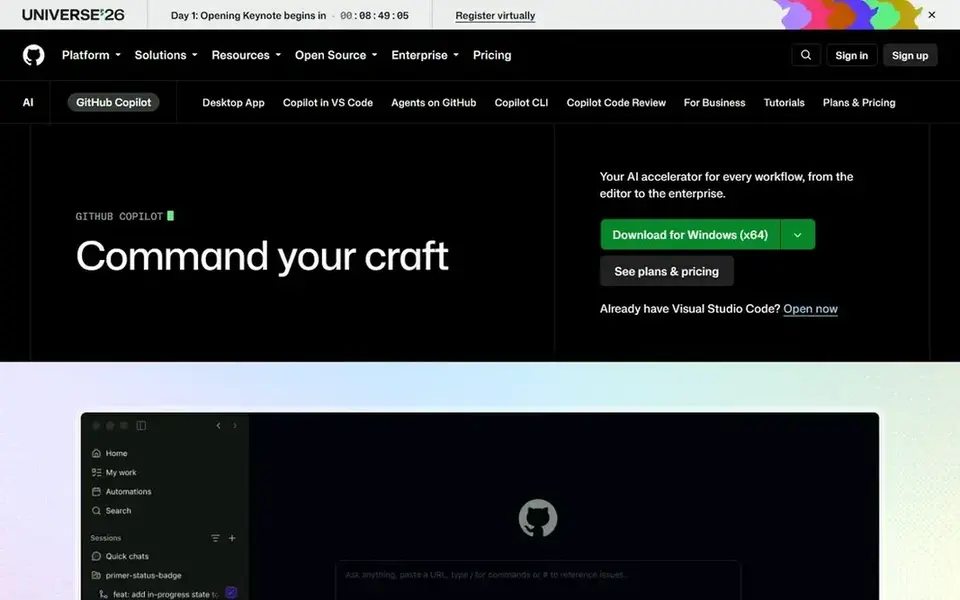
GitHub Copilot was built for developers who stay in VS Code, JetBrains, or Xcode. The Free plan costs $0 with restricted chat and agent use.
Downsides: Pro+ at $39 a month is needed for a bigger pool.
Pro+ costs $39 a month and contains 7,000 units. GitHub Copilot pricing: $10 per month. GitHub Copilot has a free plan.
Where it shines: Pro bundles 1,500 AI usage units a month.
- Business brings policy controls at $19 per seat a month
- Unlimited completions on subscription plans
- Chat and agent work draws on the monthly usage unit pool
Where Windsurf fits: developers who want Cascade agent work at a lower entry price. Pro costs $15 per month, or $10 a month billed yearly, and contains 500 prompt usage units a month and full Cascade access.
Downsides: Free plan provides only 25 prompt usage units a month for premium models.
In daily use, add-on units cost $10 for 250 units. Price to start with Windsurf: $15 per month. Windsurf offers a free plan.
- Free plan contains unlimited Tab autocomplete
- Pro contains 500 prompt usage units a month
- Pro moved to a usage unit model in 2026
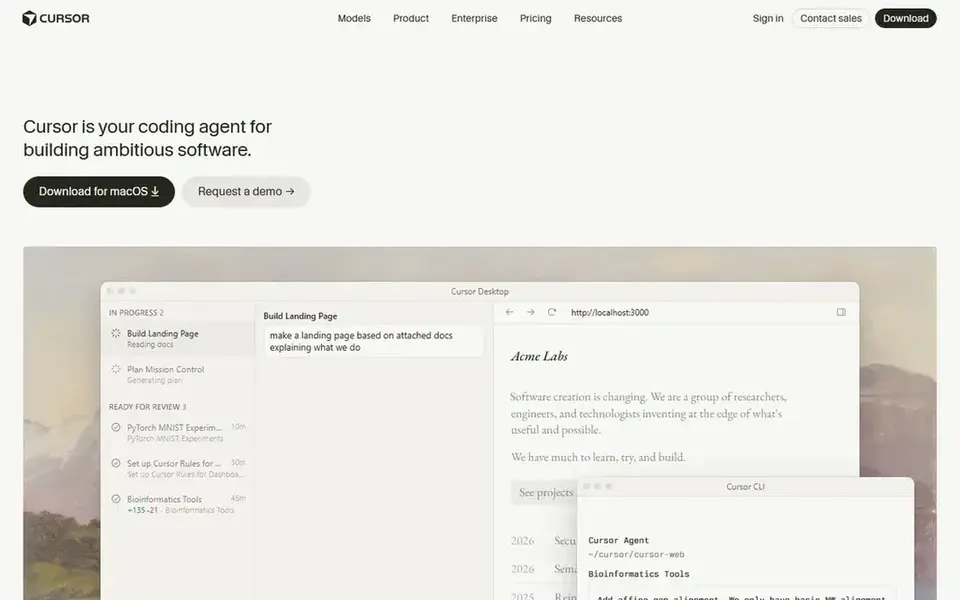
Cursor serves individual developers in an AI-first editor. Agent mode can read an entire codebase, edit across files, and run commands. For everyday use, the Hobby plan costs $0 and gives restricted Agent requests.
Where it falls short: Model usage past the included pool layers on additional cost.
Teams costs $40 per user a month. Pro+ costs $60 a month and Ultra costs $200 a month. Price to start with Cursor: $20 per month. Cursor includes a free tier.
- Pro contains $20 of model usage a month
- Bugbot code review on higher plans
- Pro+ at $60 a month and Ultra at $200 a month raise cost quick for heavy agent use
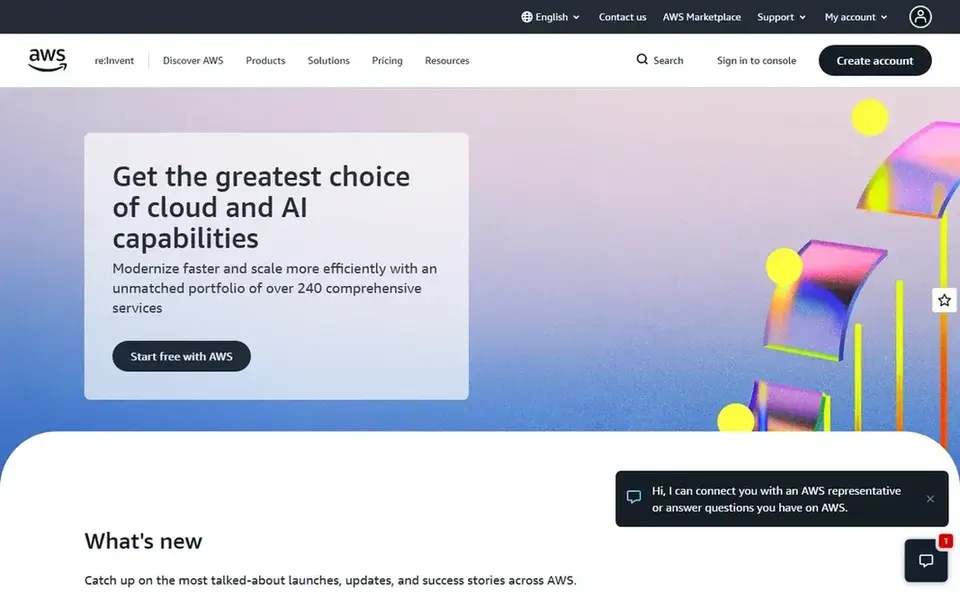
Amazon Q Developer is aimed squarely at AWS teams who debug and upgrade code in AWS. Pro costs $19 per user a month and bundles 1,000 agentic requests a month and 4,000 lines of Java transformation per user a month pooled at acc Pro layers on IP indemnity, SSO through IAM Identity Center, and central policy controls.
Amazon Q Developer starts at: $19 per user/month. Amazon Q Developer has a free plan.
Where it falls short: AWS will end support for Q Developer IDE plugins on 30-04-2027.
- Free level comes with 50 agentic requests a month
- Pro layers on IP indemnity and admin controls
- Pro Java transformation allowance is 4,000 lines per user a month
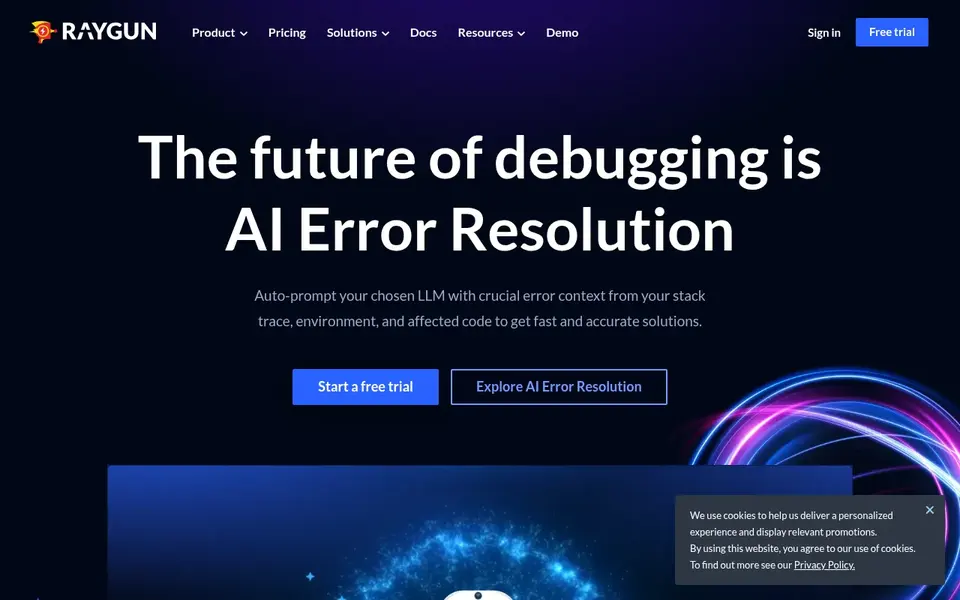
Raygun serves teams that trace live errors to a line of code. The trial provides 14 days of full monitoring with no free plan after it ends.
As for the details, application Performance Monitoring traces a slow request and pinpoints the slow line. More specifically, real User Monitoring uses the same $8 per 10,000 sessions a month billed yearly. Raygun cost at the entry level: $8 per 10,000 traces per month. Trial and free access: Free trial (14 days).
What to check first: only a 14-day trial.
- APM pricing begins at $8 per 10,000 traces a month billed yearly
- Crash reporting groups errors with stack traces
- No free plan is listed
Our selection method
We compared the tools on published pricing, free plan or trial availability, feature coverage for AI debugging tools, and the limits each vendor documents. Seat minimums, billing terms and add-ons can move the real cost, so the starting prices here are a guide and not a quote. We ordered the tools by general fit, then by how clearly pricing is shown, then by free access. A buyer with unusual needs may reorder them.
What to check before you buy
- Check the vendor page for the current price: Raygun starts at $8 per 10,000 traces per month here, and seats or billing terms can move it.
- Read the fine print on the free plans from Sourcery, GitHub Copilot, Windsurf and others; seat, project and feature caps differ.
- Take the trial from Raygun and push a live task through it before you pay.
- Before choosing Sourcery, weigh its main limit: free plan covers open source repos only, so private repos need Pro.
- Check whether the features you need in Sourcery sit on the entry plan or only on higher tiers.
- Work out what Raygun costs with your real seat count, add-ons and usage, not just the entry price.
Frequently asked questions
What is the cheapest option for AI debugging tools in this list?
On published monthly entry prices, Raygun is the lowest here at $8 per 10,000 traces per month. Entry price is only part of the cost, because seats, add-ons and billing terms can change the total.
Which options for AI debugging tools have a free plan?
Sourcery, GitHub Copilot, Windsurf, Cursor and Amazon Q Developer offer a free plan in this list. Free plans usually cap users, projects or features, so check the limits on the vendor page. One other tool offers a trial instead.
Can I try these options before paying?
Often, yes. Sourcery, GitHub Copilot, Windsurf and others have a free plan and Raygun offers a free trial. Use your own data and a real task during the test, and check what the free tier or trial limits before you rely on it.
Is Sourcery the right pick for everyone comparing AI debugging tools?
No single tool suits every team. Sourcery comes first because it fits Python teams that want AI code review and refactoring, while GitHub Copilot suits developers who stay in VS Code, JetBrains, or Xcode and Windsurf suits developers who want Cascade agent work at a lower entry price. Match the tool to your own size, budget and workflow before deciding.
Sources
See where you really rank - block by block
ProMapRanker scans Google Maps across a grid of your service area. Simple monthly plans from $19, white-label on every plan.
Start freeBrowse all guides
← Best Agentic Automation Tools: 2026 Prices and PicksBest AI Infographic Generators: 2026 Prices and Picks →
 best rated ai platforms for conversational bots
Best Rated AI Platforms for Conversational Bots in 2026
6 best rated AI platforms for conversational bots, with entry costs, free tiers and the buyer each one serves. Pros and cons for every tool. Facts only.
Read → best ai receptionist software
Top 6 AI Receptionist Software, Compared on Price (2026)
Best AI receptionist software in 2026: 6 tools with starting prices, free plans and limits. The weak spots sit next to the strengths. Narrow your shortlist.
Read → best ai picture generator app
AI Picture Generator App in 2026: Top 9 Compared
Best AI picture generator app in 2026: 9 tools with starting prices, free plans and limits. Each profile ends with a plain caveat. Current for November 2026.
Read → best ai optimization platforms llm integrations
5 AI Optimization Platforms LLM Integrations Ranked for 2026
5 products for the best AI optimization platforms llm integrations, ranked by fit, with starting costs and free tiers. Every pick includes one clear drawback.
Read → gemini vs chatgpt local
Gemini vs ChatGPT for Local Recommendations: Who Wins?
Gemini vs ChatGPT for local business recommendations: how they differ in sources, accuracy, and bias.
Read → best ai pricing tools
6 Top AI Pricing Tools Compared (2026)
6 products for the best AI pricing tools, ranked by fit, with starting costs and free tiers. Every profile names its biggest catch. Built for quick decisions.
Read →More in AI Tools · All guides A to Z by date · Latest guides