 ProMapRanker
Best AI Incident Management Software (2026)

Unified on-call, response and status pages · Pricing starts at: $15 per user per month
Direct answer
This list puts Incident.io first for unified on-call, response and status pages. Listed starting prices: Incident.io from $15 per user per month, xMatters from $15 per user a month and PagerDuty from $21 per user per month. Alternatives: xMatters for automating workflows across DevOps and operations, and PagerDuty for AI-first operations from detection to prevention. Prices, free plans and limits for all 5 tools follow.
If you are comparing AI incident management software, this page covers 5 tools in one place: what each is best for, what it costs to start, whether it has a free plan, and the main limit to know about.
Key takeaways
- Incident.io takes the first slot, best suited to unified on-call, response and status pages.
- Before buying Opsgenie, weigh this: vendor page centers on migration.
- Free plans exist at 3 of 5 tools (Incident.io, xMatters, PagerDuty).
- The lowest published monthly entry price here is $15 per user per month, from Incident.io.
- For large enterprises with wide workflow needs, ServiceNow is worth a look.
Quick comparison
| Pick | Great for | Pricing starts at | Free tier | |
|---|---|---|---|---|
| Incident.io | Unified on-call, response and status pages | $15 per user per month | Yes | Visit |
 xMatters | Automating workflows across DevOps and operations | $15 per user a month | Yes | Visit |
 PagerDuty | AI-first operations from detection to prevention | $21 per user per month | Yes | Visit |
 Opsgenie | Teams already standardized on Atlassian tooling | See website | Not stated | Visit |
 ServiceNow | Large enterprises with wide workflow needs | See website | Not stated | Visit |
AI Incident Management Software, one by one
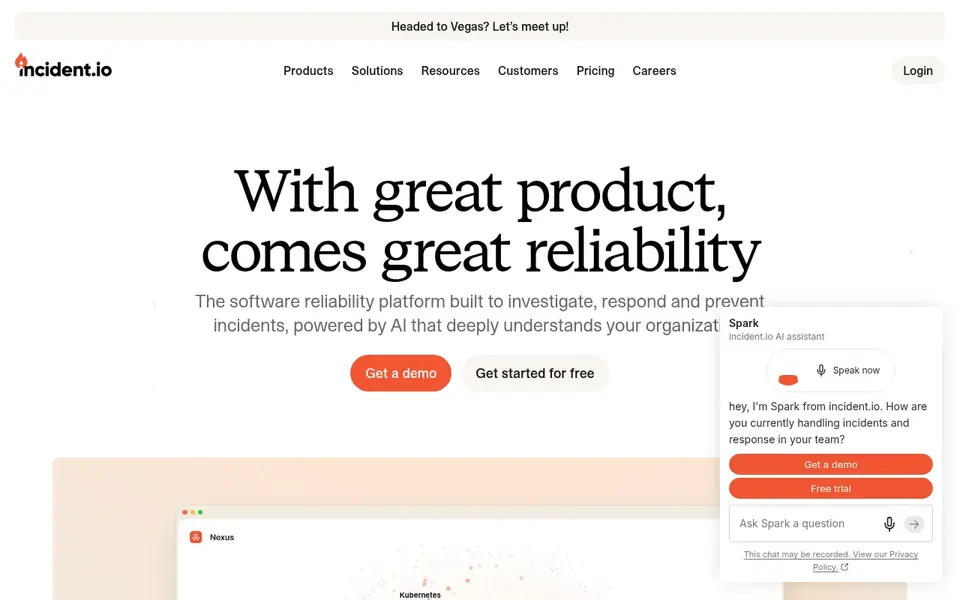
Pick Incident.io if this describes you: unified on-call, response and status pages. incident.io describes itself as a software reliability system unifying on-call, agentic root cause analysis, incident response and status pages so teams resolve issues faster. Its focus is software reliability, so organizations with heavy IT service management needs may want a broader product.
Where it falls short: Feature depth varies by module.
For everyday use, if you need broad enterprise workflow tooling beyond incidents, consider a wider suite. Depth across modules can differ, so check the specifics you depend on. The starting price for Incident.io: $15 per user per month. A free plan is available with Incident.io.
- On-call and response in one place
- Built-in status pages
- Centred on software reliability use cases
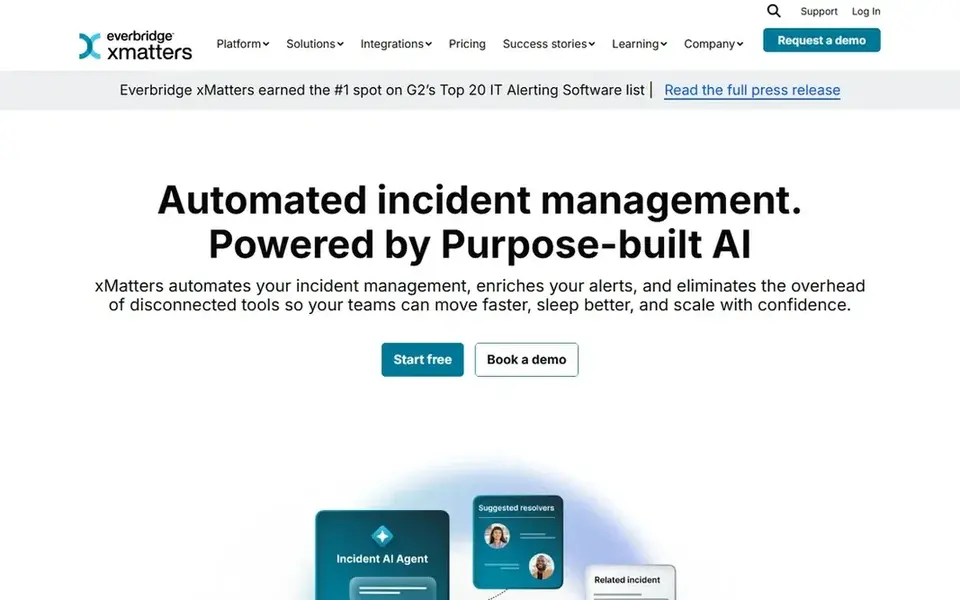
xMatters targets automating workflows across DevOps and operations. Its messaging leans toward workflow automation instead of AI-driven incident analysis.
So teams prioritizing agentic root cause features may prefer a dedicated incident system. Assess how much orchestration you actually need. xMatters pricing: $15 per user per month. xMatters has a free plan.
What to check first: Positioning is workflow-centric.
- Geared toward DevOps
- SRE and Ops
- Incident UX less emphasized
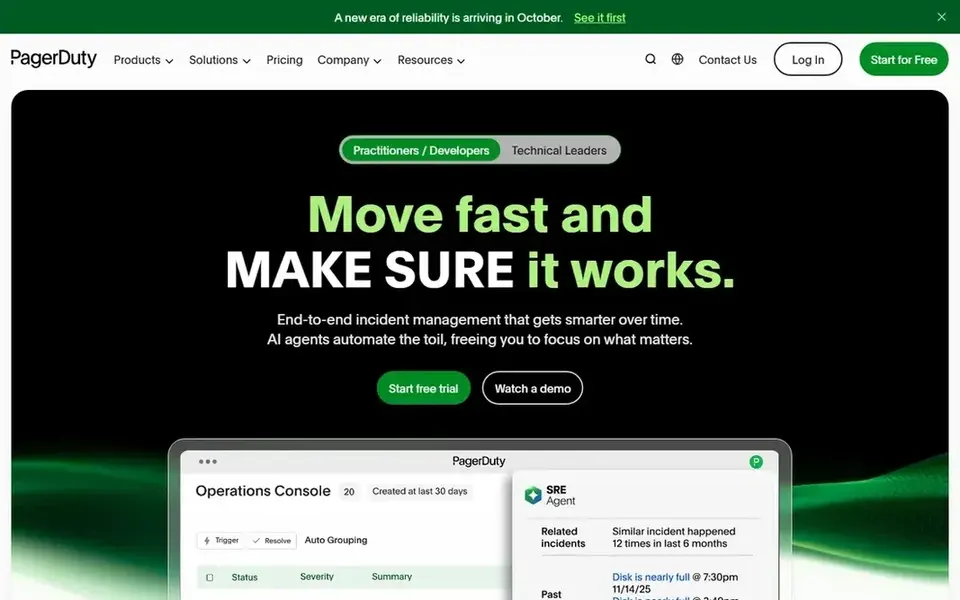
PagerDuty works best for AI-first operations from detection to prevention. The system's breadth means onboarding and configuration take real effort, and smaller teams may find they use only part of it.
Limits to weigh: Wide scope may overwhelm small teams.
Also, if you primarily need lightweight on-call and status pages, a narrower tool may suit you better. Entry price for PagerDuty: $21 per user per month. PagerDuty has a free plan.
- Aims to prevent repeat issues
- Automates incident workflows
- Setup effort grows with complexity
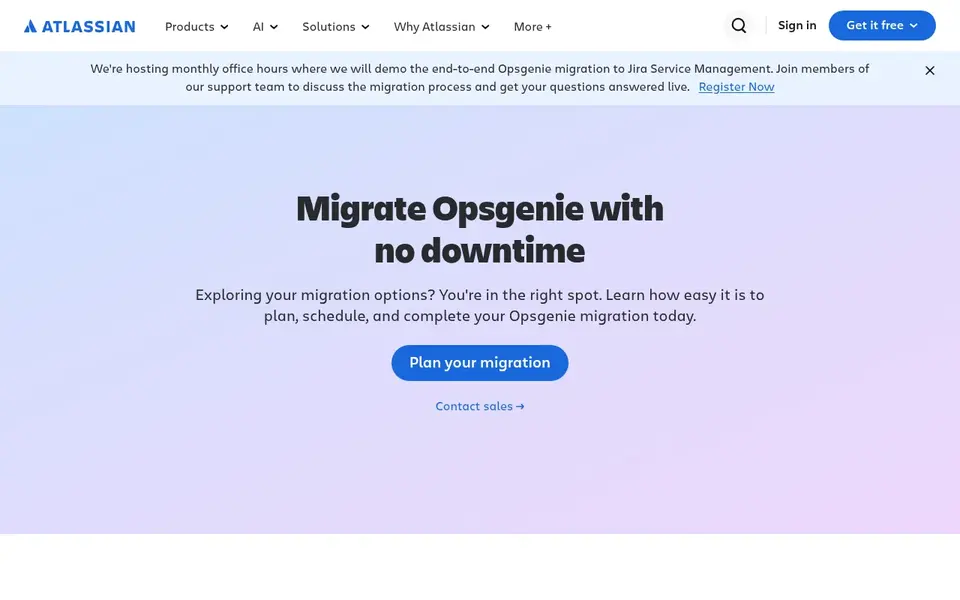
Opsgenie is designed for teams already standardized on Atlassian tooling. Verify feature availability for your setup straight with the vendor.
Points against: Vendor page centers on migration.
Opsgenie is Atlassian's alerting and on-call product, and its current vendor page concentrates on migrating to Jira Service Management with no downtime, including planning, scheduling and an automatic tool. This comparison lists no price for Opsgenie; ask the vendor. Trial and free access: Not stated.
- Suits Atlassian-centered environments
- Alerting and on-call heritage
- Roadmap tied to Jira Service Management
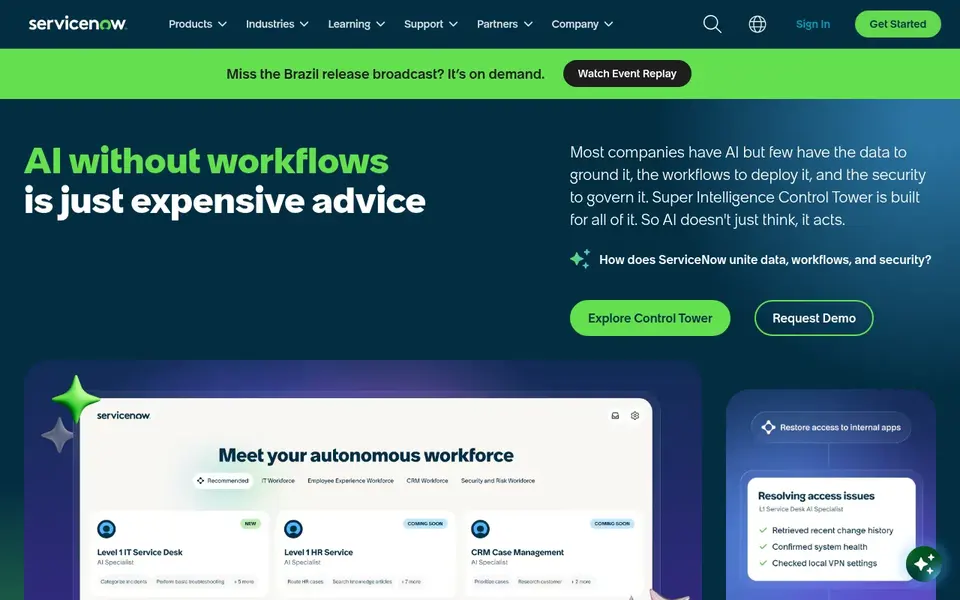
Think of ServiceNow for large enterprises with broad workflow needs. For incident management, it suits large organizations that want incident handling embedded in a wider service and operations framework instead of purchased as a standalone tool, especially where standardization across departments is a priority. As for the details, smaller engineering teams may move faster elsewhere.
Watch-outs: Implementation demands significant resources.
The system is wide, and adopting it purely for incident management can mean more configuration and administration than a focused tool requires. Confirm which incident capabilities are included and how they align with your existing processes. Check the vendor site for ServiceNow pricing; none is listed in this comparison. As for free access: Not stated.
- Enterprise-wide workflow system
- AI applied across business processes
- Heavy product for incident-only needs
How we chose
Each tool was reviewed on what its vendor publishes: price, plan limits, core features and stated drawbacks. We did not run hands-on tests. Where a price is missing, the vendor does not list one publicly or ties it to a quote. Always confirm before budgeting. Tools are placed by general fit for AI incident management software, with price clarity and free access as tie-breakers. A different team can reasonably rank them differently.
Things to verify first
- Get a written quote from Opsgenie and ServiceNow; the list shows no starting price for them.
- Look at free plan limits closely: Incident.io, xMatters and PagerDuty have one, and the caps decide whether it is usable for real work.
- Read the limits listed for Incident.io first: centred on software reliability use cases.
- Ask the daily users to test xMatters on a live task before you roll it out to everyone.
- Look at the help docs and support options for PagerDuty before you commit.
Frequently asked questions
Can I try these options before paying?
Often, yes. Incident.io, xMatters and PagerDuty have a free plan. Use your own data and a real task during the test, and check what the free tier or trial limits before you rely on it.
Do these tools publish their prices?
Not all of them. Opsgenie and ServiceNow publish no starting price, so expect a quote request for those. The rest, Incident.io included, show a starting price, though seats and billing terms still change the final cost.
What is the cheapest option for AI incident management software in this list?
On published monthly entry prices, Incident.io is the lowest here at $15 per user per month. Entry price is only part of the cost, because seats, add-ons and billing terms can change the total.
How are the tools for AI incident management software ordered?
Incident.io sits first and ServiceNow last because the order follows typical fit for AI incident management software, then price clarity and free access. It is a judgement call, so read each profile for fit and limits.
Sources
See where you really rank - block by block
ProMapRanker scans Google Maps across a grid of your service area. Simple monthly plans from $19, white-label on every plan.
Start freeBrowse all guides
← Best AI Cloud GTM Platforms (2026)Top 5 AI PC Backup Software, Compared on Price (2026) →
 best ai call compliance software
Top 5 AI Call Compliance Software, Compared on Price (2026)
5 products for the best AI call compliance software, ranked by fit, with starting costs and free tiers. Weak spots flagged for every entry. Compare quickly.
Read → best ai malware analysis tools
AI Malware Analysis Tools in 2026: Top 5 Compared
5 best AI malware analysis tools, with entry costs, free tiers and the buyer each one serves. Every pick includes one clear drawback. Reviewed in November 2026.
Read → best ai data breach notification software
AI Data Breach Notification Software in 2026: Top 6 Compared
Best AI data breach notification software in 2026: 6 contenders with entry costs and free tiers. Each tool gets a one-line verdict. Full profiles inside.
Read → best uptime monitoring tools
Best Uptime Monitoring Tools in 2026
Compare the best uptime monitoring tools for websites and APIs, with check intervals, alerts, status pages, free plans and pricing reviewed today in 2026.
Read → best container security tools
Best Container Security Tools in 2026
We compared the best container security tools for scanning, runtime protection and cloud posture, so you can pick a platform that fits your stack and budget.
Read → best enterprise antivirus software
8 Top Enterprise Antivirus Software Options Compared (2026)
Weighing the best enterprise antivirus software? We lined up 8 products by cost, free access and fit. Strengths and weak spots are spelled out. Plain facts.
Read →More in IT, Cloud & Security · All guides A to Z by date · Latest guides