 ProMapRanker
Best AI Tools for Building Apps in 2026

Key takeaways
- Lovable, Bolt.new, v0, and Replit suit prompt driven web app building, but all meter usage in credits or tokens, so the sticker price is a floor, not a final bill.
- Bubble, Glide, Softr, and Adalo suit non coders who want visual building, databases, and workflows without managing code.
- FlutterFlow suits teams that want visual building plus real code export for mobile apps.
- Base44 suits simple internal tools built from short prompts, with Wix hosting behind it.
- Before you commit, test code export, database limits, and how your app will scale, since moving a finished app can cost more than building a prototype.
Quick comparison
| Pick | Great for | Pricing starts at | Free tier | |
|---|---|---|---|---|
 Lovable | Prompt to full stack web apps | $25 per month | Yes | Visit |
 Bolt.new | Fast browser based prototypes | $25 per month | Yes | Visit |
 v0 by Vercel | React interfaces and Vercel deployment | $30 per user per month | Yes | Visit |
 Replit | AI agent plus full cloud IDE | $20 per month | Yes | Visit |
 Bubble | Complex visual web apps | See website | Yes | Visit |
 FlutterFlow | Visual mobile apps with code export | See website | Yes | Visit |
 Glide | Spreadsheet to app internal tools | $19 per month | Yes | Visit |
 Adalo | Native mobile apps with flat pricing | $36 per month | Yes | Visit |
 Softr | Portals on existing data | $19 per month | Yes | Visit |
 Base44 | Simple prompt built apps | $16 per month | Yes | Visit |
The best AI tools for building apps
We compared official pricing pages, feature pages, and product documentation for AI app builders available in October 2026. Prices change often in this category, so check the vendor pricing page before you build, and treat credit and token limits as part of the price.
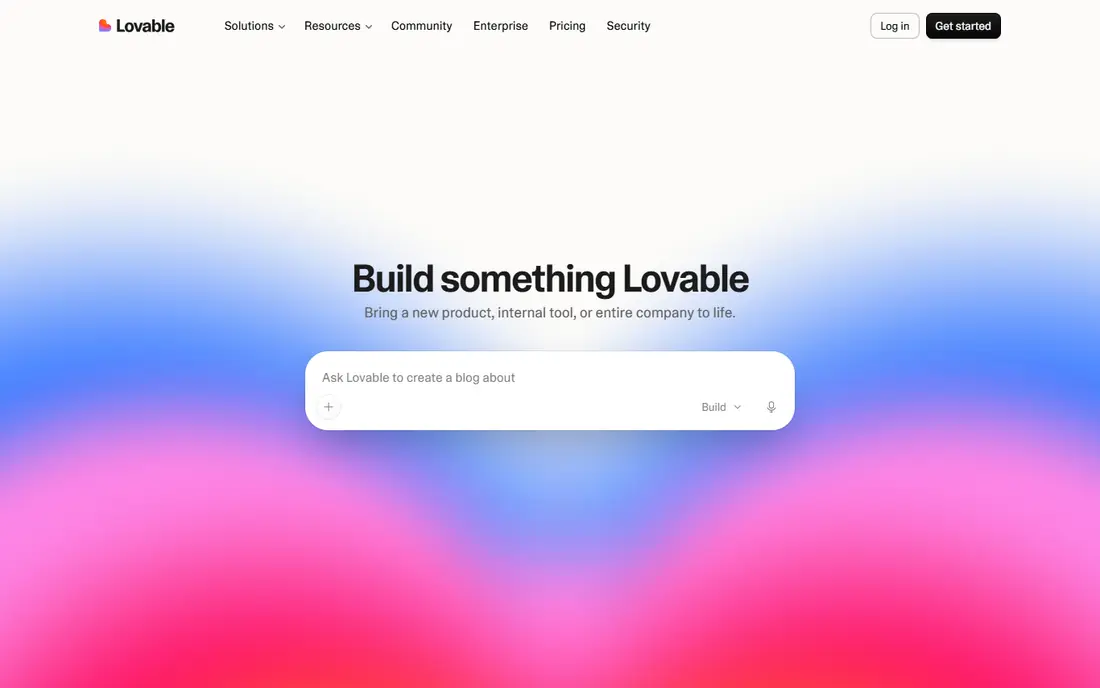
Lovable turned prompt to app building into a mainstream workflow. You describe an app in plain language, get a working web app with a database and login, then refine it through conversation. GitHub sync means your code is not trapped in a closed editor, which matters if a developer later takes over the project.
The credit system is the main cost risk. Small edits cost little, but large redesigns and repeated fixes burn credits quickly, so a prototype can cost more than the monthly plan suggests. Lovable is best for polished web MVPs, landing pages with real function, and internal tools where a web app is enough. For native mobile apps, look at FlutterFlow or Adalo below.
- Fast prompt to working web app
- Database, auth, and hosting included
- GitHub sync and code export
- Credit meter can run out fast on large changes
- Web only output, not native mobile
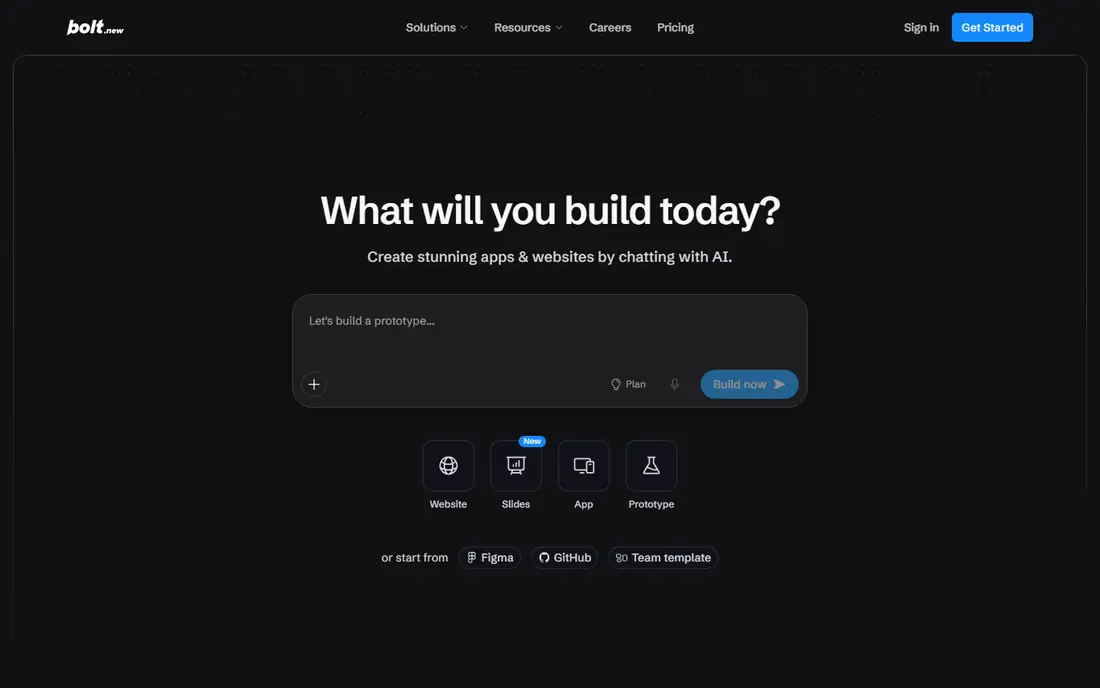
Bolt.new runs in the browser and gives you a full development environment alongside the AI, so you can see every file it creates and edit code directly. That transparency helps developers who want to understand, fix, or extend what the AI built. Framework choice is broader than Lovable, with React, Vue, Svelte, Next.js, and Astro options.
Token usage is the cost to watch, since long sessions and large apps consume tokens quickly. The default visual polish can also lag Lovable, so budget time for design refinement. For fast prototypes where code transparency matters, Bolt.new is a strong choice.
- Full browser IDE with visible files
- Multiple frameworks
- Fast prompt to preview loop
- Token meter needs monitoring
- Default styling can feel less polished than Lovable
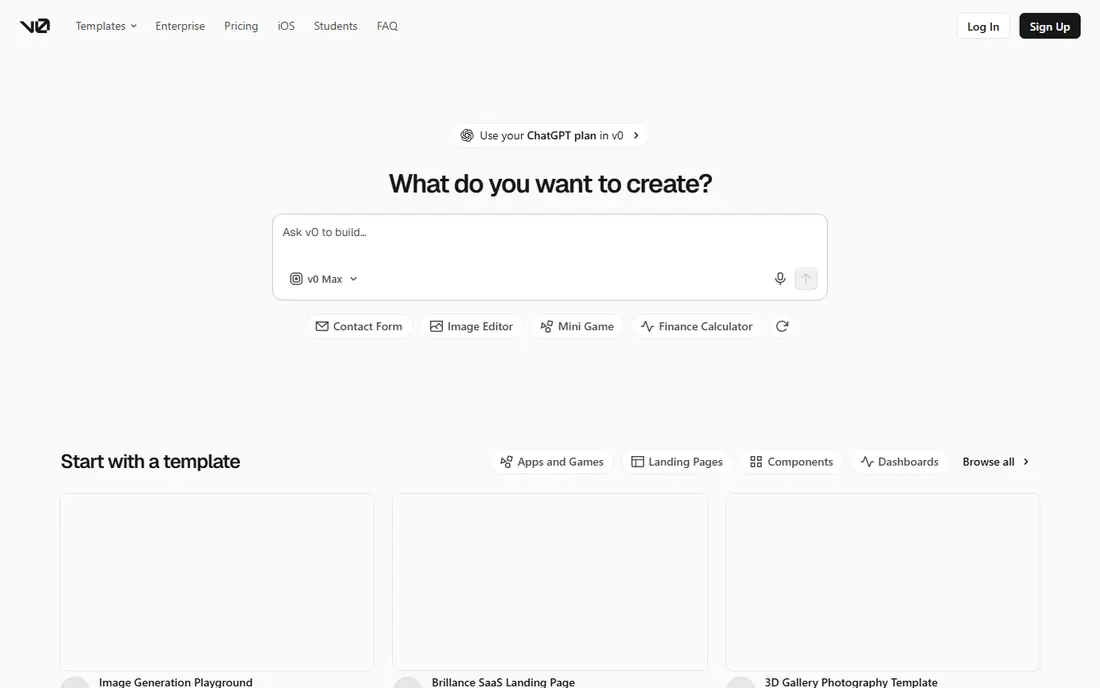
v0 by Vercel excels at turning a description into a clean React interface, with code you can deploy to Vercel in a few steps. Designers and front end developers use it to move from idea to a working interface quickly, then wire that interface to real data and services. The output follows modern React patterns, which makes handoff to a development team smoother than some prompt tools.
v0 is not a complete back end platform on its own, so full apps need a database, auth, and API layer added separately. Credits also meter generations, so repeated large changes add cost. For interface led projects and Vercel based teams, v0 is a natural fit.
- Clean React and Next.js output
- Direct Vercel deployment
- Strong for interfaces and components
- Less suited to full back end apps alone
- Credits meter each generation
Replit combines an AI Agent with a full cloud development environment, so you can prompt, edit code, run, and deploy from the same workspace. That makes it a good bridge between pure prompt tools and traditional coding. Hosting is built in, and the code is standard enough to move or extend elsewhere.
Pricing needs care, since agent and model usage can add to the base plan, and higher tiers cost much more. Mobile publishing also needs extra steps compared with Adalo or FlutterFlow. For builders who want AI help plus full code control and hosting, Replit is a flexible middle path.
- Full cloud IDE and Agent in one place
- Built in hosting and deployment
- Real code you own
- Usage based costs beyond the plan
- Mobile app path is less direct than native builders
Bubble is the most capable visual no code platform for complex web apps, with a page designer, a database you define, and workflows that support multi role products and marketplaces. Its AI layer can generate a first version from a description, and everything it creates stays editable in the visual editor. That combination suits founders building a real product without a coding team.
The pricing model needs study. Workload units meter server processing, and inefficient workflows can burn units fast, so design with pagination and narrow searches. Bubble also does not export code in the way prompt to code tools do, so leaving Bubble means rebuilding. For a serious visual web product, that trade off is often worth it.
- Deep visual logic and database tools
- Large plugin range
- AI generation plus full visual editing
- Workload based pricing can surprise
- Learning curve for complex apps
- No code export in the usual sense
FlutterFlow lets non coders and developers build mobile apps visually, then export real Flutter code when needed. That export path matters, because it reduces lock in and lets a development team take over a successful app. Firebase integration covers auth, databases, and storage for many common app types.
The editor is more complex than Glide or Softr, and owners should expect a learning period for layouts, state, and app store submission. For a mobile first product where code ownership matters, FlutterFlow offers a rare mix of visual speed and developer freedom.
- Visual building for iOS and Android
- Real Flutter code export
- Firebase integration
- Learning curve for non designers
- Pricing and features vary by plan
Glide is the fastest route from a spreadsheet to a working app. If your data already lives in Google Sheets or a similar source, Glide can turn it into a directory, tracker, inventory tool, or portal in hours rather than weeks. The design is clean on mobile, which suits field teams and small internal tools.
Public consumer apps with complex workflows, payments, and large scale use will hit limits sooner than on Bubble or FlutterFlow. Glide is best when the job is clear, the data is structured, and the audience is a team, a club, or a small customer group. For internal tools, its speed is hard to beat.
- Turns spreadsheets into apps fast
- Clean mobile friendly design
- Good for internal tools
- Less suited to public consumer apps
- Advanced logic needs higher plans
Adalo focuses on native mobile apps built visually, with publishing paths to the Apple App Store and Google Play. Flat pricing helps founders budget without worrying about workload meters, and the editor is friendly for non developers who want a real mobile app rather than a web wrapper. Databases, actions, and integrations cover many standard app types.
Very complex or data heavy apps can strain performance, and the component range is smaller than FlutterFlow. For a straightforward mobile app with forms, lists, user accounts, and payments, Adalo offers a clear and predictable route to the stores.
- Visual native mobile building
- Publishing to app stores
- Predictable flat pricing structure
- Performance limits on very complex apps
- Smaller component range than FlutterFlow
Softr turns existing data into a client portal, directory, membership site, or internal dashboard without rebuilding the database. User groups and permissions let different audiences see different content, which suits agencies, schools, clubs, and small businesses sharing resources with clients. Templates speed up common portal types.
The dependence on Airtable or Google Sheets is also a limit. If you need deep custom logic, complex workflows, or a standalone database, Bubble or a prompt to code tool may fit better. For portals where the data already exists, Softr is fast, clean, and easy to maintain.
- Fast portals from Airtable or Google Sheets
- User groups and permissions
- Clean templates
- Depends on an external data source
- Less suited to fully custom app logic
Base44, owned by Wix, builds apps from short prompts with hosting included, which makes it one of the simplest entries in this list. It suits internal tools, simple trackers, and small business apps where speed matters more than custom design or complex logic. The free tier lets you test the flow before paying.
Control is limited compared with Replit, v0, or FlutterFlow, and lower plans cap message credits, so larger projects need higher tiers. For a simple app that needs to exist this week, Base44 is a practical pick. For a product you expect to scale and customize deeply, choose a tool with code export or deeper logic tools.
- Very simple prompt to app flow
- Hosting included
- Good for simple internal tools
- Less control than code based tools
- Credit limits on lower plans
How we picked these
We compared official pricing pages, feature pages, and documentation for AI app builders available in October 2026. We included prompt to code tools, visual no code platforms, and mobile builders, so readers can match the tool to their skill level and app type. We did not claim hands on testing we did not do, and we used See website where pricing was conflicting or quote based.
How to choose an AI app builder without getting locked in
Start with the app type, not the AI demo. A web MVP, a native mobile app, and an internal portal need different tools, and a tool that shines in a demo may struggle with your database, auth, or scaling needs. Build a small but real slice first: login, one core workflow, and one list or form, then test it on a phone and with a second user.
Check exit options before you invest weeks. Ask whether you can export code, export data, or at least keep your domain and database. Track credit or token use during the trial, and estimate cost for a month of real edits, not just the first build. A builder that is cheap to start and expensive to run is only cheap once.
Frequently asked questions
What is the best AI for building an app if I cannot code?
Lovable and Base44 are strong prompt first choices for web apps, while Bubble, Glide, and Softr suit visual building without code. For a mobile app, Adalo and FlutterFlow are better starting points. Pick based on whether you need web, mobile, or an internal tool, then test with a small real project.
Which platform is best for AI app building with code export?
Replit, Bolt.new, v0, and FlutterFlow offer real code that you can keep, edit, and move. Lovable also syncs to GitHub, which helps with code ownership. Bubble does not offer code export in the same way, so it suits founders who plan to stay visual long term.
What are the best AI tools for building apps on a budget?
Free tiers on Lovable, Bolt.new, Glide, Softr, and Base44 let you prototype without paying, but credit and usage limits apply. For a paid start, Replit, Glide, and Softr offer lower entry rates than some larger platforms. Budget for usage beyond the base plan, since credits and tokens are part of the real cost.
Is AI app building good enough for a real product?
AI builders can produce real products, especially web MVPs, internal tools, and simple mobile apps. Complex products still need careful design, testing, security review, and human fixes for edge cases. Treat AI output as a strong starting draft, not a finished product, and test with real users before launch.
What is the best AI app building software for mobile apps?
FlutterFlow suits mobile apps where code export matters, and Adalo suits visual native apps with predictable pricing. Lovable and Bolt.new focus on web apps, though web apps can be wrapped for mobile with extra work. Choose a mobile first tool if app store publishing is a core goal.
How do AI app builders charge for usage?
Most charge a monthly plan plus credits, tokens, or workload units for AI generations and server use. Lovable uses credits, Bolt.new uses tokens, and Bubble uses workload units. Read the usage terms for your plan, test with a real project, and keep an eye on usage during the first month.
Sources
See where you really rank - block by block
ProMapRanker scans Google Maps across a grid of your service area. Simple monthly plans from $19, white-label on every plan.
Start freeKeep reading
 top custom software development company
Top Custom Software Development Company in 2026
Looking for a top custom software development company? We compare 9 firms for web, mobile, and enterprise software, covering strengths and fit for 2026.
Read → tableau alternatives
Tableau Alternatives in 2026
Compare the best Tableau alternatives for 2026, from Power BI to Metabase, with prices, hosting options, and picks for small teams and enterprises today.
Read → microsoft teams alternatives
Best Microsoft Teams Alternatives in 2026
Looking for microsoft teams alternatives? We compare 9 chat and video tools for 2026, covering free plans, pricing, meetings, and integrations for teams.
Read →