 ProMapRanker
AI Document Scanning Software in 2026: Top 5 Compared
Direct answer
This list puts Rossum first for transactional workflow automation. Listed starting prices: Rossum from $18,000 per year, Nanonets from $100 a month and ABBYY FineReader PDF from $16 a month. Look at Nanonets for automating enterprise data processing, and at Docsumo for extracting and cross-checking financial documents. The remaining 2 options are covered below with prices and limits.
ProMapRanker put together this guide to AI document scanning software for readers who want a clear shortlist without reading every vendor page. It compares 5 tools on starting price, free plans, who each one suits and where each one falls short.
Key takeaways
- Rossum is the opening pick, best for transactional workflow automation.
- The main caution on Rossum: concentrated on transactional documents.
- Only Docsumo offers a free plan among these 5 tools.
- ABBYY FineReader PDF is the lowest-priced starter here at $16 per month.
Quick comparison
| Pick | Great for | Pricing starts at | Free tier | |
|---|---|---|---|---|
 Rossum | Transactional workflow automation | $18,000 per year | Free trial | Visit |
 Nanonets | Automating enterprise data processing | $100 a month | Free trial | Visit |
 Docsumo | Extracting and cross-checking financial documents | See website | Yes | Visit |
 Adobe Acrobat Pro | All-around PDF scanning and editing | See website | Not stated | Visit |
 ABBYY FineReader PDF | OCR and document conversion | $16 a month | Free trial | Visit |
5 options for AI document scanning software in detail
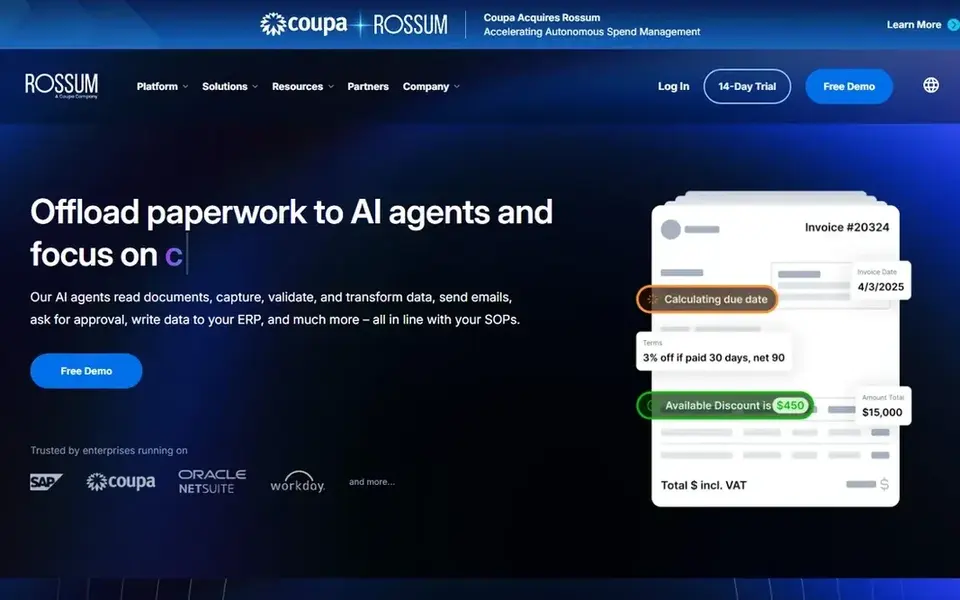
Where Rossum fits: transactional workflow automation. If you need a straightforward scanner or PDF editor for occasional use, a lighter tool like Acrobat Pro or FineReader PDF may be more appropriate.
Price to start with Rossum: $18,000 per year. Trial and free access: Free trial.
Where it falls short: Concentrated on transactional documents.
- AI document processing for transactions
- Cuts manual tasks
- May be more than needed for straightforward scanning
Nanonets serves automating enterprise data processing. Nanonets provides AI agents for enterprise data processing, automating processes for example accounts payable, claims processing, and order management.
Where Nanonets stands out: Takes care of messy manual processes.
Watch-outs: Enterprise-oriented setup.
In practice, Nanonets is built for enterprise automation and may involve more configuration than a straightforward scanning tool. The starting price for Nanonets: $100 per month. Free access: Free trial.
- AI agents for accounts payable and claims
- Gives clean data to systems of record
- May be overkill for small-scale scanning
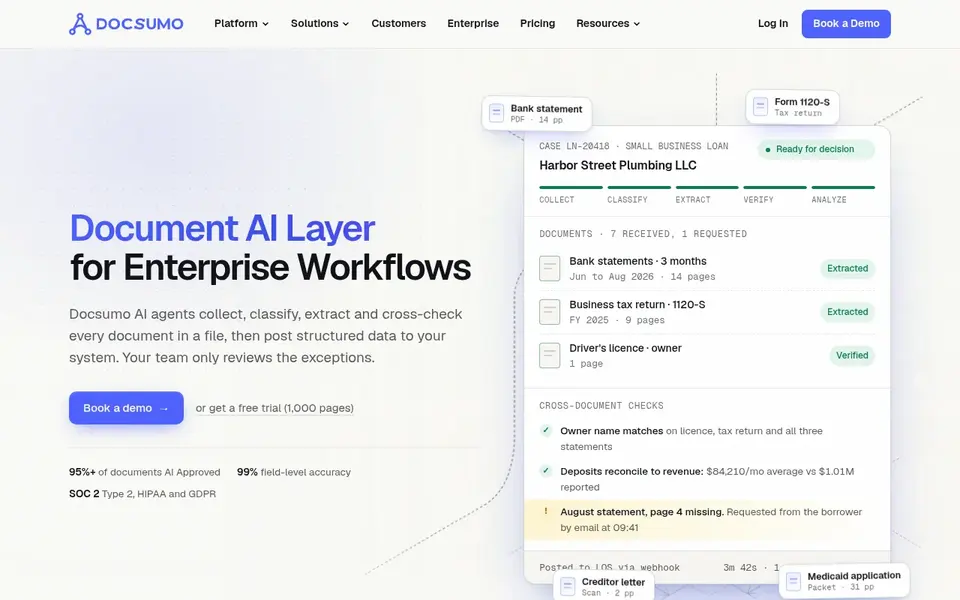
Docsumo is aimed squarely at extracting and cross-checking financial documents. It fits teams in finance, insurance, and healthcare that require accurate data from these structured but varied documents.
If your needs are broader or bundle editing scanned PDFs, consider a tool like Adobe Acrobat Pro alongside it. No starting price is listed for Docsumo here; confirm pricing on the vendor site. A free plan is available with Docsumo.
Honest limits: Not a general PDF editor.
- AI agents for document extraction
- Cross-checks bank statements and forms
- Concentrated on specific document categories
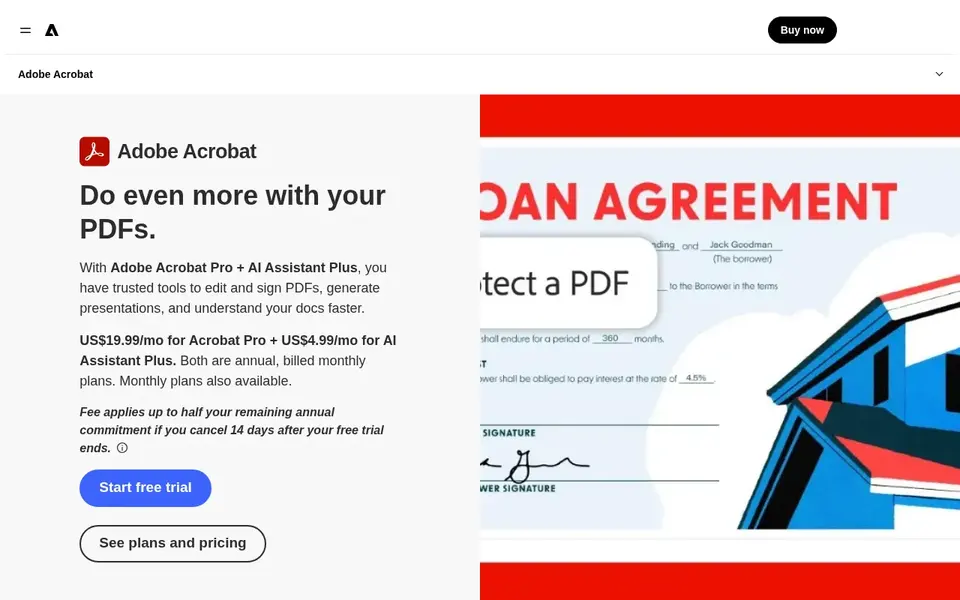
For all-around PDF scanning and editing, Adobe Acrobat Pro is a natural candidate. It suits individuals and teams that require a general-purpose tool for turning paper into searchable PDFs and making fast edits without a separate OCR product.
Points against: Less specialized for high-volume data extraction.
If your goal is to feed scanned invoices or forms into business systems, a specialized automation platform may be a better fit. Adobe Acrobat Pro shows no starting price here, so confirm the cost on the vendor site. Free plan details: Not stated.
- Built-in OCR and PDF editing
- Familiar interface for office users
- Desktop-focused for advanced features
ABBYY FineReader PDF works best for OCR and document conversion. ABBYY FineReader PDF is a PDF editor and converter powered by AI-based OCR.
Trade-offs to know: Advanced automation may need extra tools.
On top of that, FineReader PDF centres on document conversion and editing instead of end-to-end workflow automation. On cost, ABBYY FineReader PDF starts like this: $16 per month. Trial and free access: Free trial. Best features of ABBYY FineReader PDF: Editing and collaboration features.
- Converts PDFs to Word, Excel, more
- AI-based OCR technology
- Not a full transaction automation product
How we chose
We compared the tools on published pricing, free plan or trial availability, feature coverage for AI document scanning software, and the limits each vendor documents. Where a price is missing, the vendor does not list one publicly or ties it to a quote. Always confirm before budgeting. Tools are placed by general fit for AI document scanning software, with price clarity and free access as tie-breakers. A different team can reasonably rank them differently.
What to check before you buy
- Ask Docsumo and Adobe Acrobat Pro for a written quote, since no starting price is shown.
- Look at the free plan from Docsumo closely: its caps decide whether it is usable for real work.
- Take the trial from Rossum, Nanonets and ABBYY FineReader PDF and push a live task through it before you pay.
- Read the limits listed for Rossum first: concentrated on transactional documents.
- Test how quickly Nanonets answers a pre-sales question; it hints at how support will feel later.
- A short pilot of ABBYY FineReader PDF with your real workflow tells you more than a feature table.
Frequently asked questions
What is the cheapest option for AI document scanning software in this list?
On published monthly entry prices, ABBYY FineReader PDF is the lowest here at $16 per month. Entry price is only part of the cost, because seats, add-ons and billing terms can change the total. Prices, free plan details and limits for all 5 tools in this AI document scanning software roundup sit on the individual cards above.
Which options for AI document scanning software have a free plan?
Docsumo is the only tool in this list with a free plan. Free plans usually cap users, projects or features, so check the limits on the vendor page. Several others offer a trial instead. Each of the 5 options in this AI document scanning software guide has its own card above with the price, free plan and limits.
How are the tools for AI document scanning software ordered?
Rossum sits first and ABBYY FineReader PDF last because the order follows typical fit for AI document scanning software, then price clarity and free access. It is a judgement call, so read each profile for fit and limits.
What is AI document scanning software?
AI document scanning software uses machine learning to recognize text, classify documents, and extract data from scanned files. It goes beyond entry-level OCR by automating workflows and feeding structured data into business systems.
Do these tools publish their prices?
Not all of them. Docsumo and Adobe Acrobat Pro publish no starting price, so expect a quote request for those. The rest, Rossum included, show a starting price, though seats and billing terms still change the final cost.
Sources
See where you really rank - block by block
ProMapRanker scans Google Maps across a grid of your service area. Simple monthly plans from $19, white-label on every plan.
Start freeBrowse all guides
← 5 Best AI Document Creation Software for 2026AI Tool for Reading Pdfs in 2026: Top 5 Compared →
 best platforms for ai search blog strategy
Best Platforms for AI Search Blog Strategy in 2026
Need the best platforms for AI search blog strategy? We compare 5 tools on cost, free access and who each suits. Verdicts stay brief and factual. No filler.
Read → best online tool to chat with pdf
Online Tool to Chat with PDF in 2026: Top 5 Compared
5 products for the best online tool to chat with pdf, ranked by fit, with starting costs and free tiers. Clear notes on pricing gaps and limits. Pick by budget.
Read → best ai writing assistants for regulated industries
6 Best AI Writing Assistants for Regulated Industries for 2026
Best AI writing assistants for regulated industries: 6 contenders ranked by fit, with entry costs and free tiers. With pricing notes and limits. Decide faster.
Read → best charter jet service
Best Charter Jet Service in 2026
Compare the best charter jet service options for on-demand flights, jet cards, and memberships, with safety checks and questions to ask before booking.
Read → best process documentation software
Best Process Documentation Software in 2026
Best process documentation software compared: step-by-step guides, SOPs, and wikis from eight tools, with prices and honest trade-offs for small teams.
Read → patreon alternatives for writers
Best Patreon Alternatives for Writers in 2026
Nine platforms for patreon alternatives for writers in 2026, covering newsletters, memberships, tips and book sales, with fees and free plans compared.
Read →More in Writing, PDFs & Documents · All guides A to Z by date · Latest guides