 ProMapRanker
Best AI Contract Review Software in 2026

Key takeaways
- Most enterprise contract tools price by quote, so budget by contract volume and team size rather than a single list price.
- Spellbook is the natural pick for lawyers who draft and review inside Microsoft Word all day.
- LegalOn suits in-house teams that want ready-made playbooks from day one, rather than building rules from scratch.
- Kira Systems and Luminance fit due diligence and large contract portfolios, where scale matters most.
- AI review is a first pass, not a replacement for a lawyer, and a qualified lawyer should check high-risk terms.
Quick comparison
| Pick | Great for | Pricing starts at | Free tier | |
|---|---|---|---|---|
 Luminance | Due diligence at scale | See website | No | Visit |
 Kira Systems | Clause extraction for deals | See website | No | Visit |
 Spellbook | Review inside Word | See website | Free trial | Visit |
 LegalOn | Ready-made playbooks | See website | Free trial | Visit |
 LawGeex | Policy-based auto review | See website | No | Visit |
 Ironclad | Full contract lifecycle | See website | No | Visit |
 Juro | Review plus e-signature | See website | No | Visit |
 Robin AI | Human plus AI review | See website | No | Visit |
 Genie AI | Small teams on a budget | Free | Yes | Visit |
The best AI contract review software
We compared tools on review quality, playbook control, Word support, repository features, and pricing transparency. The list mixes enterprise analysis engines with smaller tools that a lean legal team can start using quickly.
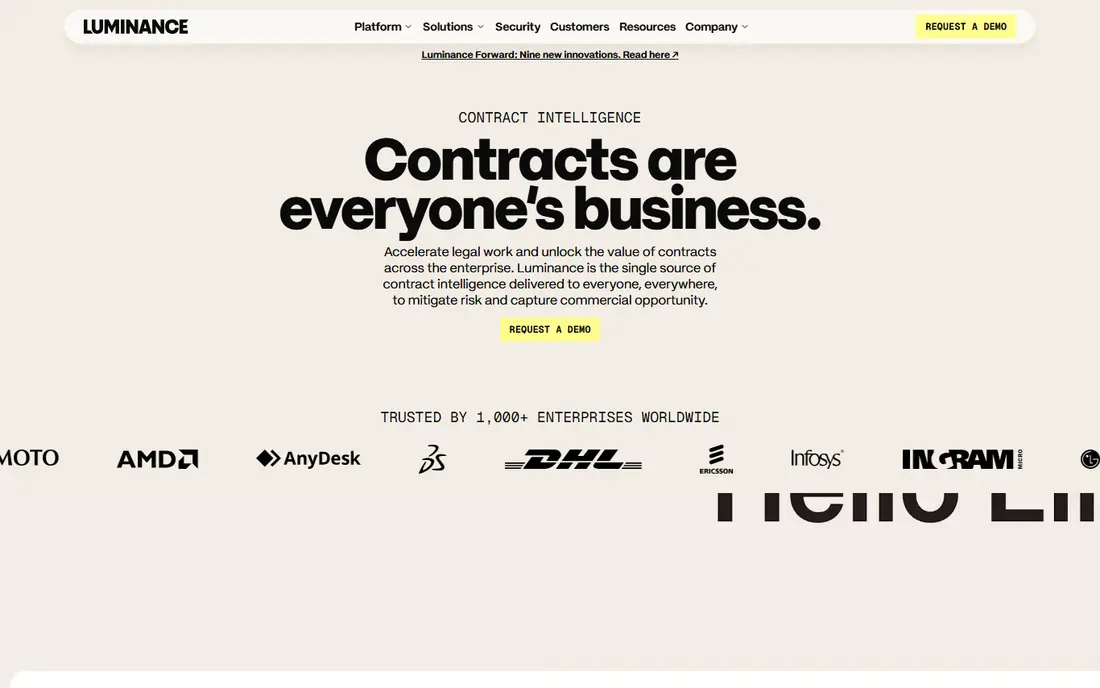
Luminance is designed for teams that must review hundreds or thousands of contracts, often during a deal. Its AI reads the full set, groups similar clauses, and flags language that differs from the norm or appears to be missing. That pattern view helps a deal team spot risk that a document-by-document read can miss, especially when deadlines are tight. Multi-language support also helps international portfolios.
The trade-off is enterprise scope. Pricing is by quote, and a team should expect a sales process, implementation work, and training on its own clause models. Smaller teams with a handful of contracts a month will find the tool heavier than they need. For due diligence and portfolio review, though, Luminance remains one of the strongest analysis engines available.
- Built for large document sets
- Anomaly and missing-clause detection
- Multi-language contract support
- Enterprise pricing by quote
- Setup and playbook work takes time
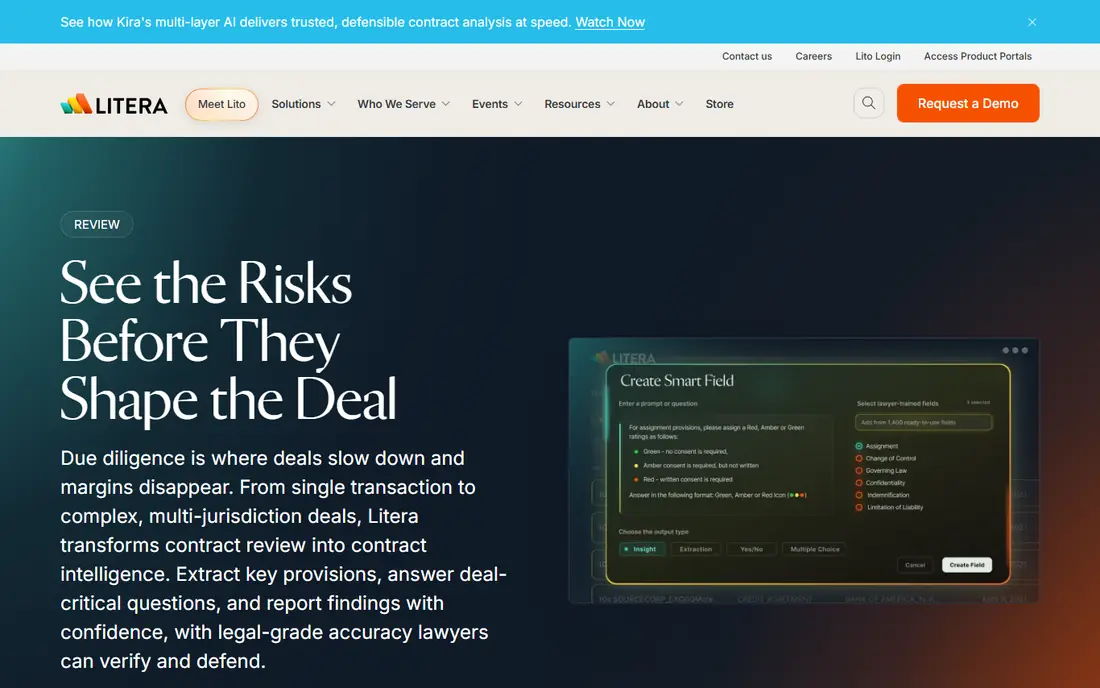
Kira Systems, from Litera, extracts provisions from contracts into structured data that a team can search, compare, and export. Instead of reading each agreement in full to find change-of-control, indemnity, or termination terms, a reviewer can pull those clauses across a whole set. That approach suits law firms and acquirers who run due diligence repeatedly and need consistent output across deals.
Kira is less suited to a small team that mainly needs redlines on a weekly vendor agreement. Its strength shows at volume, and its pricing reflects that enterprise position. A buyer should run a pilot on its own deal documents, and compare the extracted clauses against a manual review, before committing. That test shows whether the clause library covers the provisions that matter most to that firm.
- Large library of clause models
- Strong for M and A review
- Structured export of extracted terms
- Quote-only pricing
- Best value at high volume
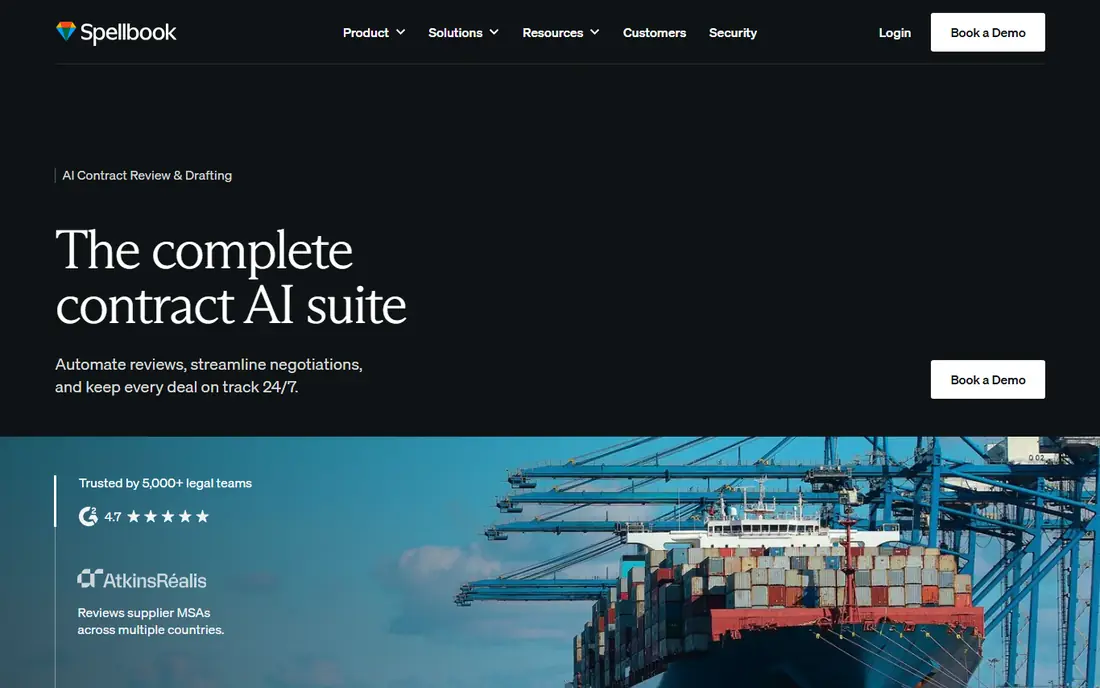
Spellbook made a simple choice that many lawyers appreciate: the AI lives inside Microsoft Word, where contracts are already drafted and redlined. The add-in drafts clauses from short descriptions, flags risky language, suggests missing provisions, and checks a document against a playbook while the lawyer works. That placement removes the need to upload, review elsewhere, and then copy changes back into Word.
Pricing has moved to custom quotes, and a buyer should ask for a written per-user price and contract term before a trial ends. Spellbook also does not replace a contract repository or a full lifecycle platform. For transactional lawyers who spend their day in Word, though, it is the most natural fit in this list, and the free trial lets a team test it on real documents.
- Native Microsoft Word add-in
- Clause drafting and playbook checks inline
- Free trial available
- Pricing is by quote
- Word-focused, not a full repository
LegalOn is built for in-house teams that want to start reviewing quickly. It ships with attorney-drafted playbooks that check contracts against standard positions, flag risky terms, and suggest redlines. That ready-made starting point helps a lean legal team handle routine vendor agreements and non-disclosure agreements without building every rule itself. The interface also explains risks in plain terms, which helps business users understand why a clause was flagged.
The catch is that a playbook is only as good as its fit to company policy. A team should still review and adjust the standard positions, and check how easily it can add its own rules. Pricing is by quote, so small teams should confirm the annual cost early. For teams that want speed to value over a fully custom build, LegalOn is a strong pick among the best AI contract review tools.
- Attorney-drafted playbooks from day one
- Fast setup for common contracts
- Clear risk flags for non-lawyers
- Pricing by quote
- Deep customisation takes time
LawGeex compares inbound contracts against a company's own legal policies and flags deviations, then suggests redlines that match those policies. That policy-first design suits in-house teams that receive many standard contracts from customers and vendors. When a contract matches policy, it can move faster. When it does not, the legal team sees exactly which clauses need attention, rather than reading the whole document from scratch.
The setup step matters. A company without written standard positions will need to create them before the tool can work well. That work is useful in itself, but it adds time to implementation. LawGeex also prices by quote, so buyers should scope the contract types and volume they plan to run. For high-volume, standard inbound paper, it is one of the most focused options here.
- Reviews against company policy
- Strong for standard inbound contracts
- Redlining and approval workflow
- Pricing by quote
- Setup needs clear company policies first
Ironclad is a full contract lifecycle platform, not just a review tool. It covers drafting from templates, approval workflows, e-signature, and a searchable repository, with AI review built into those steps. That breadth suits companies that want one system for the whole contract journey, from request to renewal. Teams can track status, control versions, and find signed terms without hunting through email and shared drives.
The breadth is also the drawback for smaller buyers. Implementation takes longer than a Word add-in, and pricing is by quote. A team that only needs faster review may find a narrower tool cheaper and quicker to adopt. Ironclad earns its place here for companies that want review plus lifecycle control, and that have the volume and staff to run a platform properly.
- Drafting, approval, signature and repository in one platform
- AI review inside workflows
- Strong integrations
- Enterprise scope and pricing
- More than a small team may need
Juro gives growing teams a single workspace for drafting, negotiating, approving, and signing contracts. AI drafting and redlining sit inside that workflow, so a contract does not need to move between separate tools for review and signature. The browser-based editor and Word integration help legal and business users work on the same document, with a clear audit trail of changes and approvals.
Pricing is by quote, and Juro is aimed at mid-market teams rather than the largest due diligence portfolios. A very large firm may prefer Kira or Luminance for pure analysis. For a scaling company that wants review, collaboration, and signature in one place, Juro is a practical middle ground, and it avoids the patchwork of templates, email redlines, and separate signature tools.
- Browser-based drafting and negotiation
- Approval and signature in one workspace
- Word integration
- Pricing by quote
- Mid-market focus may not suit very large portfolios
Robin AI pairs AI contract review with human legal support, which suits contracts where the stakes are high and a purely automated answer feels risky. The platform reviews and drafts, and lawyers can assist with complex terms and negotiations. That hybrid model appeals to teams that want speed but still want a person involved in judgment calls, especially for unusual clauses or large commercial deals.
The model is less self-serve than a Word add-in that a single lawyer can trial in an afternoon. Buyers should clarify what the managed service covers, how turnaround is handled, and how costs scale with volume. For routine, high-volume paper, a playbook tool may be faster. For complex contracts where human review adds real value, Robin AI is a distinct and useful option.
- Combines AI review with lawyer support
- Suited to complex, high-stakes contracts
- Managed review option
- Pricing by quote
- Less of a self-serve tool than Word add-ins
Genie AI is the budget entry in this list, and it fills a gap the enterprise tools leave open. Small businesses and startups can start on a free plan, use templates, and draft and review common agreements with AI help, without an enterprise sales process. That low starting point makes it a sensible first tool for a founder or operations manager who reviews contracts without a full legal team.
The limits follow from the price. Genie AI does not match Kira or Luminance for large-scale due diligence, and its playbook depth is narrower than LegalOn or LawGeex. It also does not replace legal advice. For routine small-business contracts, though, it offers a clear, low-risk way to improve drafting and catch common issues before a lawyer reviews the final version.
- Free plan to start
- Transparent entry pricing for paid plans
- Templates and AI drafting for small teams
- Less depth for enterprise due diligence
- Smaller playbook library than enterprise tools
How we picked these
We compared official product pages, pricing pages, and public feature descriptions, plus third-party comparisons that checked vendor pricing in October 2026. We favoured tools with a clear review use case, playbook or clause control, and a stated workflow, whether in Word, in a browser, or across a lifecycle platform. We did not claim hands-on testing, and we did not invent prices. Where a vendor prices by quote, we wrote See website.
What to check before you buy
Contract AI touches confidential documents, so security and accuracy checks matter as much as speed. Ask how the vendor handles your data, whether it trains models on customer documents, and which security certifications it holds. Ask for a pilot on your most common contract type, and measure the AI output against a lawyer review. That pilot tells you more than a demo on vendor sample documents.
Start with your most common contract
Pick one type, such as a non-disclosure agreement or a standard vendor agreement, and build the playbook for that type first. Test the tool on past agreements where you already know the issues. If it misses key terms there, it will miss them on live deals too. Expand to other contract types only after the first type works well.
Keep a lawyer in the loop
AI tools can hallucinate, miss context, and misread negotiated terms. Use them for a first pass, extraction, and draft redlines, then have a qualified lawyer check high-risk clauses and sign off. This is not legal advice, and no tool in this list should be treated as a substitute for legal judgment on a specific deal.
Compare total cost, not just the seat price
Quote-only tools can carry implementation, playbook setup, and training costs on top of the licence. Ask for the full first-year cost in writing, including any minimum seats or volume commitments. A cheaper seat price can become expensive if the tool needs months of setup before it reviews a live contract.
Frequently asked questions
What is the best AI contract review software?
For most in-house teams, LegalOn or Spellbook are strong starting points, depending on whether you work in Word or want ready-made playbooks. For due diligence at scale, Kira Systems and Luminance lead. For a small budget, Genie AI is the lowest-risk start.
What is the best contract review software for small teams?
Genie AI offers a free plan, while Spellbook offers a Word-based trial. The right choice depends on contract volume and whether your team works mainly in Word or in a browser. Start with a trial on your own contracts before paying for an annual plan.
Which AI contract review tools work in Microsoft Word?
Spellbook works natively in Word, and Juro and LegalOn also offer Word support. Word tools suit lawyers who redline in Word all day, while browser tools suit teams that want a shared workspace and repository in one place.
Can AI contract review replace a lawyer?
No. These tools speed up a first pass by extracting clauses, flagging risk, and drafting redlines, but a qualified lawyer should verify findings and decide on high-risk terms. Use AI to save time, not to make the final legal judgment.
How much does AI contract review software cost?
Prices range from free entry plans to enterprise quotes that run into five or six figures a year. Most enterprise tools price by quote, so ask for a written quote based on your team size and contract volume. Budget for implementation and playbook setup as well as the licence.
Sources
See where you really rank - block by block
ProMapRanker scans Google Maps across a grid of your service area. Simple monthly plans from $19, white-label on every plan.
Start freeKeep reading
 twitch alternatives
Twitch Alternatives in 2026
Explore the best Twitch alternatives in 2026 for live streaming, with free platforms, monetisation options, audiences, chat tools, and tips for new streamers.
Read → firebase alternatives
Best Firebase Alternatives in 2026
Looking for Firebase alternatives? We compare 9 backend platforms for auth, databases, realtime, storage, functions, self-hosting, and pricing for your app.
Read → companies with best work life balance
Companies With Best Work Life Balance in 2026
See companies with best work life balance in 2026, ranked by employee ratings, with flexible work options, benefits, and what to check before applying.
Read →