 ProMapRanker
AI Coding Tools for Beginners: 6 Options Compared in 2026

Beginners already using Google tools · Pricing starts at: $19.99 per month (billed monthly)
Direct answer
Our first pick is Google Gemini, best for beginners already using Google tools. Listed starting prices: Google Gemini from $19.99 per month, Tabnine from $9 per user/month and GitHub Copilot from $10 per month. Tabnine fits beginners who want light code completion; GitHub Copilot fits beginners learning in VS Code. Details, prices and limits for the rest of the 6 tools are below.
If you are comparing AI coding tools for beginners, this page covers 6 tools in one place: what each is best for, what it costs to start, whether it has a free plan, and the main limit to know about.
Key takeaways
- Google Gemini is the opening pick, best for beginners already using Google tools.
- For beginners who want an AI editor, Cursor is worth a look.
- Before buying Tabnine, weigh this: free entry is a 14 day Dev Preview with entry-level completions only.
- The cheapest monthly starting price in the list is $9 per user/month, offered by Tabnine.
Quick comparison
| Pick | Great for | Pricing starts at | Free tier | |
|---|---|---|---|---|
| Google Gemini | Beginners already using Google tools | $19.99 per month (billed monthly) | Yes | Visit |
 Tabnine | Beginners who want light code completion | $9 per user/month (billed per month) | Free trial (14 days) | Visit |
 GitHub Copilot | Beginners learning in VS Code | $10 per month (billed per month) | Yes | Visit |
 Replit | Beginners building a first app in a browser | $20 a month (billed per month) | Yes | Visit |
 Claude | Beginners who want clear code explanations | $20 a month (billed per month) | Yes | Visit |
 Cursor | Beginners who want an AI editor | $20 a month (billed monthly) | Yes | Visit |
AI Coding Tools for Beginners profiles

For beginners already using Google tools, Google Gemini is a natural candidate. The free plan costs $0 with any Google Account and comes with standard limits and a 32,000 token context window.
On top of that, choose Gemini if you already live in Google tools and want one subscription that spans AI help, storage, and Gemini in Docs and Gmail. The starting price for Google Gemini: $19.99 per month. Google Gemini includes a free tier.
Drawbacks to consider: Free plan has a 32,000 token context window and standard limits.
- Pro gives 4 times the free use and a 1 million token context window
- Free plan works with any Google Account
- Not on the free plan
Tabnine targets beginners who want light code completion. The Dev plan costs $9 per user a month and layers on full completions, AI chat in the IDE, natural language to code, and a choice of models.
For everyday use, move to Dev when the trial ends and you want full completion, chat, and model choice for $9 per user a month. On cost, Tabnine starts like this: $9 per user/month. Free access: Free trial (14 days).
Watch-outs: top models need the Dev plan.
- Works in plenty of editors
- Provides model choice on the Dev plan
- Free entry is a 14 day Dev Preview with entry-level completions only
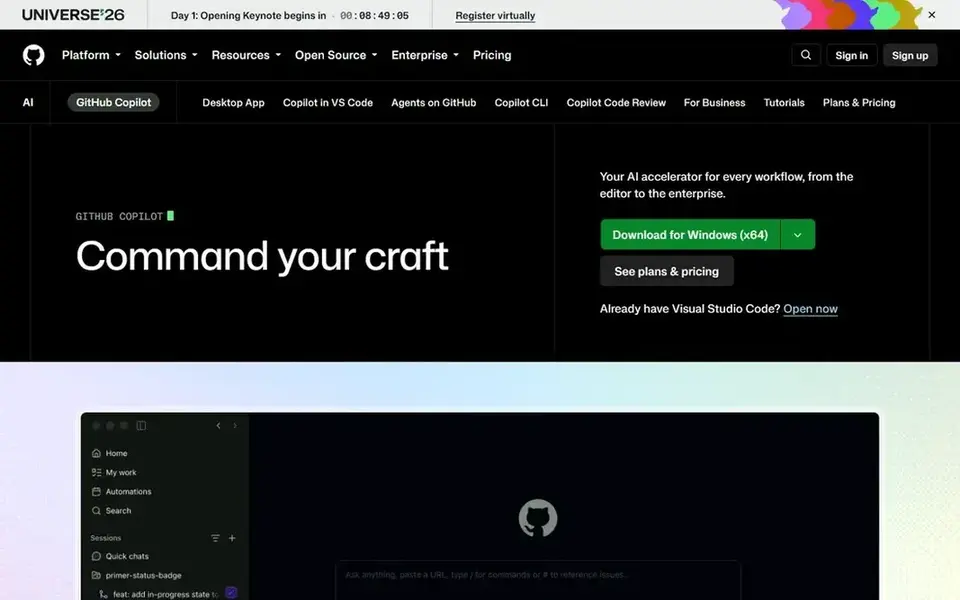
In short, GitHub Copilot is for beginners learning in VS Code. Move to Pro when you code daily, hit the 2,000 completion limit, or need agent mode and model choice for bigger edits. Also, one credit is worth $0.01, so the included allowance is worth $15 of use.
Honest limits: heavy agent use draws on GitHub AI credits, so costs can rise past the $10 base price.
In daily use, Pro costs $10 a month and layers on unlimited completions, model choice, code review on pull requests, and 1,500 GitHub AI credits per month, made up of 1,000 base credits plus a 500 credit flex allowance. More specifically, GitHub Copilot recommends code as you type, explains code in chat, and can help fix errors in VS Code, JetBrains editors, and the terminal. In daily use, do not choose it as your only learning tool if you need long written lessons. Starting cost for GitHub Copilot: $10 per month. You can start on GitHub Copilot without paying.
- Pro brings model choice and agent mode
- Free plan comes with 2,000 completions per month
- Free plan has restricted chat and agent use
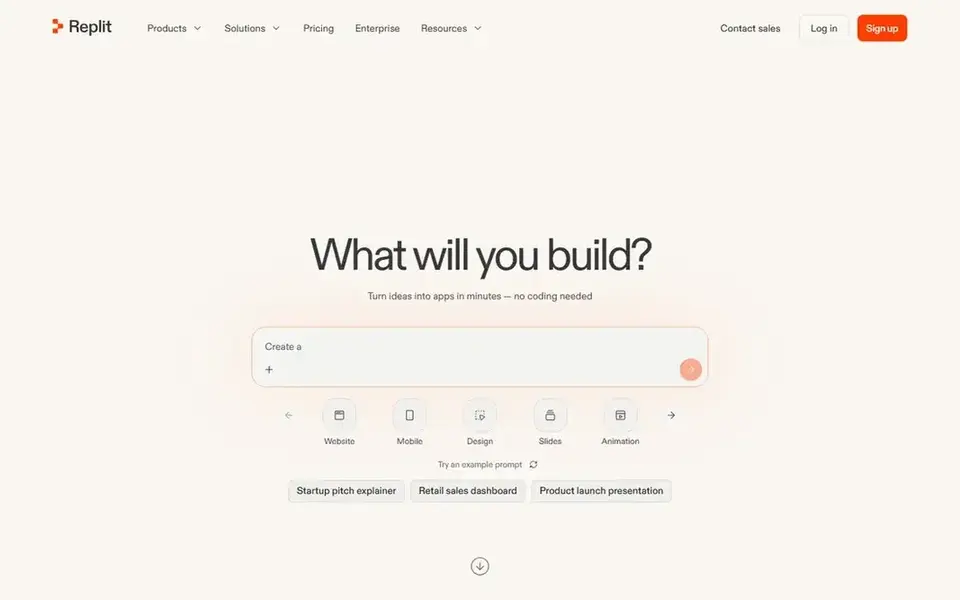
Think of Replit for beginners building a first app in a browser. Replit lets a beginner build, run, and share an app in a browser, with an editor, a database, and hosting in the same place.
Limits to weigh: heavy Agent, hosting.
Worth adding: move to Core when you want a lasting live app. Replit starts at: $20 per month. Replit has a free plan.
- Runs in a browser with no local setup
- Core contains $20 of monthly credits
- Database use bills beyond the included credits

For beginners who want clear code explanations, Claude is a natural candidate. Claude is recognised for clear, careful explanations, which helps a beginner who wants to understand code instead of copy it.
Honest limits: Pro at $20 a month is $240 per year on monthly billing.
Also, do not choose the free plan if you need Claude Code, since that tool is included in subscription plans only. Claude pricing: $20 per month. You can start on Claude without paying. Where Claude stands out: Free plan contains chat.
- Web search, Artifacts
- Pro provides a minimum of 5 times more use per 5 hour session than Free
- Claude Code is not included on the free plan
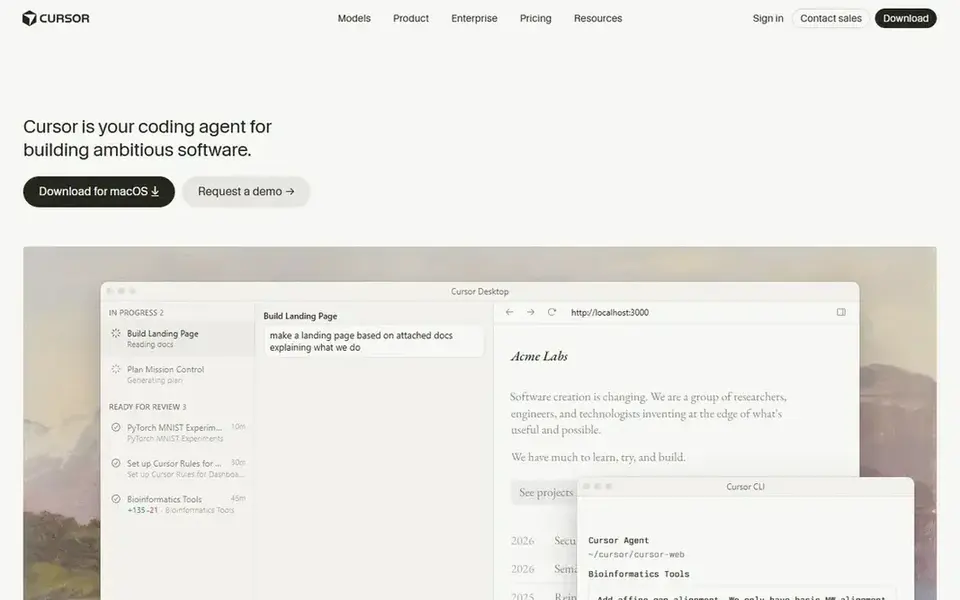
Cursor serves beginners who want an AI editor. Cursor is an AI-first editor built on a VS Code base. So it feels familiar to beginners who have used VS Code, whereas the agent, chat, and tab completion sit in the same window.
Honest limits: Pro at $20 a month costs twice Copilot Pro.
Do not choose it if you only want light completion inside your current editor, since Copilot or Tabnine is less expensive and more straightforward. The free plan costs $0 and contains Agent, Chat, and Tab use with Cursor models, with a restricted allowance that Cursor does not number. Pro costs $20 a month, or $16 a month billed yearly, and layers on extended agent limits and cloud agents. You can ask the agent to build a small feature, fix an error, or explain a file. It can change more than one file in a single task. On cost, Cursor starts like this: $20 per month. Cursor has a free plan.
- Agent can edit across files
- Free plan lets you try the editor
- Free plan has a restricted allowance with no number shown on the pricing page
How these tools were picked
ProMapRanker looked at what each vendor publishes: pricing, plan limits, feature coverage for AI coding tools for beginners and stated drawbacks. No hands-on testing is claimed. Plan names, prices and limits change often. Treat the figures here as a starting point and verify them with the vendor. The ranking is editorial: typical fit first, then clear pricing, then free access. If your needs are unusual, read the profiles rather than relying on position.
Things to verify first
- Prices are a starting point; Tabnine shows $9 per user/month to start, so verify what your seat count would cost.
- Look at free plan limits closely: Google Gemini, GitHub Copilot, Replit and others have one, and the caps decide whether it is usable for real work.
- Run a trial of Tabnine with real work before paying for a year; your own workflow is the best test.
- Read the limits listed for Google Gemini first: free plan has a 32,000 token context window and standard limits.
- Total up the real monthly cost of Cursor, including add-ons, extra users and usage-based fees.
- Ask Claude which support channels and response times come with the plan you would buy.
Frequently asked questions
Can I try these tools before paying?
Often, yes. Google Gemini, GitHub Copilot, Replit and others have a free plan and Tabnine offers a free trial. Use your own data and a real task during the test, and check what the free tier or trial limits before you rely on it.
Which is best for building a first app quick?
This list starts with Google Gemini, which fits beginners already using Google tools. For other needs, Tabnine is aimed at beginners who want light code completion, and GitHub Copilot at beginners learning in VS Code. Check each tool's price and main limit first.
What is the best AI coding tool for beginners?
For most readers this guide would start with Google Gemini, built for beginners already using Google tools. Tabnine is the alternative for beginners who want light code completion, and GitHub Copilot for beginners learning in VS Code. The right answer depends on budget and workflow.
How are the tools for AI coding tools for beginners ordered?
Google Gemini sits first and Cursor last because the order follows typical fit for AI coding tools for beginners, then price clarity and free access. It is a judgement call, so read each profile for fit and limits.
What is the cheapest option for AI coding tools for beginners in this list?
On published monthly entry prices, Tabnine is the lowest here at $9 per user/month. Entry price is only part of the cost, because seats, add-ons and billing terms can change the total.
Which options for AI coding tools for beginners have a free plan?
On this list, Google Gemini, GitHub Copilot, Replit, Claude and Cursor include a free plan. Caps on seats, usage or features are common, so test the free plan against your real workload. One other tool offers a trial instead.
Sources
See where you really rank - block by block
ProMapRanker scans Google Maps across a grid of your service area. Simple monthly plans from $19, white-label on every plan.
Start freeBrowse all guides
← Vector Databases for AI in 2026: Top 6 ComparedAI Technology for App Builders: 6 Options Compared in 2026 →
 best platform for ai agent permissions
2026 Guide to the Best Platform for AI Agent Permissions
5 best platform for AI agent permissions, with entry costs, free tiers and the buyer each one serves. Caveats come with every verdict. Prices checked.
Read → best llm for software engineering
2026 Guide to the Best LLM for Software Engineering
Need the best LLM for software engineering? We compare 7 tools on cost, free access and who each suits. Read the caveats before you buy. Refreshed for 2026.
Read → best code editors alternatives to chatgpt 4o
ChatGPT 4o Alternatives: 7 Tools Compared in 2026
Best code editors alternatives to chatgpt 4o in 2026: 7 tools with starting prices, free plans and limits. Caveats come with every verdict. Jump to the table.
Read → alternatives to r
Best Alternatives to R in 2026
Searching for alternatives to r? We compare 9 statistical programming languages and data tools, from Python and Julia to Stata and SPSS in 2026 today.
Read → promapranker vs local falcon
ProMapRanker vs Local Falcon: A Transparent Side-by-Side
ProMapRanker vs Local Falcon compared on geo-grid, AI tracking, pricing, and reporting.
Read → alternatives to rust
Best Alternatives to Rust in 2026
Compare 9 alternatives to Rust in 2026, including Go, Zig, C++, and Nim, with the best fit for systems work, services, games, and safety-critical code.
Read →More in Developer Tools · All guides A to Z by date · Latest guides