 ProMapRanker
Best AI Automation Testing Tools in 2026

Key takeaways
- mabl and Testim lead on self-healing UI tests, but both are quote-based, so budget for a sales cycle.
- Functionize stands out with a published entry price and a free tier, which is rare in this market.
- Applitools is the pick when visual differences cause most of your false failures, not when you need a full test runner.
- Katalon and LambdaTest suit mixed teams that need web, mobile, and API coverage in one place.
Quick comparison
| Pick | Great for | Pricing starts at | Free tier | |
|---|---|---|---|---|
 mabl mabl | Self-healing end-to-end tests | See website | Free trial | Visit |
 Testim Testim | Enterprise web UI stability | See website | Yes | Visit |
 Functionize Functionize | Agentic testing without enterprise sales | $20 per month | Yes | Visit |
 Applitools Applitools | Visual regression testing | $667 per month | Free trial | Visit |
 Katalon Katalon | Mixed-skill QA teams | $70 per seat per month | Yes | Visit |
 LambdaTest LambdaTest | Cross-browser grid plus AI authoring | $15 per month | Yes | Visit |
 Autify Autify | No-code testing for non-technical teams | See website | Yes | Visit |
 testRigor testRigor | Plain-English test authoring | See website | Yes | Visit |
The best ai automation testing tools
We compared official product pages and recent QA tool roundups to find platforms where AI does real work, such as healing broken locators, generating tests, or cutting false failures, rather than tools that only add a chatbot to a test runner.
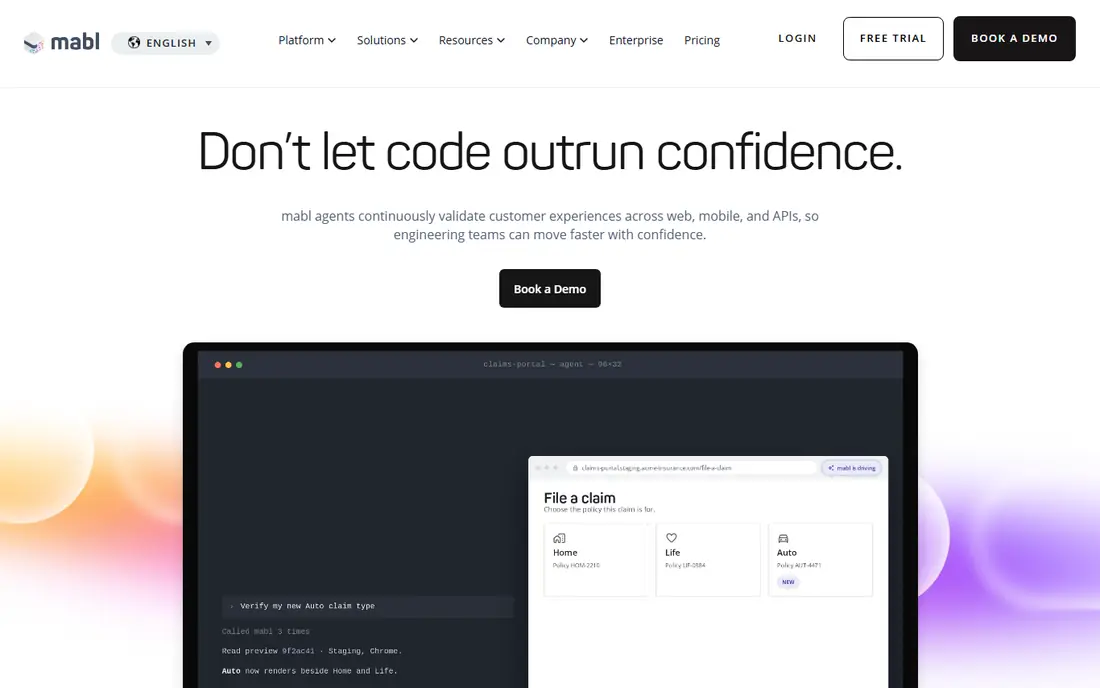
mabl is built for agile teams whose user interfaces change often, which is exactly where traditional UI tests break. Its low-code recorder lets testers build end-to-end flows for web, mobile, and API, and its auto-healing adjusts locators when the interface shifts, instead of failing a whole suite over a renamed button. Built-in visual checks and diagnostics help teams find the cause of a failure faster, and cloud runs fit into continuous integration pipelines.
Pricing is the main friction. mabl is quote-based, with a 14-day trial, and cloud runs are credit-metered, so a team needs to model its run volume before signing. That makes mabl a better fit for teams with a real maintenance pain and a budget to match, rather than for a side project. If flaky UI tests eat your week, start the trial on your most brittle suite.
- Low-code test creation
- Auto-healing for changing UIs
- Built-in visual checks and API testing
- Quote-based pricing with no public rate
- Credit-metered cloud runs need careful budgeting
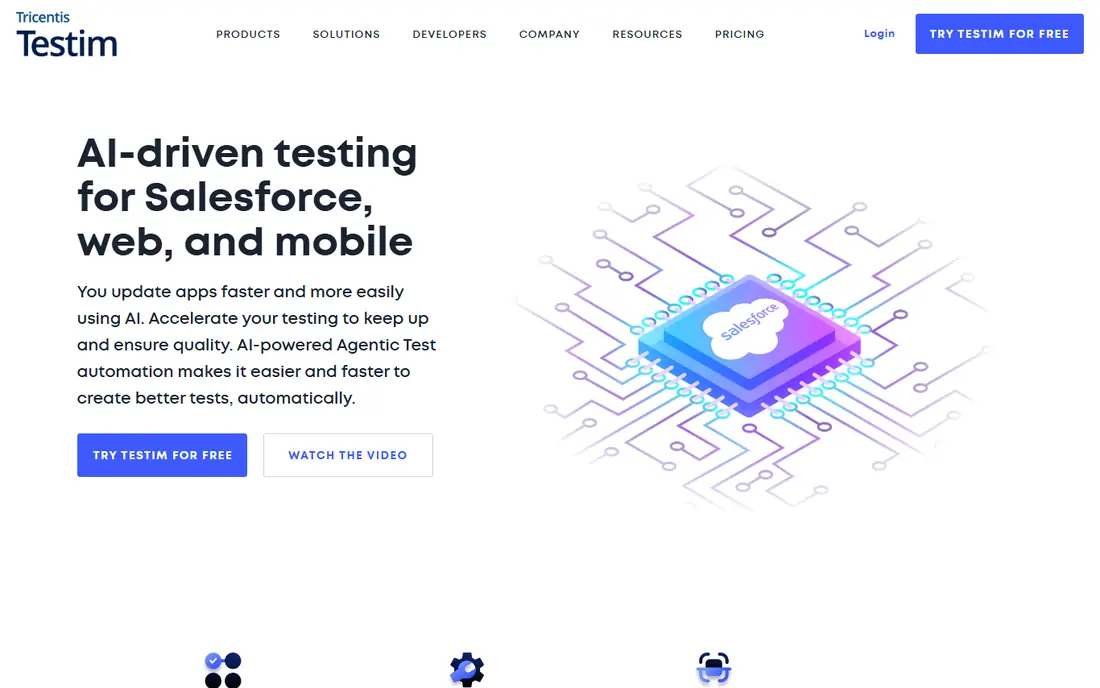
Testim, now part of Tricentis, focuses on one painful problem, which is UI tests that break when the front end changes. Its Smart Locators use multiple element attributes, so a test survives small interface changes that would break a single-selector script. It also supports agentic test automation and Salesforce testing, which matters for enterprises whose core apps run on that platform.
A community free tier lets small teams try the core ideas, but full enterprise features are quote-based. Teams already invested in Tricentis tools get extra value from shared reporting and integrations, while a small team may find the platform heavier than it needs. Pick Testim when UI stability, not raw test volume, is your main bottleneck.
- Smart Locators improve test stability
- Strong Salesforce and enterprise web support
- Community free tier
- Enterprise pricing for full features
- Depth of the Tricentis suite can feel heavy for small teams
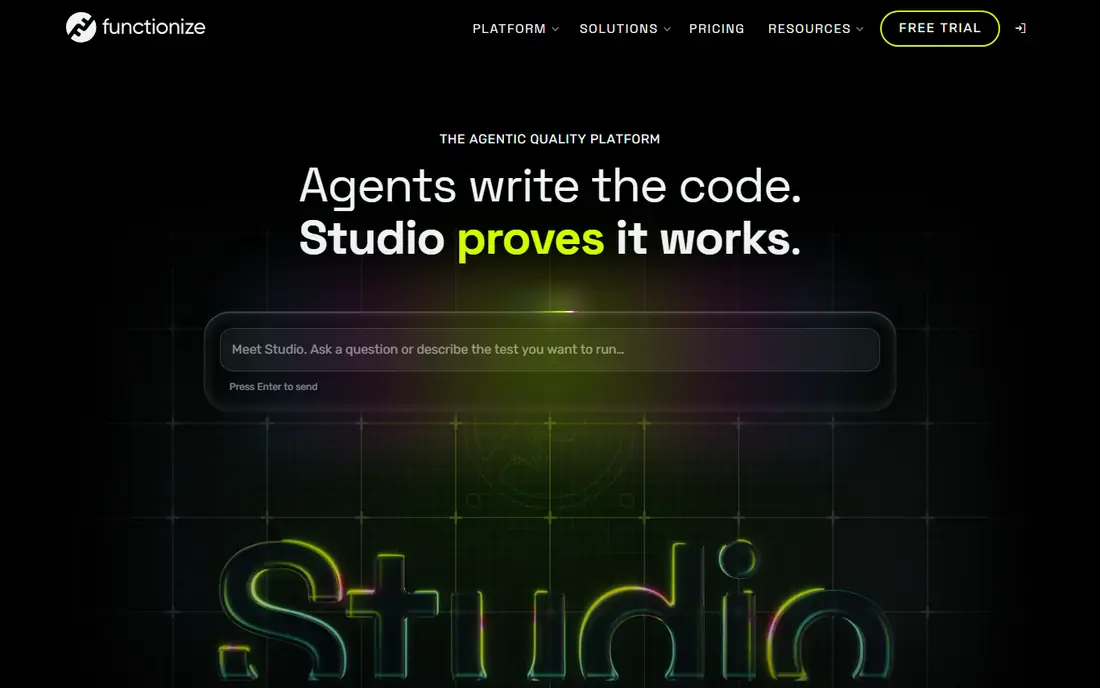
Functionize is the transparency outlier in this list, and that alone makes it worth a look. It publishes plans starting at $20 per month for its Growth tier, with a free tier for trying the platform, while most rivals hide prices behind sales calls. Its agentic approach uses natural language and machine learning to build and maintain tests for fast-changing single-page apps, where element identifiers shift often.
The trade is scale. Larger enterprises will still need higher tiers and a conversation about volume, and the community around Functionize is smaller than the one around long-running frameworks. For a team that wants AI testing without an enterprise sales cycle, though, Functionize offers the fastest path from sign-up to a running suite.
- Published plans from $20 per month
- Free tier available
- Agentic workflows for fast-changing apps
- Enterprise features still need higher tiers
- Smaller community than older open-source frameworks
Applitools Eyes uses visual AI to compare what users actually see, rather than flagging every pixel difference as a failure. That distinction matters, because layout shifts, font rendering, and dynamic content cause many false positives in simpler screenshot tools. Applitools groups differences by layout impact, so teams review real visual bugs instead of re-checking harmless shifts across browsers and devices.
The price reflects that focus. Starter plans are listed at $667 per month when billed annually, with a 14-day trial, which puts Applitools out of reach for hobby projects. It also works best as a visual layer on top of a functional test suite, not as a replacement for one. Buy it when visual regressions, not logic bugs, dominate your failure list.
- Visual AI cuts false-positive layout diffs
- Covers web, mobile, and components
- Integrates with existing test frameworks
- High entry price
- Not a complete functional test runner on its own
Katalon suits teams where testers have mixed coding skills, because it covers web, mobile, API, and desktop testing in one platform with record, keyword, and script modes. Its AI features include an assistant for test creation, self-healing locators, and release summaries, which help a team scale automation without hiring only senior automation engineers. Integrations with common CI tools keep the suite inside normal delivery pipelines.
Breadth has a cost. Katalon can feel complex to set up, and teams that only test one surface may pay for coverage they never use. Paid plans start around $70 per seat per month, with a free tier for evaluation. For a mixed QA team that wants one platform instead of four separate tools, Katalon is a strong, practical pick.
- Web, mobile, API, and desktop in one platform
- AI assistant and self-healing locators
- Free tier for starting out
- Breadth adds setup complexity
- Advanced analytics sit on paid plans
LambdaTest, now branded in part as TestMu AI, combines a large cross-browser and real-device grid with AI test authoring through KaneAI. Teams can run manual and automated tests across browsers and devices without maintaining their own device lab, and KaneAI lets testers describe tests in natural language and generate executable steps. That combination suits budget-conscious teams that need both coverage and authoring help.
The entry price of $15 per month for its Live plan is low, but parallel runs and higher tiers add cost, so teams should model their concurrency needs. KaneAI also works best as an authoring aid inside a broader testing plan, not as a full replacement for test design. If device coverage is your gap, LambdaTest closes it at a price few rivals match.
- Large real device and browser grid
- KaneAI for natural-language test authoring
- Low entry price
- AI authoring is one part of a broad platform
- Heavy parallel runs raise the bill
Autify is built for teams where testers are not full-time coders, and its no-code recorder reflects that goal. Users record flows in a browser, and the platform maintains them with AI assistance when the interface changes, including its Aximo autonomous agent features. Coverage spans web, mobile, and desktop, which helps small product teams that cannot staff a separate automation engineer for each surface.
Pricing is the open question, since Autify does not publish a simple public rate, and teams should ask for written pricing against their test volume. Portability of test artifacts is another point to confirm, since no-code tools vary in how easily tests move elsewhere. For a non-technical QA team that needs automation quickly, Autify is one of the fastest starts on this list.
- No-code recording for web, mobile, and desktop
- AI-assisted maintenance
- Free option for trying it out
- Pricing is not published as a simple rate
- Test portability needs checking before commitment
testRigor lets testers write tests in plain English, such as clicking a button by its visible label, instead of writing code against selectors. That approach lowers the barrier for product managers and manual testers to contribute automation, and it covers web, mobile, desktop, and even mainframe surfaces. Its AI-assisted execution and maintenance reduce the selector upkeep that makes many UI suites brittle.
The limits are pricing and control. testRigor is quote-based, and tests run on the vendor runtime, so teams that want full ownership of their framework should compare it with open-source options first. For teams whose bottleneck is authoring speed, not framework control, plain-English tests can expand coverage faster than hiring more automation engineers.
- Tests written in plain English
- Covers web, mobile, desktop, and mainframe
- Low-code maintenance
- Pricing is quote-based
- Vendor runtime means less control than open frameworks
How we picked these
We compared official product pages and recent QA roundups, and we kept only tools where AI features such as self-healing, agentic generation, or visual AI are central to the product. We favored a mix of low-code platforms, visual testing, and grid providers, so teams with different bottlenecks can find a fit. Where a vendor does not publish a price, we wrote See website instead of repeating a third-party estimate as a list price.
What to check before you buy
Start with your biggest failure source. If tests break on every front-end change, self-healing tools like mabl or Testim matter most. If visual diffs flood your inbox, Applitools matters more than another runner. If nobody on the team writes automation yet, a no-code or plain-English tool will move faster than a code-heavy framework.
Run a trial on your brittle suite
Trials are most useful when you point the tool at your worst suite, not a demo app. Measure how many tests pass without manual fixes, how long healing takes, and how clear the failure reports are. Also check CI integration, since a tool that cannot run in your pipeline will not survive past the trial.
Model total cost, not the headline price
Quote-based tools, credit-metered runs, and parallel execution all change the real bill. Ask for pricing against your actual test count, run frequency, and concurrency, and get it in writing. A low entry price that doubles under parallel load is not a bargain, and a high price that cuts maintenance hours may still pay for itself.
Frequently asked questions
What is the best automated testing software for UI tests?
For UI stability, mabl and Testim lead, thanks to self-healing locators and low-code authoring. Katalon is a strong all-round pick when a team also needs mobile and API coverage. The best choice follows your app type, team skills, and how often your interface changes.
What are the best software testing automation tools for small teams?
Functionize and LambdaTest suit small teams well, since Functionize publishes a $20 per month entry price and LambdaTest starts at $15 per month. Autify and testRigor also help small teams, because no-code and plain-English authoring let non-coders contribute tests. Start with a free tier or trial, and expand only when coverage proves its value.
What are the best qa automation tools for visual testing?
Applitools is the strongest dedicated visual testing pick, because its visual AI separates real layout bugs from harmless rendering shifts. mabl and LambdaTest also include visual checks, which may be enough for teams with occasional visual needs. Dedicated visual tooling pays off when visual failures dominate your triage time.
Do AI testing tools replace QA engineers?
No. These tools reduce maintenance and speed up authoring, but humans still design test strategy, judge edge cases, and decide what a failure means for release. AI testing works best as help for a QA team, not as a replacement for one, and teams should keep human review of flaky or high-risk areas.
What is the best ai tool for automation testing in CI pipelines?
mabl, Katalon, and LambdaTest all integrate with common CI systems and support cloud runs, which suits pipeline-driven teams. Check your specific CI tool, parallel needs, and reporting requirements during a trial, since integration depth varies. The right pick is the one that runs reliably in your pipeline without manual steps.
Sources
See where you really rank - block by block
ProMapRanker scans Google Maps across a grid of your service area. Simple monthly plans from $19, white-label on every plan.
Start freeKeep reading
 best video editing apps for affiliate marketing
Best Video Editing Apps for Affiliate Marketing in 2026
Compare the best video editing apps for affiliate marketing, from fast short-form editors to full desktop suites, with current pricing and honest trade-offs.
Read → best shift scheduling software
Best Shift Scheduling Software in 2026
Compare the best shift scheduling software, from Homebase and Deputy to When I Work and 7shifts, with free plans and per-user pricing explained for teams.
Read → best salon booking software
Best Salon Booking Software in 2026
Compare the best salon booking software for 2026, from free solo tools to premium multi-chair platforms, with current pricing, trials and honest limits.
Read →