 ProMapRanker
Best AI Assistants for Productivity (2026)

Google Workspace writing and research · Pricing starts at: $19.99 a month (billed per month)
Direct answer
Gemini comes first here, mainly for Google Workspace writing and research. Listed starting prices: Gemini from $19.99 a month, Reclaim.ai from $10 per user/month and ChatGPT from $20 per month. Reclaim.ai is better for AI calendar defence and focus time, and ChatGPT is better for everyday writing, research and coding help. Details, prices and limits for the rest of the 7 tools are below.
ProMapRanker compared 7 tools for AI assistants for productivity. The goal is a practical shortlist: published prices, free plan facts, best-fit use cases and honest limits for every entry.
Key takeaways
- Gemini sits first on this list: Google Workspace writing and research.
- The cheapest monthly starting price in the list is $10 per user/month, offered by Reclaim.ai.
- For AI inside Microsoft 365 apps and work data, Microsoft 365 Copilot is worth a look.
- 7 out of 7 tools include a free plan, among them Gemini, Reclaim.ai, ChatGPT and Perplexity.
Quick comparison
| Pick | Great for | Pricing starts at | Free tier | |
|---|---|---|---|---|
| Gemini | Google Workspace writing and research | $19.99 a month (billed per month) | Yes | Visit |
 Reclaim.ai | AI calendar defence and focus time | $10 per user/month (billed yearly) | Yes | Visit |
 ChatGPT | Everyday writing, research and coding help | $20 per month (billed monthly) | Yes | Visit |
 Perplexity | Cited research with source links | $20 a month (billed per month) | Yes | Visit |
 Otter.ai | Meeting notes and transcripts | $16.99 per user/month (billed per month) | Yes | Visit |
 Notion AI | AI inside notes, docs and team wikis | $20 per user/month (billed yearly) | Yes | Visit |
 Microsoft 365 Copilot | AI inside Microsoft 365 apps and work data | $30 per user/month (billed annually) | Yes | Visit |
7 options for AI assistants for productivity in detail
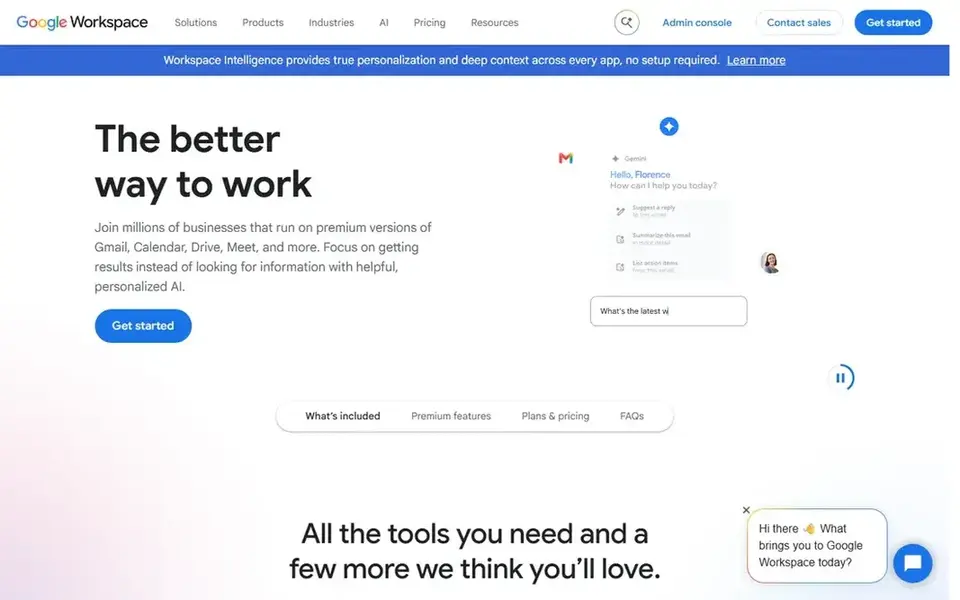
Gemini serves Google Workspace writing and research. Gemini Free costs $0 for everyday use.
Google AI Plus costs $4.99 a month, Google AI Pro costs $19.99 a month, and Google AI Ultra costs $99.99 or $199.99 a month. Price to start with Gemini: $19.99 per month. You can start on Gemini without paying.
Where it falls short: the Gemini API is billed separately.
- Pro hands 4 times Free usage
- Pro layers on 5 TB of storage and Gemini in Gmail and Docs
- Usage limits refresh every 5 hours up to a weekly cap
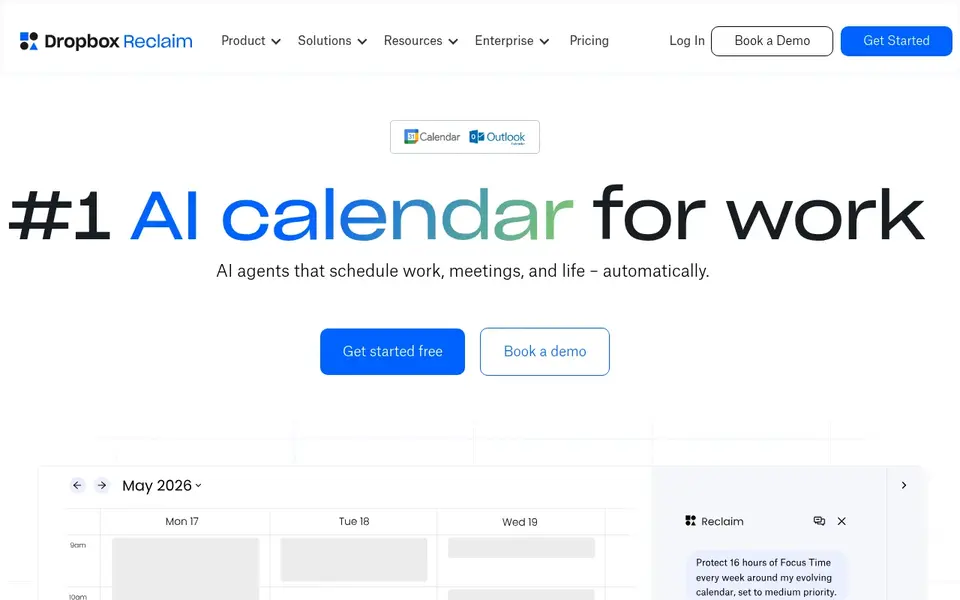
Think of Reclaim.ai for AI calendar defence and focus time. One limit: the free plan is genuinely handy for one person.
Watch-outs: Starter caps at 10 seats.
But a team that wants a 12-week range and unlimited links has to move to Business at $15 Beyond that, Reclaim.ai was acquired by Dropbox in August 2024 and is still sold as a standalone product at reclaim.ai. Reclaim.ai pricing: $10 per user/month. You can start on Reclaim.ai without paying.
- Free Lite plan defends focus time for one user
- Starter schedules 8 weeks ahead
- Lite schedules only 1 week ahead with 1 scheduling link
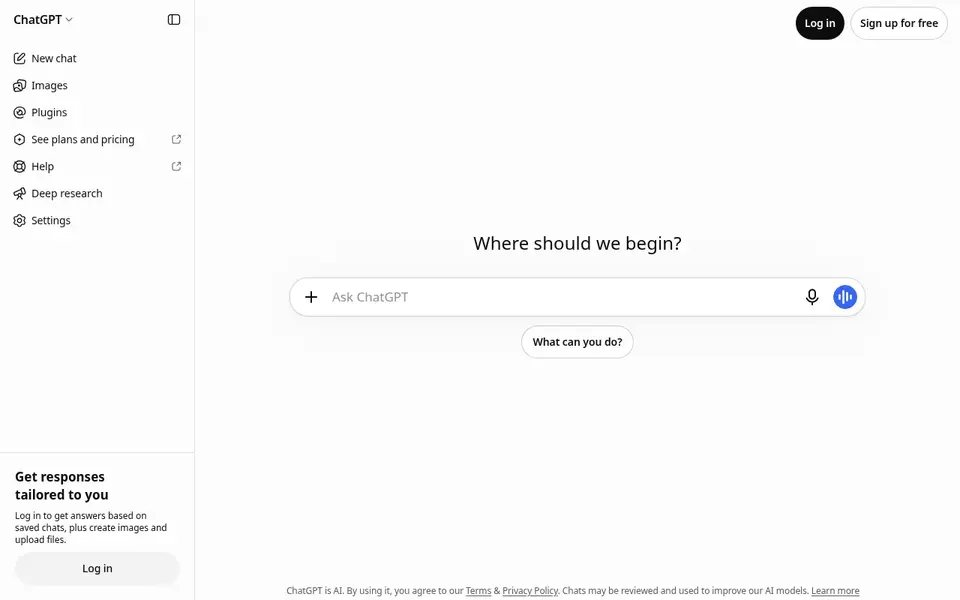
ChatGPT is built with everyday writing, research and coding help in mind. The $200 level adds more usage than the $100 level, and the $500 level is the only one with Ultrafast mode.
The main drawbacks: Plus has message and usage limits.
ChatGPT cost at the entry level: $20 per month. ChatGPT includes a free tier.
- Projects and scheduled tasks
- Free plan spans everyday text chats with GPT-6
- Pro levels start at $100 a month
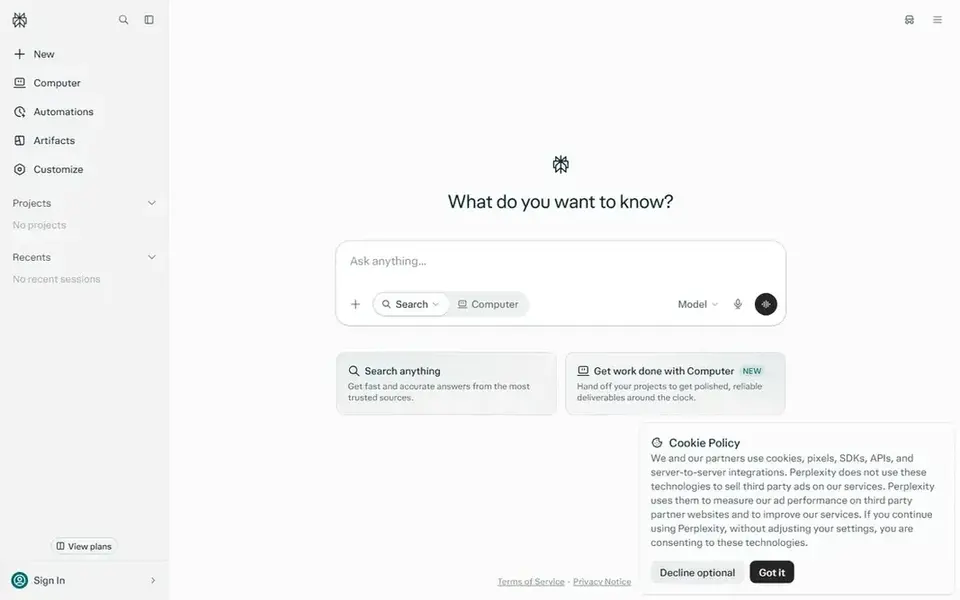
Perplexity is built with cited research with source links in mind. Pro costs $20 a month billed monthly or $200 per year, shown as $17 a month billed yearly. As for the details, Max layers on the highest usage limits and memory, Model Council, Brain, early access to new features and 10,000 monthly usage units for Computer.
For everyday use, Pro gets a one-time bonus of 4,000 usage units and no monthly amount. In practice, Max costs $200 a month or $2,000 per year, shown as $167 a month billed yearly. Perplexity pricing: $20 per month. Perplexity includes a free tier.
Watch-outs: Pro displays as $17 a month on the annual view, so check the monthly figure at checkout.
- Pro layers on model choice
- Answers cite sources
- Max at $200 is for heavy agent use only
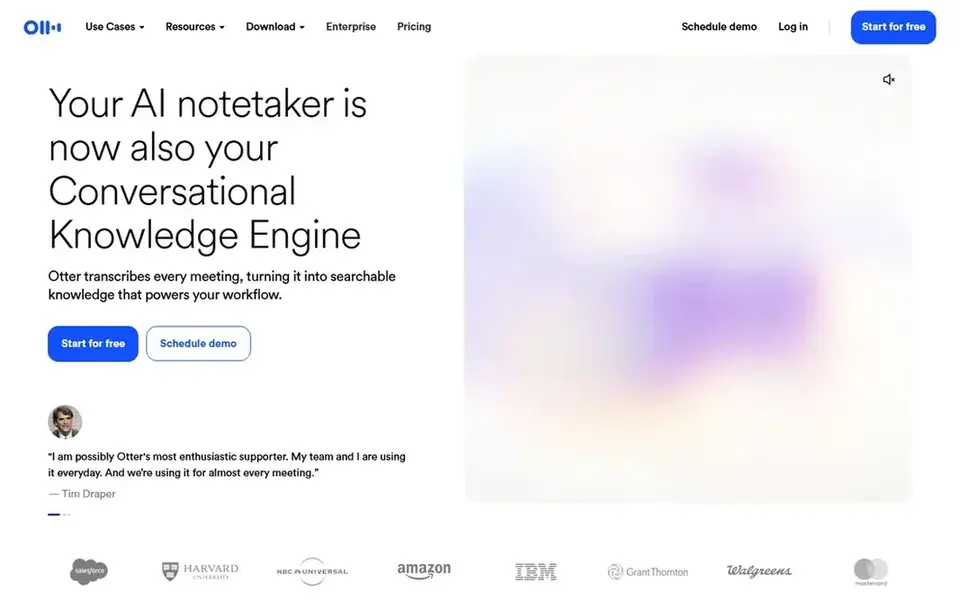
Where Otter.ai fits: meeting notes and transcripts. Otter.ai Basic is free and hands 300 transcription minutes per month, with each conversation capped at 30 minutes, 3 file imports for the life of the account and history restricted to the 25 most recent conversations. In daily use, Pro also caps a workspace at 5 billed users, so a team of 6 or more has to buy Business.
Pro costs $16.99 per user a month billed monthly or $8.33 per user per month billed yearly, at $99.96 per year. As for the details, Pro lifts the pool to 1,200 minutes per month, raises each conversation to 90 minutes, lets 10 file imports per month and brings advanced AI workflows and meeting templates. Otter.ai pricing: $16.99 per user/month. Otter.ai offers a free plan.
The main drawbacks: Pro caps at 5 billed users.
- Teams and Google Meet
- Free Basic plan bundles 300 transcription minutes per month
- Free plan stops each conversation at 30 minutes and keeps only the 25 most recent conversations
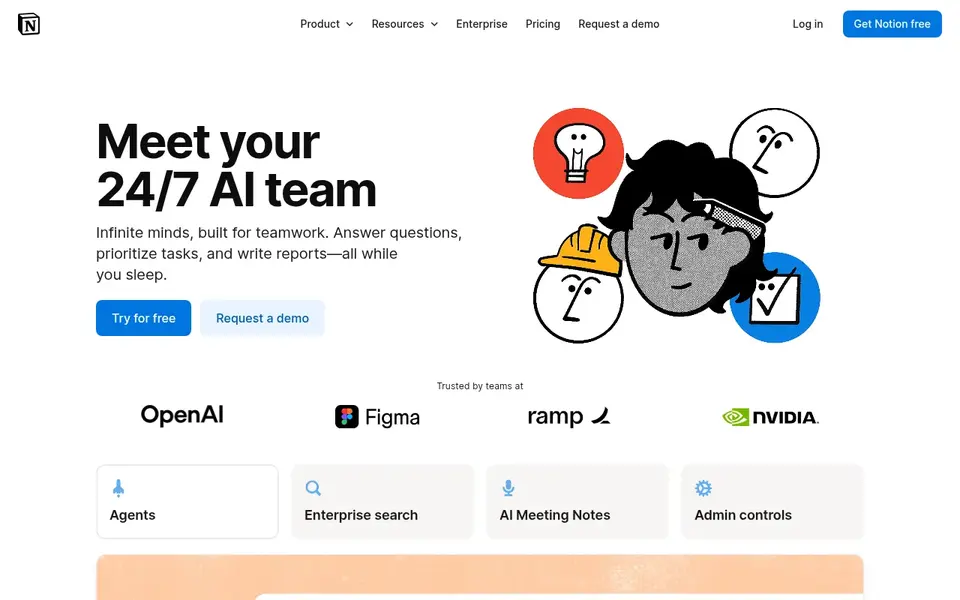
Notion AI is a good fit for AI inside notes, docs and team wikis. Custom Agents are free to try and then cost $10 per 1,000 monthly Notion usage units.
Watch-outs: Custom Agents cost $10 per 1,000 monthly Notion usage units on top.
On top of that, Notion Free costs $0, Plus costs $10 per member a month billed yearly or $12 billed monthly, Business costs $20 per member a month billed yearly or $24 billed monthly, and Enterprise is a custom quote. On top of that, the standalone AI add-on, once $8 to $10 per member a month, stopped being sold to new customers in May 2025, so a new workspace must move to Busine Starting cost for Notion AI: $20 per user/month. Notion AI has a free plan.
- Full AI is included on Business with Notion Agent and AI Meeting Notes
- Business brings 90-day page history
- Free and Plus get only a restricted AI trial
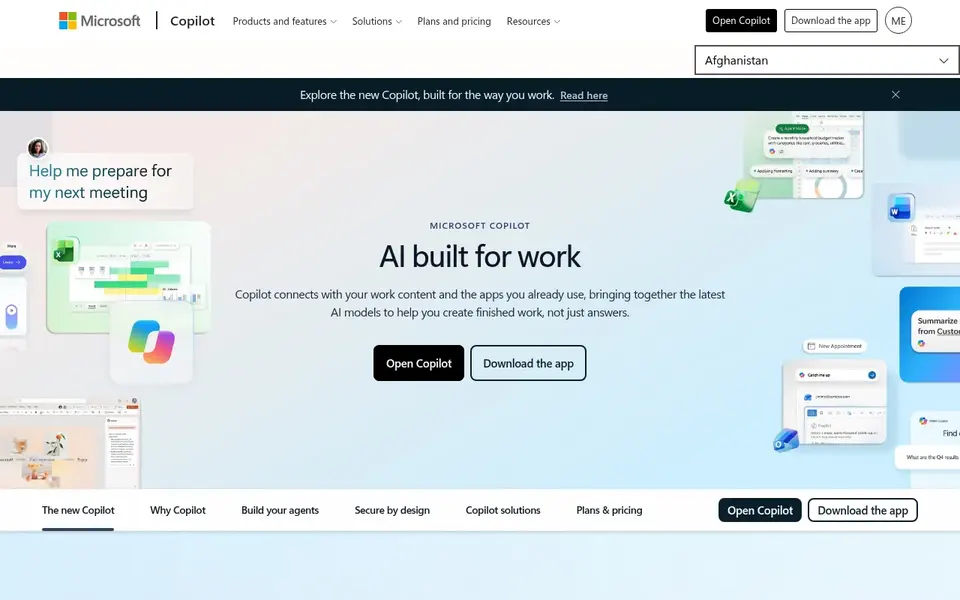
Microsoft 365 Copilot works best for AI inside Microsoft 365 apps and work data. Microsoft 365 Copilot costs $30 per user a month billed yearly as an add-on. It needs a qualifying Microsoft 365 or Office 365 base plan underneath.
Advanced agent work, including Copilot Cowork, Code and Autopilot, is billed on a usage basis with Copilot usage units, separate from the per-user sea Bundles change the maths: Business Standard with Copilot is $23.50 per user a month billed yearly, and Business Premium with Copilot is $32 per user a month billed yearly. Copilot Business costs $21 per user a month billed yearly for organisations of up to 300 users on Microsoft 365 Business plans. On cost, Microsoft 365 Copilot starts like this: $30 per user/month. A free plan is available with Microsoft 365 Copilot.
Watch-outs: $30 is an add-on on top of a qualifying Microsoft 365 plan.
- Copilot Chat is included with eligible plans at no additional cost
- Outlook and Teams
- Copilot Business caps at 300 users
A buyer's checklist
- Check the vendor page for the current price: Reclaim.ai starts at $10 per user/month here, and seats or billing terms can move it.
- Check what the free option really includes: Gemini, Reclaim.ai, ChatGPT and others offer a free plan, and usage caps differ.
- Read the limits listed for Gemini first: usage limits refresh every 5 hours up to a weekly cap.
- Look at the renewal terms for Otter.ai: auto-renewal, notice periods and price changes can matter more than the first-year price.
- Read the plan comparison for Gemini carefully; key features often start on a higher tier.
Frequently asked questions
Do I need Microsoft 365 Copilot if I already have ChatGPT Plus?
Microsoft 365 Copilot is worth the additional $30 per user a month billed yearly only if your work sits inside Word, Excel, Outlook and Teams and you need the assistant to read that work data.
Is Gemini the right pick for everyone comparing AI assistants for productivity?
No single tool suits every team. Gemini comes first because it fits Google Workspace writing and research, while Reclaim.ai suits AI calendar defence and focus time and ChatGPT suits everyday writing, research and coding help. Match the tool to your own size, budget and workflow before deciding.
Can I try these tools before paying?
Often, yes. Gemini, Reclaim.ai, ChatGPT and others have a free plan. Use your own data and a real task during the test, and check what the free tier or trial limits before you rely on it.
Do these tools publish their prices?
Yes. Every tool from Gemini to Microsoft 365 Copilot shows a starting price, though seats, add-ons and billing terms still change the final cost.
How are the tools for AI assistants for productivity ordered?
Gemini sits first and Microsoft 365 Copilot last because the order follows typical fit for AI assistants for productivity, then price clarity and free access. It is a judgement call, so read each profile for fit and limits.
Sources
See where you really rank - block by block
ProMapRanker scans Google Maps across a grid of your service area. Simple monthly plans from $19, white-label on every plan.
Start freeBrowse all guides
← 5 Best Time Tracking Software for Creative Agencies in 20265 Best AI Inventory Management Software for 2026 →
 best mind mapping software for creative agencies
5 Mind Mapping Software for Creative Agencies Ranked for 2026
Weighing the best mind mapping software for creative agencies? We lined up 5 products by cost, free access and fit. Pros and cons for every tool. Plain facts.
Read → best calendar scheduling tool for agencies
Calendar Scheduling Tool for Agencies: Best Picks of 2026
Compare 5 best calendar scheduling tool for agencies, with prices, free plans and who each fits. The catches are listed up front. Full profiles inside.
Read → best product feed management software for agencies
Best Product Feed Management Software for Agencies in 2026
Best product feed management software for agencies in 2026: 5 contenders with entry costs and free tiers. Pros and cons for every tool. Checked this month.
Read → linnworks alternatives
Best Linnworks Alternatives in 2026
Looking for linnworks alternatives? We compare 9 multichannel inventory and shipping tools on price, channels, and fit for growing small sellers in 2026.
Read → redbubble alternatives
Best Redbubble Alternatives in 2026
Best Redbubble alternatives compared for artists and sellers, covering marketplaces, print partners and storefronts, fees, control and who buys there.
Read → best e commerce platforms for startups
Comparing 5 E-Commerce Platforms for Startups in 2026
Best E-commerce platforms for startups: 5 contenders ranked by fit, with entry costs and free tiers. Verdicts stay brief and factual. See the full list.
Read →More in Ecommerce & Retail · All guides A to Z by date · Latest guides